FaceShadow — Anime Face Shadow Maps From Your Head Mesh or Painted Masks, 16-Bit, Measured at Every Light Angle, Unity Urp
 Skava
Skava
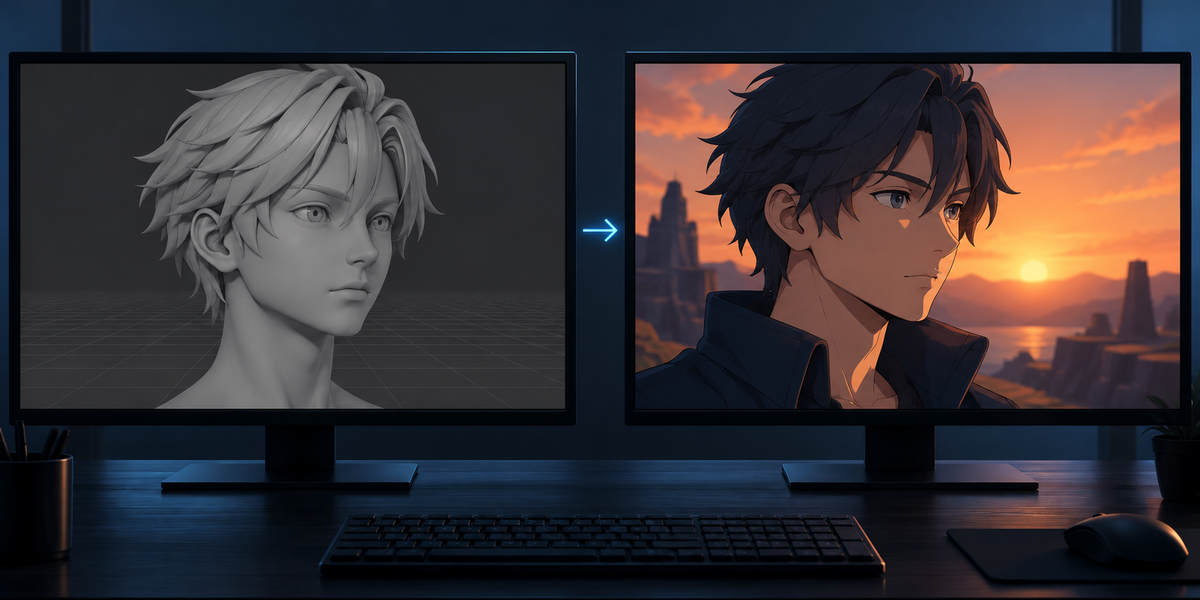
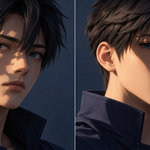
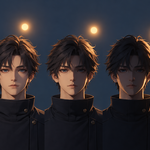
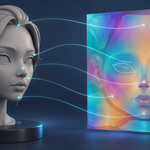
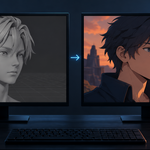
What is a face shadow map?
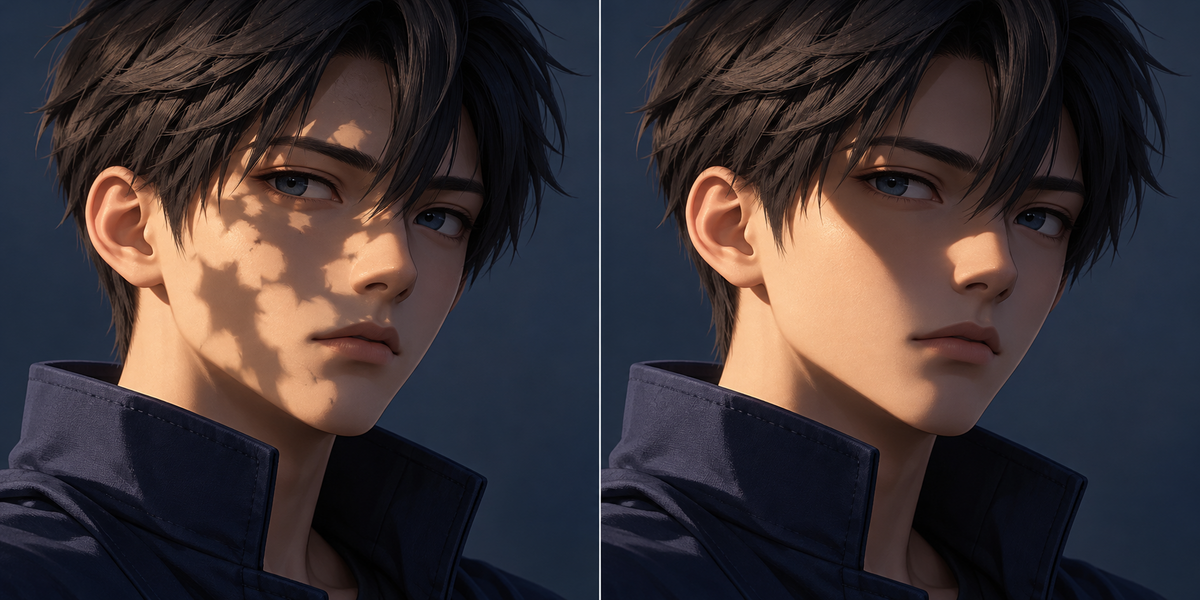
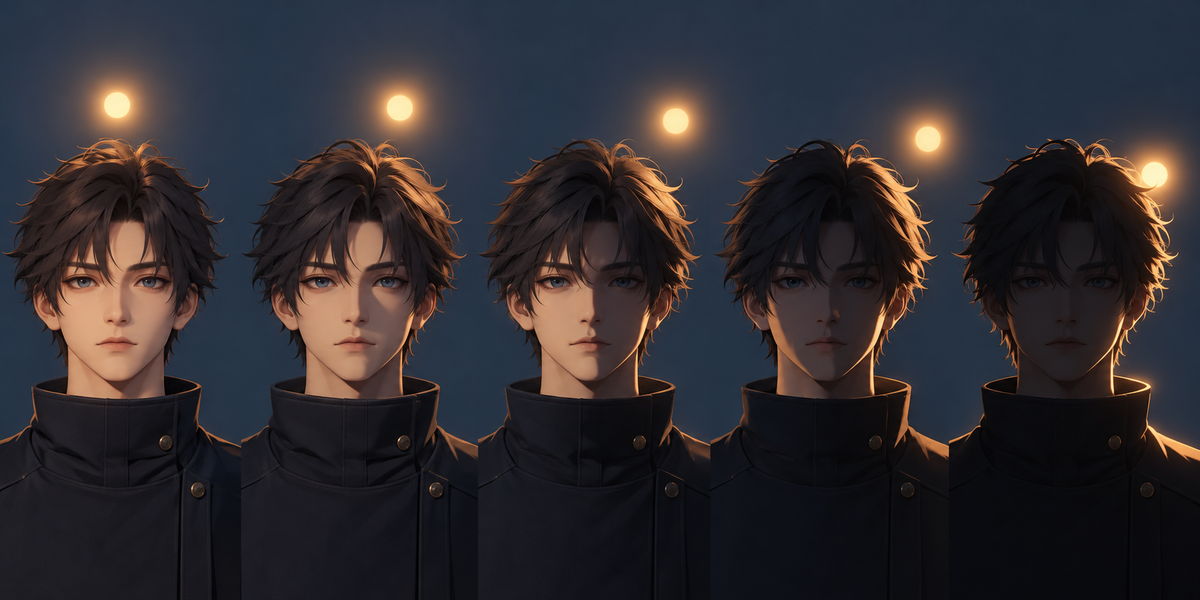
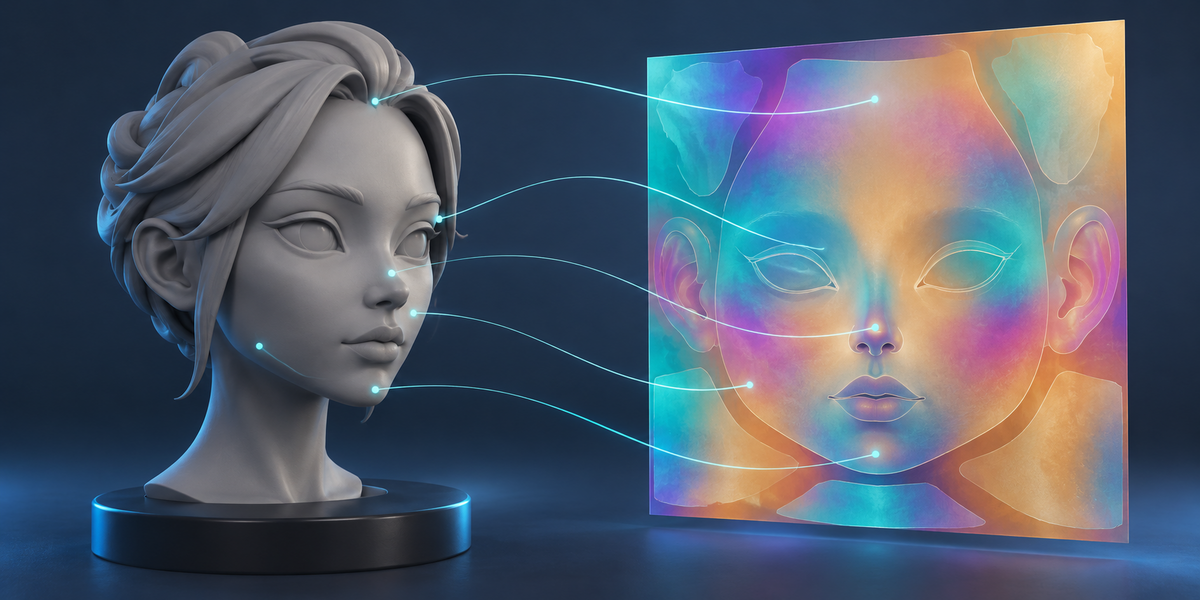
A texture that tells, for every point of the face, in which range of light angles it is lit. The shader compares the light's angle with it, so the shadow on the face keeps the clean shape anime faces have instead of following every bump of the mesh.
Why 16-bit?
Near the side light a large part of the face switches within a fraction of a degree. With 8 bits the edge of the shadow jumps by several pixels there (up to 6 px at 1024 on our tests); with 16 bits it stays within a pixel of the target, filtering included. The panel measures both.
Can I use my own painted masks?
Yes: a folder of images named by the light angle. FaceShadow finds pixels that a later mask lights again, combines the masks and checks that each comes back at its own angle.
My face's two halves share their UVs. Does it work?
Yes. The map stores the light on the point's own side and on the other side separately, and the shader picks by which half of the face it is drawing.
Does it work with lilToon, Poiyomi or other shaders?
The map is a plain 16-bit RGBA texture with the rule in the documentation; the included shader is for Unity URP. Other shaders need to read the same rule.
Does it change my model?
No. It writes a map, a description and scripts; the preview is a copy of the object that shares its mesh.
Does it need AI, a cloud or an account?
No.
Have questions about this product?
Login to message
| Published | about 13 hours ago |
| Blender Version | 4.2 - 5.2 |
| Extension Type | N/A |
| License | GPL |