 peterz


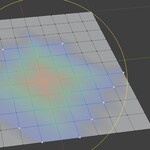
Why does projected proportional editing look different when I rotate the view?
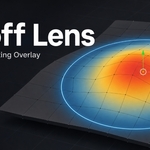
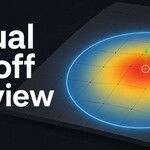
Projected proportional editing depends on screen-space distance, so the preview changes with the current viewport angle. This is expected behavior.
Can I adjust the radius interactively?
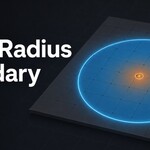
Yes. Use View > Adjust Falloff Radius or the default shortcut Ctrl + Alt + R. Drag horizontally to change the radius, hold Shift for finer control, or hold Ctrl for rounded values.
Does it work in Object Mode?
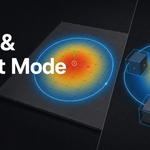
Yes. Falloff Lens can preview proportional editing influence across visible object origins in Object Mode. It can also show weighted object bounding boxes.
Why is the overlay not showing?
Check that the overlay is enabled, proportional editing is active if Auto Proportional Only is turned on, and you are in Mesh Edit Mode or Object Mode with a valid selection.
Does Falloff Lens modify my mesh?
No. Falloff Lens is non-destructive. It only draws a viewport overlay and does not change mesh data, object data, modifiers, or scene geometry.
$8
Have questions about this product?
Login to message
| Sales | 10+ |
| Published | 3 months ago |
| Blender Version | 4.2 - 5.2 |
| Extension Type | Add-on |
| Render Engine Used | Cycles, Eevee |
| License | GPL |
Discover more products like this
workflow tool viewport overlay falloff proportional editing geometry editing soft selection deformer mesh editing addon blender proportional soft selection Visualization