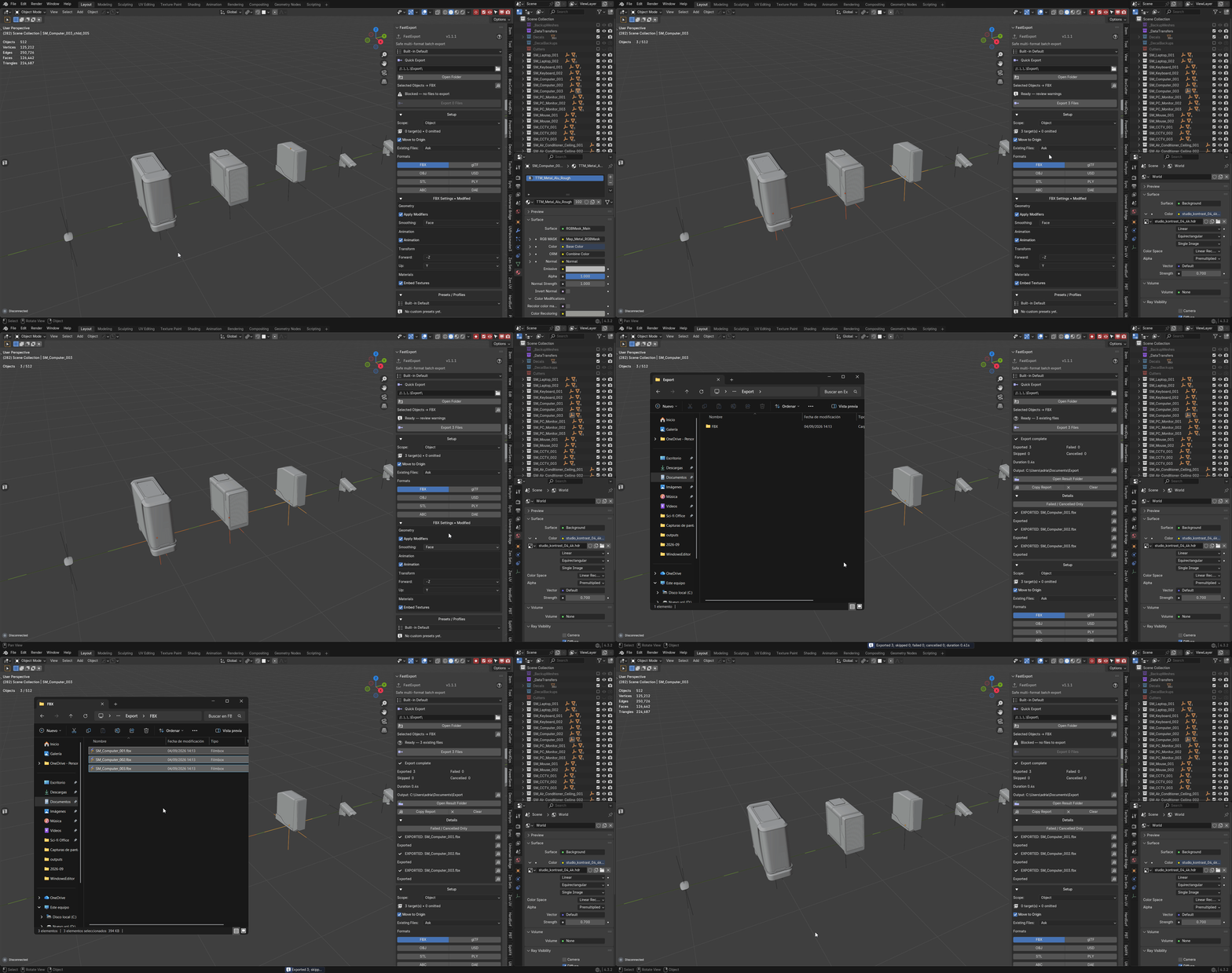
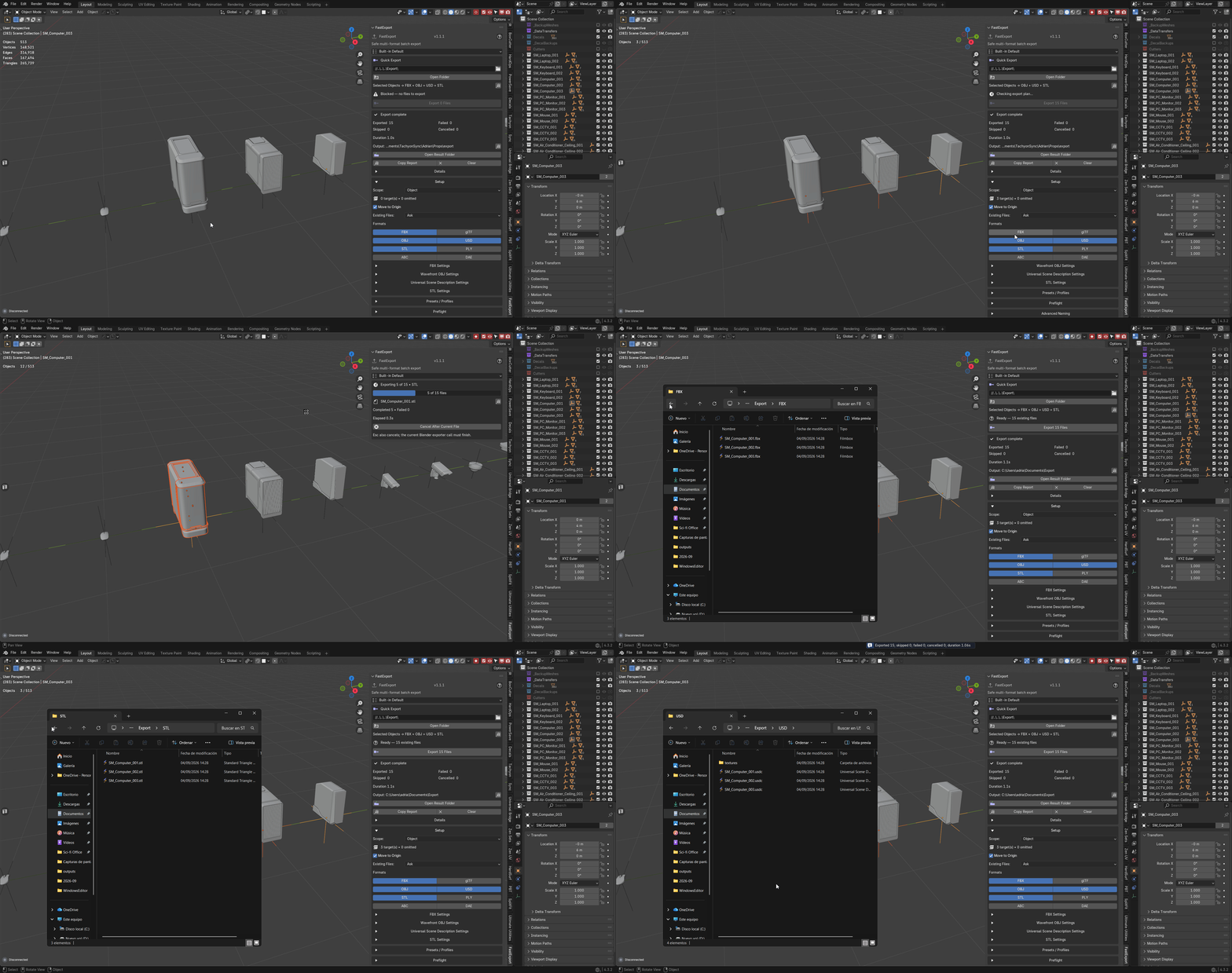
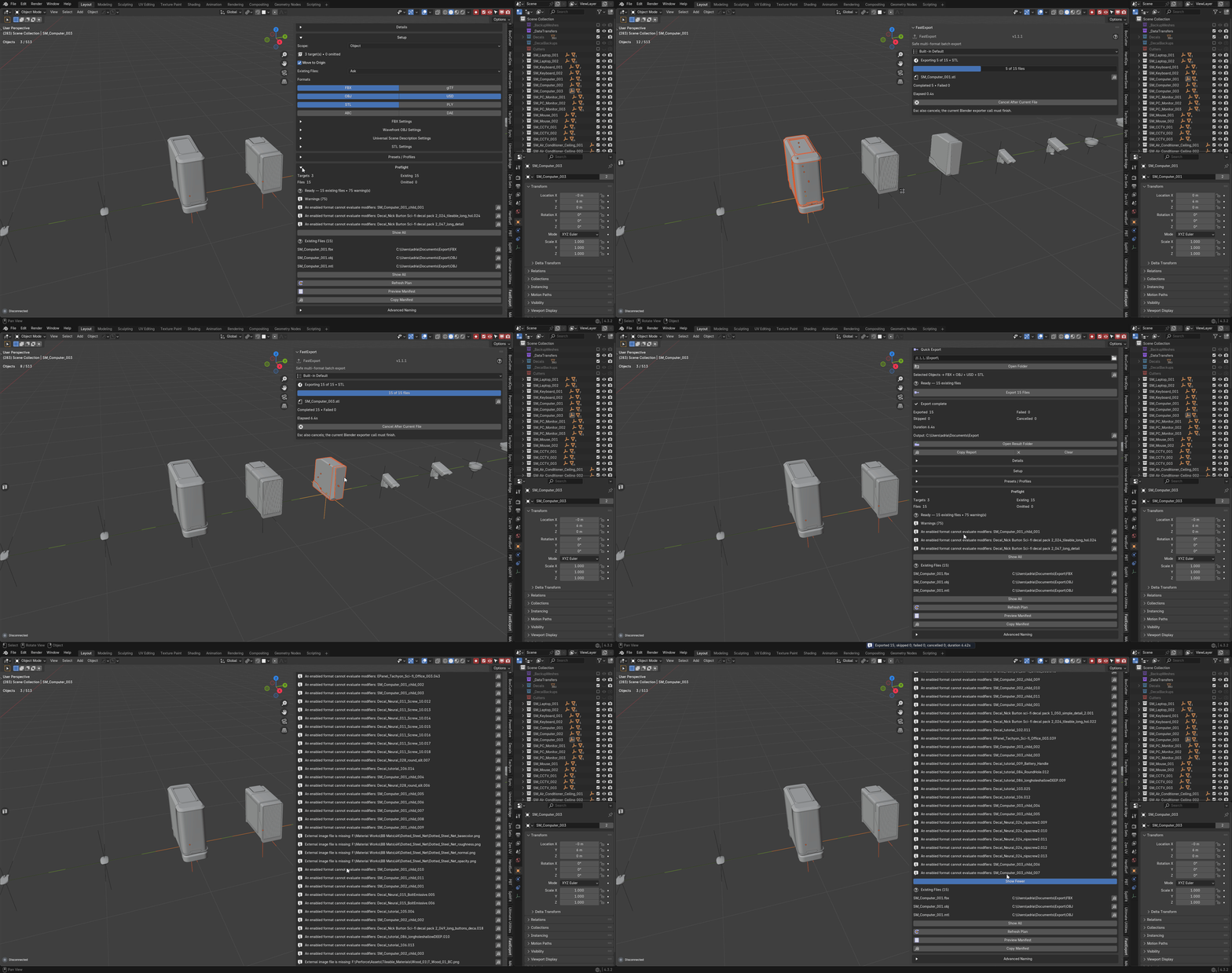
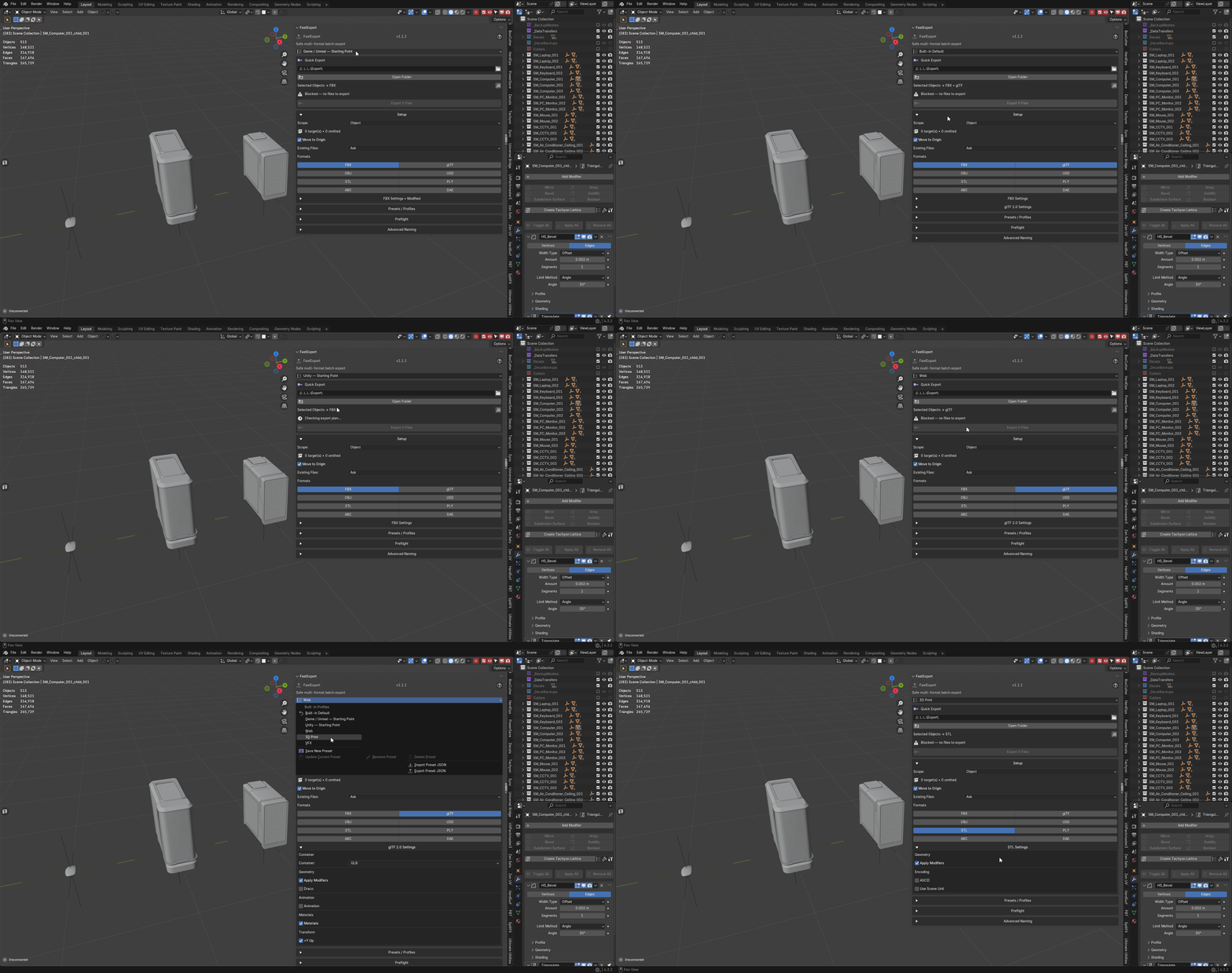
FastExport — Documentation
Blender 3.3–5.2 · Version 1.1.1
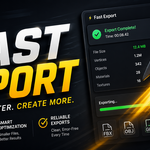
Batch export with the plan shown first. FastExport writes FBX, single-file GLB,
OBJ, USD/USDC/USDA/USDZ, STL, PLY, Alembic and Collada from the active scene or
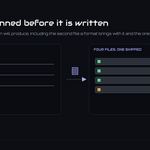
view layer, and before it writes anything it resolves the complete list of files
it is about to produce — every path, every collision, every omission — so the
run holds no surprises.
---
Requirements - please read before buying
-
Blender 3.3 - 5.2. Two builds ship: an extension for Blender 4.2 and
newer, and a classic add-on for 3.3 - 4.1. Both are the same code.
-
Windows, macOS and Linux. No platform-specific binaries and no external
Python dependencies.
-
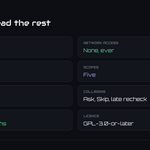
Network: none. FastExport makes no network requests, sends no telemetry
and needs no account.
-
Exporting uses Blender's own exporters. A format is available exactly when
your Blender build has it, and the exported result is what that exporter
produces.
-
No other add-on is required. Core Utilities and Export Checker are
independent and may be enabled alongside it. Ultimate Utilities already
contains FastExport — enable that or this, never both.
- License: GPL-3.0-or-later.
Installation
Extension (Blender 4.2+): Edit ▸ Preferences ▸ Get Extensions ▸ top-right
menu ▸ *Install from Disk…* → pick
tachyon_fast_export-x.x.x-blender4.2-5.2.zip, then enable FastExport.
Classic add-on (Blender 3.3 - 4.1): Edit ▸ Preferences ▸ Add-ons ▸
*Install…* → pick tachyon_fast_export-x.x.x-blender3.3-4.1.zip from the
legacy folder, then tick it in the list.
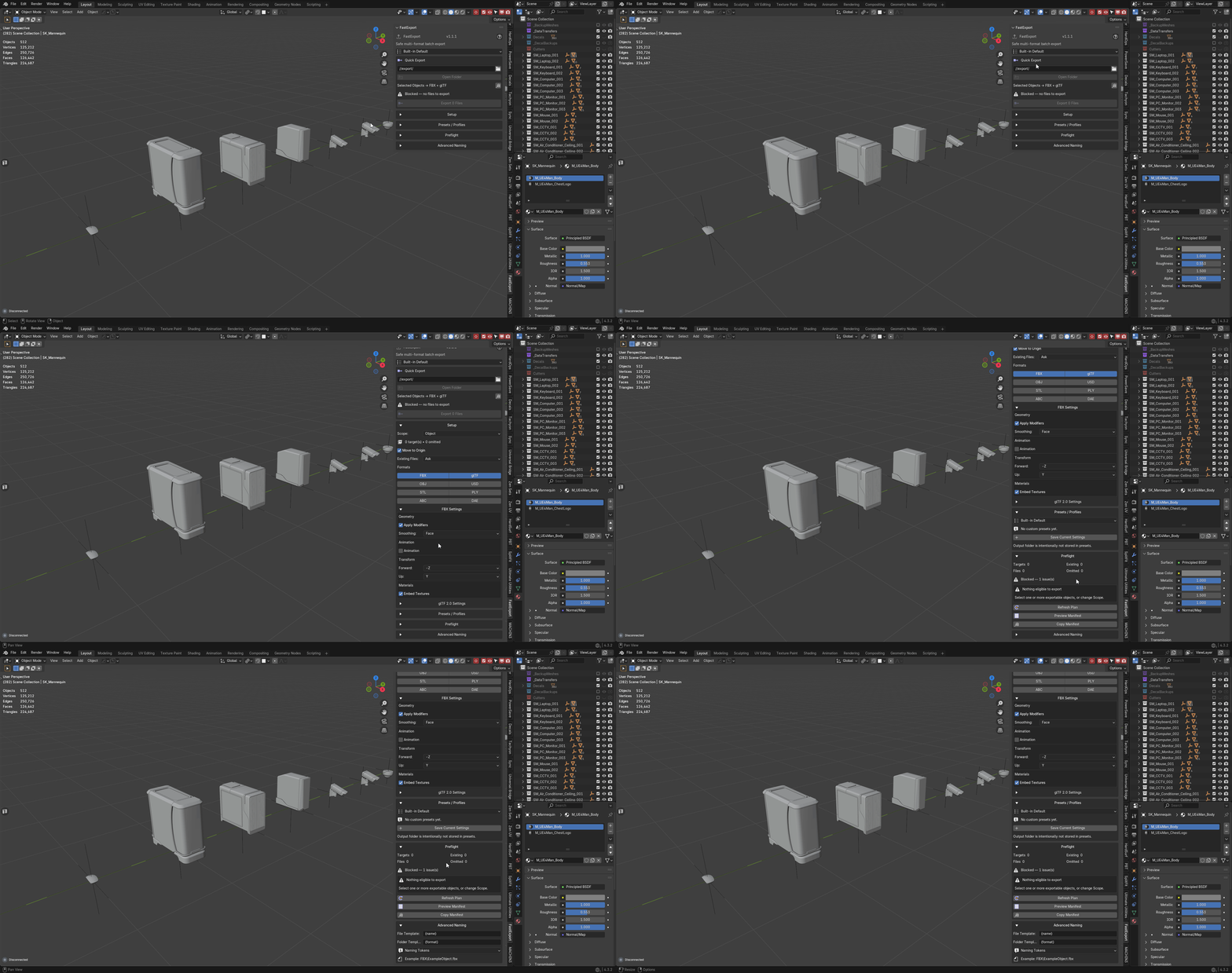
The panel is in the 3D Viewport sidebar (press N) under the FastExport
tab.
Getting started
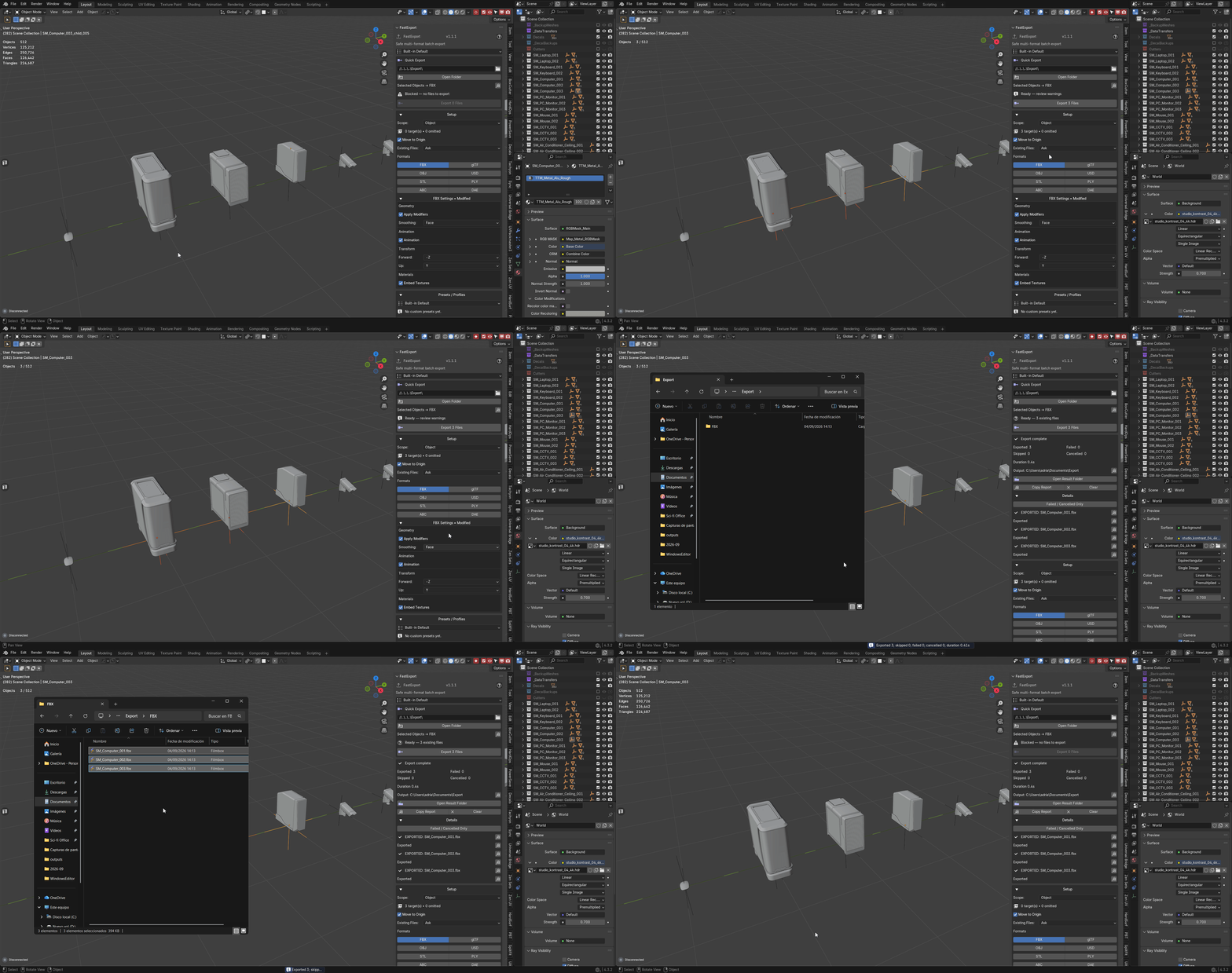
- Choose an output folder.
- Choose a scope and the formats you want.
- Set the collision policy — Ask or Skip.
- Press Preview Manifest and read what is about to be written.
- Press Export.
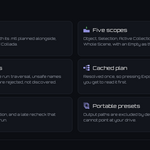
The five scopes
-
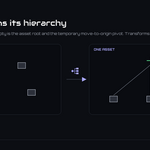
Object — each selected root is an asset. A selected Empty owns its eligible
hierarchy and acts as the temporary move-to-origin pivot.
-
Selection — what you have selected, as one artifact.
-
Active Collection — the collection you are in.
-
Scene Collections — each scene collection in turn.
-
Whole Scene — everything eligible in the scene.
Selection and transforms are restored afterwards — after success, after failure,
and after cancellation. A run that goes wrong does not leave your scene moved.
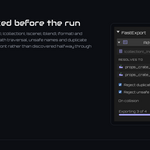
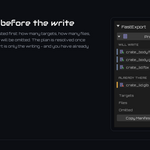
The preflight manifest
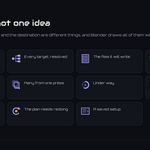
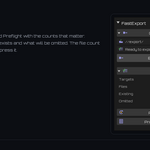
The manifest lists every predictable artifact before the export begins, with its
exact destination path and the action chosen for each collision. **Copy
Manifest** puts the complete, unclipped list on the clipboard; the panel also
copies a full path on its own when a display has clipped it.
Re-scan rebuilds the plan against the scene as it is now — targets, settings,
validation issues, destinations and existing artifacts.
Formats, and what is planned for each
-
GLB is always a single binary glTF file. Separate
.gltf output is not
offered, because the multi-file form is the one that silently loses its
sidecars.
-
FBX embeds textures when embedding is enabled, and uses Blender's
AUTO
references when it is not.
-
OBJ with materials plans both the
.obj and the .mtl, so the manifest
count matches the files that actually appear.
Every format keeps its own settings. Switching format does not silently reuse the
options you set for the previous one.
Collisions
Ask confirms only the paths you reviewed. Skip leaves existing files
alone. Duplicate destinations within a single run are detected before it starts,
and a late recheck runs immediately before each write — so a file that appeared
while you were reading the plan is caught rather than overwritten.
Naming templates
Templates support {name}, {object}, {collection}, {scene}, {blend},
{format} and {preset}. A template is validated before the run and rejected
for unavailable tokens, path traversal, unsafe names and duplicate destinations —
an invalid template is a message, not a half-finished export folder to clean up.
Presets and preferences
Presets save workflow and format settings and can be imported and exported as
portable JSON. They deliberately exclude output paths, so a shared preset
cannot write into a folder that is not yours, and they preserve unknown
forward-compatible format settings when updated or exported rather than dropping
them.
The preferences page holds global workflow, naming, format and per-format
defaults. Apply Defaults to Current Scene copies them into the active
.blend; Use Current Scene as Defaults captures a working setup as the new
global default.
Cancelling
Cancel stops before the next file. Blender's exporter call for the file
already being written cannot be interrupted, and the panel says so rather than
implying the stop was instant.
Migrating from Utilities Toolkit
Manual, and deliberately so:
- prefix/suffix becomes
{prefix}{name}{suffix}
- old *skip existing* maps to Skip
- old *collection* maps to Scene Collections
Both add-ons can remain enabled; their namespaces are independent.
Privacy
FastExport makes no network requests. It reads your .blend data and writes only
the files named in the manifest.
Troubleshooting
Fewer files than expected. Read the manifest. Scope, template collisions and
the skip policy all change the count, and the manifest shows the resolved list
before the run starts.
A format is missing from the list. Blender's own exporter for it is not
present in your build.
The export wrote nothing. Check the scope actually resolves to eligible
objects — Object scope needs a selected root, and an Empty owns only its eligible
hierarchy.
A path is cut off in the panel. Use *Copy Path* for the complete, unclipped
value, or *Copy Manifest* for all of them.
Cancel did not stop it immediately. It stops before the *next* file; the one
in flight finishes because Blender's exporter cannot be interrupted mid-write.
Further reading
Shipped inside the add-on: docs/USER_GUIDE.md, docs/OPERATOR_REFERENCE.md,
docs/FORMAT_SUPPORT.md, docs/PRESETS_AND_TEMPLATES.md,
docs/TROUBLESHOOTING.md and docs/PRIVACY.md.
Support
Questions, bug reports and feature requests: https://discord.gg/SuSqbZMDk5
The rest of the line: https://superhivemarket.com/creators/tachyonstudio
*Built by Tachyon Studio.*
 Tachyon Studio