 ZEG
ZEG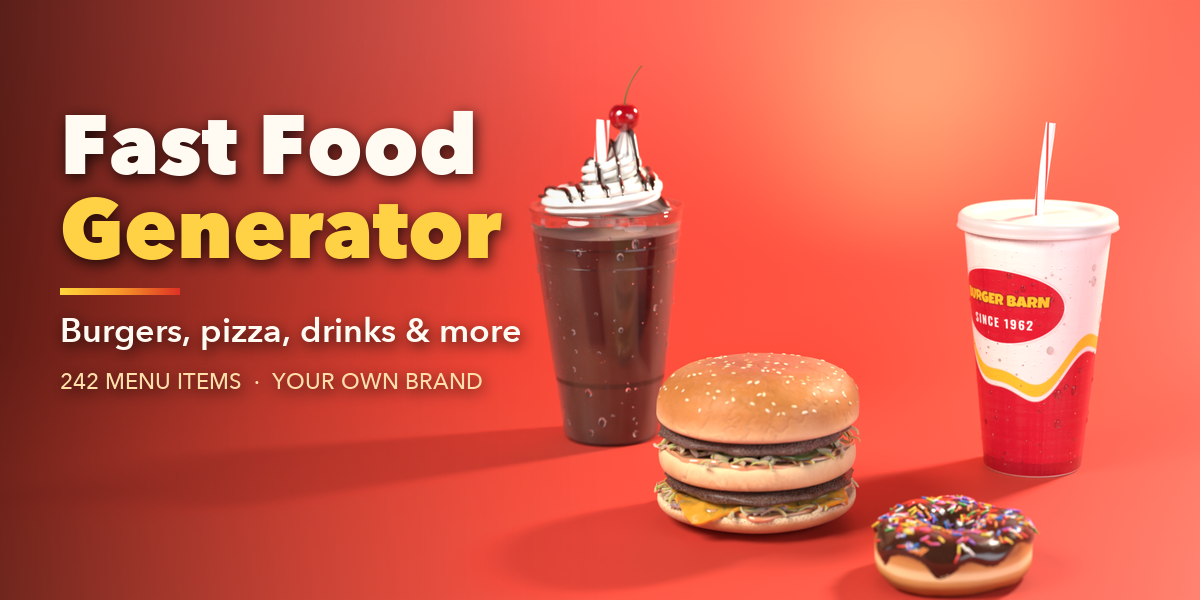
Installation
In Blender open Edit, Preferences, Get Extensions, then use Install from Disk and pick the fast_food_generator zip.
Usage
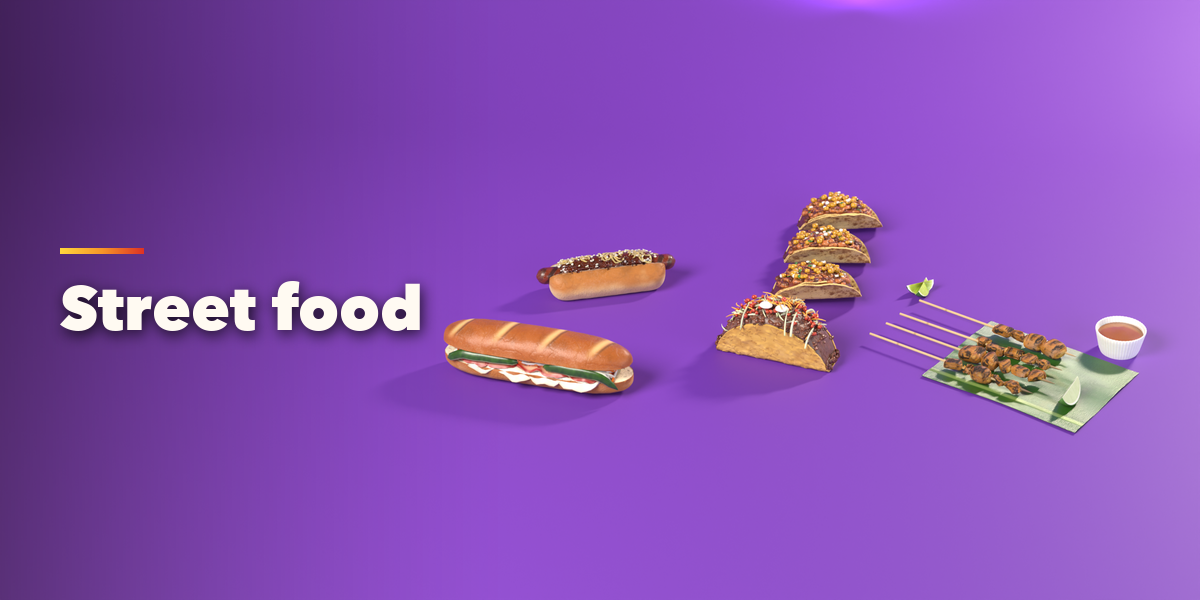
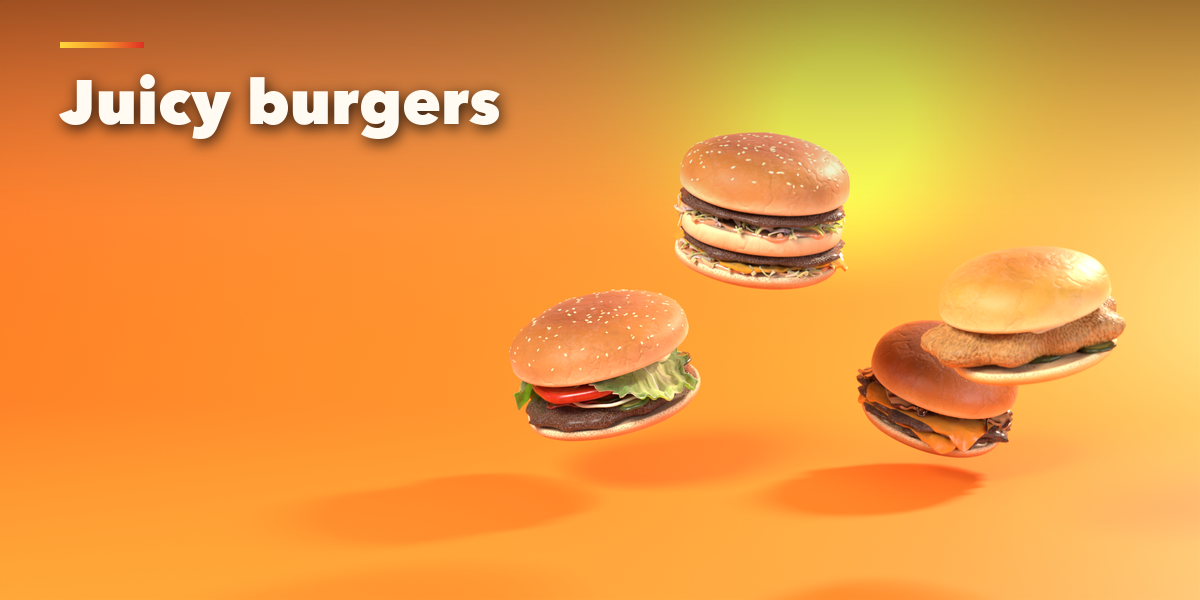
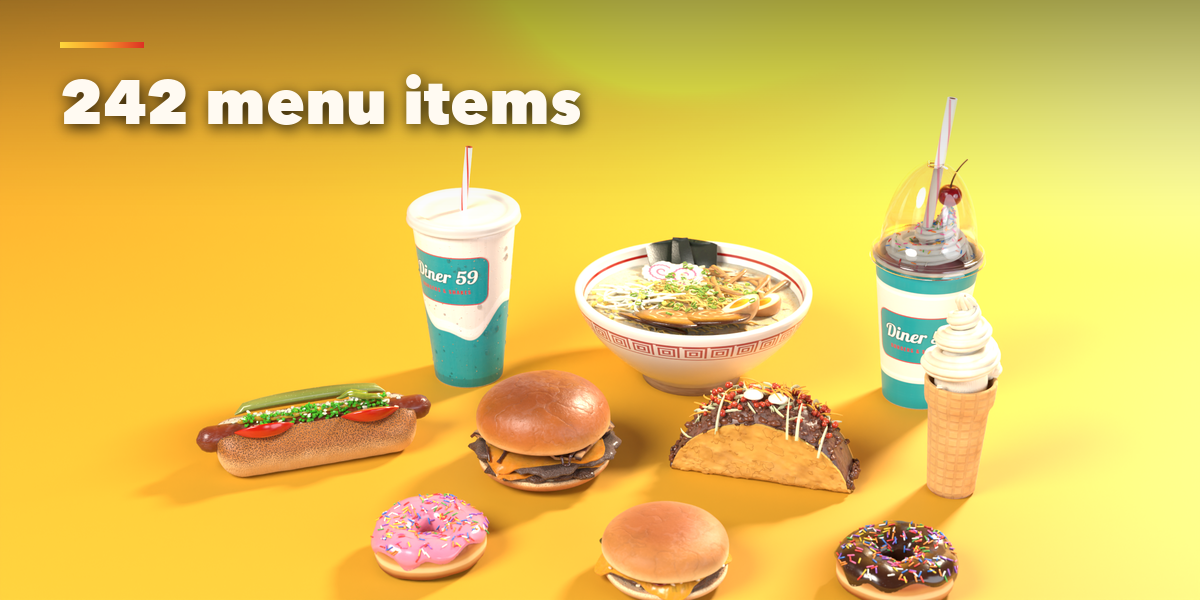
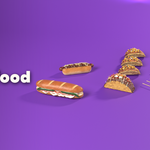
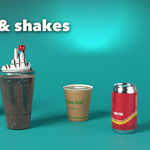
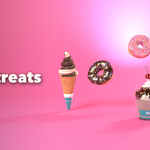
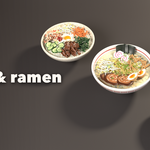
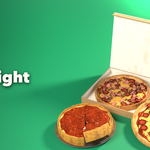
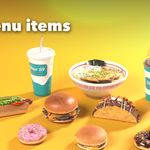
- Open the Fast Food tab in the 3D viewport sidebar (N). Click the big picture to see the whole menu, or browse it by category, then press Add.
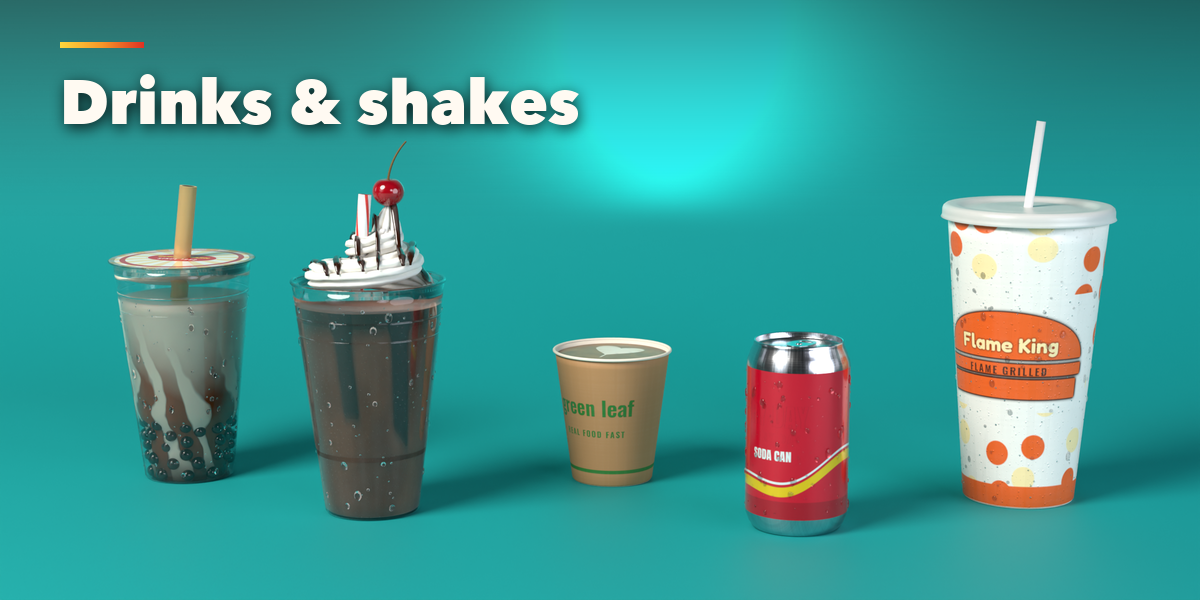
- Add a Meal places a burger, a side and a drink side by side in one brand.
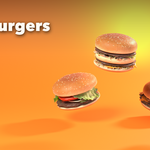
- With a food selected, click its picture to turn it into any other menu item. Surprise picks a random item of the same kind, Vary makes a new variation and the drop button makes it messier.
- Build: form, bun, size and shape of the item.
- Ingredients: add, remove, reorder and duplicate layers, and set each layer's size, thickness, cook, amount and mess.
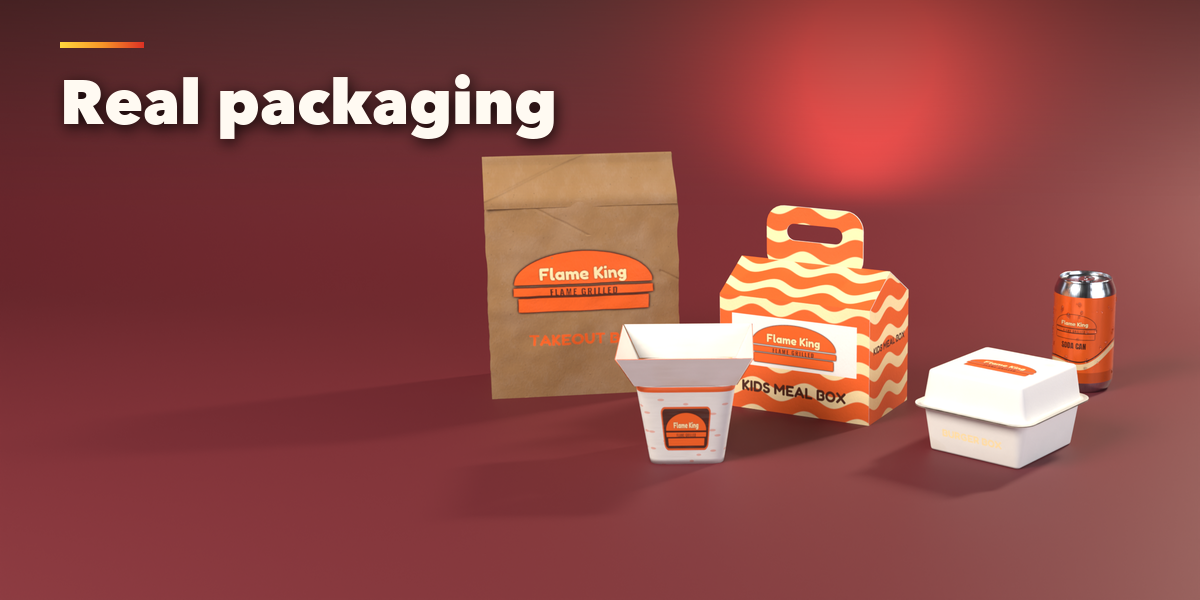
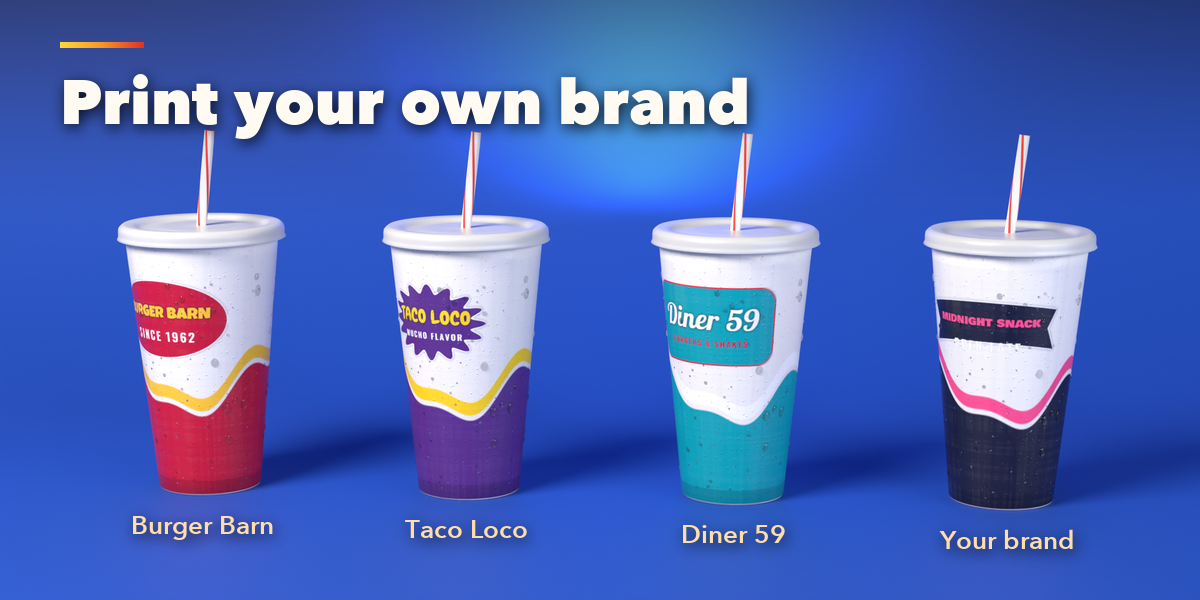
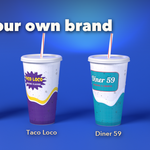
- Brand: pick a made-up brand or type your own name and tagline, colors, lettering and badge. The logo and product name print on cups, wrappers, boxes and bags. Brand to All copies it to every selected item.
- Export: mesh and texture detail. Make Real turns the food into a plain mesh with its materials, ready for FBX, OBJ or glTF.
Switch the viewport to Material Preview or Rendered to see the painted textures.
Have questions about this product?
Login to message
| Blender Extension Compatible | Yes |
| Published | 1 day ago |
| Blender Version | 4.2 - 5.2 |
| Extension Type | Add-on |
| Render Engine Used | Cycles, Eevee |
| License | GPL |

Discover more products like this
procedural dessert fast food food packaging drinks Generator burger restaurant pizza props game ready