 3DF
3DF


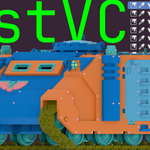
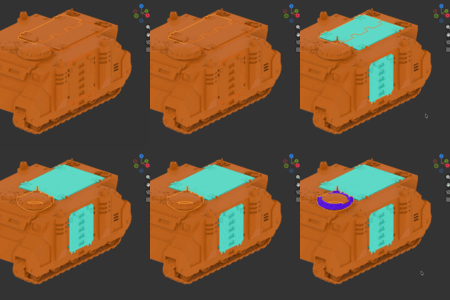
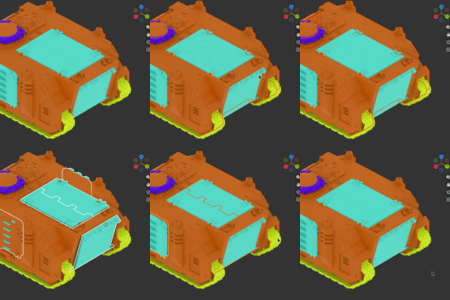
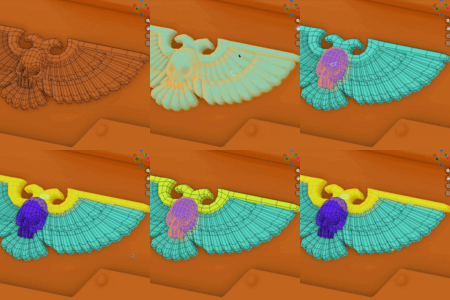
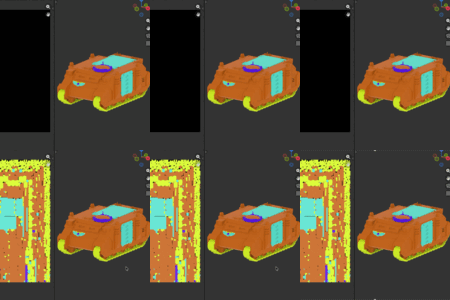
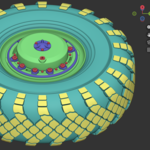
FastVC simplifies (and speeds up) vertex color assignment: manage a swatch palette, fill colors in Object + Edit mode, sample colors from the mesh, select by color and more. It can also bake per-material ID textures for use in texturing tools like Substance Painter and InstaMAT.
Features
Color Palette
- Swatch list: create, remove, reorder, and edit color swatches.
-
One-click actions per swatch: fill, pick, select-by-color, and randomize.
-
Designed for Object/Edit Mode: no need to switch to Vertex Paint mode.
-
Selection-aware fill: fill vertices, edges, faces, face corners, or whole objects depending on selection mode.
-
Multi-object editing: operate on multiple objects at once.
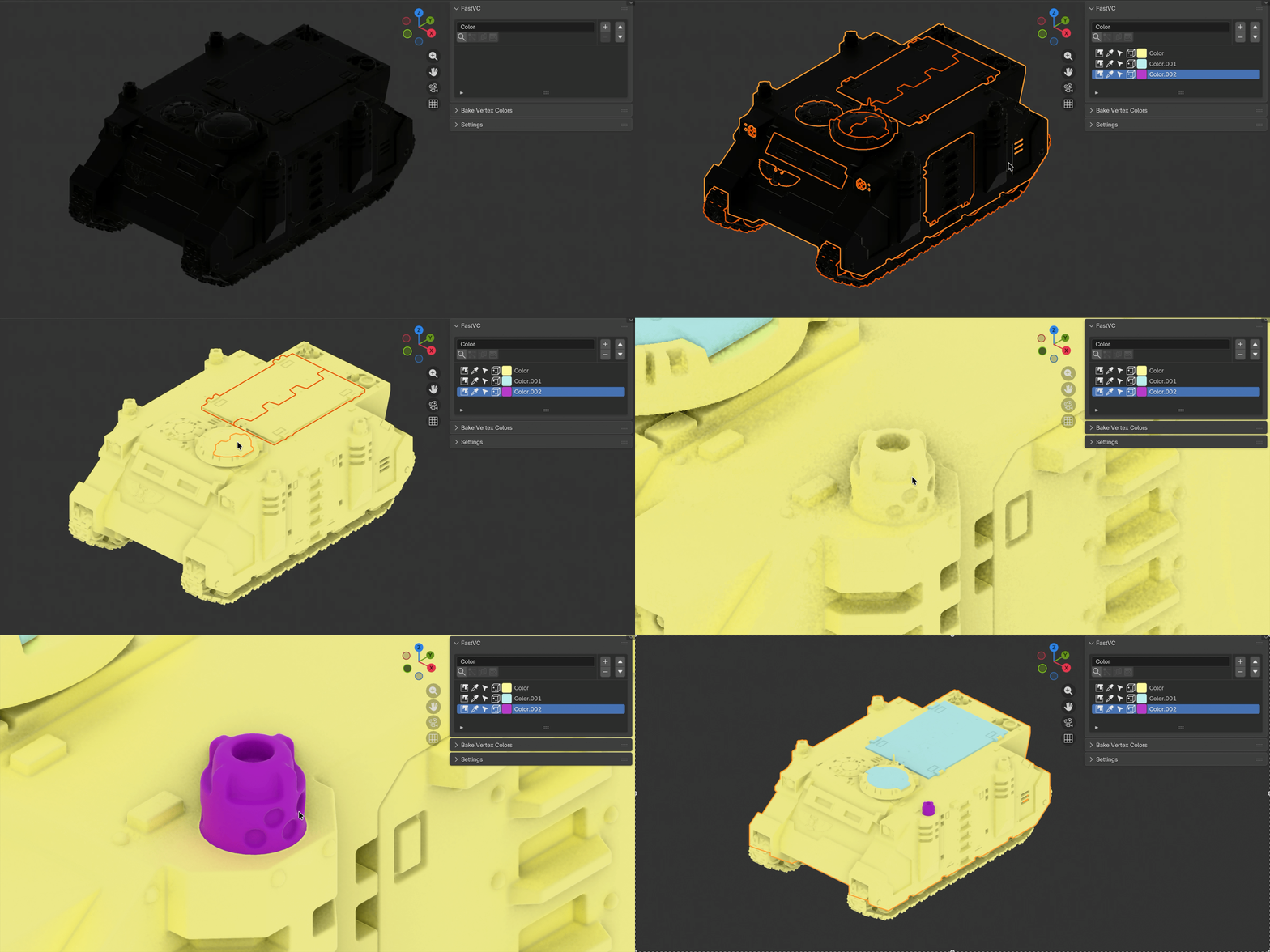
Selection tools
- Select by color: in Object Mode (find objects containing a color) and Edit Mode (select matching elements).
- Select similar to active: quickly find faces matching the active face’s color.
-
Select gradient faces: select faces with non-uniform color (helps spot accidental blends / bad assignments).

Bake vertex colors to textures (ID masks)
- Material-based baking: bake per material (texture set).
- Direct UV rasterization: bakes directly from UVs—no cages, rays, or bake setup.
-
Fast: Numba-accelerated for quick iteration.

Additional features
Automatic attribute management: set the color attribute name once; FastVC ensures it exists and is the right type.
Select by material: select objects based on material assignment.
Self-documented: all buttons have descriptive names and tooltips.
Used on real projects: we’ve used it for years for game assets.
