 3DF
3DF


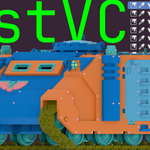
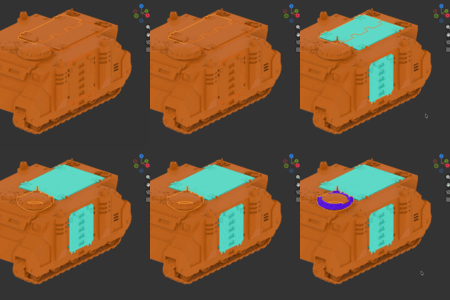
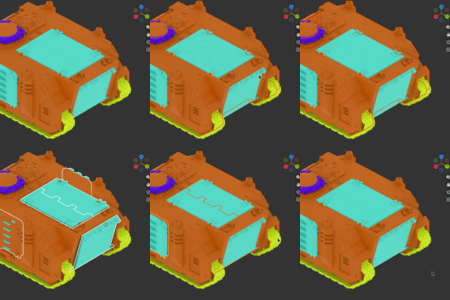
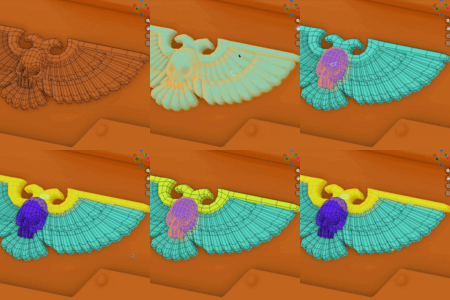
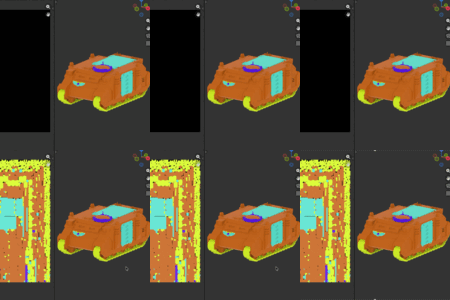
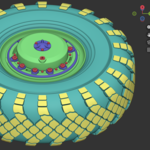
FastVC is easy to learn—hover any button or field to see a tooltip that explains what it does.
Main Panel:
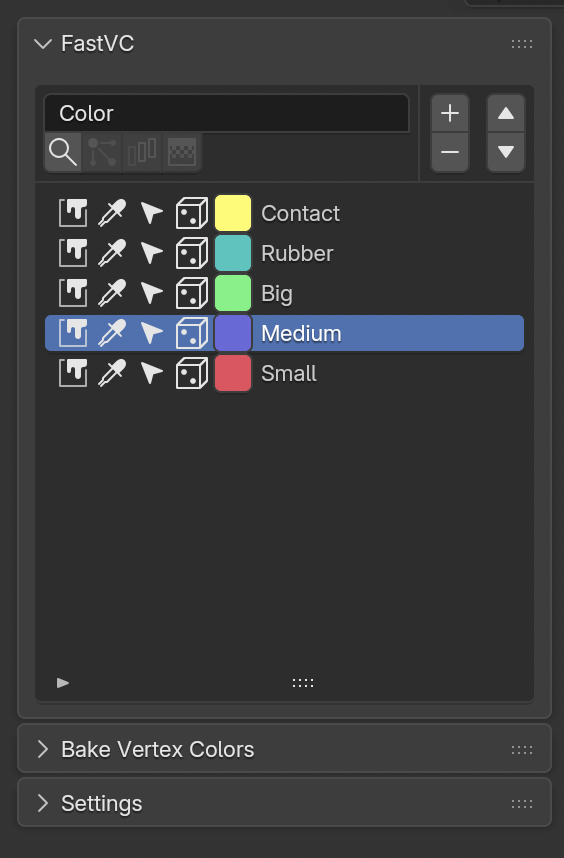
Color Name Field - Choose a name of the color attribute to work with (or leave the default "Color"). Fill operators will ensure this attribute will be created if absent or converted if needed to (domain = "CORNER", type = "BYTE_COLOR")
Top Operators:
- Find Color - modal operator, click a face of a mesh in 3d viewport to sample its color and select and existing swatch with matched color (if present).
-
Fill Active Face Color (Edit Mode) - Fill selected faces with active face color.
-
Select Similar to Active (Edit Mode) - Select faces matching the active face color
- Select Gradient Faces (Edit Mode) - Select faces with gradient color (more than 1 color across corners of a face, )
Swatch Operators:
- Fill (Object Mode) - fills selected objects with swatch color
- Fill (Edit Mode) - fills vertices, edges or faces with swatch color
- Pick Color (Object/Edit Mode) - modal operator, click a face of a mesh in 3d viewport to sample its color and store it in the swatch.
- Select (Object Mode) - select visible objects in 3d viewport that contains faces with swatch color.
- Select (Edit Mode) - select mesh vertices, edges or faces with swatch color
- Randomize - randomise swatch color. Alt+LMB or Shift+LMB - also fill selection with swatch color after randomization
Bake Vertex Colors Panel:
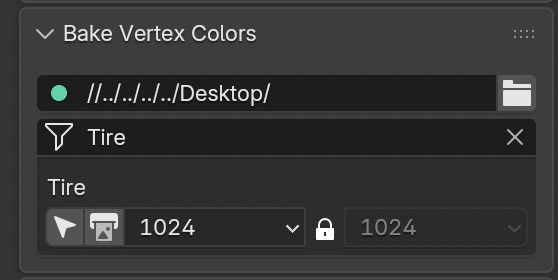
To bake vertex colors to an ID texture, make sure your mesh objects are visible in the viewport and have:
- a material assigned
-
a UV map
- a vertex color attribute (FastVC will handle the attribute name you set in the panel)
Steps
- Choose an output folder in the Bake panel (the folder must exist).
- FastVC lists materials in the scene. If you have a lot of them, use the filter field to narrow the list.
- Find the material you want to bake and set the output resolution.
- Click Bake Vertex Colors to write a PNG ID map for that material.
Each material box also includes Select by Material operator, which selects all visible objects that use that material.
Settings Panel:
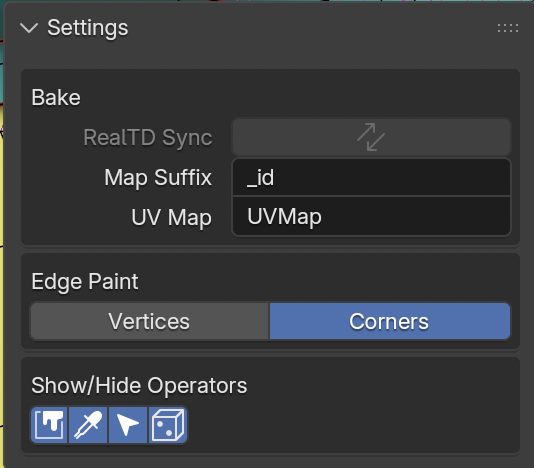
Map Suffix - the baked texture name is MaterialName + Suffix (for example: Wood_id.png)
UV Map - what UV Map to use for baking
Edge Paint - When you’re in Edit Mode and Edge Select is active, FastVC needs to decide what to color when you run a fill.
- Vertices: fills the color on the vertices of the selected edges (technically: it paints all face-corners that use those selected vertices).
- Corners: fills only the face corners where two selected edges meet. This is more precise and helps avoid coloring extra faces that happen to share the same vertex.
Show/Hide Operators - lets you choose which buttons appear on each swatch row. If you don’t use some tools, hide their buttons to keep the palette cleaner.
 Included
Includes 12 months of
- Support from 3DF
- Product updates
Extend this product’s Support Period +12 months: 75% of product price
Have questions before purchasing?
Login to message
Discover more products like this
Substance painter ID-map color-palette vertex color material id fast vc bake vertex colors game assets fastvc color picker id mask