 SculptedWorldsStudio
Split figurines and sculpts into printable parts by drawing on the model
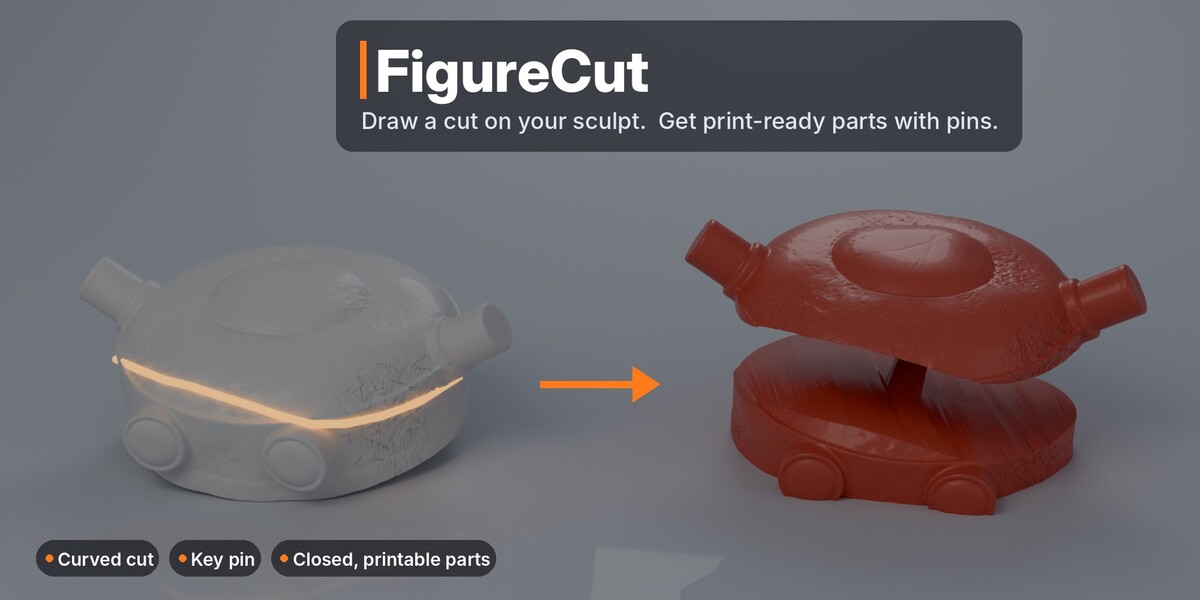
FigureCut lets you draw a cut straight onto your model - around a neck, across a wrist, under a base - and turns it into clean, closed, print-ready parts with matching pins and sockets. Every cut stays editable until you are happy, and your original mesh is never changed.
Draw around a part - only that part comes off
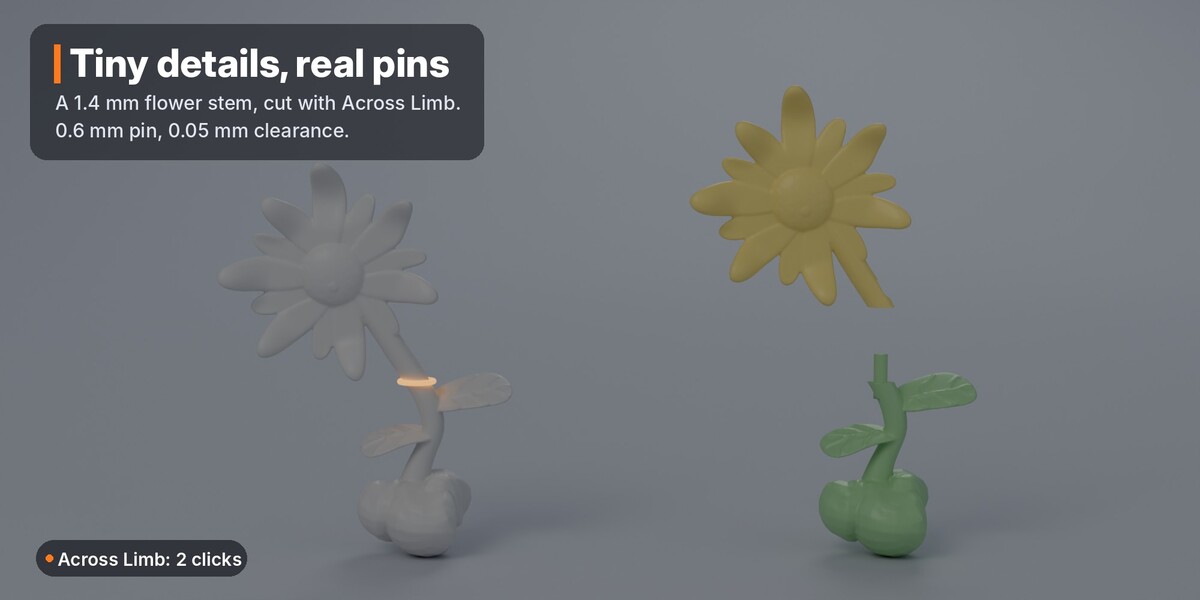
Draw a loop on the surface around an arm, a leg or a neck. Rotate the view while you draw to reach the back. FigureCut smooths your stroke, cuts only what the loop goes around and leaves the rest of the model untouched. In a hurry? Across Limb needs two clicks: click on each side of the limb and it finds the outline for you.
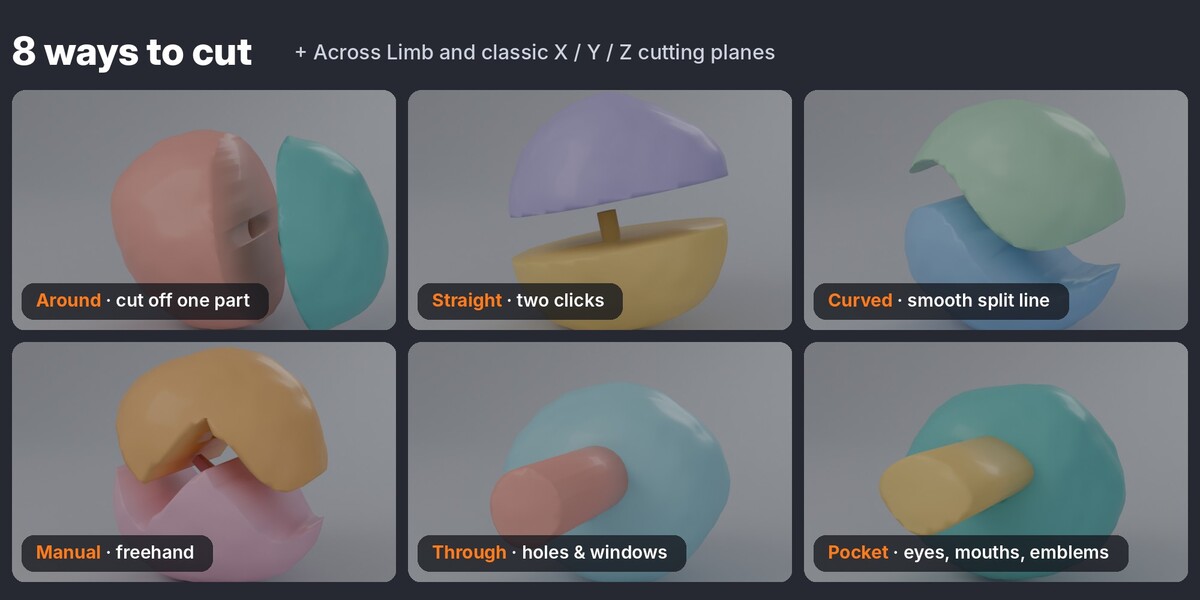
Eight cutting tools
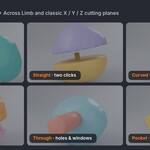
- Around - draw a loop on the surface to cut off one part
- Across Limb - two clicks across an arm or leg
- Straight, Curved and Manual (freehand) - cut through the whole model
- Through - cut a hole or window all the way through
- Pocket - cut out an eye, a mouth or an emblem to a set depth
- Cutting plane - classic X / Y / Z / view plane you can move, rotate and limit
Pins and sockets that actually fit
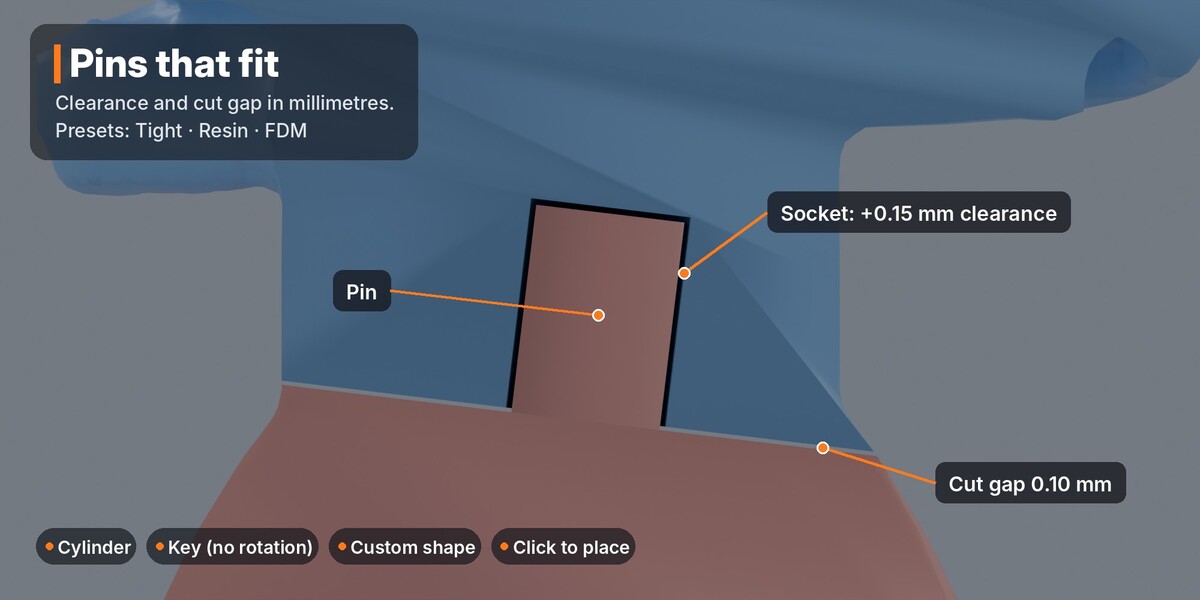
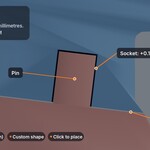
Cylinder pins, square key pins that cannot rotate, or your own custom pin shape. Set the clearance and cut gap in millimetres, or pick a preset: Tight, Resin or FDM. Click on the model to place the pin. In our tests the gap between pin and socket matches your clearance setting to 0.01 mm.
Preview first, or apply right away
- Build (preview) makes the parts while your cuts stay editable. Explode them, check the pins, tweak, rebuild.
- Apply cuts for real: the parts replace the model, so you can select one part and keep cutting.
- Easy mode builds or applies the moment you finish drawing.
Fixes the problems that break other cutters
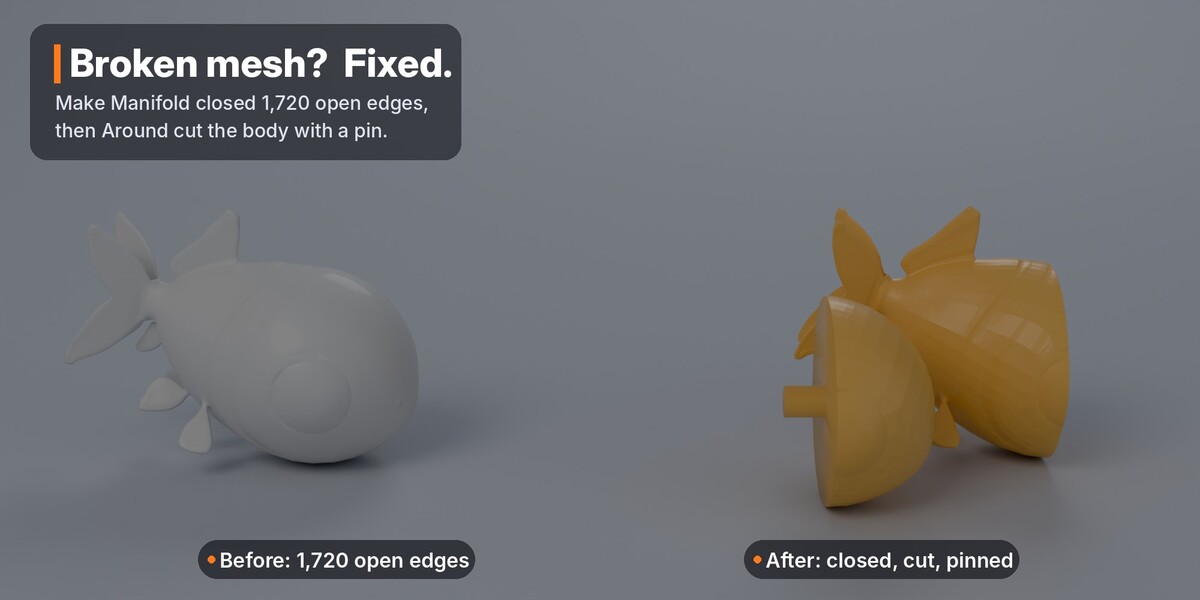
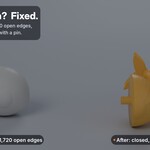
- Make Manifold repairs open, broken meshes: closes holes, merges doubled points, or rebuilds the surface with a voxel remesh. A hidden backup is kept.
- Auto-repair fixes a copy while building, so cuts work even on messy scans and AI-generated models - the original stays as it was.
- Real Size fixes models imported in metres that show up a fraction of a millimetre tall.
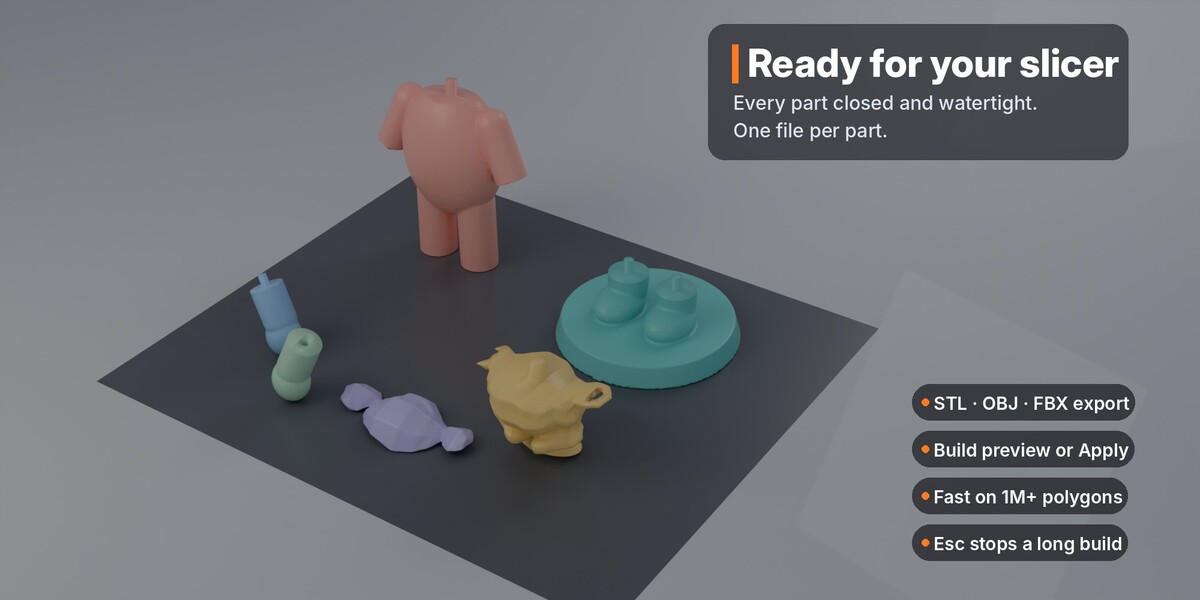
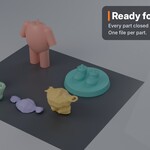
- Every part comes out closed and watertight, ready for your slicer.
Fast on heavy sculpts
Tested on a 1.3-million-face model: drawing, previews and checks respond in under half a second, and a two-cut build finishes in about 15 seconds. Builds run cut by cut with progress in the status bar, and Esc stops a long build.
Made for the people who print
Figurine and miniature artists, statue and bust makers, resin and FDM printers, print studios, and anyone splitting a large model for a small print bed. Export every part at once as STL, OBJ or FBX.
Also inside
- A step guide at the top of the panel that tells you what to do next
- Pie menu on Shift + Alt + X
- Cut labels in the viewport, with warnings when a cut needs attention
- Skip Problem Cuts: one bad cut never ruins a whole build
- English and Greek interface
Compatibility
- Blender 4.2 or newer; 4.5+ recommended (fast Manifold solver)
- Windows, macOS, Linux
- Closed meshes work best; open meshes are repaired with Make Manifold
- Millimetres recommended (one click: Use mm)
- License: GNU GPL v3
What's included
- FigureCut add-on (.zip, installs as a Blender extension)
- FigureCut_Demo.blend - a ready-to-cut figurine with a full cutting plan
- Written documentation and FAQ on this page