FigureCut - Split Models for 3D Printing With Pins & Sockets
 SculptedWorldsStudio


No. Build (preview) works on a copy and hides your original. Apply replaces the model with its parts, but Keep Original saves a hidden copy and Ctrl + Z undoes it.
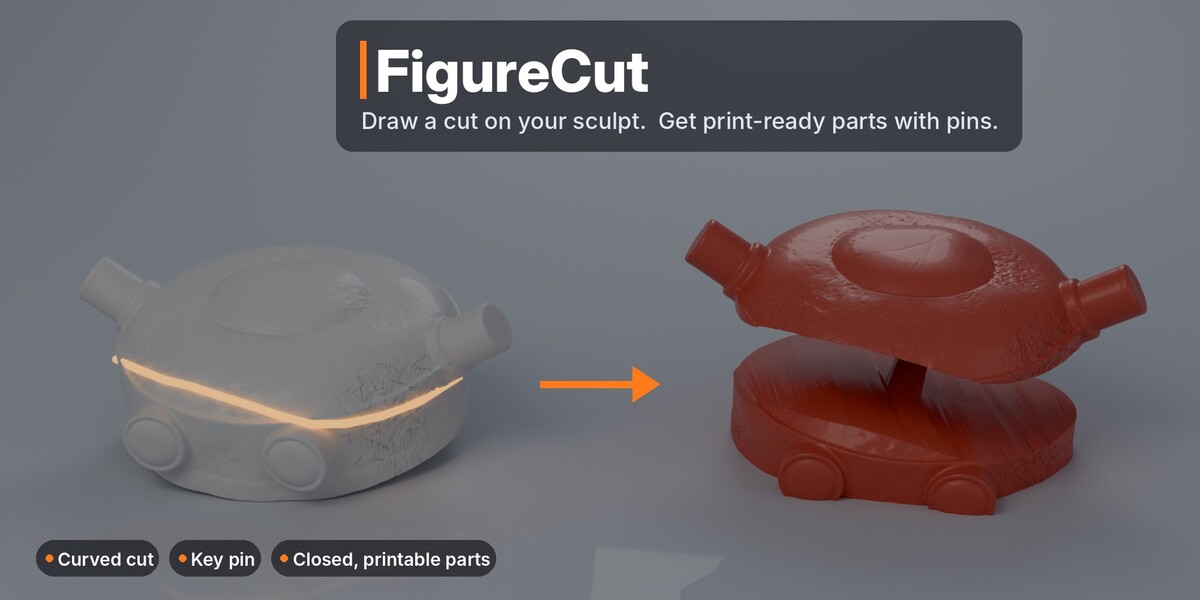
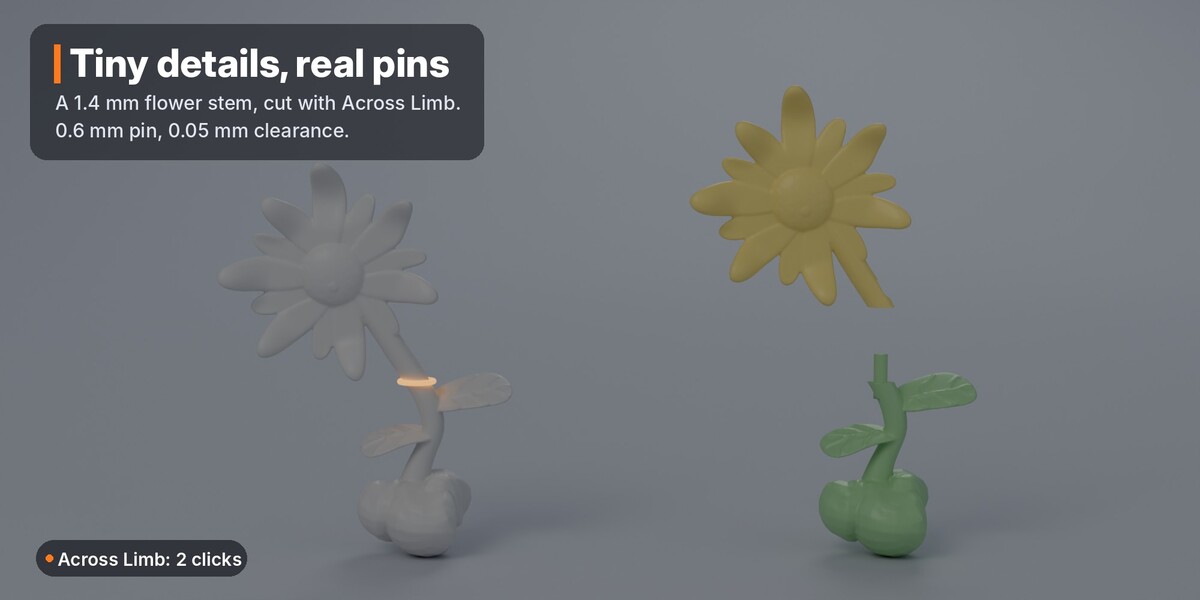
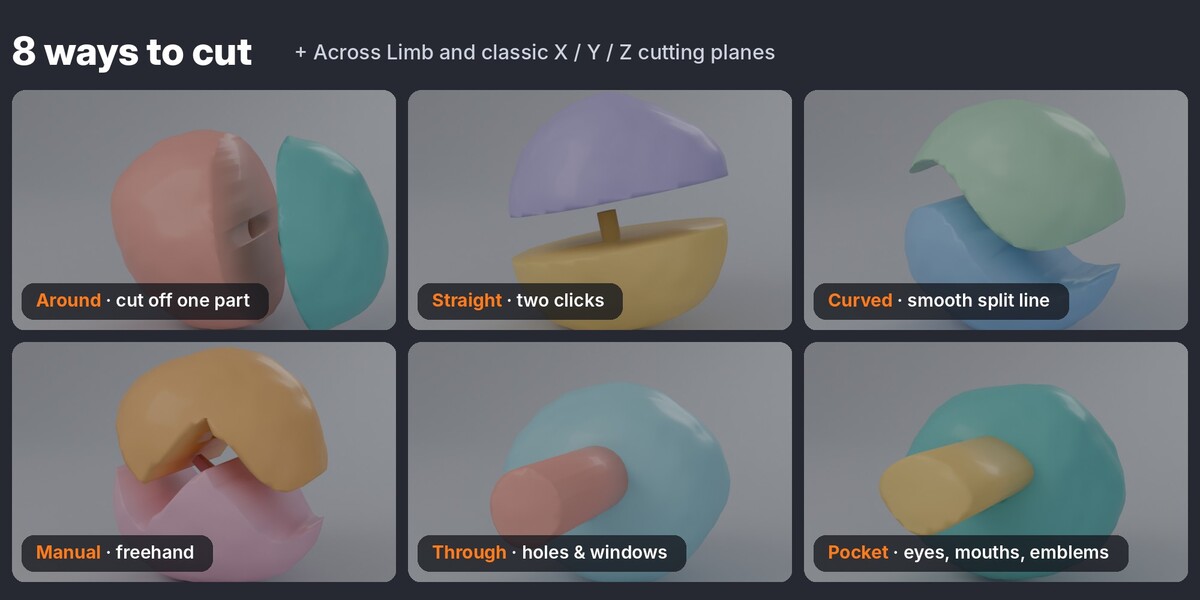
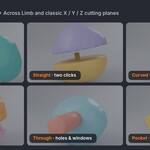
Straight, Curved and Manual cut through the whole model along your view. Around and Across Limb cut only the part your loop goes around, so you can take off one arm without touching the rest.
Yes. With Around, rotate the view with the middle mouse button while drawing. Strokes are joined in the right order whichever end you start from, and the line is smoothed automatically.
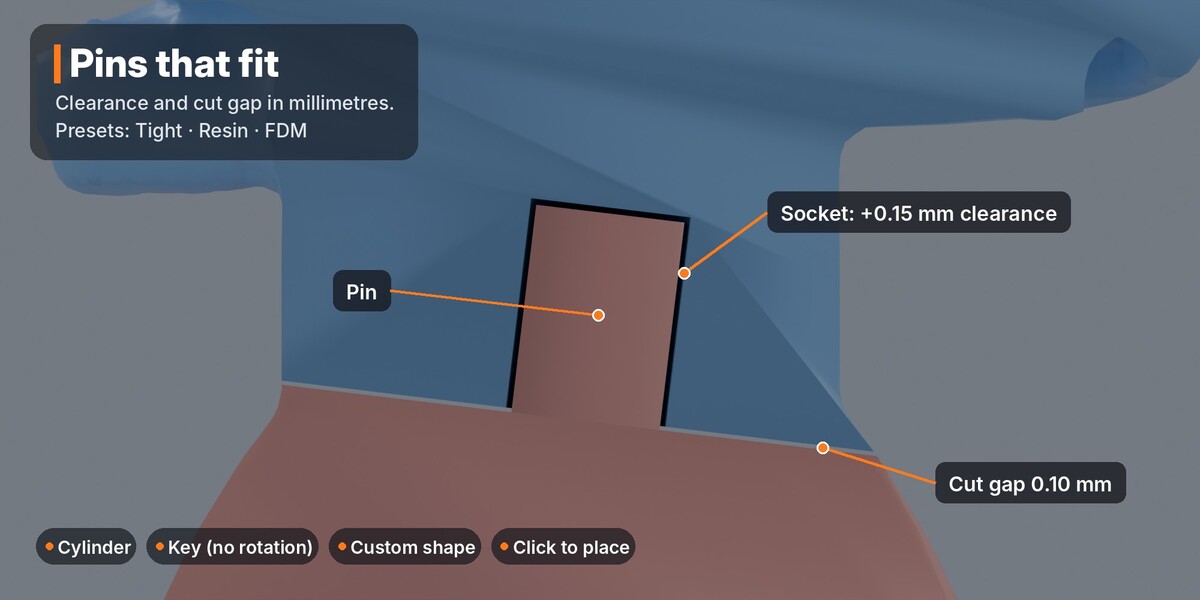
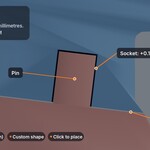
The socket is larger than the pin by exactly your Clearance. Start with the Resin preset (0.10 mm) or the FDM preset (0.25 mm), print one test joint, then adjust in 0.05 mm steps.
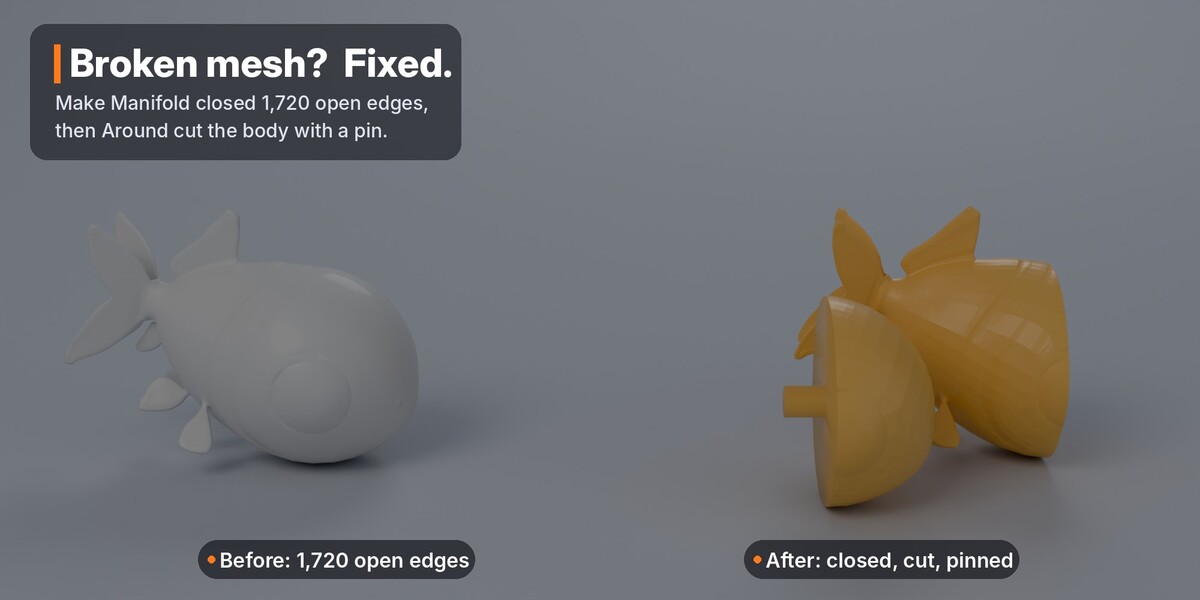
Yes. Click Make Manifold, or leave Auto-repair before cutting on and FigureCut repairs a copy while building. Your original stays untouched.
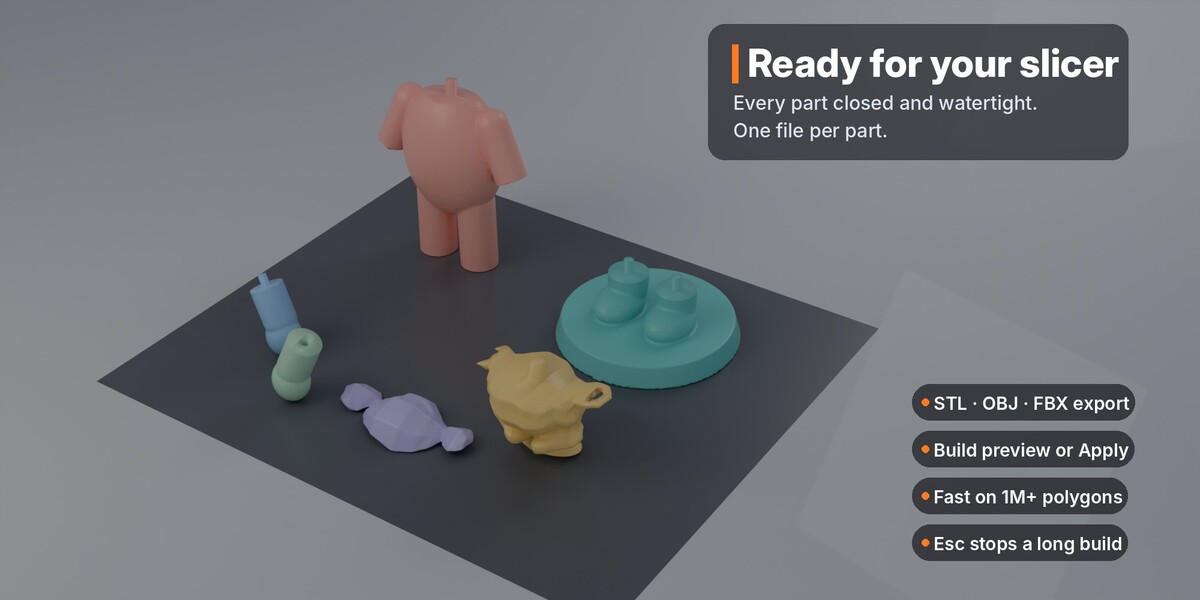
We tested 1.3 million faces: the interactive tools respond in under half a second and a two-cut build takes about 15 seconds on a CPU. Blender 4.5 or newer is strongly recommended for speed. Esc stops a long build.
Blender 4.2 and newer, tested up to 5.2. The fast Manifold solver needs Blender 4.5+; on 4.2–4.4 FigureCut uses the slower Exact solver. Windows, macOS and Linux.
FigureCut makes rigid pin-and-socket joints for assembly and gluing, not moving joints. It is GPL v3 software and the full Python source is inside the zip.
Have questions about this product?
Login to message
| Blender Extension Compatible | Yes |
| Published | 7 days ago |
| Blender Version | 4.2 - 5.2 |
| Extension Type | Add-on |
| Render Engine Used | Cycles, Eevee |
| License | GPL |
Discover more products like this
resin keyed joint manifold connector split miniature figurine print prep 3d printing cut Pin STL