 Sonneblom Digitaal






What it does
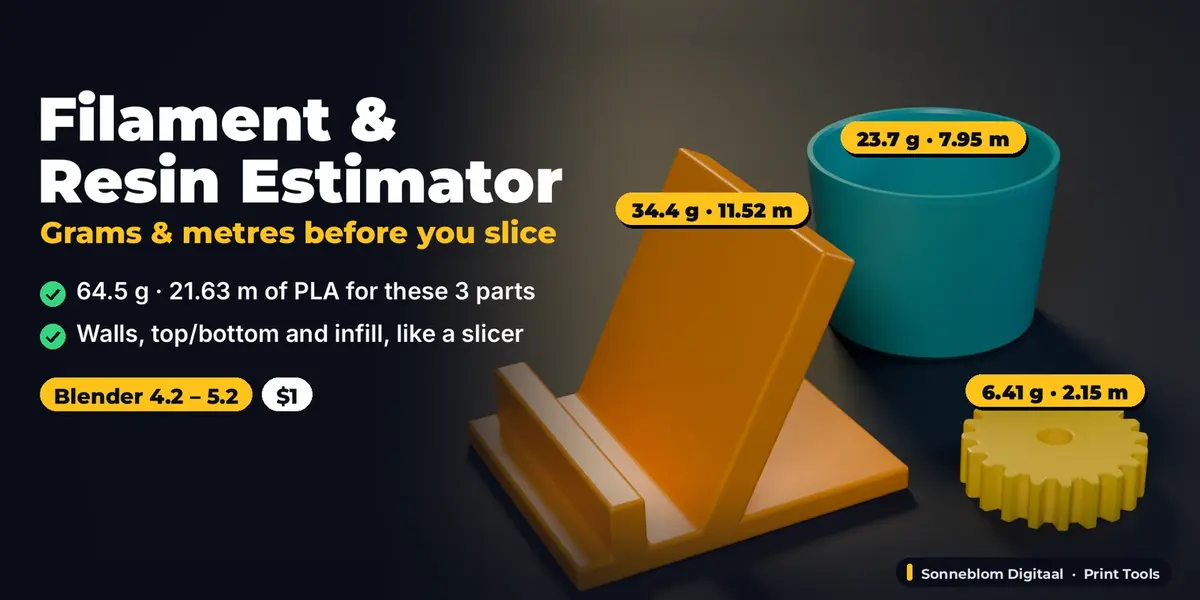
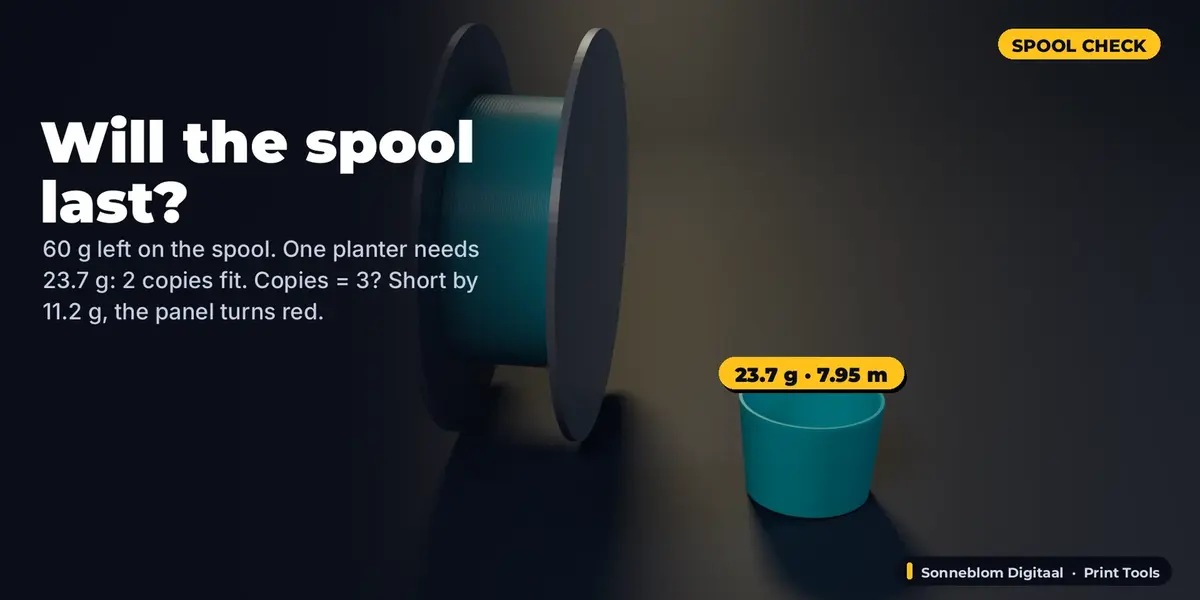
Filament & Resin Estimator tells you how many grams and metres of filament, how many ml of resin or how many grams of cast metal the selected objects need, right in Blender's sidebar, before you export or slice. It slices each object layer by layer the way a slicer does (walls, top and bottom layers, sparse infill), so you get a realistic printed figure plus the solid upper bound. It also tells you if your spool or resin bottle will last and how many copies fit.
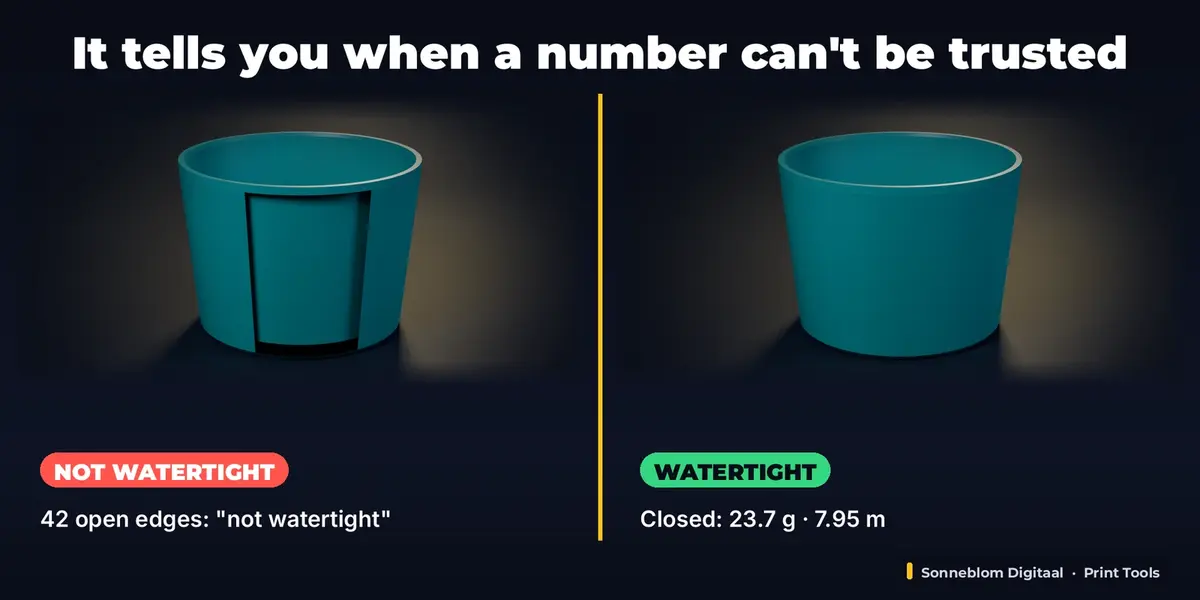
It checks every object first: open (not watertight) meshes, mixed normals, inside-out parts, hollow cavities and overlapping parts are found and explained, so you know when a number can be trusted.
Who it's for
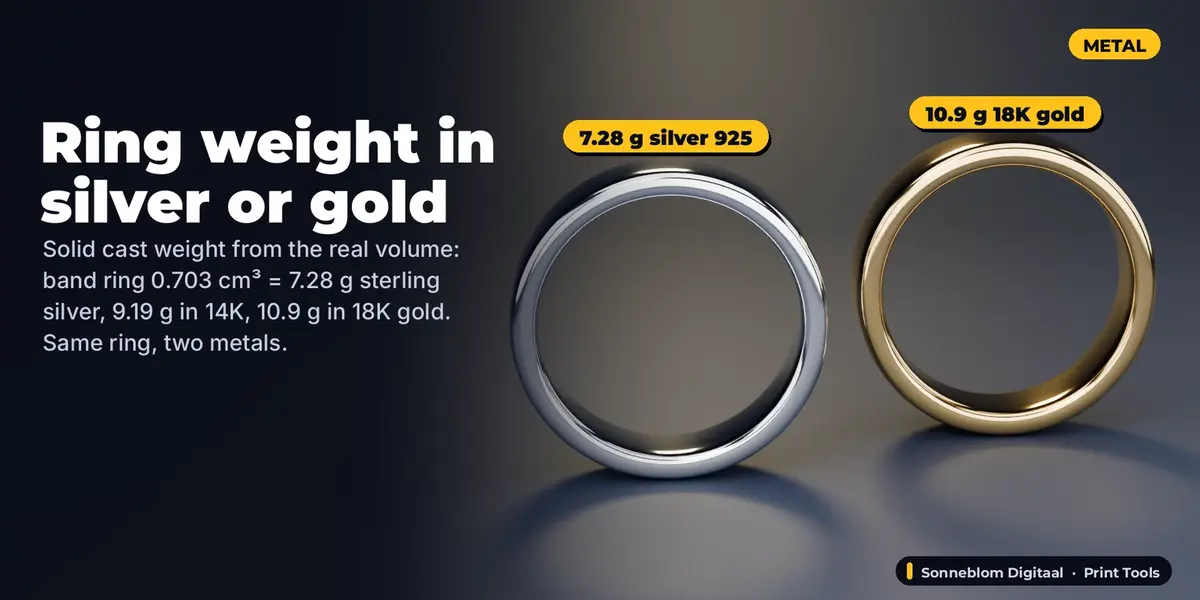
Makers and print-farm owners who quote prints or plan a batch, people who want to know "will my last 200 g of PETG be enough?", resin printers who want ml per part, and jewellery designers who need the weight of a ring in silver or gold before it goes to the caster.
Key features
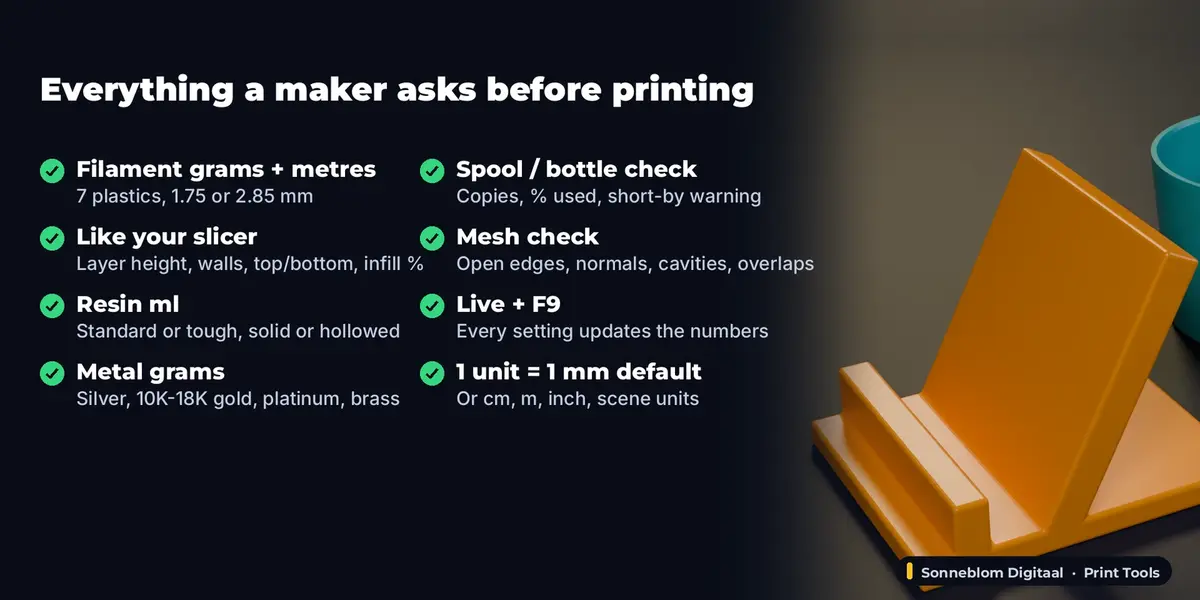
- Filament: PLA, PETG, ABS, ASA, TPU, Nylon and PC densities, or type your own. Grams and metres for 1.75 mm, 2.85 mm or a custom diameter.
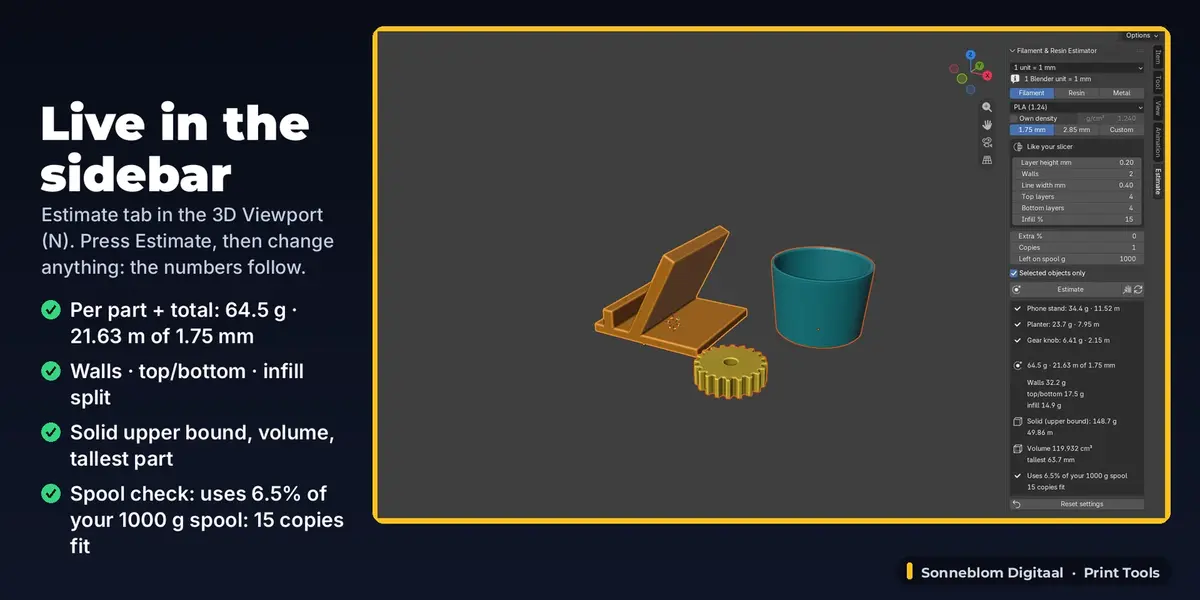
- Like your slicer: layer height, number of walls, line width, top and bottom layers and infill %. The panel splits the weight into walls, top/bottom skins and infill, and shows the solid (100%) upper bound next to it.
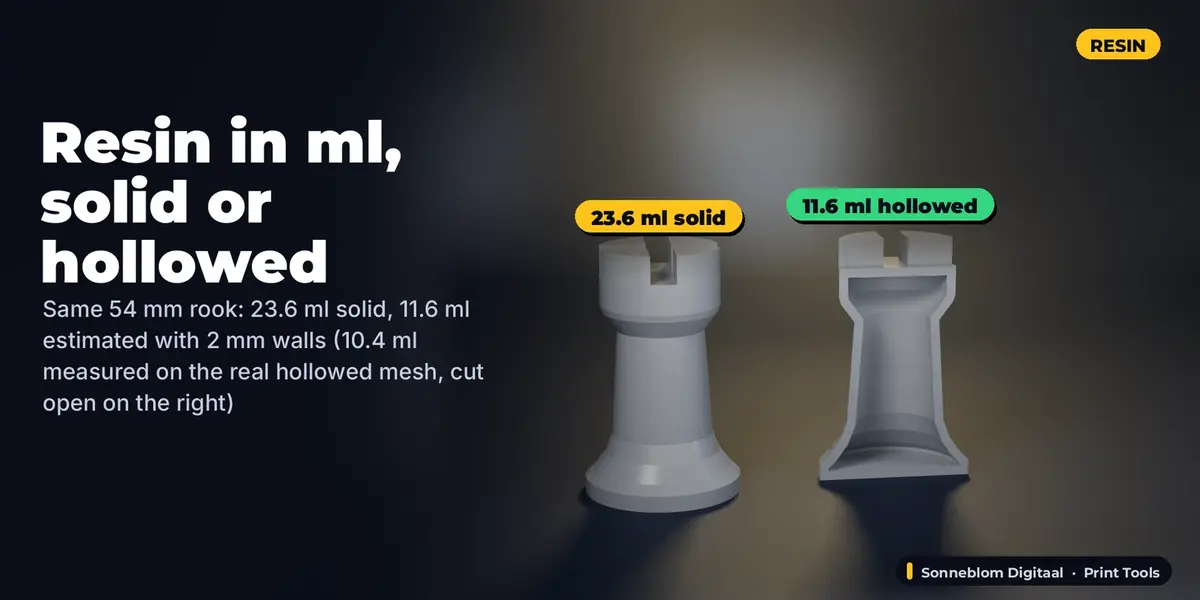
- Resin: ml and grams for standard or tough resin, solid or hollowed with a wall thickness you choose.
- Metal for jewellery: grams of sterling silver, 10K / 14K / 18K gold, platinum 950, brass or bronze for a solid cast, plus an extra % for sprues.
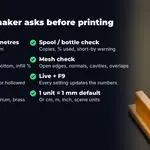
- Will it last? Copies, filament left on the spool or resin in the bottle: for example "Uses 6.5% of your 1000 g spool: 15 copies fit", or a red "short by" warning.
- Live: the panel updates as you edit the model or change a setting, no button needed. Estimate writes a copyable text report (Copy button) for a quote or a note, and every setting is in F9 (Adjust Last Operation).
- Mesh check you can trust: counts open edges and edges with 3+ faces (watertight check), finds mixed normals, inside-out parts, real cavities (subtracted) and overlapping parts (warned), and welds STL triangle soup first like a slicer does.
- Units: 1 Blender unit = 1 mm by default (the usual STL case), or 1 cm, 1 m, 1 inch or the scene's unit scale. Object scale, rotation, mirroring and modifiers are included.
How to use
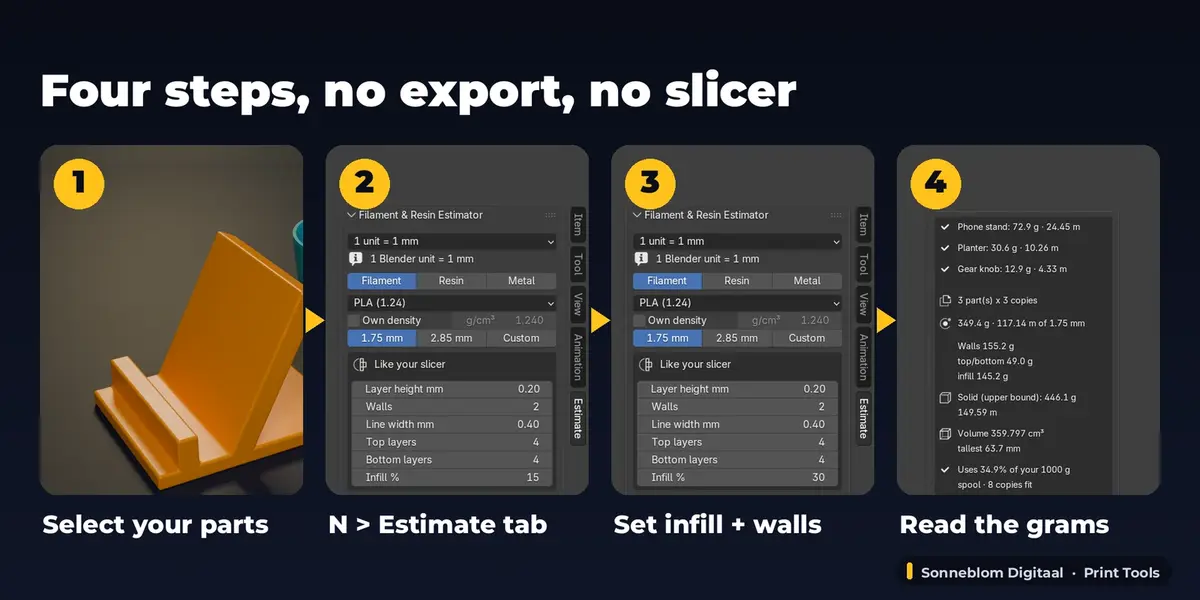
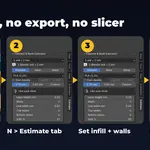
- Install the zip, press N in the 3D Viewport and open the Estimate tab.
- Select one or more objects (mesh, or curve / text with depth).
- Choose Filament, Resin or Metal and your material. For filament, copy layer height, walls, top/bottom layers and infill from your slicer profile.
- Read the grams, metres or ml in the panel. Click Estimate for the full text report (Copy puts it on the clipboard).
- Change any setting or edit the model: the figures follow at once.
Compatibility
Blender 4.2 LTS or newer, tested on 4.2 LTS and 5.2 LTS. Pure Python, no extra software, works offline. Extension zip and legacy add-on zip included.
Good to know
- It estimates material only: no price and no print time. Want price and print time? Print Cost & Time Calculator does that.
- The printed figure is an estimate: walls, skins and infill are modelled from cross-sections, but supports, brim, purge lines and the slicer's exact infill pattern are not. Use Extra % for supports and brim. The solid figure is an exact upper bound.
- Hollowed resin does not subtract drain holes. Metal is a solid cast weight (no shrinkage).
- An open (not watertight) mesh gives an unreliable volume: the add-on warns you and tells you how to close it. It measures, it never changes your mesh.
- Models over 150,000 triangles are measured when you click Estimate, not live, to keep the viewport fast.
Support
Questions or a bug? Use the Superhive product page messages and we reply within a day.