Filament & Resin Estimator
 Sonneblom Digitaal

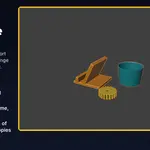



Filament & Resin Estimator 1.0.0
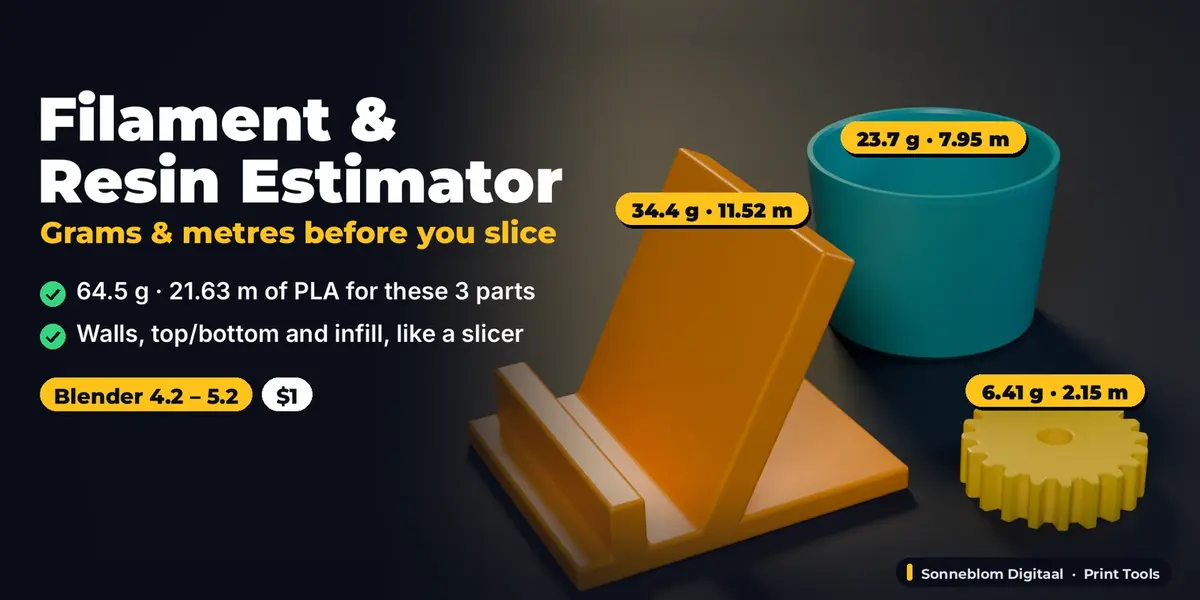
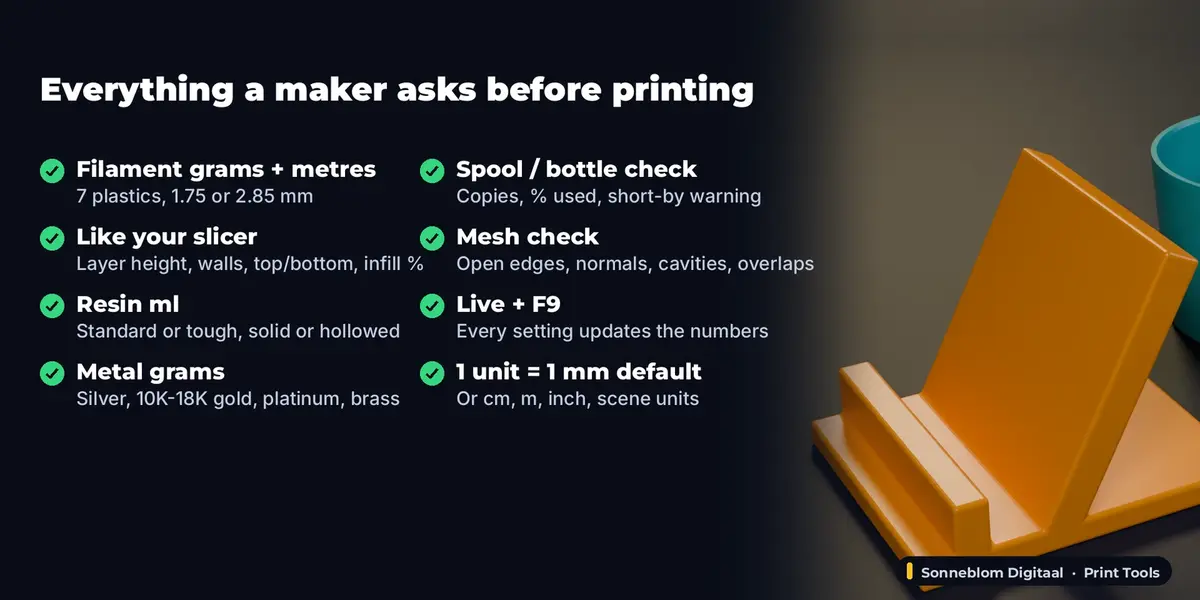
Grams and metres of filament, ml of resin or grams of cast metal for the selected objects, before you slice. Blender 4.2 LTS or newer, tested on 4.2 LTS and 5.2 LTS.
Install
-
Extension zip (recommended):
filament_estimator-1.0.0.zip. Drag it into Blender, or go to Edit > Preferences > Get Extensions, open the drop-down at the top right and choose Install from Disk. -
Legacy zip:
filament_estimator-1.0.0-legacy.zip. Go to Edit > Preferences > Add-ons > Install from Disk, then tick Filament & Resin Estimator.
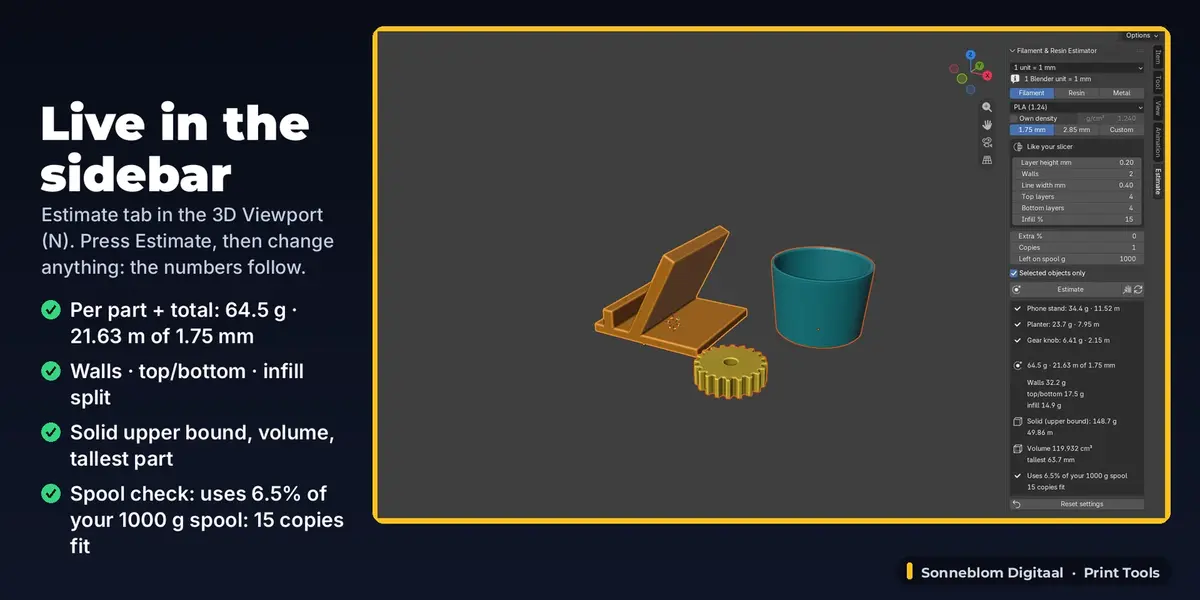
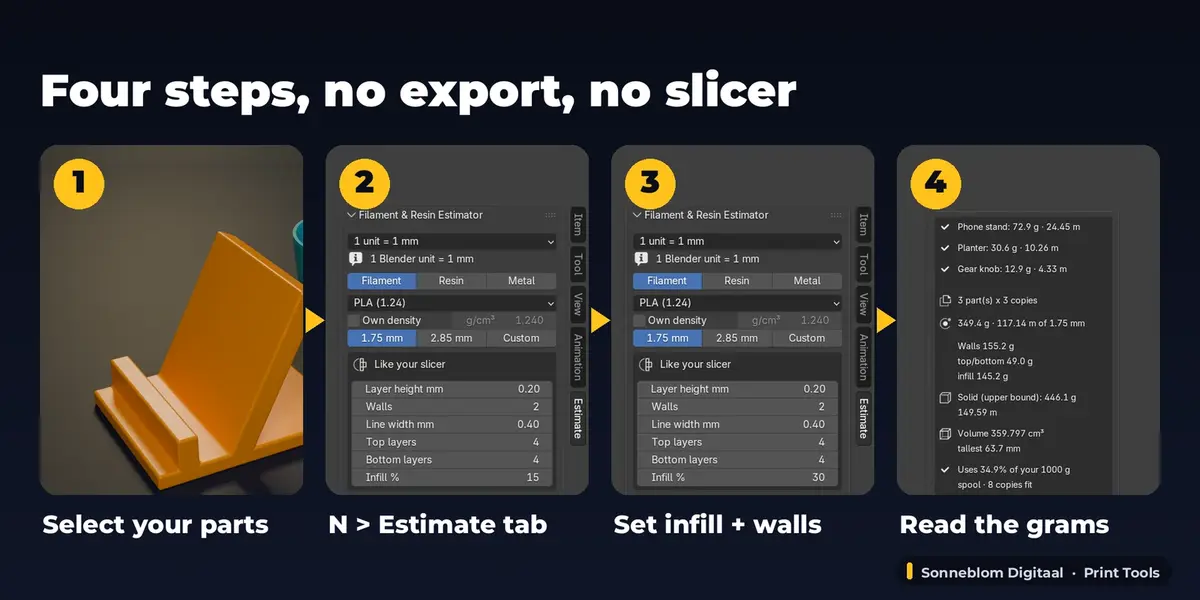
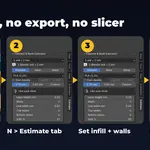
The panel is in the 3D Viewport sidebar: press N and open the Estimate tab.
Step by step
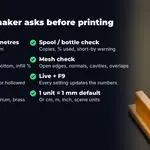
- Units: the first drop-down says how long one Blender unit is. The default, 1 unit = 1 mm, is right for STL, 3MF and OBJ files from Thingiverse, Printables or a CAD program. The line below shows the value in use ("1 Blender unit = 1 mm"). If your model was built in metres (Blender's default scene), choose 1 m or Scene units; the panel warns when a model reads as several metres or as a fraction of a millimetre.
- Select the parts. Mesh objects, and curves or text with Extrude / Bevel depth, are measured with their modifiers, scale, rotation and mirroring. Empties, cameras and lights are skipped and listed. Switch off Selected objects only to measure every visible object.
- Process and material: Filament, Resin or Metal, then the material. The density appears next to Own density; tick it to type the value from your spool or bottle label.
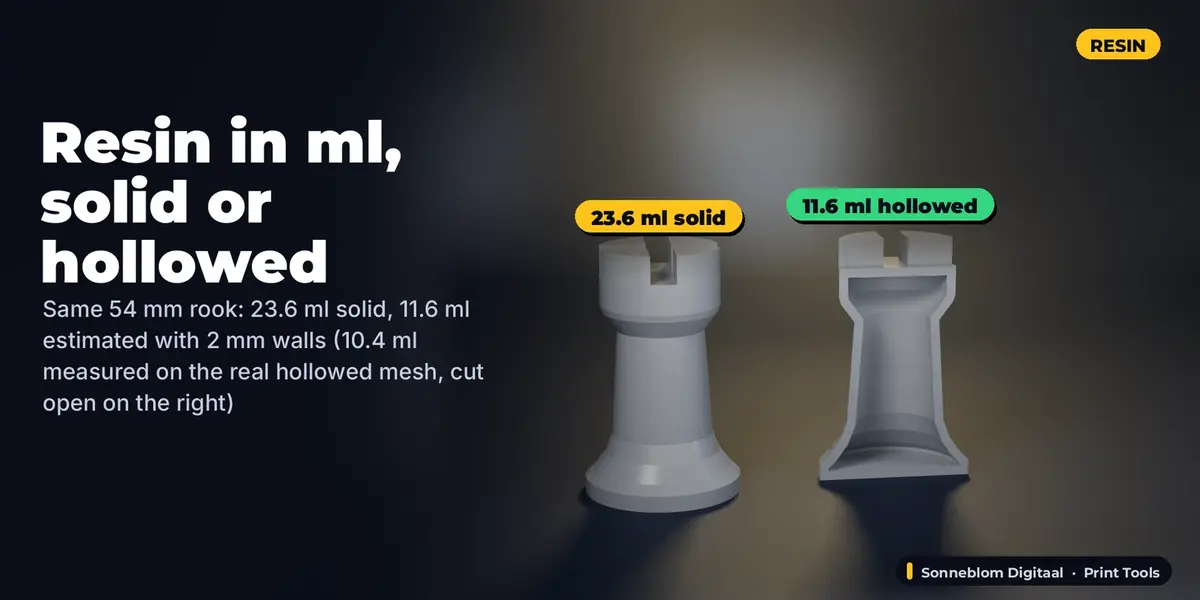
- Filament: choose the diameter and, in the Like your slicer box, copy layer height, walls, line width, top and bottom layers and infill from your slicer profile. Resin: tick Hollowed and set the wall thickness for a hollowed print.
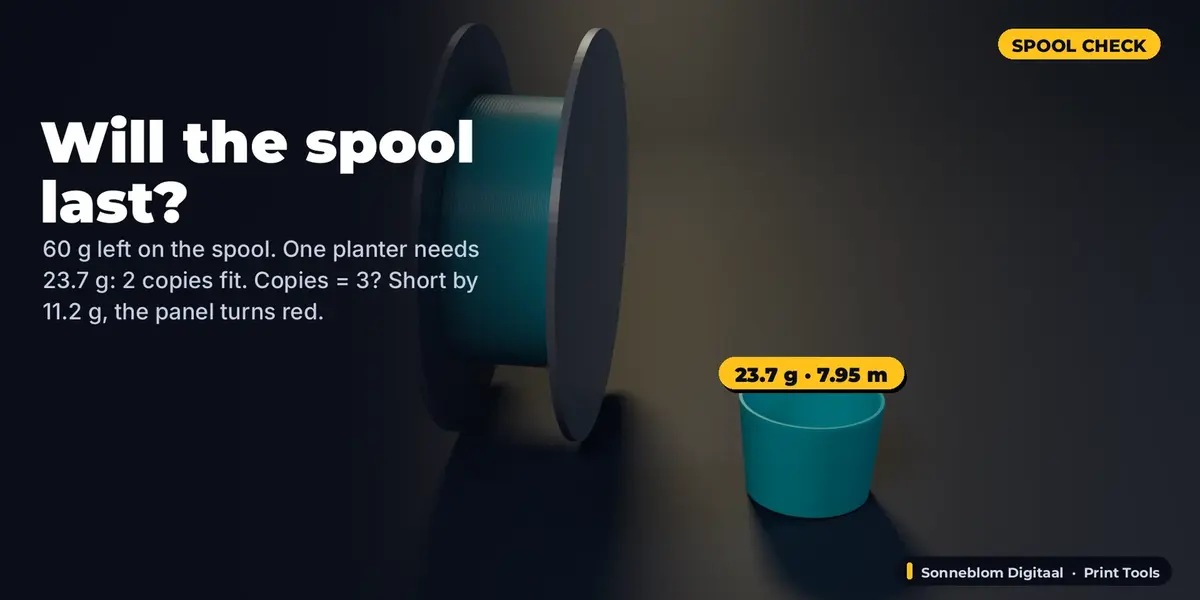
- Read the result box: one line per object (red with a warning icon if the mesh has a problem), the total in bold (grams and metres, ml and grams, or grams of metal), for filament the split into walls, top/bottom and infill plus the solid upper bound, the volume in cm³ and the tallest part, and the spool or bottle line ("Uses 6.5% of your 1000 g spool: 15 copies fit", red when you are short).
- Estimate measures again (also large models) and stores a text report; the Info bar shows the headline. The copy button next to it puts the report on the clipboard. Right after Estimate, F9 (Adjust Last Operation) shows every setting; changes there are written back to the panel.
- Change anything afterwards (a setting, the model, the scale): the panel and the stored report follow at once. Reset settings puts every setting back to the defaults; Ctrl+Z undoes it.
Settings
| Setting | Default | What it does |
|---|---|---|
| Model units | 1 unit = 1 mm | How long one Blender unit is: 1 mm, 1 cm, 1 m, 1 inch or Scene units (Scene > Units > Unit Scale). |
| Process | Filament | Filament (FDM), Resin (SLA/MSLA) or Metal (casting). |
| Filament / Resin / Metal | PLA / Standard resin / Sterling silver 925 | Material preset; sets the density (g/cm³). |
| Own density | off (1.24 g/cm³) | Type the density from your spool or bottle label. |
| Filament diameter | 1.75 mm | 1.75 mm, 2.85 mm or Custom (0.5-5 mm). |
| Layer height mm | 0.20 | Layer height of your slicer profile. |
| Walls | 2 | Number of perimeters. |
| Line width mm | 0.40 | Width of one wall line (usually the nozzle size). |
| Top layers / Bottom layers | 4 / 4 | Solid layers on top and bottom surfaces. |
| Infill % | 15 | Sparse infill. 100% = solid. |
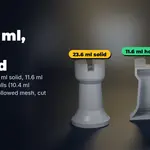
| Hollowed (resin) | off | Only a shell of Wall mm is filled (drain holes not subtracted). |
| Wall mm (resin) | 2.00 | Shell thickness of a hollowed resin print. |
| Extra % | 0 | Added for supports, brim, purge or casting sprues. |
| Copies | 1 | How many of each selected part you print. |
| Left on spool g | 1000 | Filament you have left (a new spool is usually 1000 g). |
| Resin in bottle ml | 1000 | Resin you have (bottle + vat). |
| Selected objects only | on | Off: estimate every visible object in the scene. |
How the printed estimate works
The volume is computed exactly from the closed mesh (cavities subtracted). For filament the object is cut into horizontal slices at your layer height. In each slice the walls are the outline length times the wall thickness (walls x line width, with the inward offset of round contours), top and bottom skins are the parts of a slice that have air within the skin thickness above or below, and the rest is infill at your infill %. The three parts are scaled so that 100% infill gives exactly the solid volume. Grams = volume x density; metres = volume / filament cross-section.
Mesh check
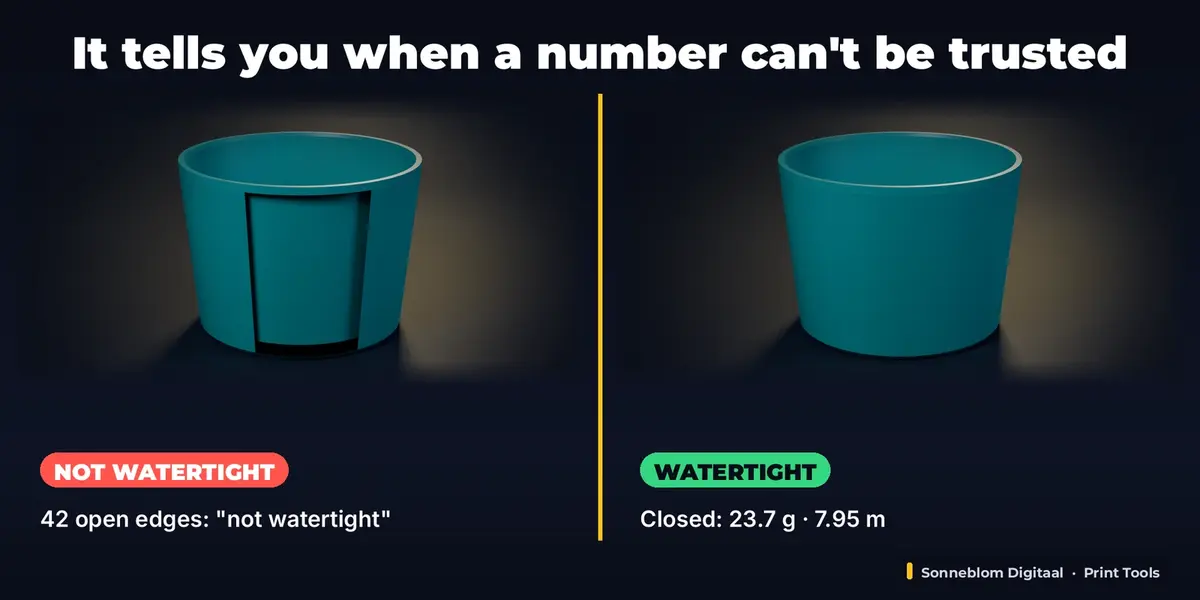
- Not watertight (open edges, or edges shared by 3+ faces): the volume is not reliable. Close the holes (Edit Mode > Mesh > Clean Up > Fill Holes, or a repair add-on such as Print Fix).
- Mixed normals: Edit Mode > Mesh > Normals > Recalculate Outside.
- Inside-out part: counted as solid and reported. A reversed shell inside another one is a real cavity (a hollow part) and is subtracted.
- Overlapping parts in one object are counted twice (a slicer merges them): join them with a Boolean Union for an exact figure.
- STL files store every triangle separately; vertices at the same position are welded for the check, like a slicer does.
Tips
- Quoting a batch: set Copies and the spool line tells you whether one spool is enough.
- Supports, brim and purge: add them as Extra % (10-20% is common for supported prints).
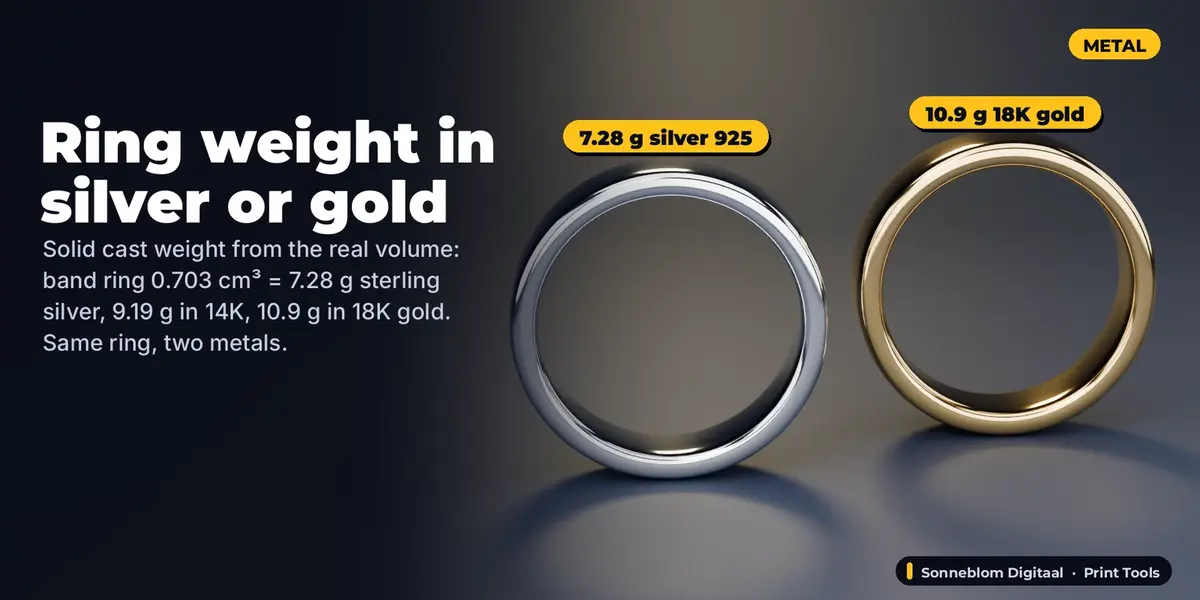
- Jewellery: model the ring at its real size in mm, choose Metal and the alloy, and add 10-20% Extra for sprues if your caster asks for the metal to order.
- Very large models (over 150,000 triangles) are not measured live; the panel says "large model, click Estimate".
Limits
- Material only: no price, no print time (that is Print Cost & Time Calculator).
- Supports, brim, ironing, the exact infill pattern and seams are not simulated. The solid figure is exact; the printed figure is an estimate.
- Hollowed resin does not subtract drain holes; metal weight is a solid cast without shrinkage.
- Objects with more than 400 separate parts are not checked for overlaps (the volume is still exact for a clean mesh).
- The add-on never changes your mesh, so there is nothing to restore.
Licence
GPL-3.0-or-later. Made by Sonneblom Digitaal.
Have questions about this product?
Login to message
| Blender Extension Compatible | Yes |
| Published | 1 day ago |
| Blender Version | 4.2 - 5.2 |
| Extension Type | Add-on |
| License | GPL |