Filament & Resin Estimator
 Sonneblom Digitaal
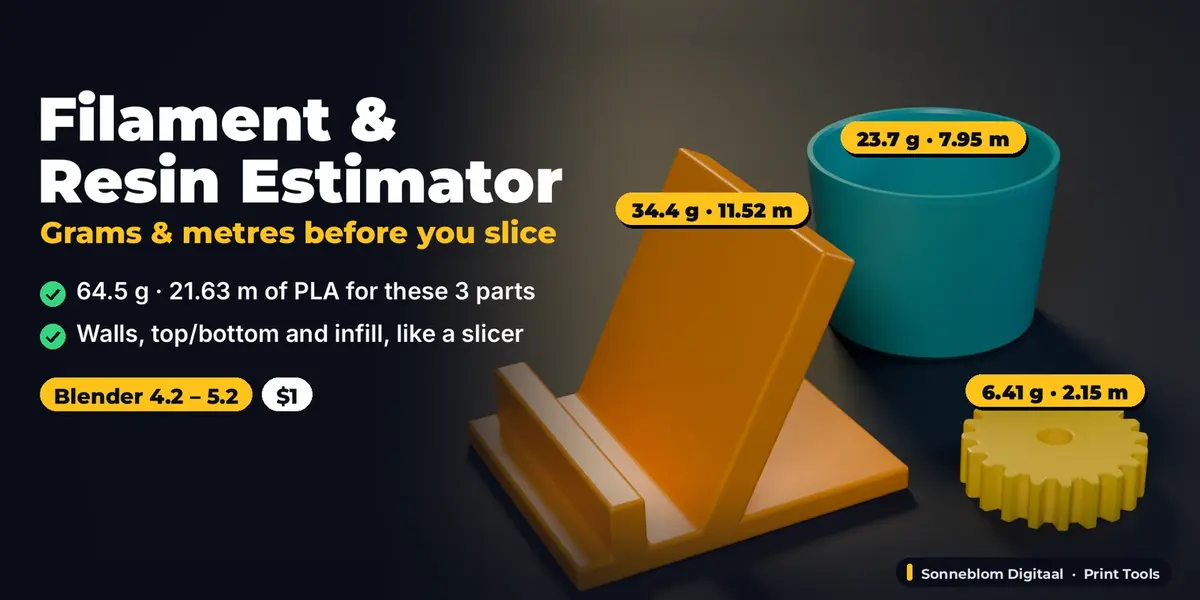
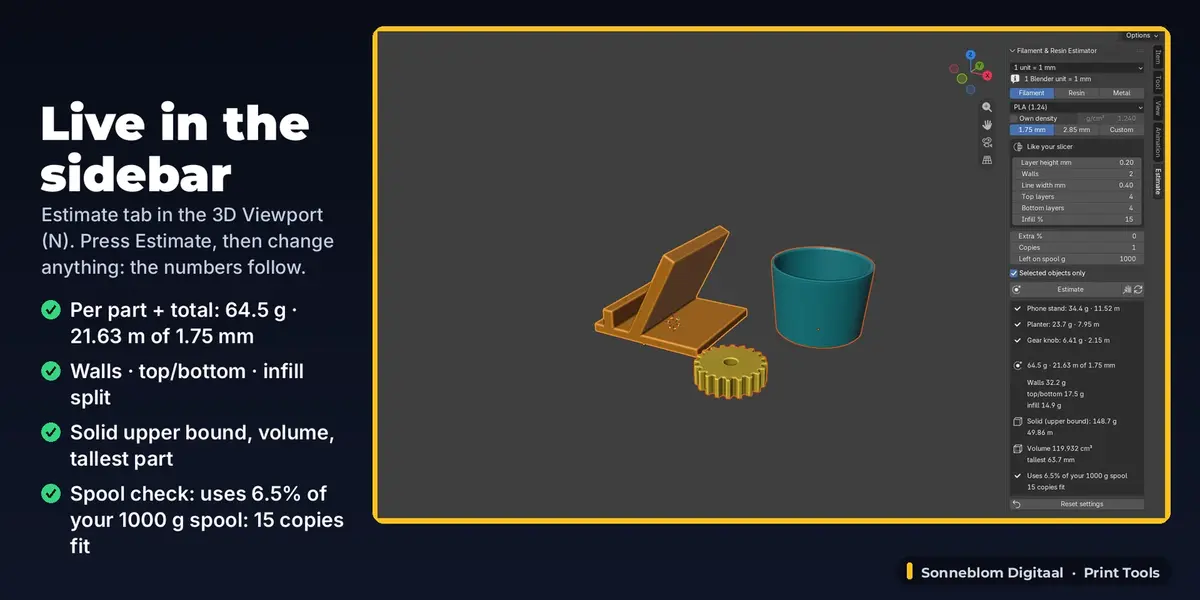
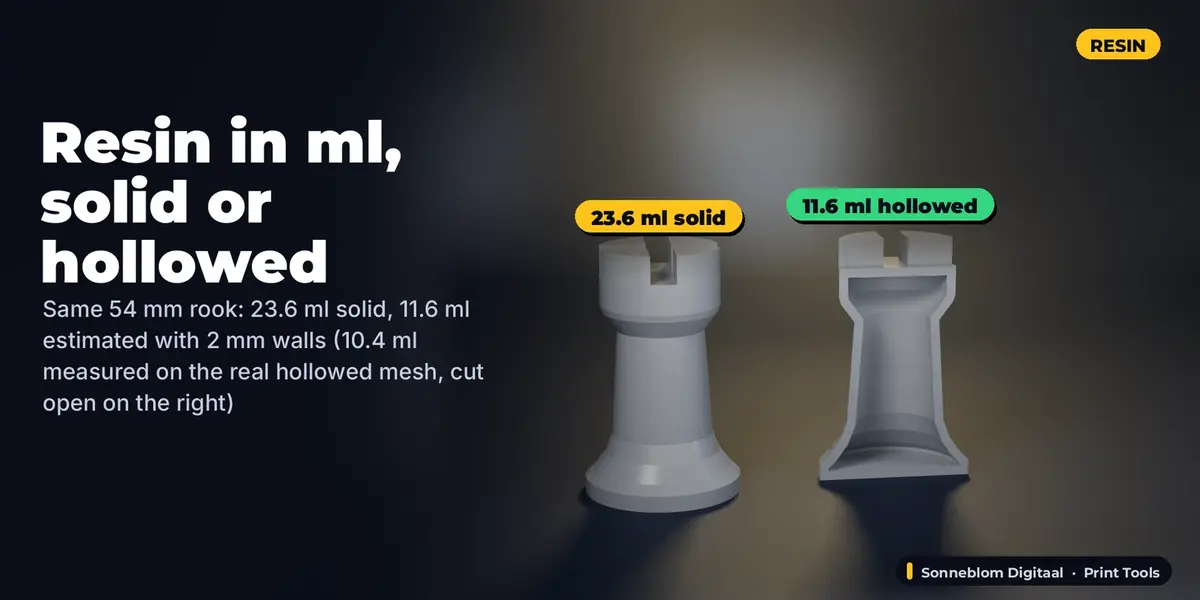
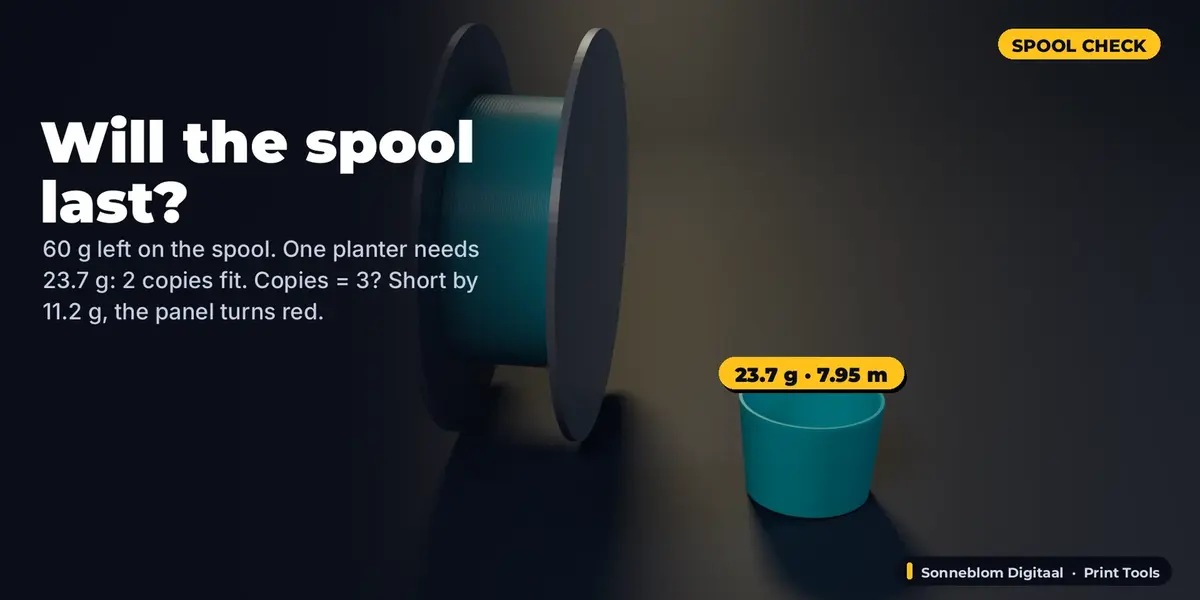
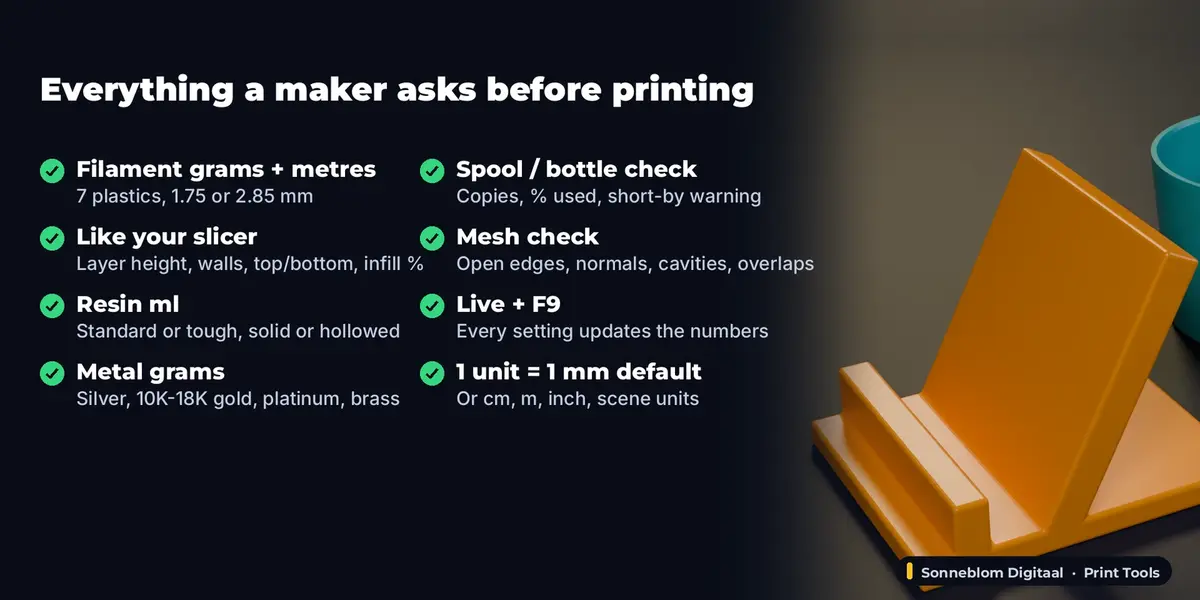
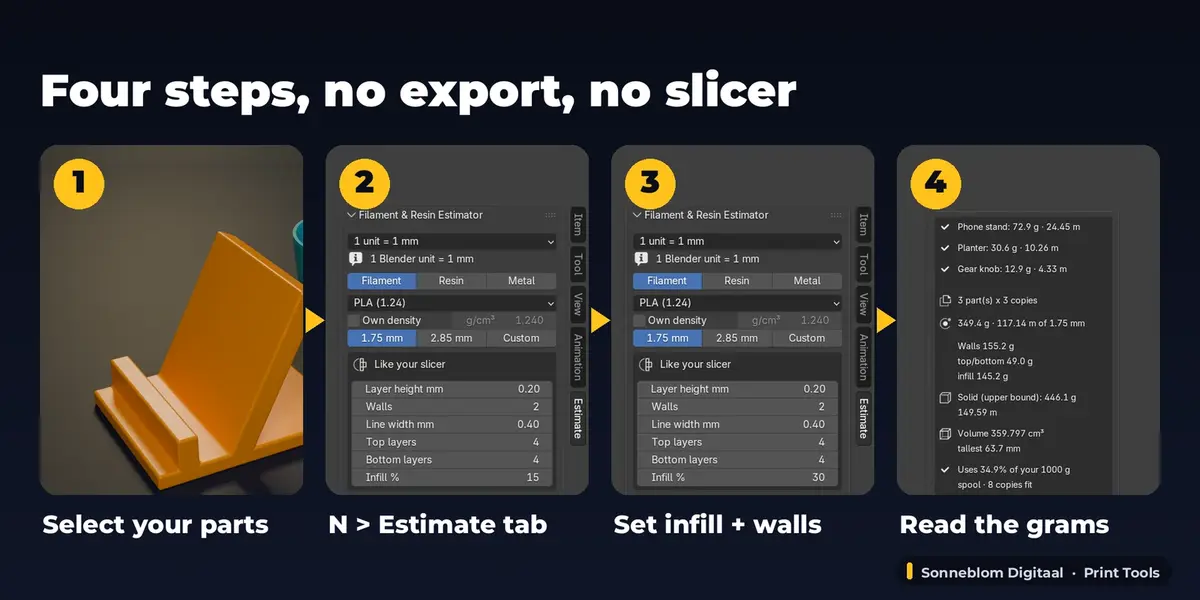






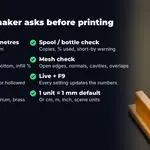
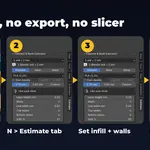
The solid volume is exact for a closed mesh. The printed figure models walls, top/bottom layers and infill from real cross-sections at your layer height, so it lands between the shell and the solid figure the way a slicer's does. Supports, brim and the exact infill pattern are not simulated: add them with Extra %.
No. The default setting is 1 Blender unit = 1 mm, which is what STL, 3MF and OBJ files from printing sites and CAD use, even in Blender's default (metre) scene. If you model in metres, choose 1 m or Scene units in the first drop-down.
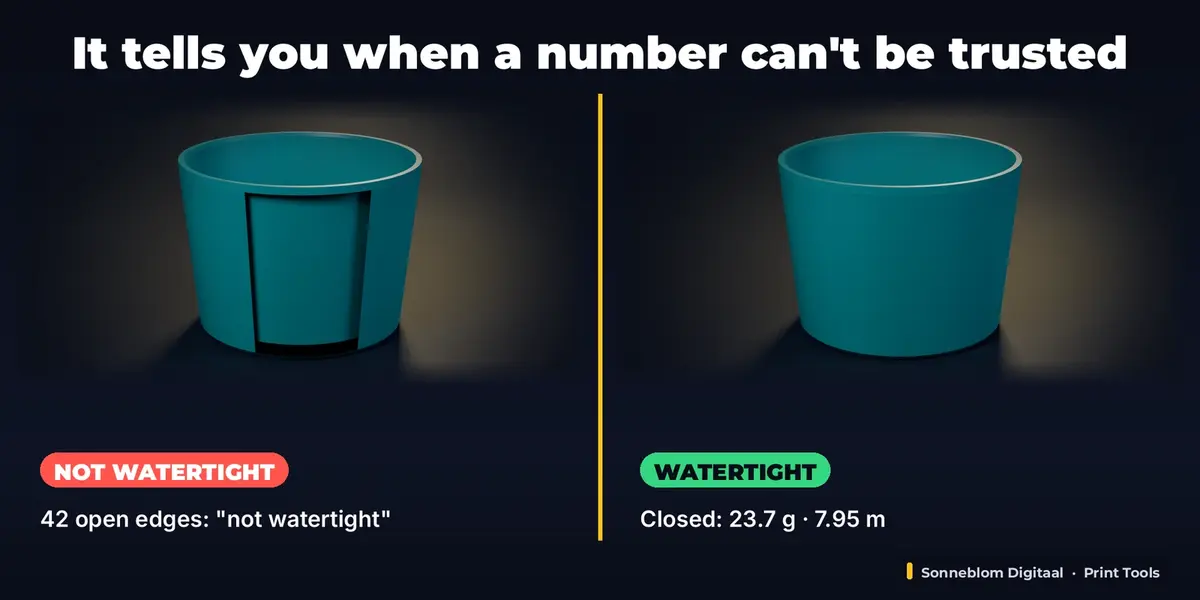
The mesh has open edges (holes) or edges with three or more faces, so it has no well-defined inside and its volume is not reliable. Close the holes first (Edit Mode > Mesh > Clean Up > Fill Holes, or a repair add-on) and the warning goes away. The add-on itself never changes your mesh.
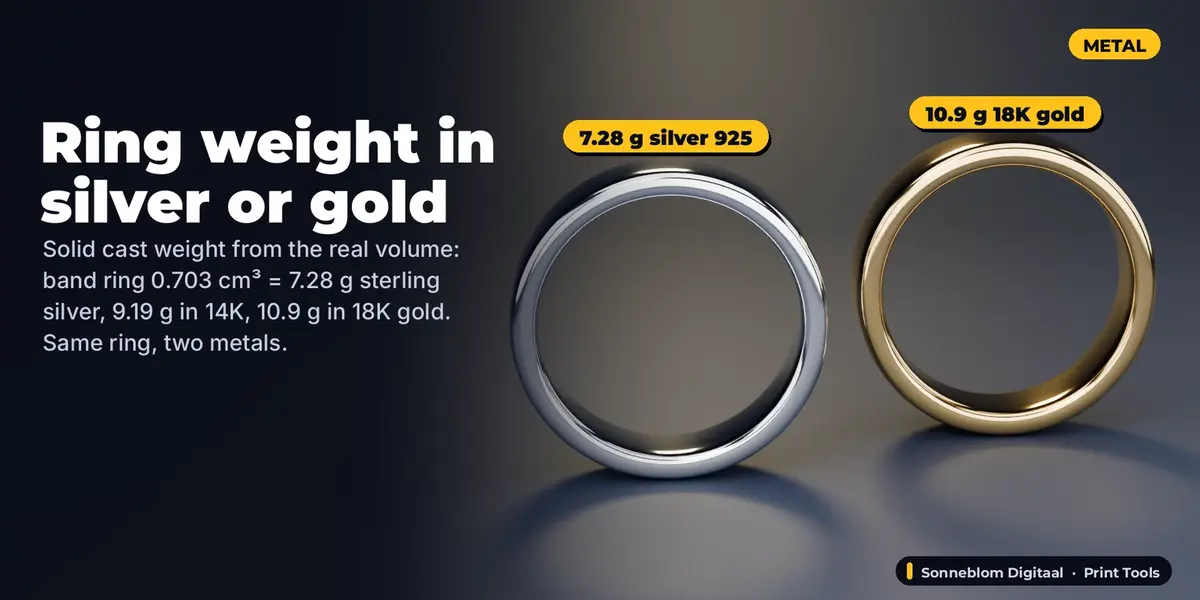
Yes. Choose Metal and the alloy (sterling silver 925, 10K/14K/18K gold, platinum 950, brass or bronze) and it gives the grams of a solid cast. Add Extra % for sprues if needed.
No, this add-on is about material: grams, metres, ml and whether your spool or bottle lasts. Price and print time are what Print Cost & Time Calculator does.
Yes. Select as many objects as you like; each gets its own line and the total is at the bottom. Modifiers, object scale, rotation and mirroring are included. Curves and text count when they have Extrude or Bevel depth.
Measurements are cached and only redone when an object changes. Models over 150,000 triangles are measured only when you click Estimate.
Have questions about this product?
Login to message
| Blender Extension Compatible | Yes |
| Published | 1 day ago |
| Blender Version | 4.2 - 5.2 |
| Extension Type | Add-on |
| License | GPL |