 Marcos Medel


Stop Scrolling -- Start Creating
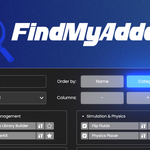
Every Blender project flows better when you can find the right tool fast. FindMyAddon gathers all your add-ons in a lightning-quick pop-up, so you grab what you need in seconds and stay in the creative flow.Key Features
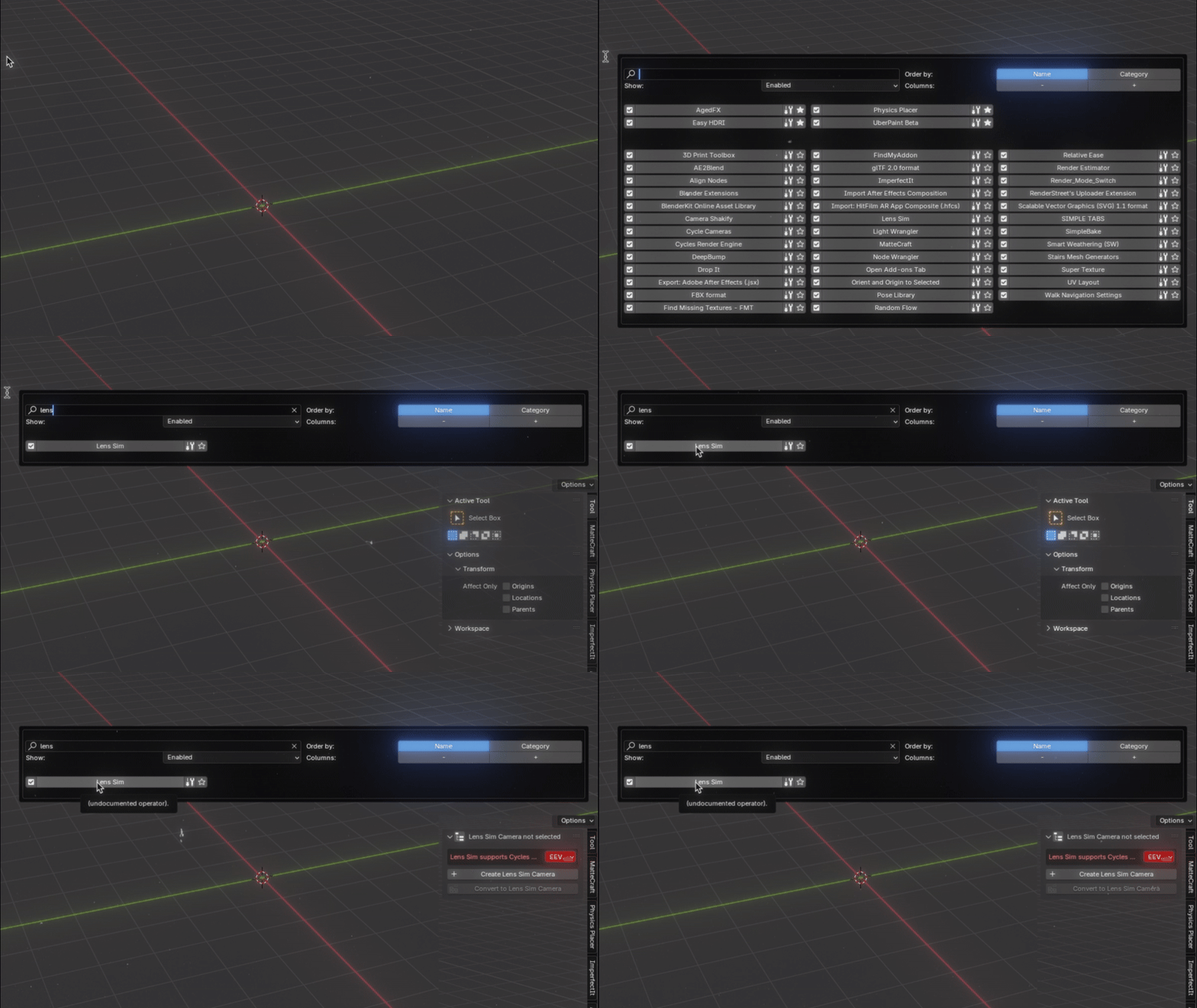
🔍 Instant Search – type the add-on name to find it. Also matches the add-on's module name and its N-panel tab name.
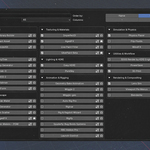
⭐ Favorites & Custom Categories – your essentials always on top.
👁️ Hide or Show Add-ons – control what appears in results, with a global “Show All” override.
✅ 1-Click Enable/Disable – toggle any add-on, or enable/disable entire categories at once.
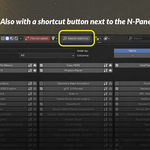
📌 Jump to Add-on Tab – open the exact N-panel with one click. Works across editors: if the add-on lives in the Graph Editor, Shader Editor or elsewhere, FindMyAddon takes you to it — asking first if that editor isn't open. (new in 1.4)
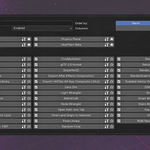
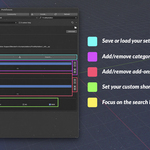
↔️ Configurable Popup – adjust columns, resize the width, and set your own hotkey.
⚡ Faster Search – live type-ahead updates while filtering and adding add-ons.
🗂️ Filter Tabs – All / Enabled / Disabled / Favorites, now easier to access.
🌐 Works in Any Editor – the shortcut opens FindMyAddon in the 3D View, Image, Node, Graph, Sequencer editors and more. (new in 1.4)
🕒 Recent – your recently opened add-ons, right at the top of the popup. (new in 1.4)
📤 Export/Import Settings – save or load categories, favorites, visibility, and UI preferences.
🧩 Blender 2.80 → 5.1 – cross-platform, GPL-licensed.
Built by a power-user, tested in production.
Hit ⇧ R (or your custom shortcut), find your add-on in seconds, and keep the creative juice flowing.