 AA - Artem Academy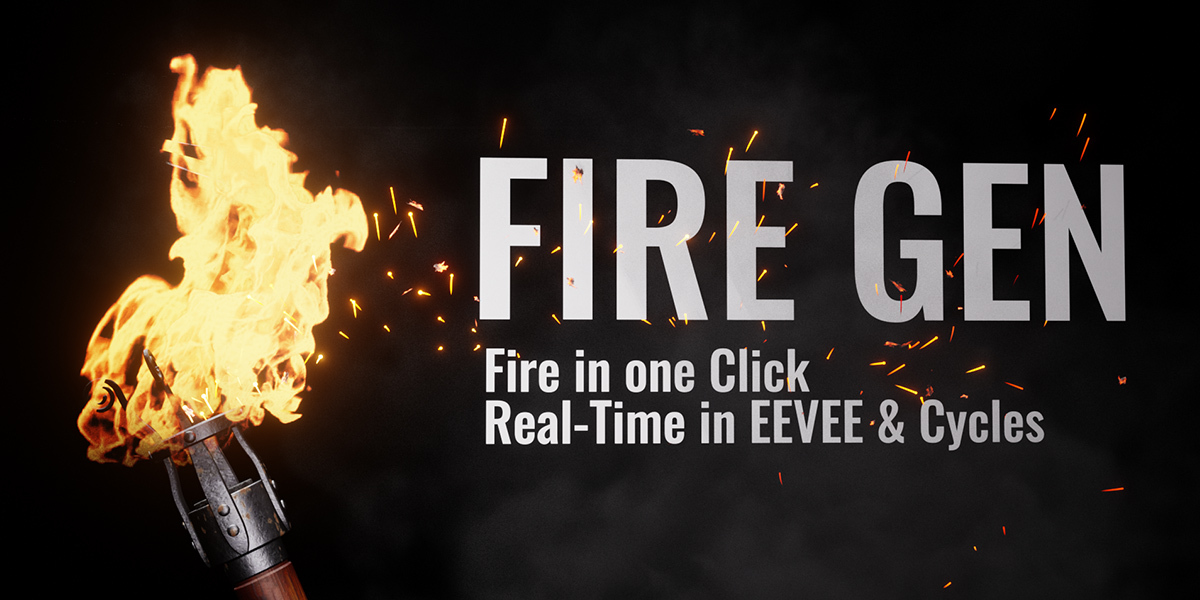
Blender add-on / Geometry Nodes
Fire Gen
Dynamic Fire in One Click.
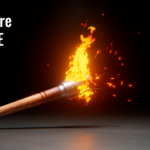
Bring your scenes to life with fire, drifting smoke, sparks, flying ash and progressive charring. Start with a preset, make it your own and keep the entire effect editable in Geometry Nodes.
Make it move. Make it burn.
More than just a flame.
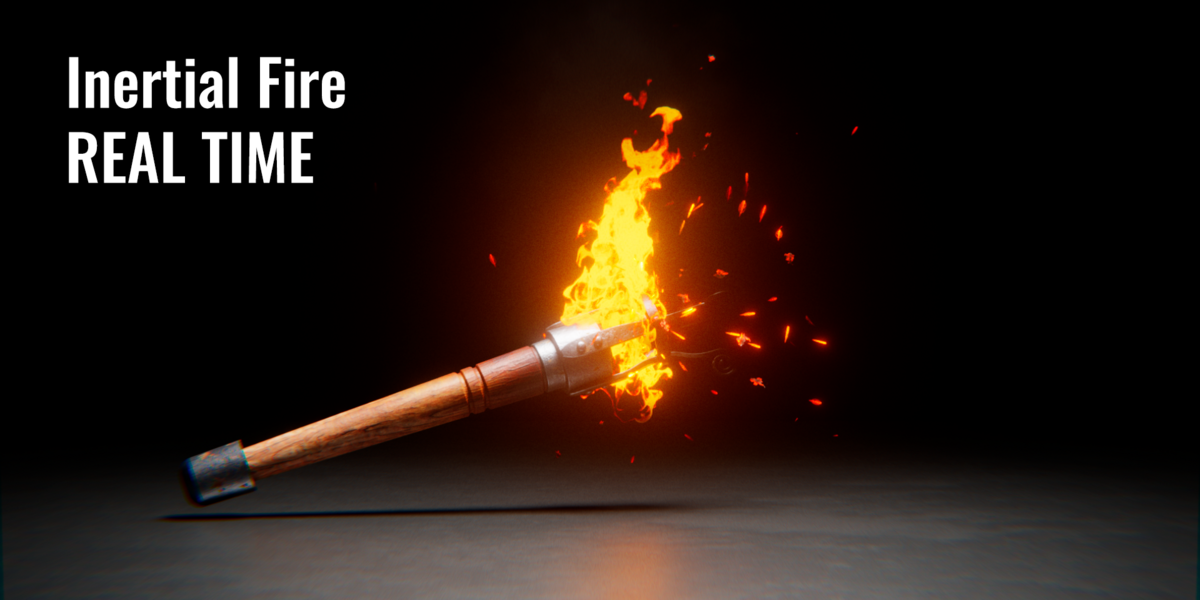
Control the look, movement and spread of your fire from one native modifier. Build a subtle torch, a burning character or a larger fire effect without starting from an empty node tree.
01 / FIRE
Three ways to build your fire
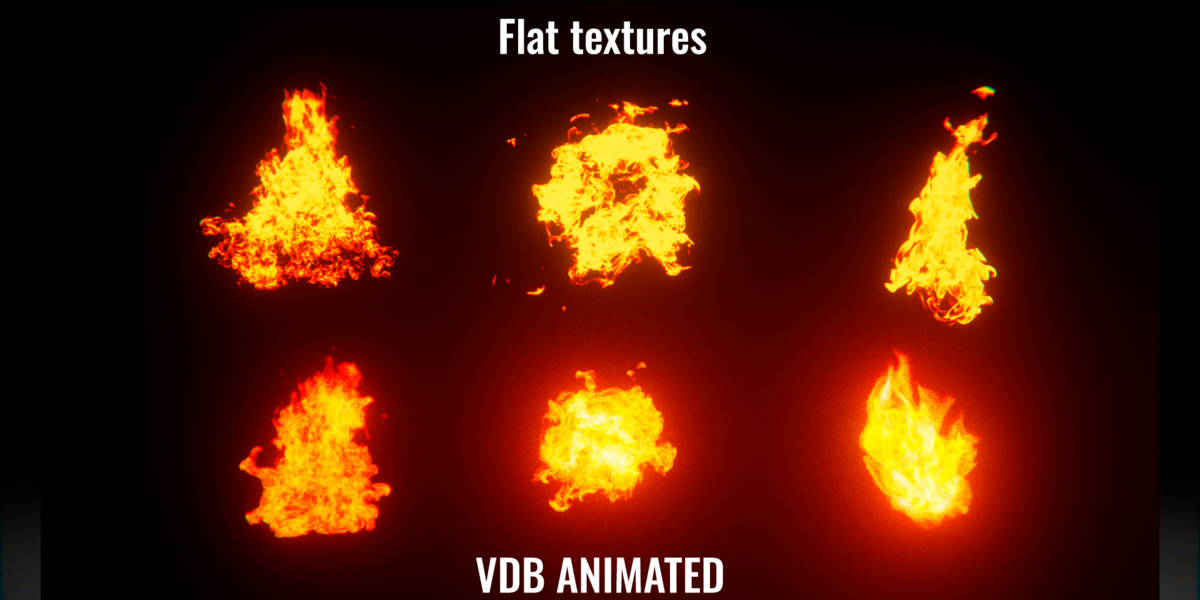
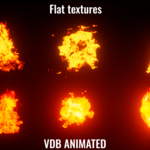
Choose Flat, Ribbon or VDB. Shape atlas-based flames with size, color and animation controls, or use the included Small, Medium and Large VDB sequences.
02 / ATMOSPHERE
The details that sell the effect
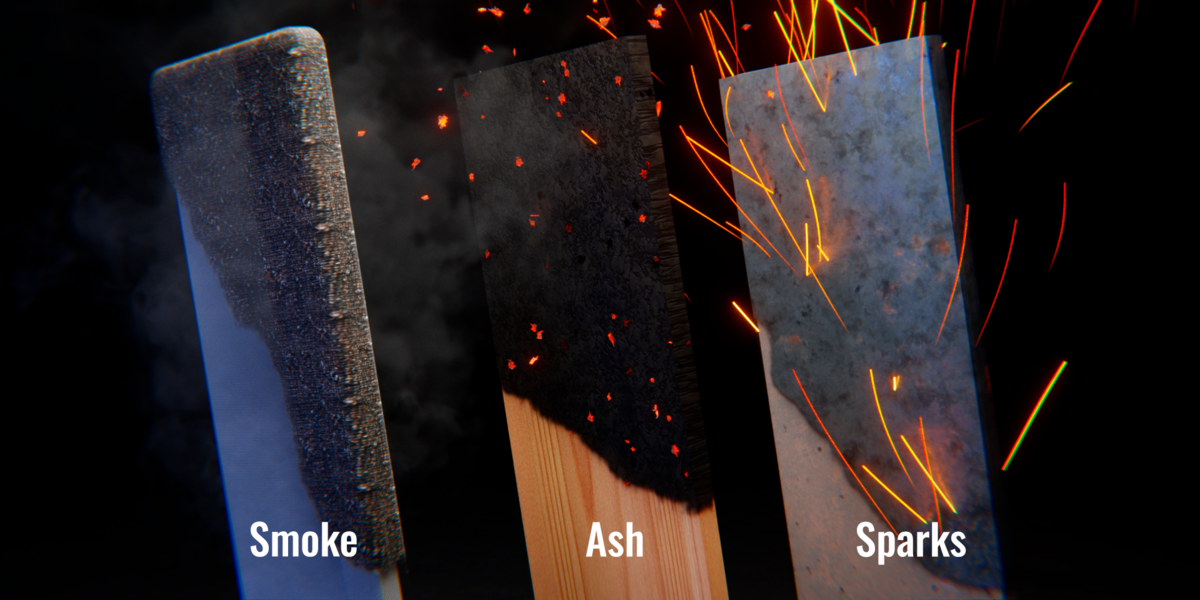
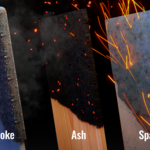
Layer smoke, round or trail sparks, textured flying ash and heat haze. Adjust each element to suit your shot.
03 / GROWTH
Decide where the fire spreads
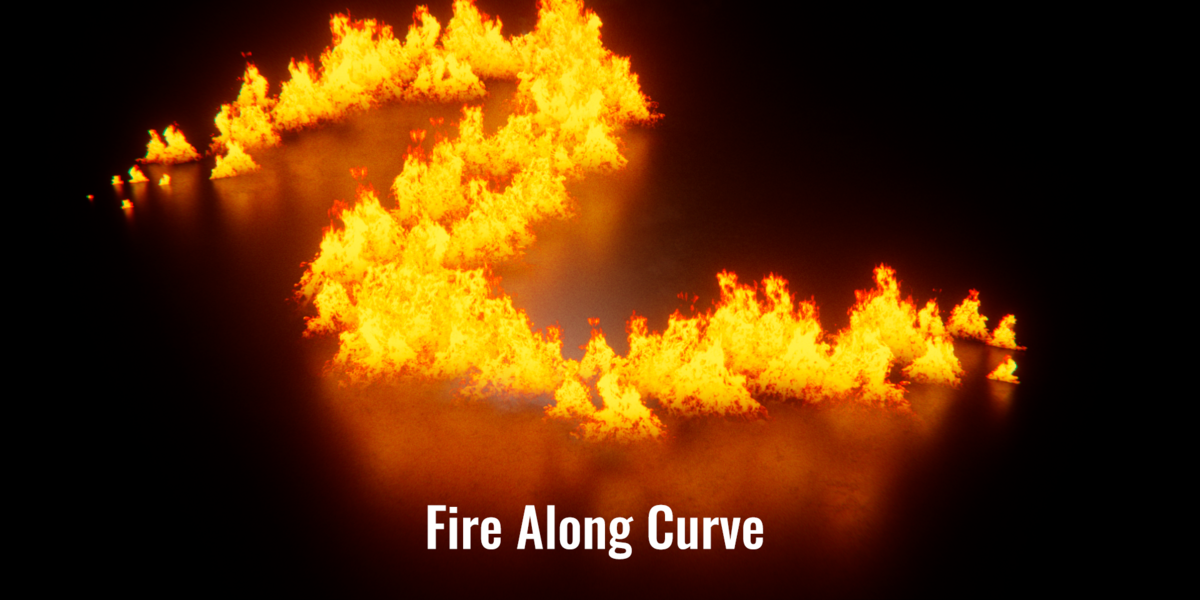
Control the starting point and growth speed. Use painted weight masks or an object mask with Invert to direct the burning area.
04 / MOTION
Give the flames direction
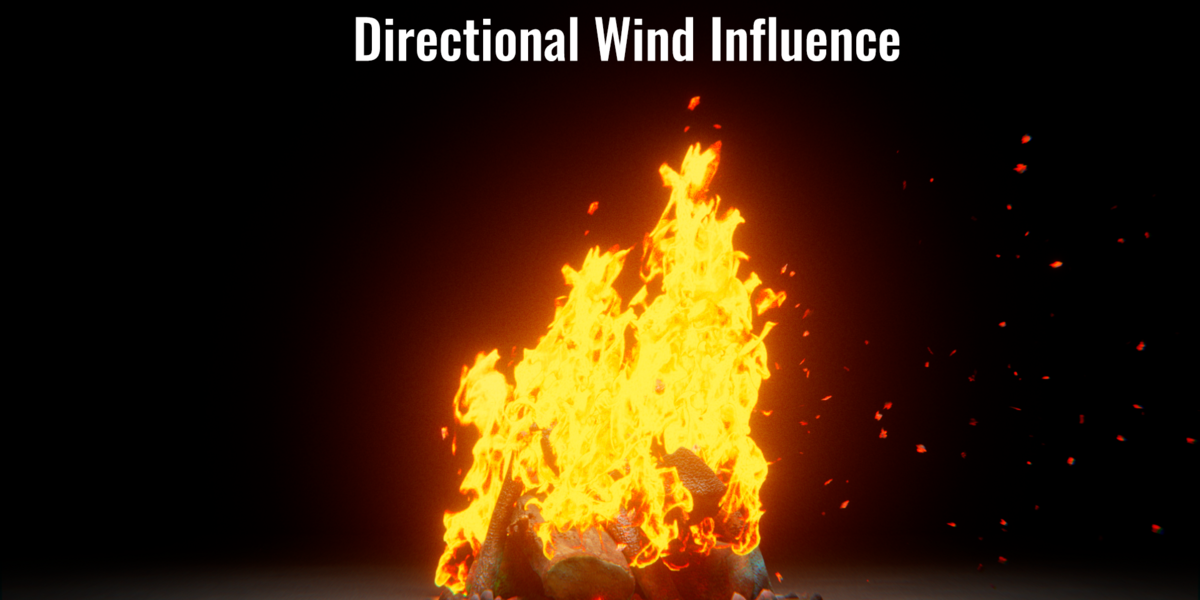
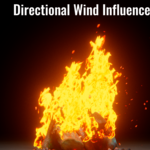
Use wind, gusts and motion controls with compatible effect modes. Apply Fire Gen to animated meshes for moving emitters.
Progressive charring
Leave a mark after the flames.
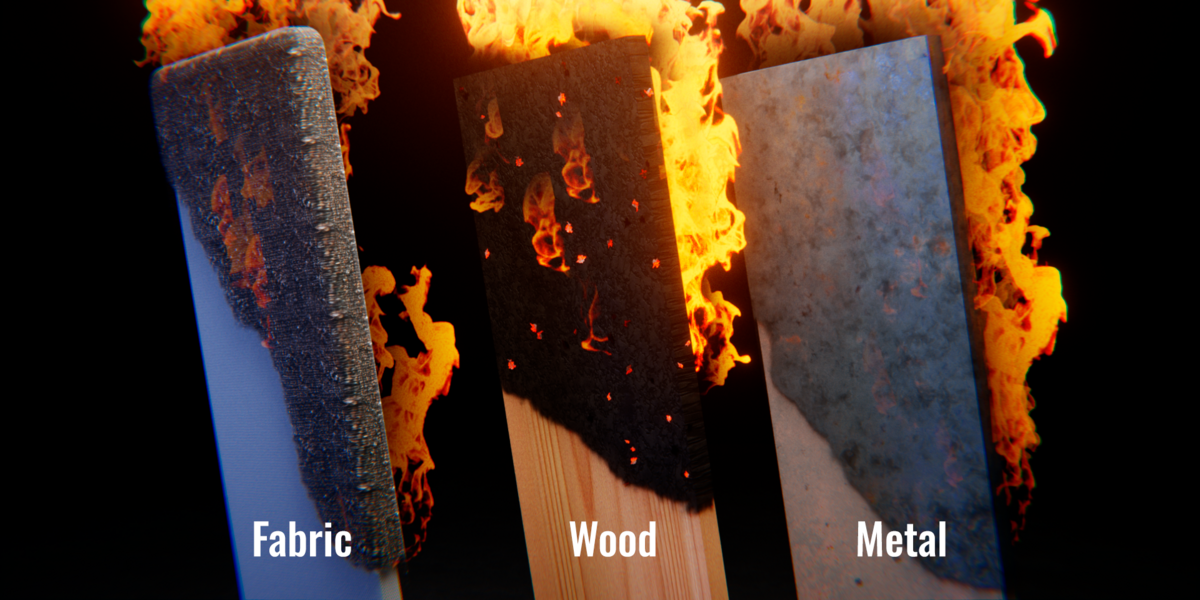
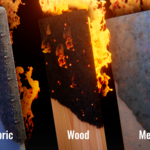
Choose Wood, Iron, Fabric or Organic burnt surfaces. Preserve your original material outside the affected area and synchronize charring with masks and growth.
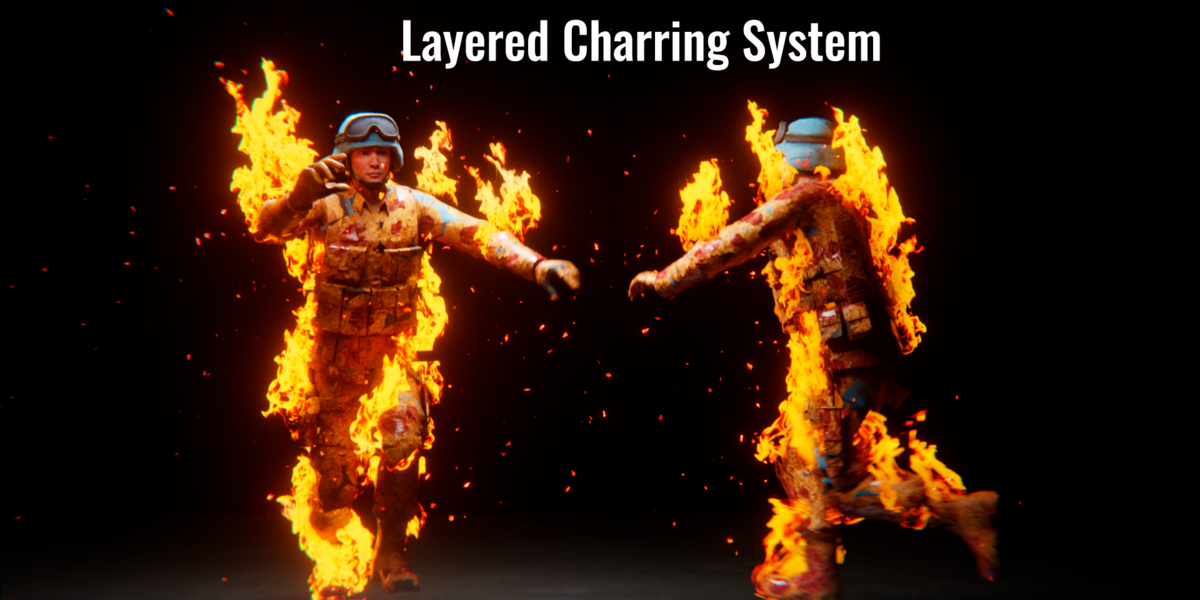
Organic charring develops through three adjustable layers, leaving irregular patches of earlier stages for a varied result.
Fine-tune the transition: delay, texture rotation, edge variation and charring memory.
A head start for your next scene
10 presets. Your own direction.
Start with Master Clean or choose a ready-to-use look. Adjust the native modifier controls and save your settings as personal presets.
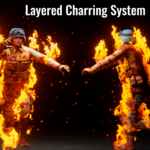
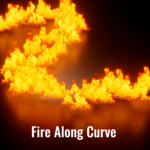
Master Clean / Torch Flame / Campfire / Bonfire / Fireball / Flame Trail / Burning Character
VDB Fire — Small / Medium / Large
From object to effect.
- Select your emitter. Use a mesh or curve in Object Mode.
- Add Fire Gen. Choose Object > Fire Gen > Add Fire Gen to Selected, or apply a preset from the Asset Browser.
- Make it yours. Adjust the Geometry Nodes modifier and preview in Rendered shading.
Included: editable examples, packed effect textures, VDB sequences and an English quick-start guide.
Tutorial / How to use
From zero to burning scene.
A complete walkthrough in five steps. No node editing required — every control lives in the native Geometry Nodes modifier.
Prepare your emitter
Select a mesh or curve in Object Mode. For characters, make sure the mesh is already skinned and the Armature modifier is in place.
Tip: apply scale with Ctrl+A → Scale before adding the effect — this keeps flame size predictable.
Add Fire Gen
Open Object → Fire Gen → Add Fire Gen to Selected. A Geometry Nodes modifier appears on the object with the default Master Clean preset.
Alternatively, drag a preset from the Asset Browser onto the object — the modifier is created automatically.
Pick a fire type
In the modifier panel, set Fire Type to Flat, Ribbon or VDB. Flat and Ribbon use packed atlas textures; VDB uses the included Small / Medium / Large sequences.
Switch to Rendered shading (Z) to preview flames, sparks and smoke in real time with EEVEE.
Shape the effect
Adjust the grouped controls in the modifier, in this order:
- Fire — size, color, animation speed.
- Atmosphere — smoke density, spark count, ash, heat haze.
- Growth — start point, spread speed, weight mask or object mask.
- Motion — wind, gusts, direction.
Tip: paint a vertex group and plug it into the Growth mask to control exactly where the fire spreads.
Bake and render
Play the timeline from frame 1 so simulation-driven elements (particles, charring memory) evaluate correctly. Bake them before the final render to get consistent results on any frame.
Save your tuned modifier as a personal preset via the modifier's preset menu — it will appear in the Asset Browser for future scenes.
Before you light it up.
Does Fire Gen work with EEVEE and Cycles?
Yes. EEVEE supports interactive previews, and Cycles is supported for rendering. Blender 5.2 or newer is required. Performance depends on your hardware, scene complexity and effect settings.
Can I use my own objects and animated characters?
Yes. The object with the modifier becomes the emitter. For animated characters, place Fire Gen after the Armature or other deformation modifiers and keep the mesh topology consistent.
Does it require a fire simulation or baking?
Atlas-based fire does not require a fluid simulation. Play simulation-driven effects, such as particle motion and charring memory, from the scene start and bake them for reliable rendering at arbitrary frames.
Start with a preset. Finish with your own fire.
Fire Gen · Native Geometry Nodes workflow for Blender.