 ZEG
ZEG

Installation
In Blender open Edit, Preferences, Get Extensions, then use Install from Disk and pick the fire_hydrant_generator zip.
Usage
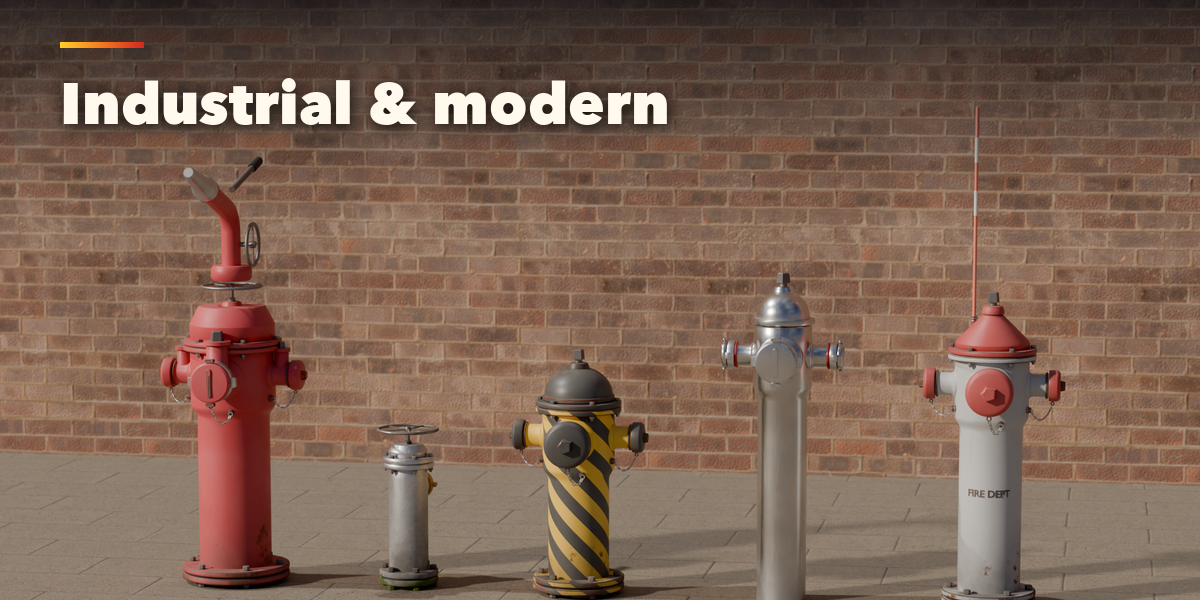
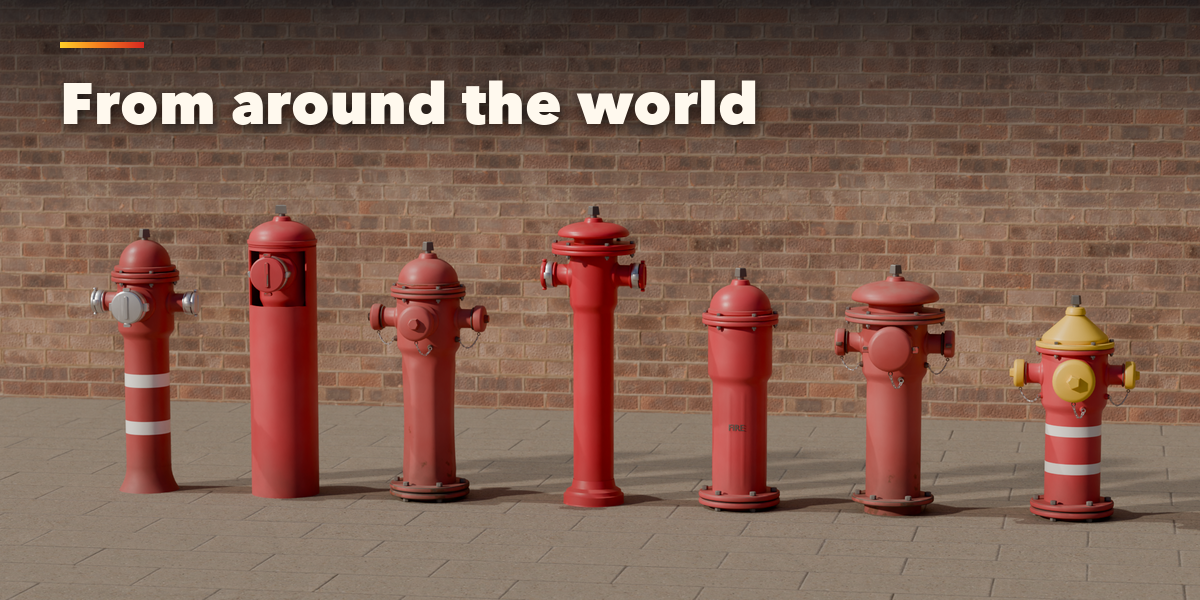
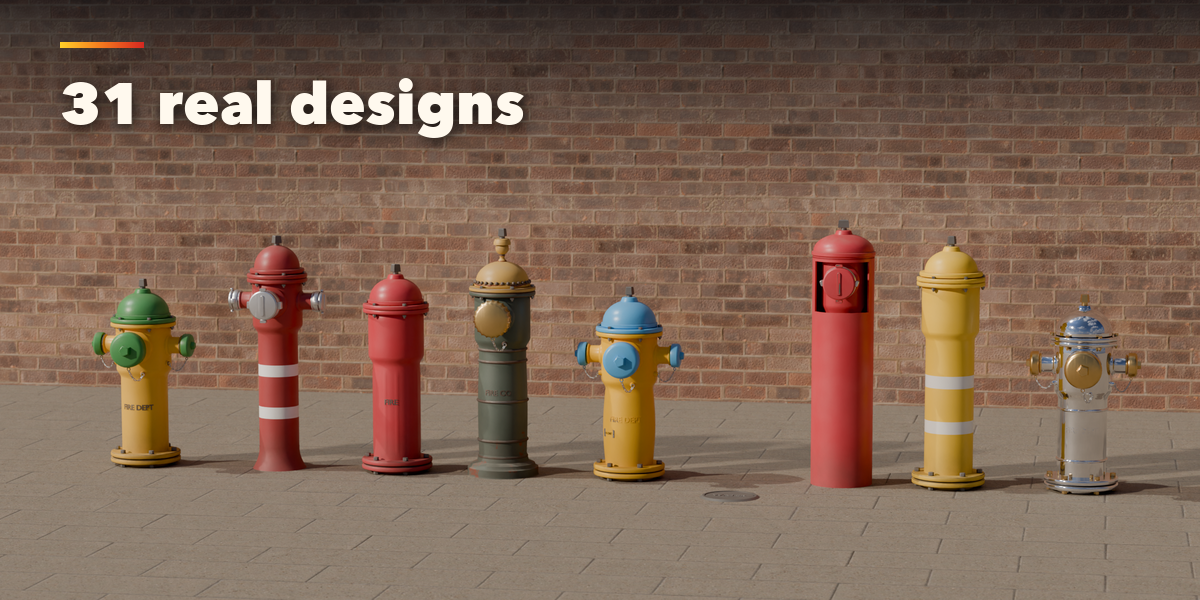
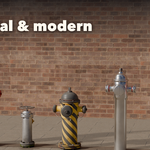
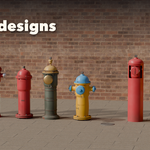
- Open the Hydrant tab in the 3D viewport sidebar (N). With no hydrant selected, browse the designs by region and click Add Fire Hydrant to place one at the 3D cursor. You can also use Shift+A, Mesh, Fire Hydrant.
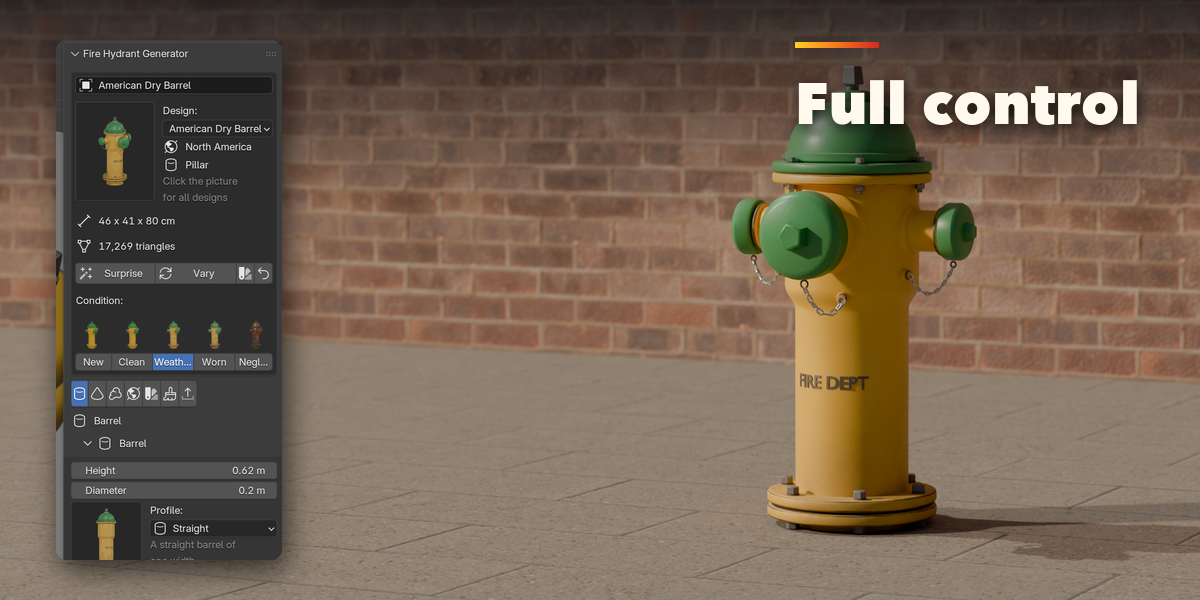
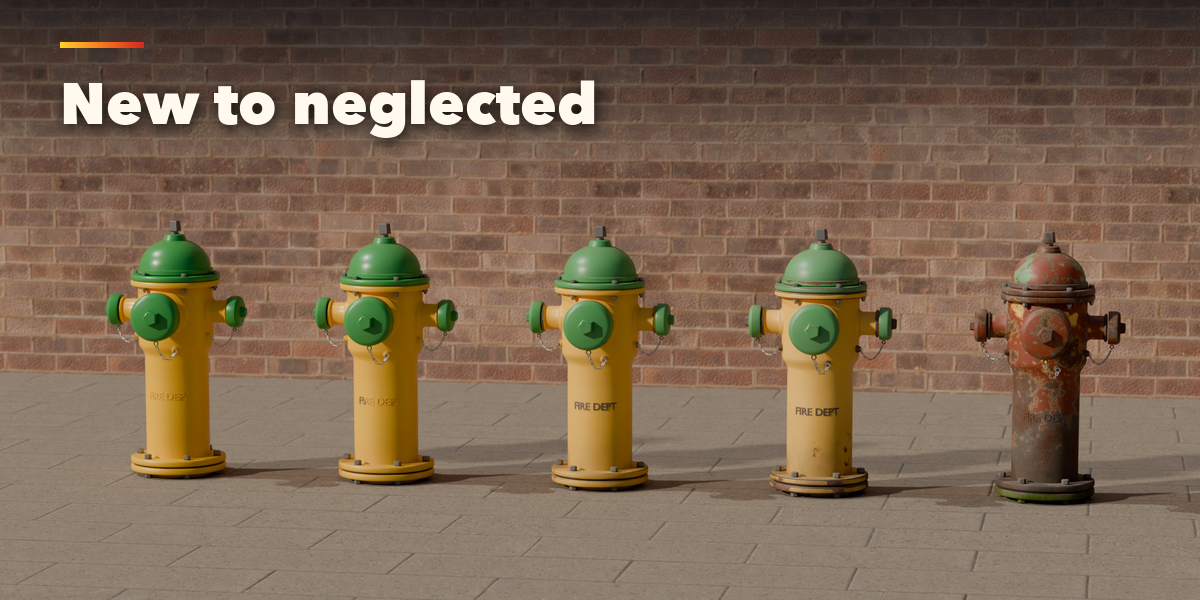
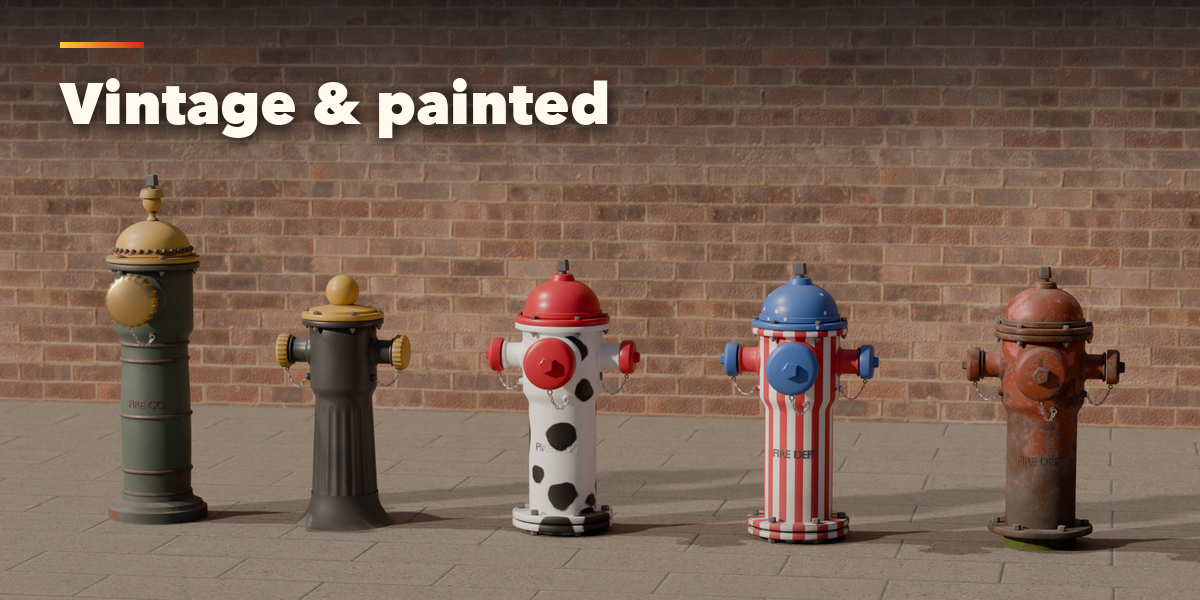
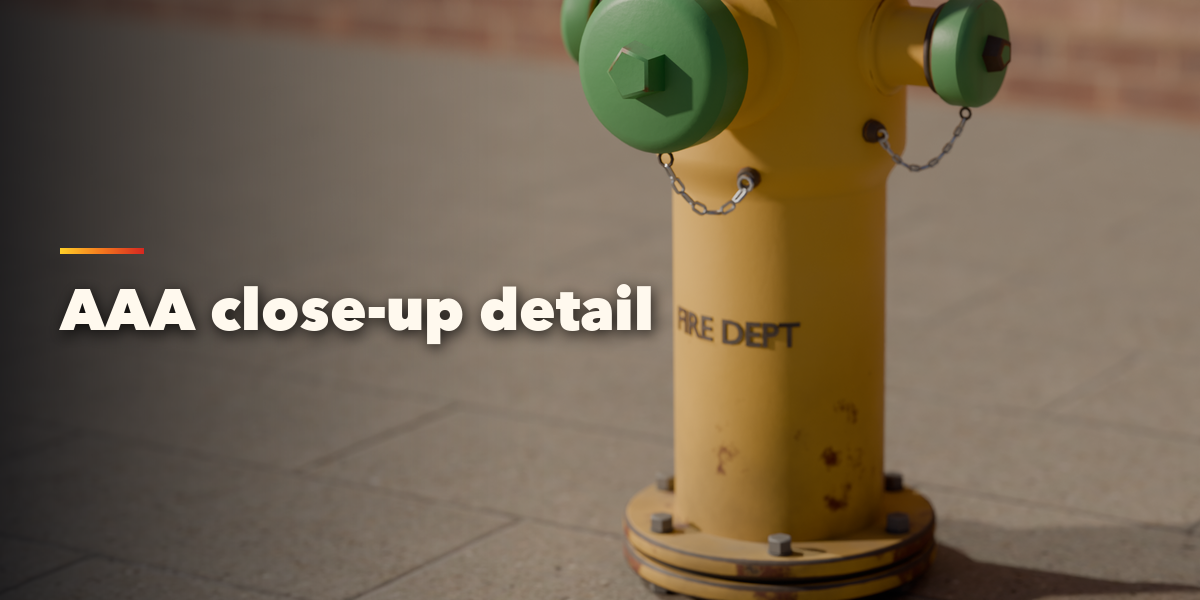
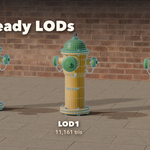
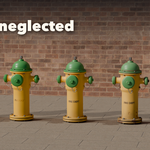
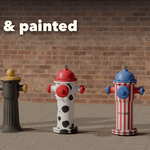
- The card at the top shows the design, its size and triangle count. Click a condition picture to age it from New to Neglected; Surprise makes a new random design and Vary changes the current one a little.
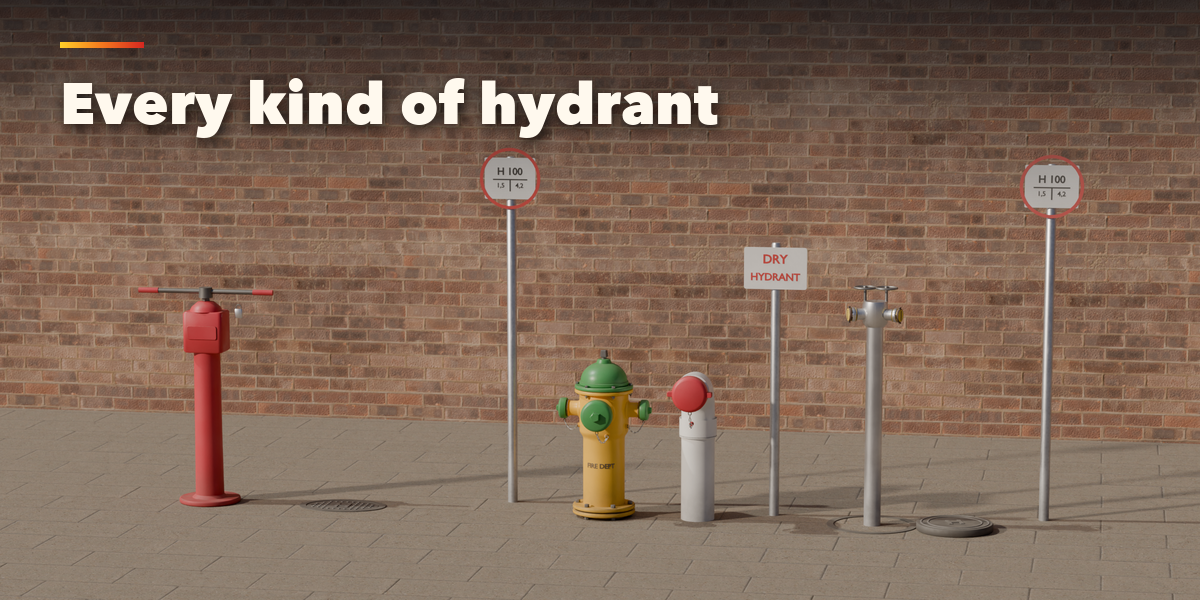
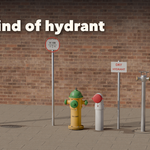
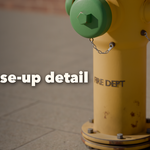
- The icon tabs hold every setting: Barrel, Bonnet & Nut, Outlets, Lid & Sign (underground), Wall Connection, Post & Pipe (indicator valve and dry hydrant), Site, Paint & Metal, Weathering and Parts & Export.
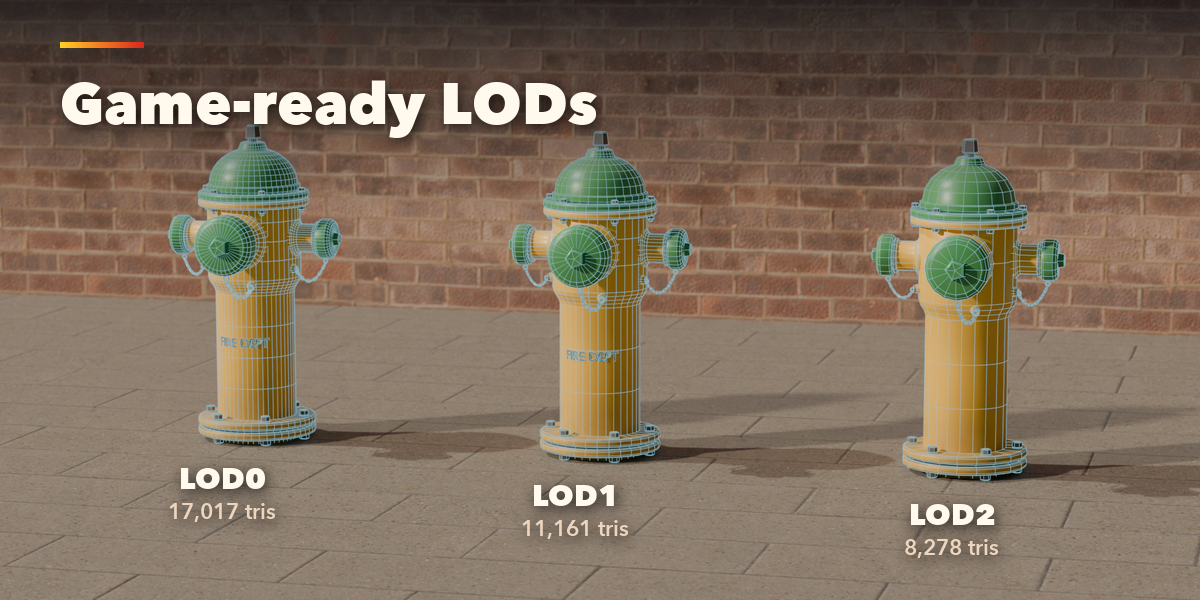
- In Parts & Export, pick the detail level, then Export for Games: choose the format (GLB, FBX, OBJ), the engine packing (Unreal, Unity URP, Unity HDRP, glTF/Godot), texture size, levels of detail and collision hulls.
- Convert to Mesh keeps the hydrant as plain meshes; Delete removes it with all its parts.
Have questions about this product?
Login to message
| Blender Extension Compatible | Yes |
| Published | 2 days ago |
| Blender Version | 4.2 - 5.2 |
| Extension Type | Add-on |
| Render Engine Used | Cycles, Eevee |
| License | GPL |

Discover more products like this
LOD procedural hydrant props urban PBR street props city Generator environment game assets fire hydrant