 Sonneblom Digitaal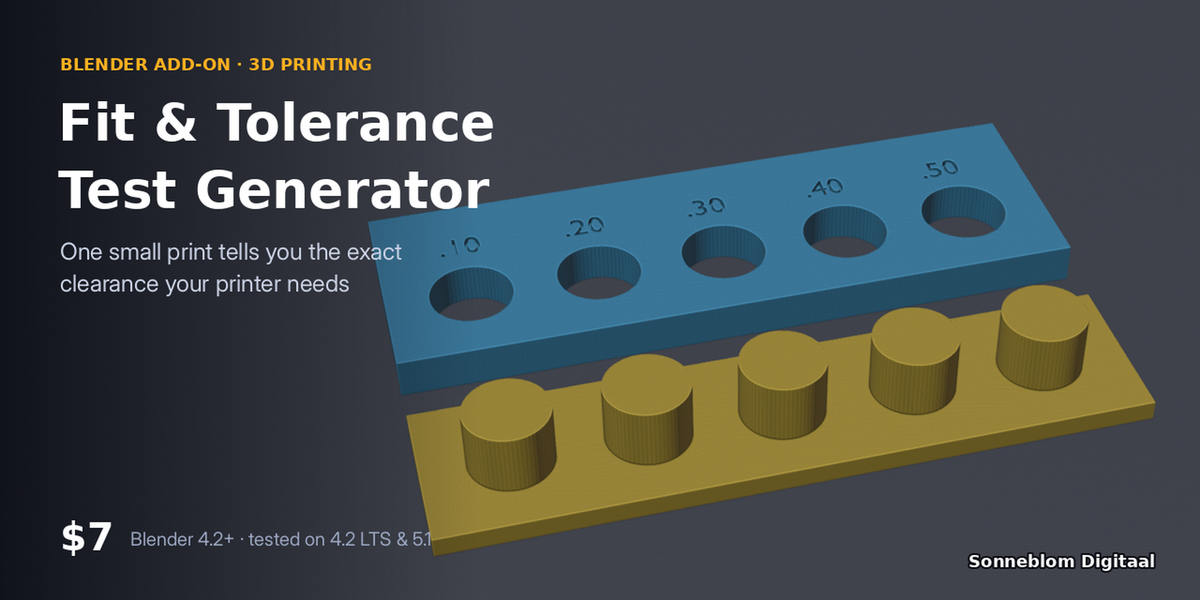
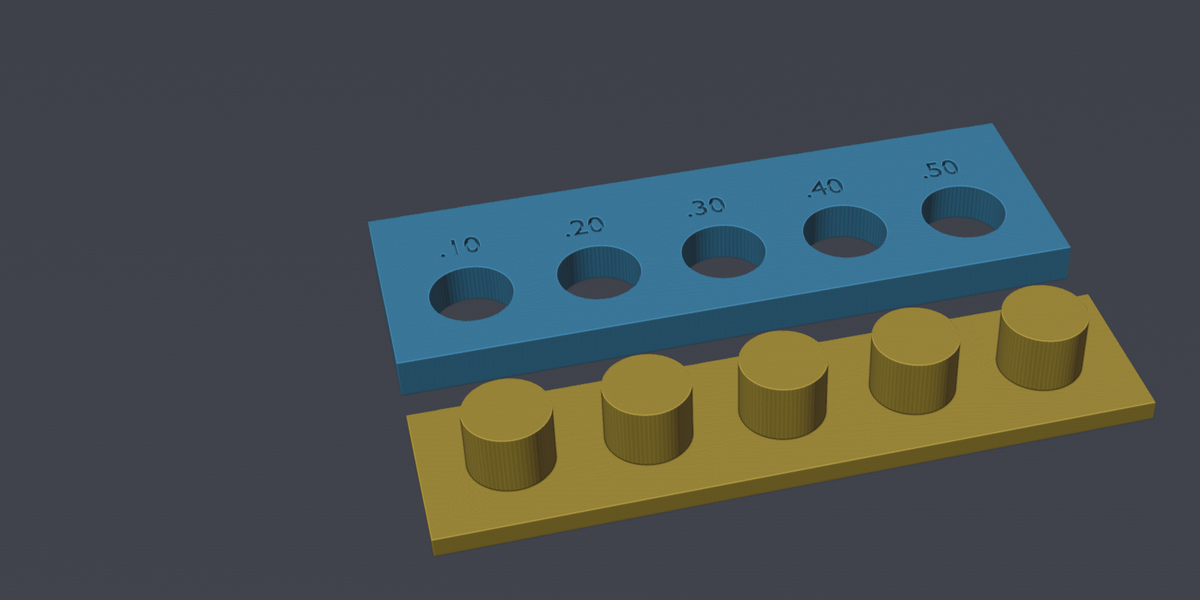
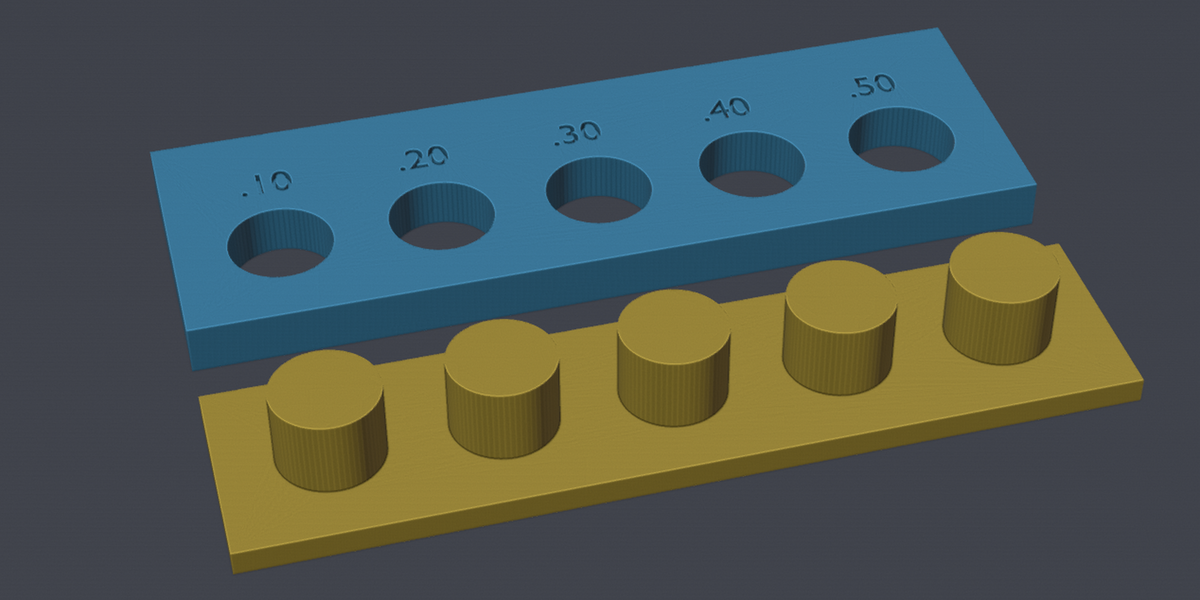
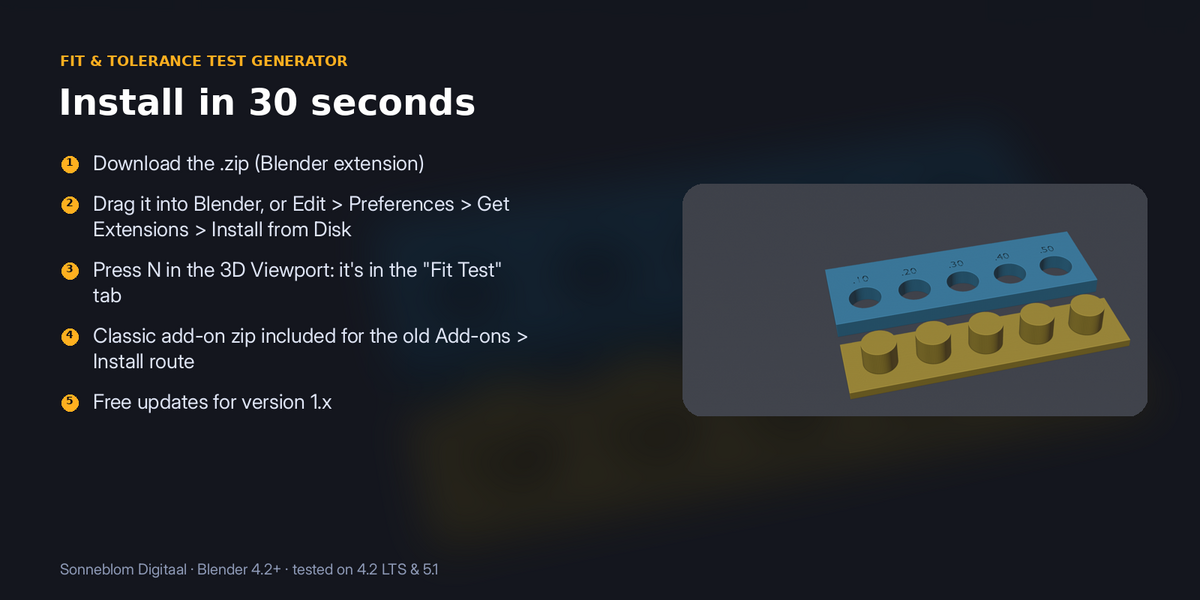
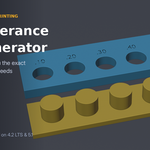
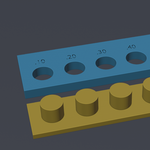
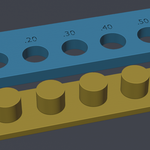
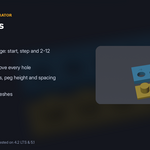

Lids too tight, pegs too loose? Generate a labelled hole plate and matching pegs at a range of clearances (0.1, 0.2, 0.3 mm…), print it once, and you know the exact gap to design with on your printer and filament.
Who it's for: Anyone designing parts that must fit together: lids, pegs, snap fits, print-in-place and replacement parts.
Key features
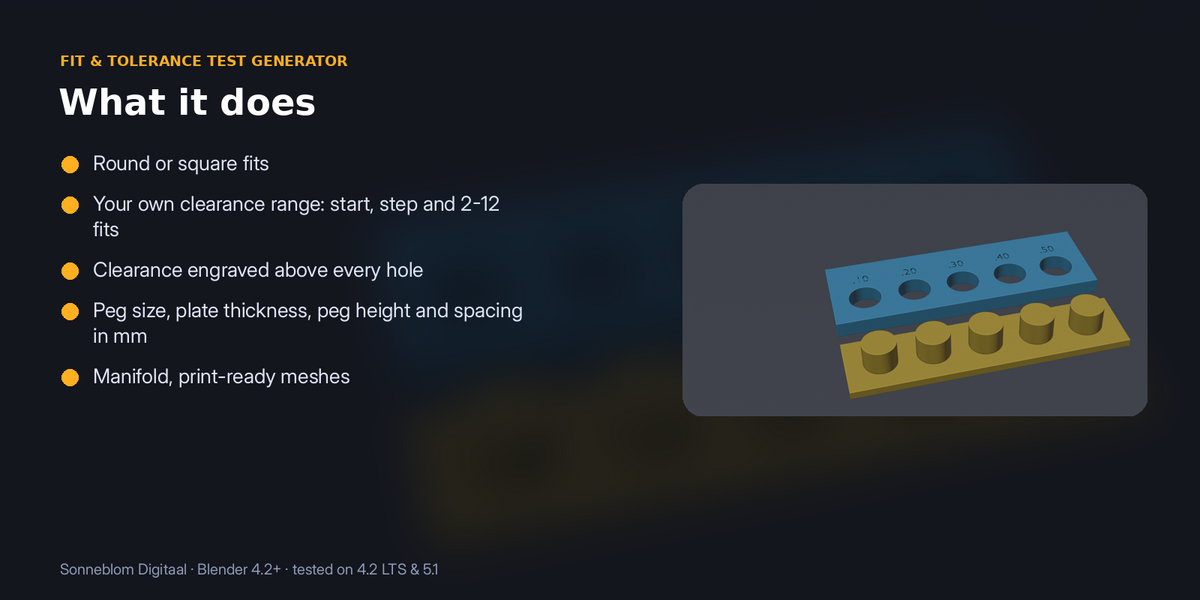
- Round or square fits
- Your own clearance range: start, step and 2-12 fits
- Clearance engraved above every hole
- Peg size, plate thickness, peg height and spacing in mm
- Manifold, print-ready meshes
How to use
- Press N in the 3D Viewport and open the Fit Test tab.
- Choose round or square and the peg size you design with.
- Set the smallest clearance, the step and how many fits you want. The panel lists the clearances it will make.
- Click Make fit test, export the hole plate and the peg bar, and print both with your normal settings.
- Try each peg: the label on the first hole that fits the way you want is the clearance to design with.
Compatibility: Blender 4.2 or newer. Tested on Blender 4.2 LTS and 5.1. Pure Python, nothing extra to install.
Good to know: Clearance is the total gap (half per side). Results are for the printer, nozzle and filament you test with; reprint when you change any of them.
Support: Questions or a model that doesn't work? Message us through Superhive (Contact the creator) with what happened, and the model if you can, and we'll help. Free updates for version 1.x.