Fit & Tolerance Test Generator
 Sonneblom Digitaal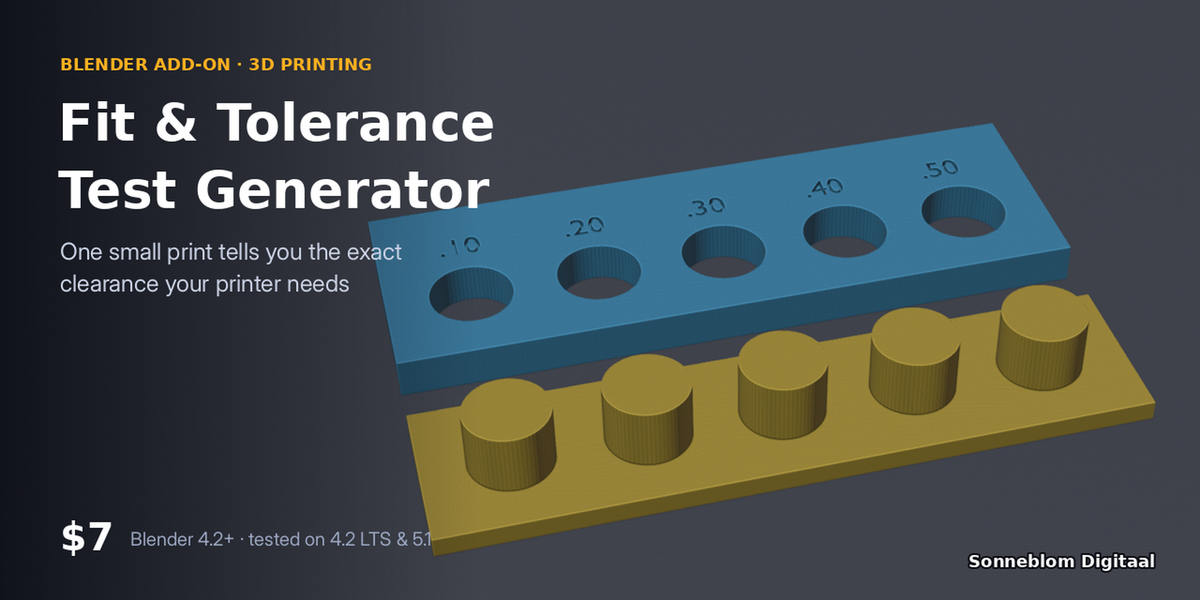
Version 1.0.1 · Blender 4.2 or newer · tested on 4.2 LTS and 5.1
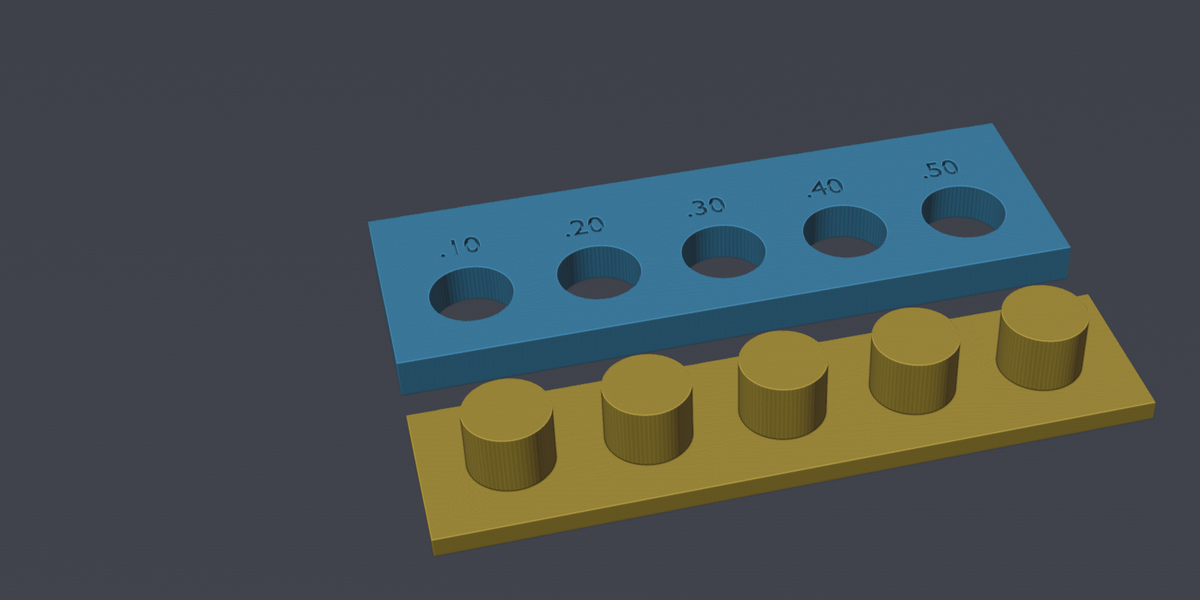
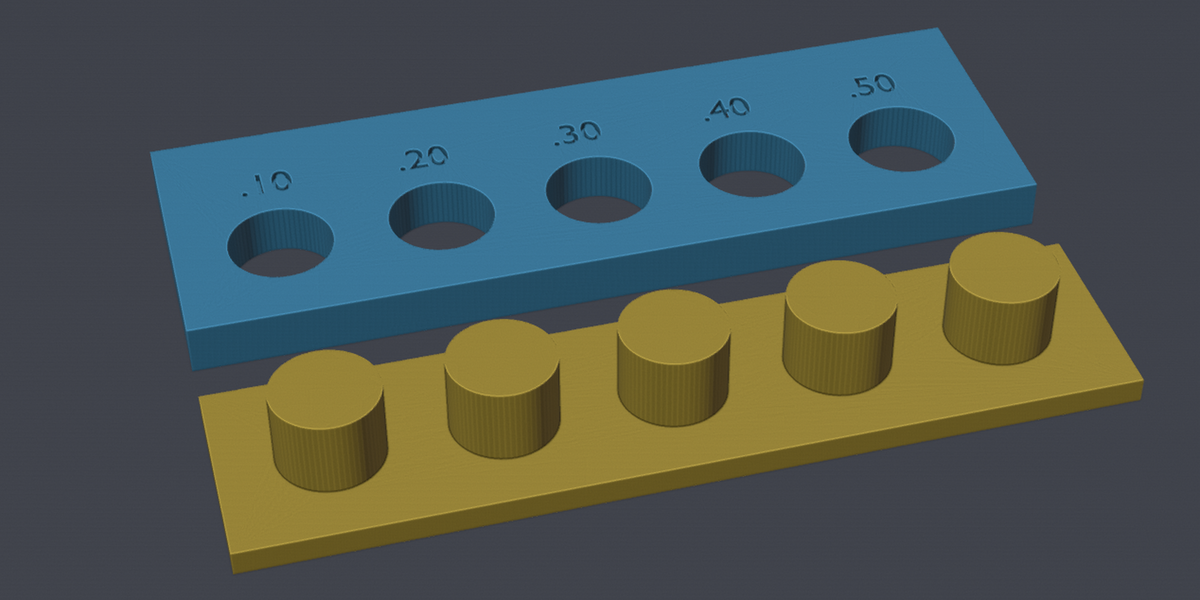
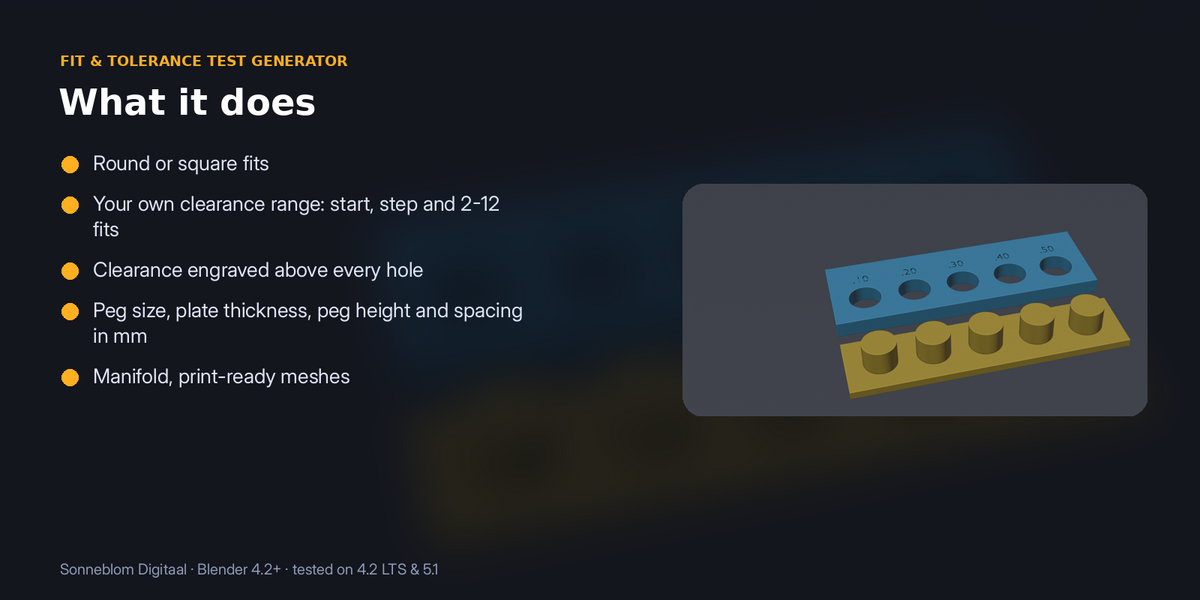
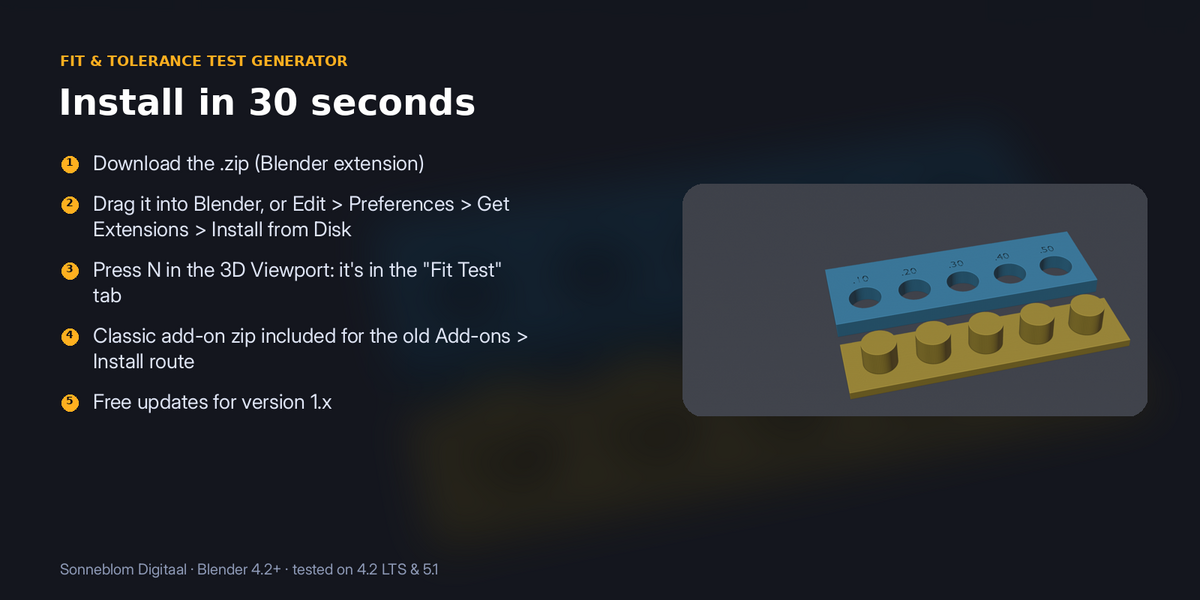
Lids too tight, pegs too loose? Generate a labelled hole plate and matching pegs at a range of clearances (0.1, 0.2, 0.3 mm…), print it once, and you know the exact gap to design with on your printer and filament.
1. Install
The download contains two files. Use the one that matches how you install add-ons:
- fit_test_generator-1.0.1.zip (Blender extension, recommended): drag it into Blender, or go to Edit > Preferences > Get Extensions, open the drop-down arrow at the top right, choose Install from Disk… and pick the zip. Do not unzip it.
- fit_test_generator-1.0.1-legacy.zip (classic add-on folder): Edit > Preferences > Add-ons, drop-down arrow, Install from Disk…. Use this one if you manage add-ons as folders.
Make sure it is enabled, then in the 3D Viewport press N and open the Fit Test tab. It has no extra dependencies.
2. How to use it
- Press N in the 3D Viewport and open the Fit Test tab.
- Choose round or square and the peg size you design with.
- Set the smallest clearance, the step and how many fits you want. The panel lists the clearances it will make.
- Click Make fit test, export the hole plate and the peg bar, and print both with your normal settings.
- Try each peg: the label on the first hole that fits the way you want is the clearance to design with.
3. Settings
| Setting | Default | What it does |
|---|---|---|
| Model units | 1 unit = 1 mm | How big one Blender unit is. |
| Shape | Round | Round or square. |
| Peg size mm | 8.0 | 2 to 50. |
| Smallest clearance mm / Step mm | 0.10 / 0.10 | Clearance is the total gap: hole = peg + clearance. |
| Number of fits | 5 | 2 to 12. |
| Plate thickness / Peg base / Peg height mm | 4 / 2 / 6 | |
| Spacing mm / Label size mm | 4 / 3.5 |
Model units: STL files have no units and are almost always in millimetres, while Blender's default scene counts 1 unit as 1 metre. Set Model units to 1 unit = 1 mm for imported STLs, or leave it on Scene to follow Scene > Units.
4. Limits
Clearance is the total gap (half per side). Results are for the printer, nozzle and filament you test with; reprint when you change any of them.
5. Support and licence
Questions or a model that doesn't work? Message us through Superhive (Contact the creator) with what happened, and the model if you can, and we'll help. Free updates for version 1.x.
Fit & Tolerance Test Generator is made by Sonneblom Digitaal and released under the GNU General Public License v3 or later (GPL-3.0-or-later), like other Blender add-ons. You may use it commercially.
Have questions about this product?
Login to message
| Blender Extension Compatible | Yes |
| Published | 6 days ago |
| Blender Version | 4.2 - 5.2 |
| License | GPL |