 Sonneblom Digitaal
What it does
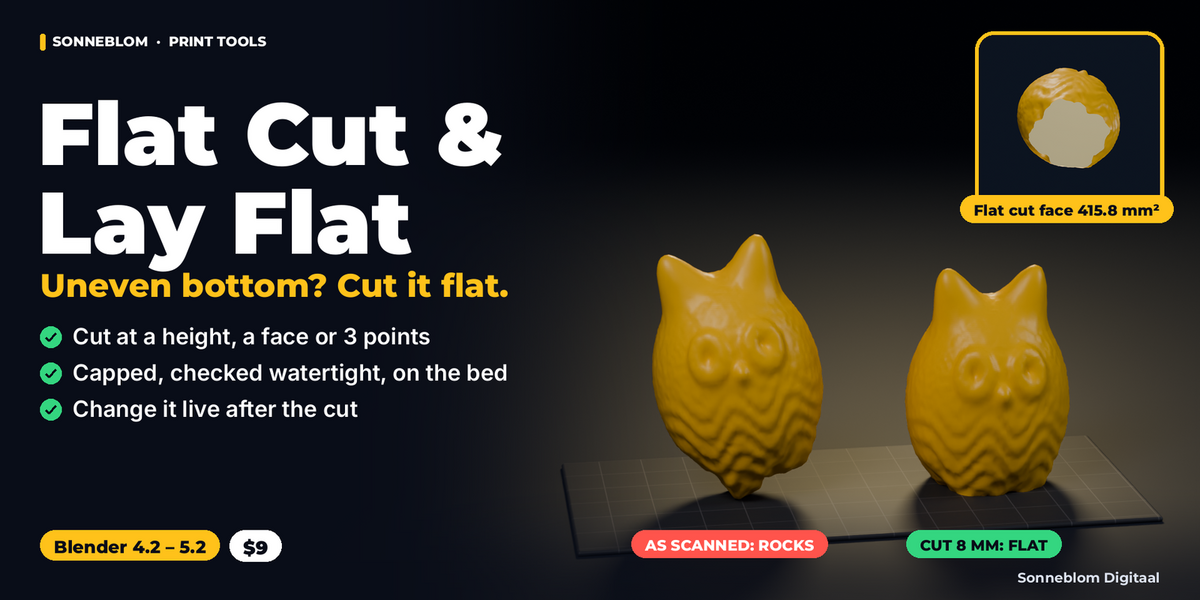
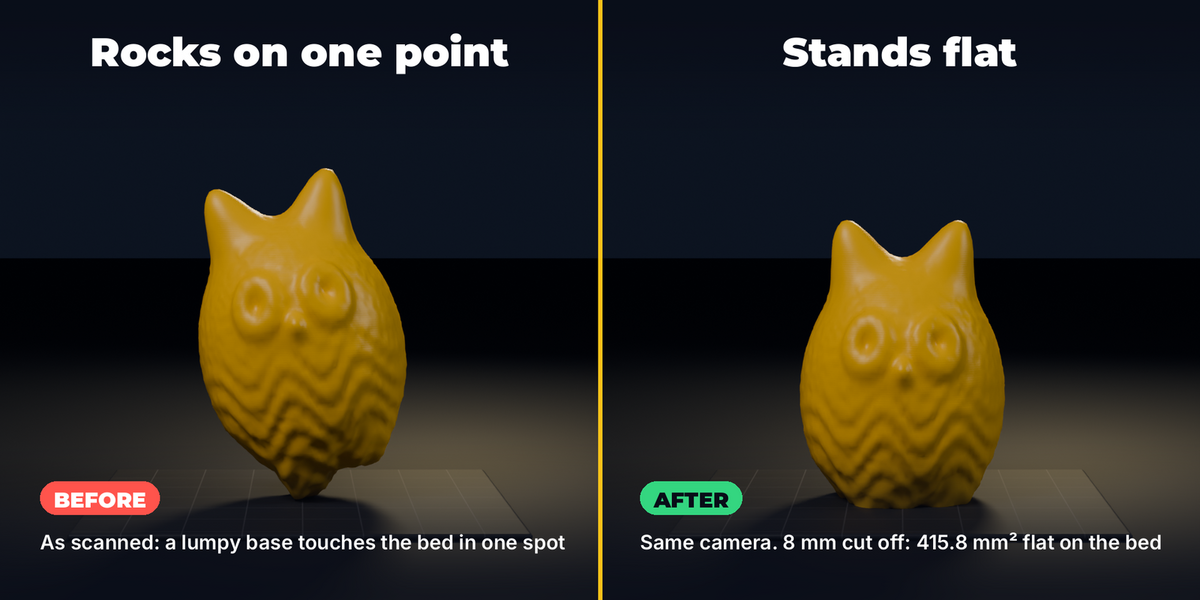
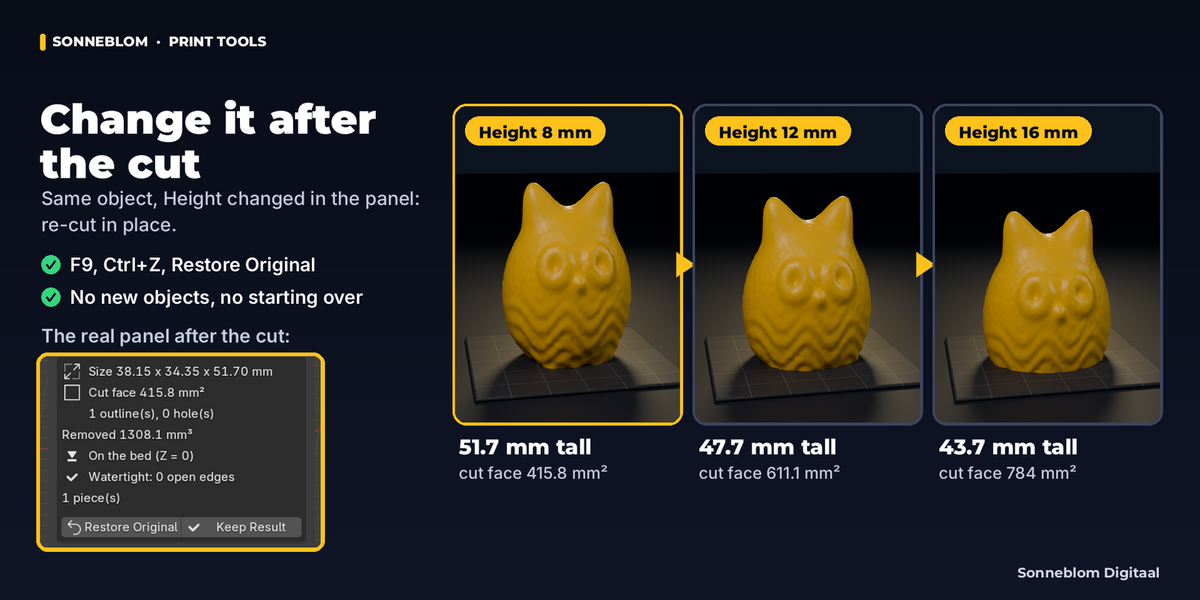
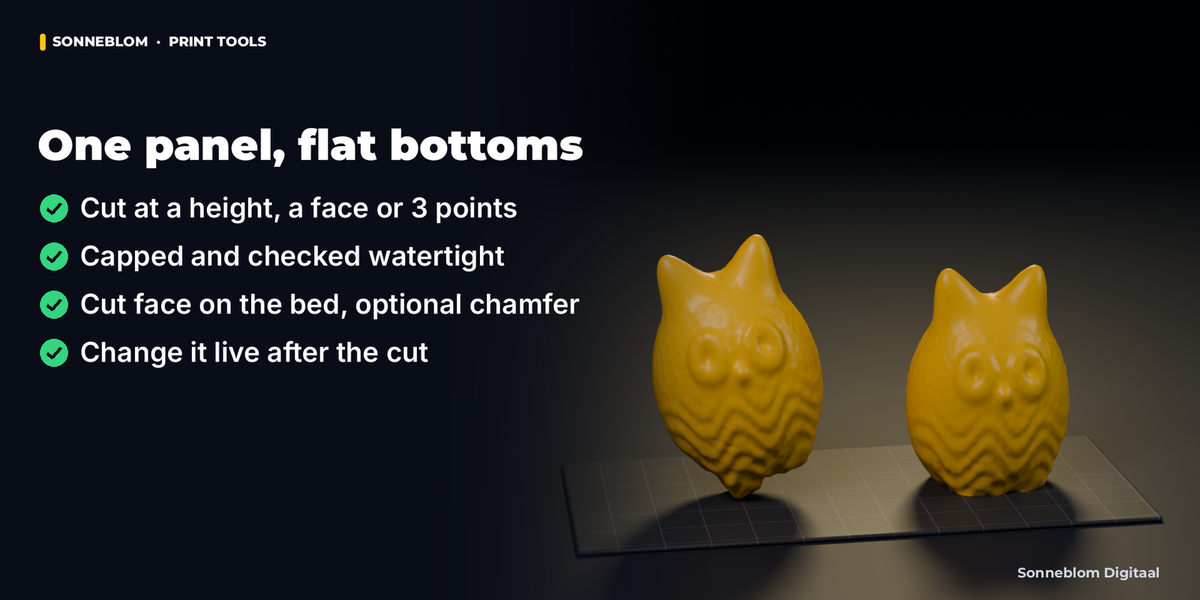
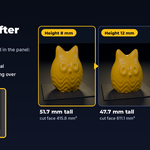
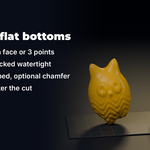
Flat Cut & Lay Flat cuts the uneven bottom off a scan, sculpt or downloaded model so it stands flat on the print bed. It cuts with a plane, fills (caps) the cut so the part stays closed, turns the part so the cut face lies on the bed, and checks the result: the panel shows the new size in mm, the area of the cut face, the volume removed and whether the part is watertight. The kept original stays with the object, so you can change the height, the side, the chamfer or the placement afterwards and it is re-cut in place. No booleans, no add-ons to install besides this one.
Who it's for
3D printing people who download, scan or sculpt figures, busts, terrain and props whose bottom is lumpy, rounded, tilted or sunk into the floor, and who are tired of a model that rocks on one point, needs supports under its base or prints its first layer in mid-air. Also useful for anyone who needs a clean planar cut with a filled cap in Blender.
Key features
- Cut at a height: take a set number of millimetres off the bottom, or cut at a world Z (0 = remove everything below the grid floor).
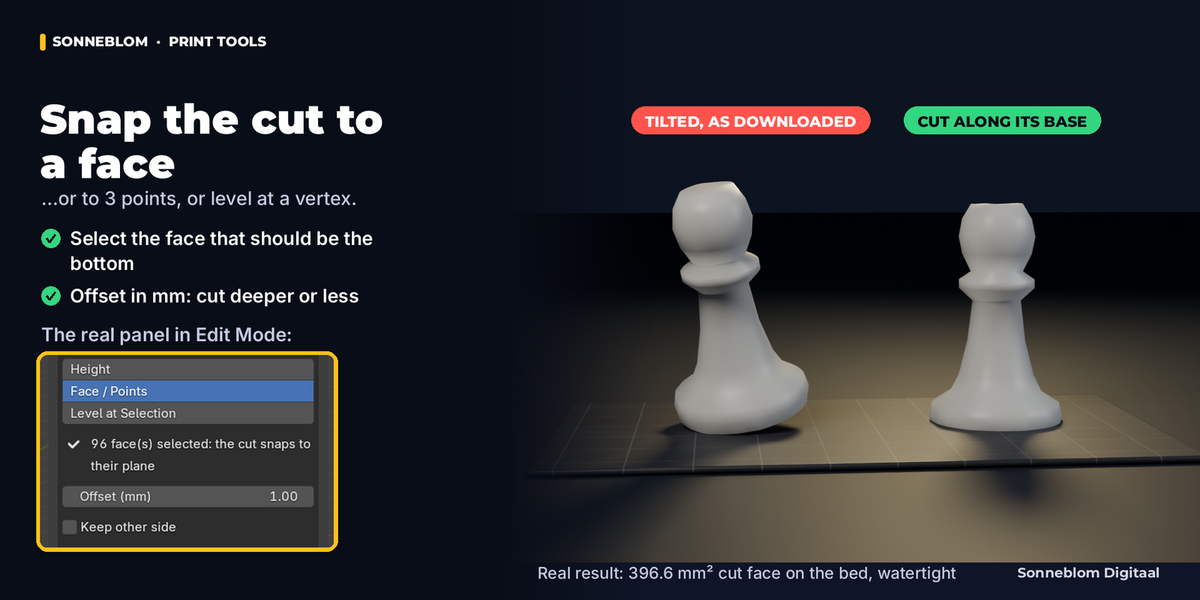
- Snap the cut to the model: along one or more selected faces, through 3 or more selected vertices (best-fit plane), or level at the height of the selected vertices, with an offset in mm.
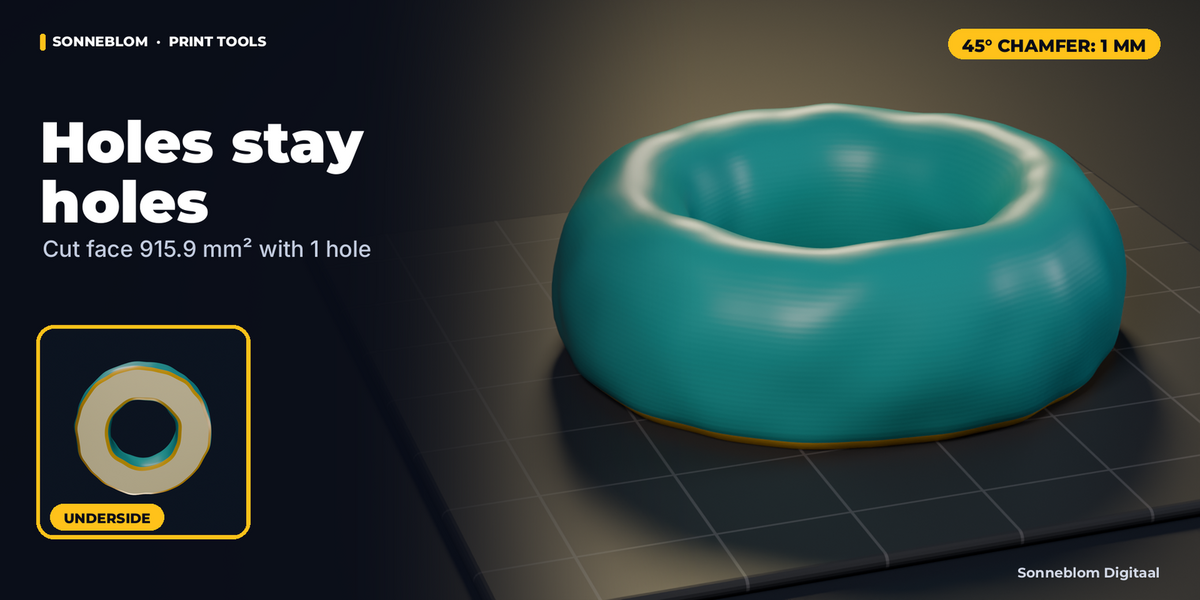
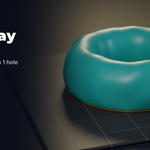
- Capped and checked: every closed cut outline is filled, holes and separate islands included (a ring stays a ring). After every cut the add-on counts open and non-manifold edges and shows "Watertight: 0 open edges" only when that is true.
- Cut face on the bed: the part is turned so the cut faces straight down and lowered to Z = 0. Keep other side keeps the top or bottom part instead.
- Optional 45° chamfer on the new bottom edge (outside and around holes), against elephant foot; refused with a reason (the cut is still made) when a wall or gap is thinner than about twice the chamfer.
- Live afterwards: change any value in the panel (or press F9) and the object is re-cut from its kept original, in place: no new objects, no starting over. Restore Original puts the exact mesh and placement back; Keep Result makes it permanent.
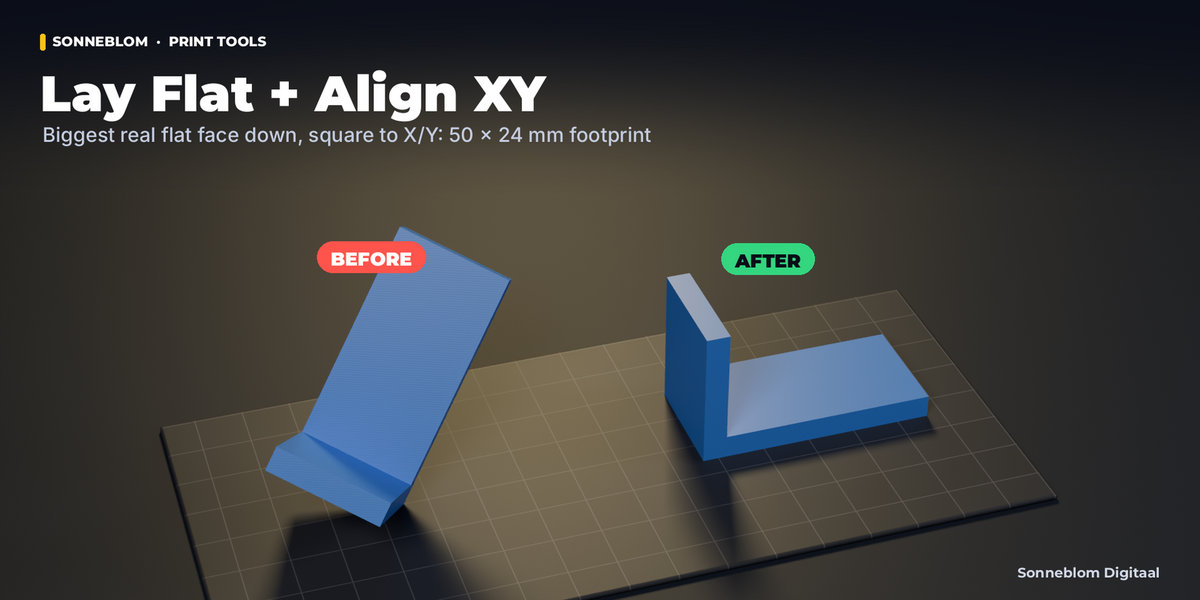
- Lay Flat: puts the part on its biggest real flat face (or the face you selected), not on a hull side it would balance on.
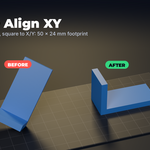
- Align XY: turns the part around Z so its footprint is square to the bed, long side along X or Y.
- Works in millimetres by default (1 Blender unit = 1 mm, as in STL files), with cm, m, inch or scene units as options.
How to use
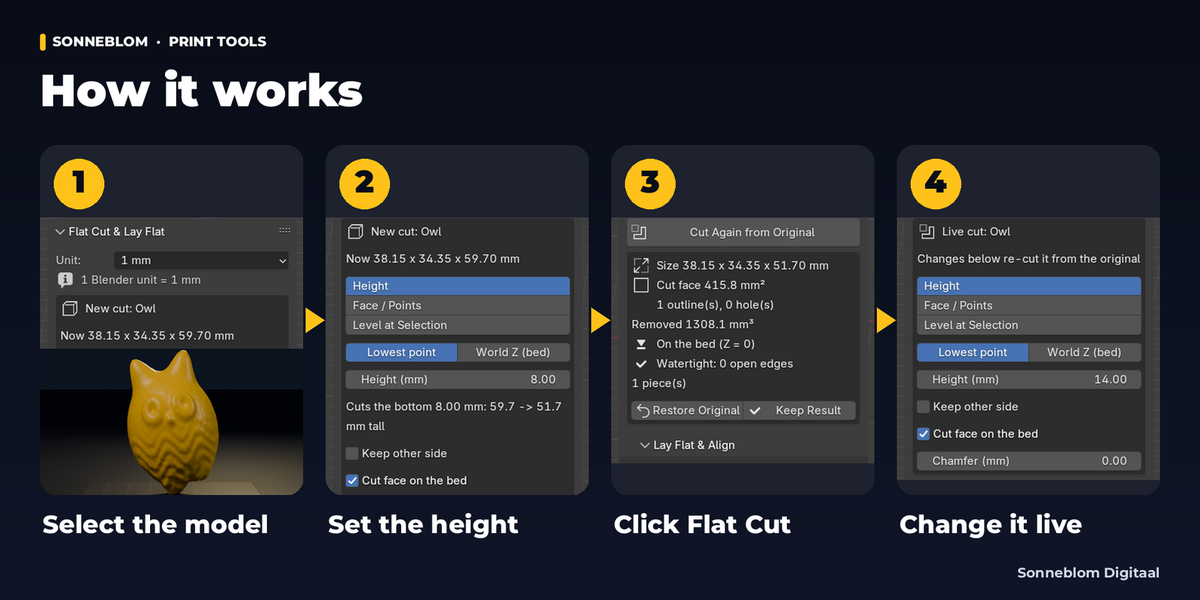
- Install the zip and open the sidebar (N) in the 3D Viewport, tab Flat Cut.
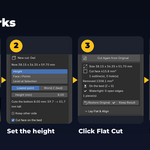
- Select the model. The panel shows its size in mm.
- Choose where to cut: Height (default: 1 mm off the bottom), or press Tab and select a face / 3 vertices for Face / Points.
- Click Flat Cut. The cut is capped, the cut face goes on the bed, and the panel shows the result.
- Not quite right? Change the height, chamfer or side in the panel: it updates live. Restore Original undoes it for good.
Compatibility
Blender 4.2 LTS or newer, tested on 4.2 LTS and 5.2 LTS. Extension zip for Blender's Get Extensions, plus a legacy add-on zip. Pure Python, no extra downloads, no internet access.
Good to know
- It cuts the object's mesh, not the result of its modifiers: apply modifiers first if the cut should include them.
- A model that is open (has holes) where it is cut gets its cut outline bridged and capped, but the hole above the cut stays open; the panel then says "Not watertight" with the number of open edges. Close holes first for a watertight part.
- The cut face is a new flat face (n-gons and triangles); UVs and colours on it are not kept.
- One cut keeps one side. For both halves, duplicate the object (Shift+D) and cut the copy with Keep other side.
- Very heavy scans (several million triangles) take a few seconds per change.
- On very rough raw scans (noise about as big as the chamfer along the cut outline) a small chamfer can be refused; the cut is still made and the panel says why. Cut a little higher, where the surface is smoother, or use a larger chamfer.
Support
Questions or a bug? Use the Superhive product page messages and we reply within a day.