Flat Cut & Lay Flat
 Sonneblom Digitaal
Does it use booleans?
No. It bisects the mesh with a plane and fills the cut outline, so there are no boolean artefacts, and it is fast: about 2 seconds for a 150,000-triangle scan on our test server.
Will the result be watertight?
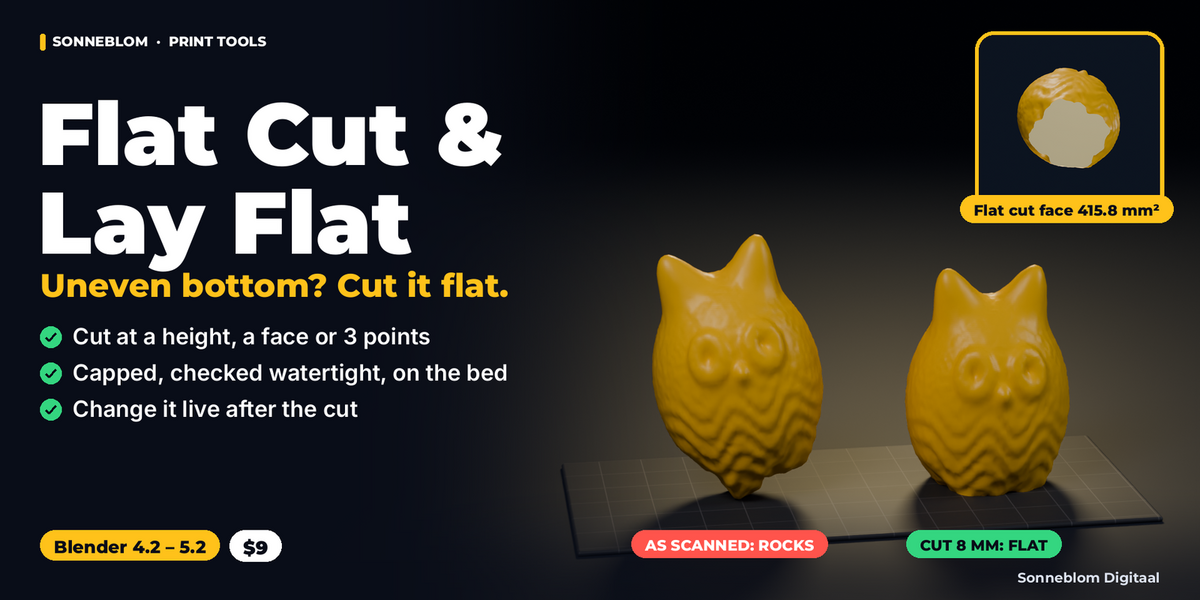
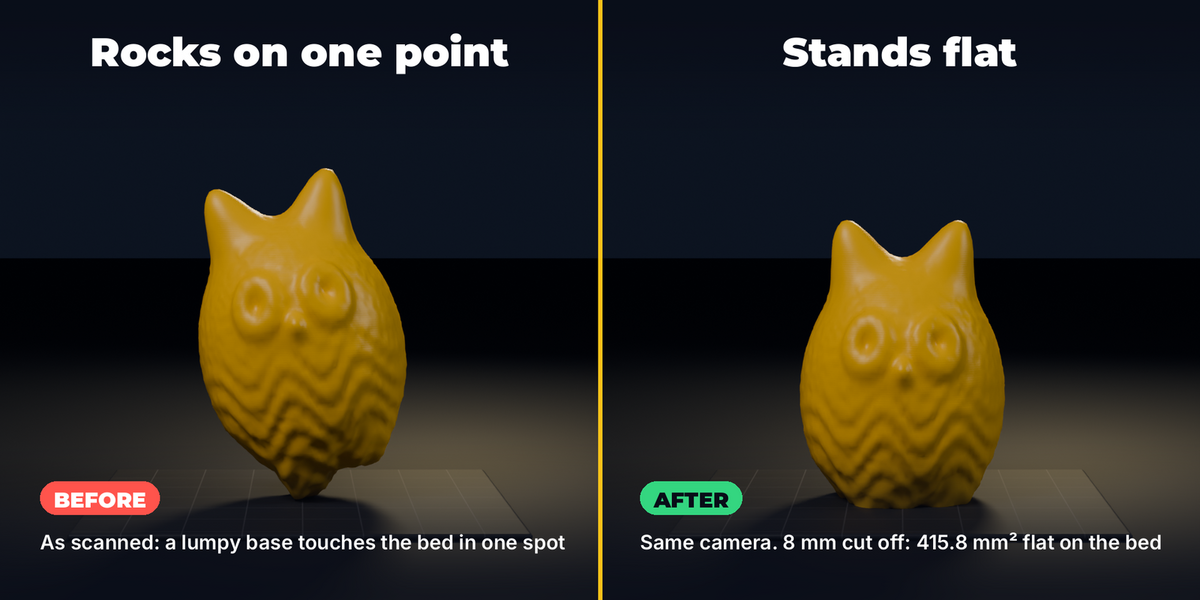
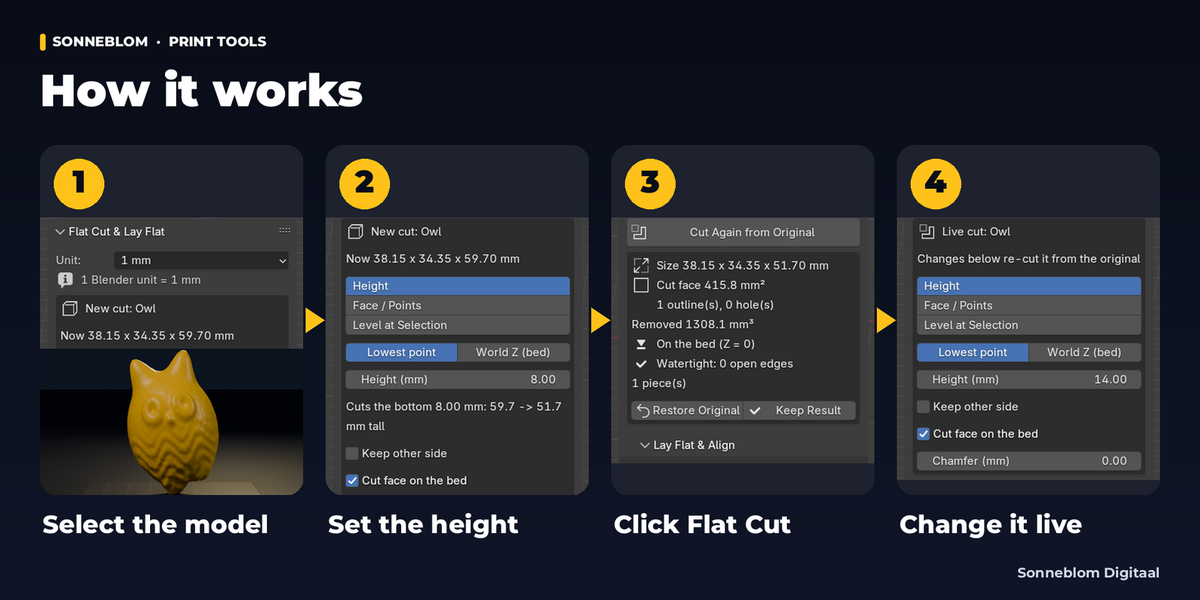
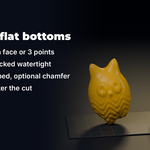
If the model was closed where it is cut, yes, and the panel shows it (it counts open and non-manifold edges after every cut). If the model has a hole that reaches the cut, the cut is still capped but that hole stays open, and the panel says Not watertight with the number of open edges.
I cut too much. Do I have to start over?
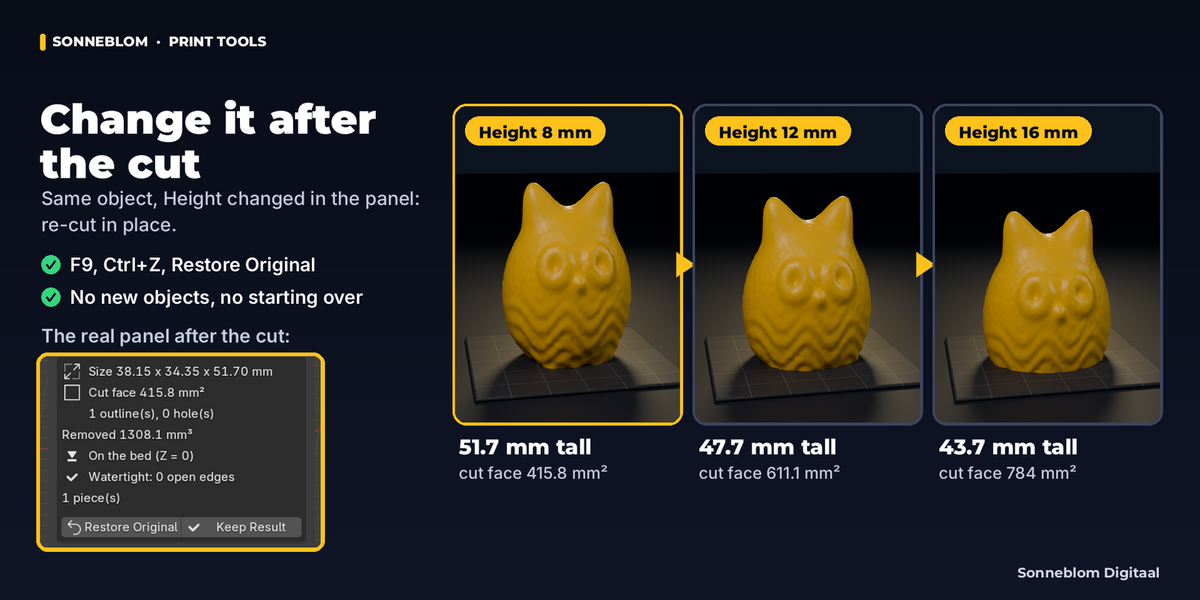
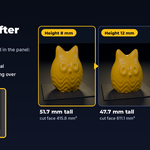
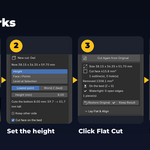
No. Change the height in the panel (or press F9 right after the click) and it is re-cut from the kept original, in place. Ctrl+Z works too, and Restore Original brings back the exact mesh and placement.
Can I cut at an angle?
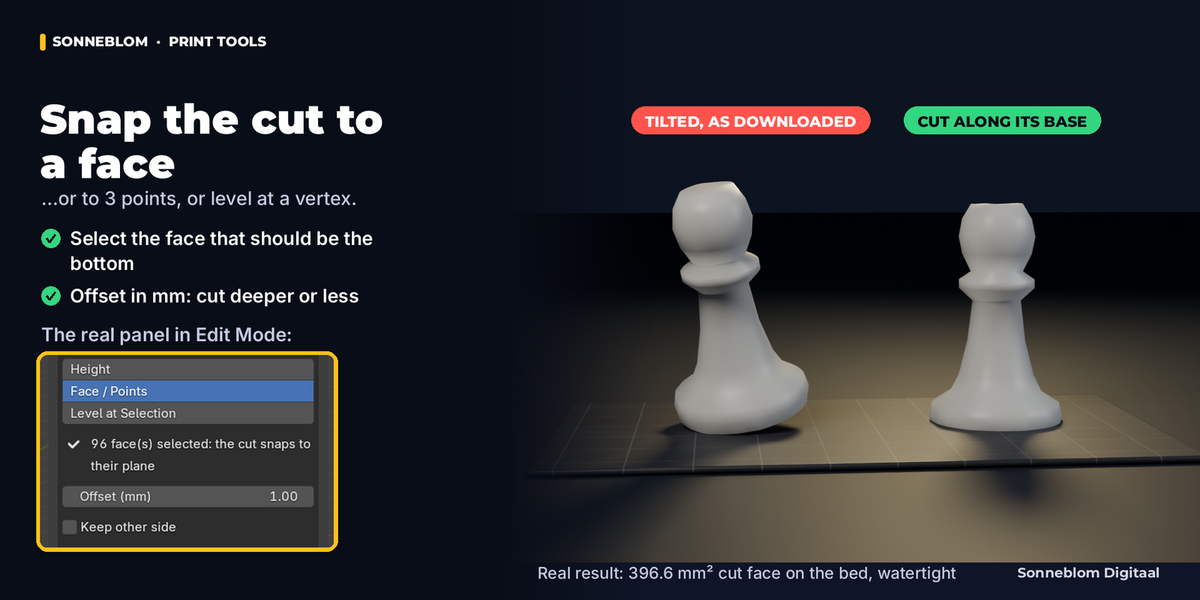
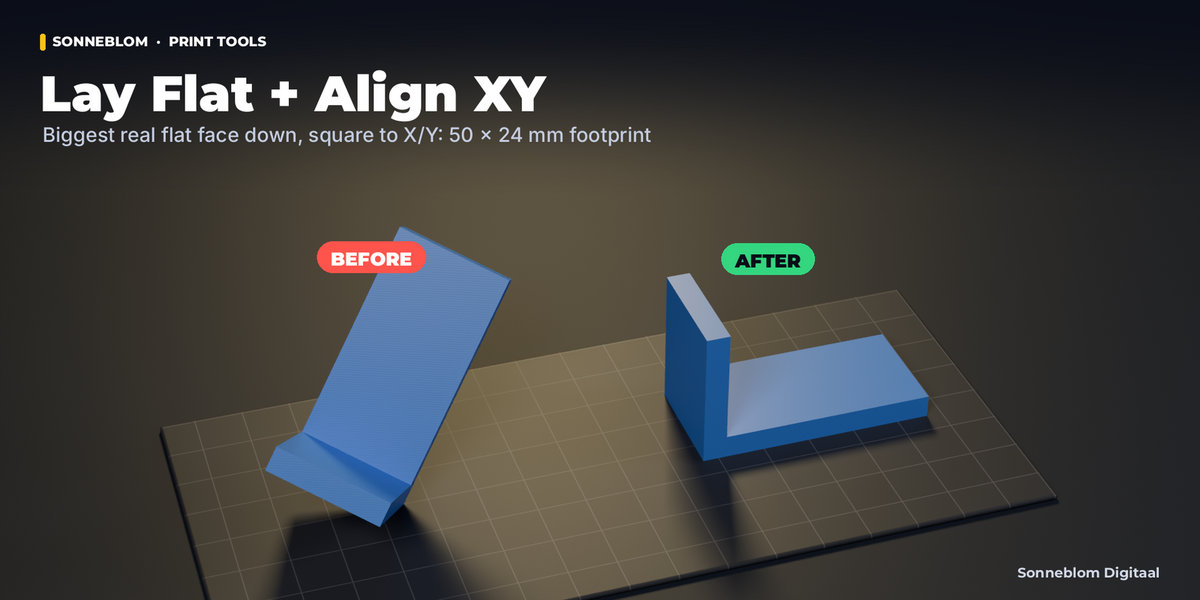
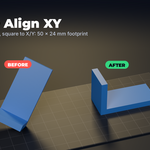
Yes. In Edit Mode select a face (the cut follows its plane) or 3 or more vertices (the cut goes through them), set Cut plane to Face / Points and click Flat Cut. The offset can be changed afterwards.
Can I keep both halves?
Each cut keeps one side. Duplicate the object (Shift+D) and cut the copy with Keep other side to get the other half.
My model came in 1000 times too big or small. What units does it use?
By default 1 Blender unit = 1 mm, like STL files. If your file is in metres, cm or inches, change Unit at the top of the panel; a red hint appears when the size looks wrong.
Does it work on models with holes or several parts?
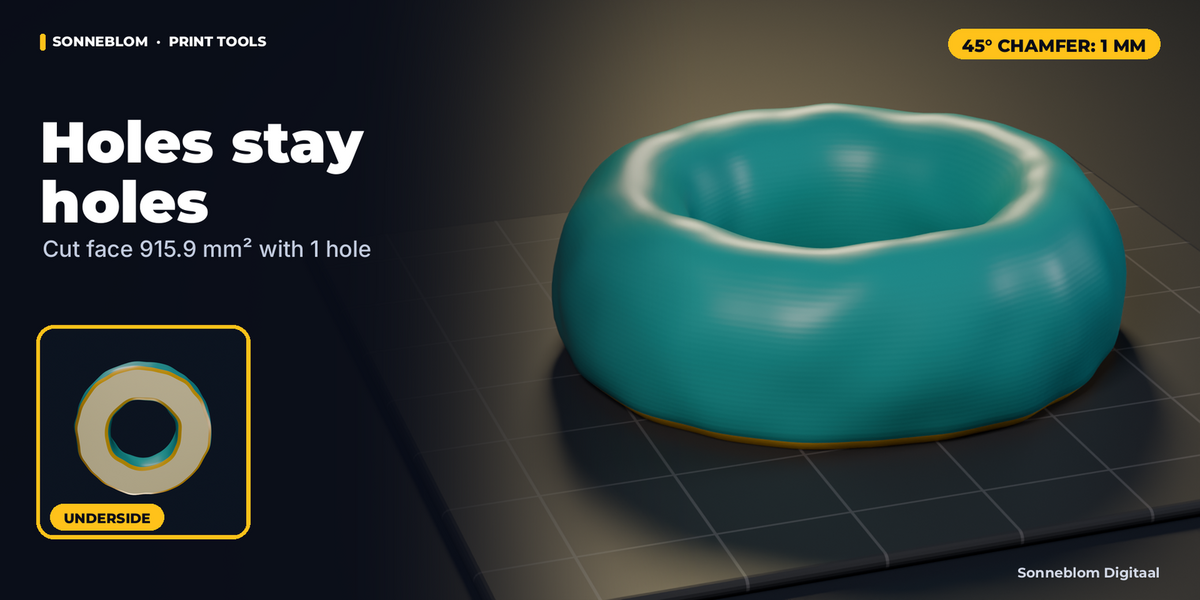
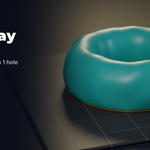
Yes. Holes in the cut (a ring, a tube) stay holes, and separate islands (two legs) are capped separately; the panel shows the number of outlines and holes.
Have questions about this product?
Login to message
| Blender Extension Compatible | Yes |
| Published | about 20 hours ago |
| Blender Version | 4.2 - 5.2 |
| Extension Type | Add-on |
| License | GPL |