 Kurv Designs
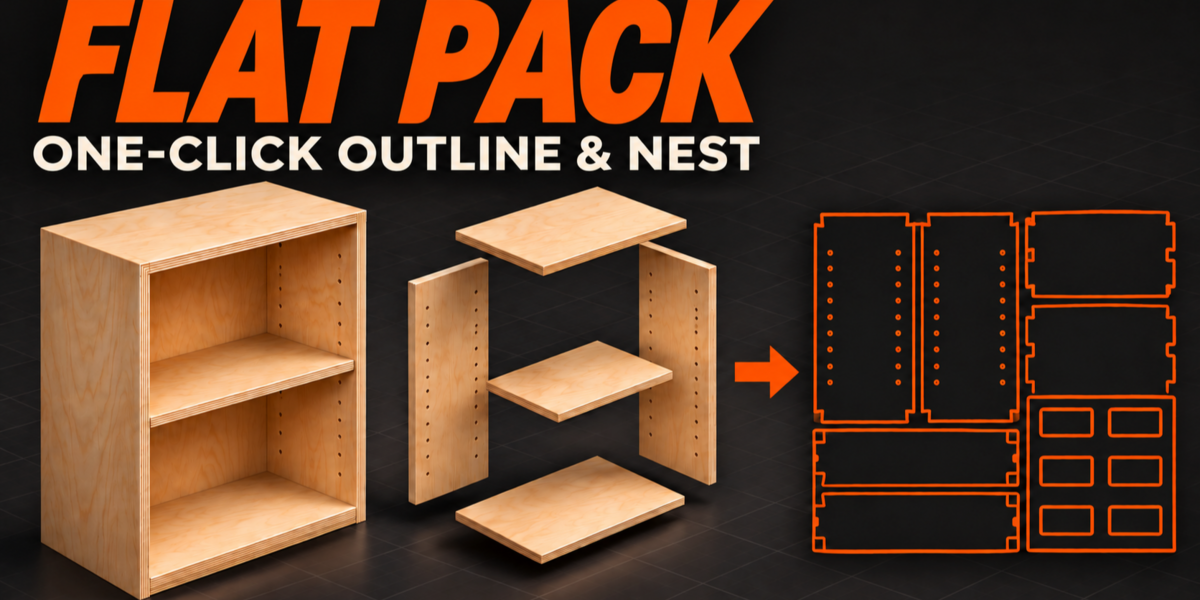
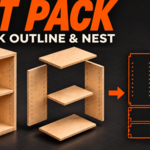
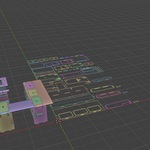
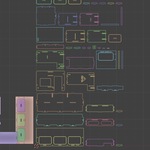
From assembled parts to organized cutting profiles—with one click.
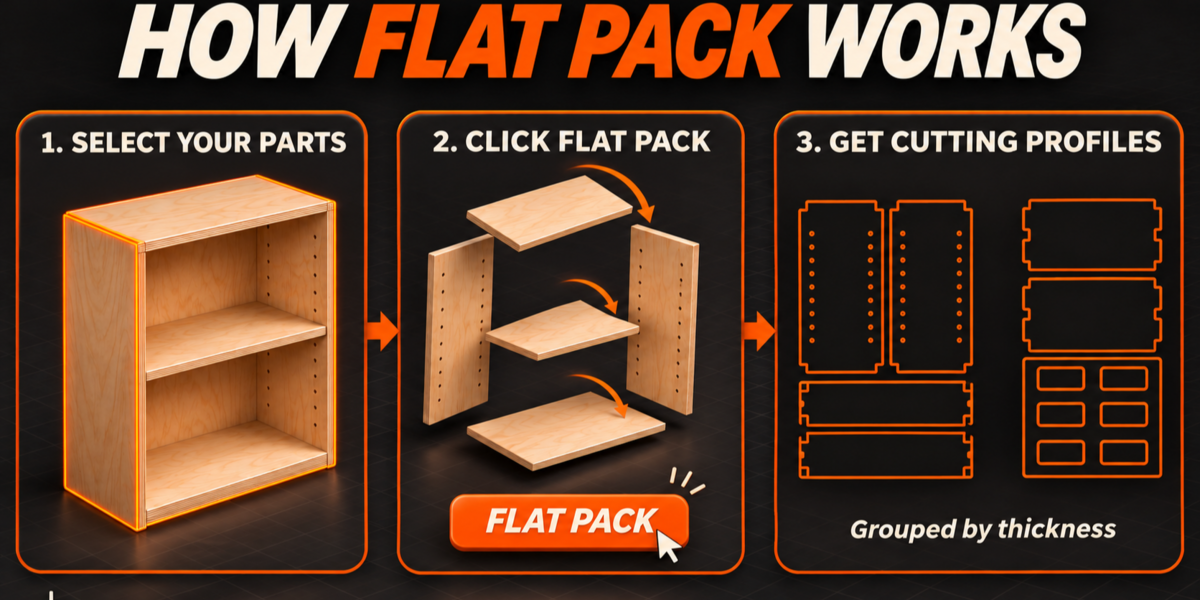
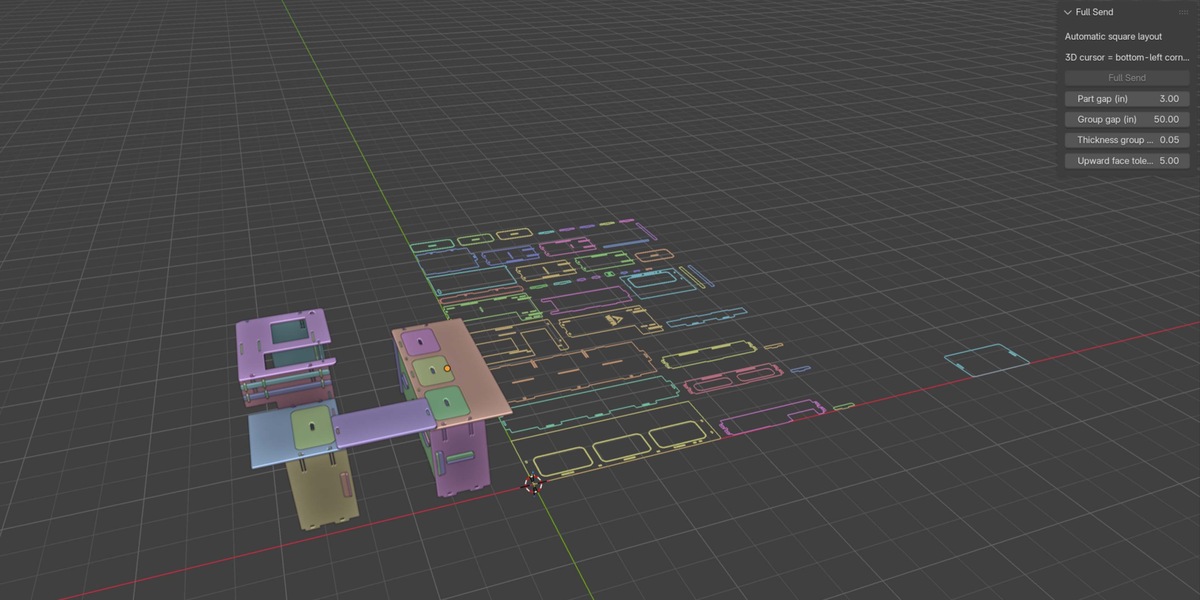
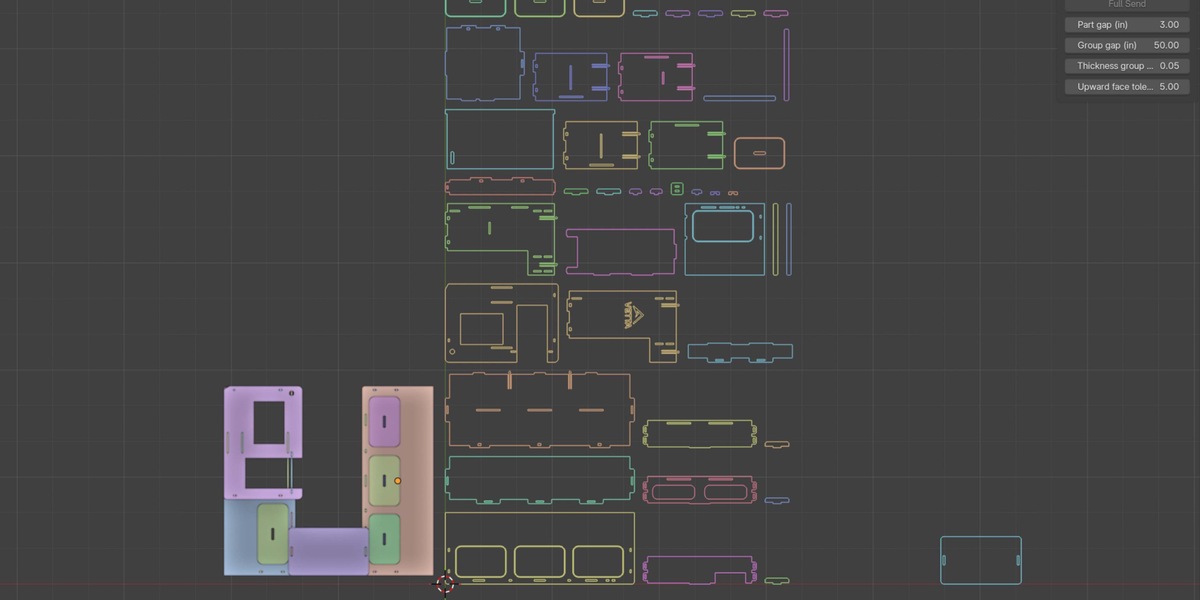
Flat Pack simplifies repetitive preparation work for cabinetry, furniture, and CNC projects in Blender. Select your parts, position the 3D cursor, and click Full Send to generate editable 2D outlines in an organized layout.
What it does
Bakes visible modifiers, including Boolean results, into temporary working geometry.
Excludes Boolean cutters from the layout.
Clears part rotation before extracting upward-facing surface boundaries.
Creates closed, editable curves, including eligible holes, slots, and notches.
Groups parts by thickness and places those groups side by side.
Tries multiple arrangements to produce a compact, roughly square layout.
Positions the layout’s bottom-left corner at the 3D cursor.
Adjustable spacing and grouping
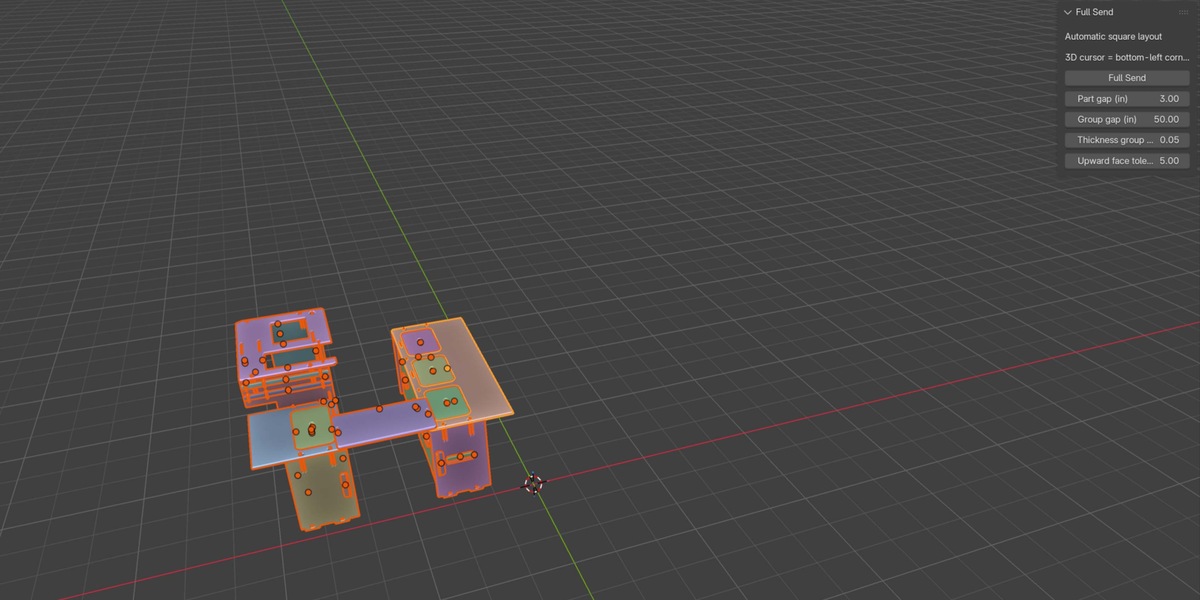
Control part spacing, thickness grouping tolerance, group spacing, and upward-face angle tolerance directly in the sidebar. Defaults include a 3″ part gap and 50″ gap between thickness groups. The layout automatically expands to accommodate your selection.
Simple workflow
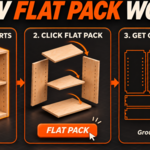
Select your parts in Object Mode.
Place the 3D cursor where you want the layout to begin.
Open the Full Send sidebar tab and click Full Send.
Find your editable curves in the Full Send Layout collection.
Designed for flat-panel projects
Parts should be modeled flat in their local XY plane before being rotated into an assembly. Full Send uses bounding-rectangle nesting with 90° rotations. Layout compactness depends on part dimensions, spacing, and thickness groups.
The output is editable Blender curves for further preparation. Exporting files and generating CNC toolpaths require additional tools.
Installation
Install the included ZIP through Blender’s Install from Disk option and enable Full Send.
