FlatPack
 Kurv Designs
How does the nesting work?
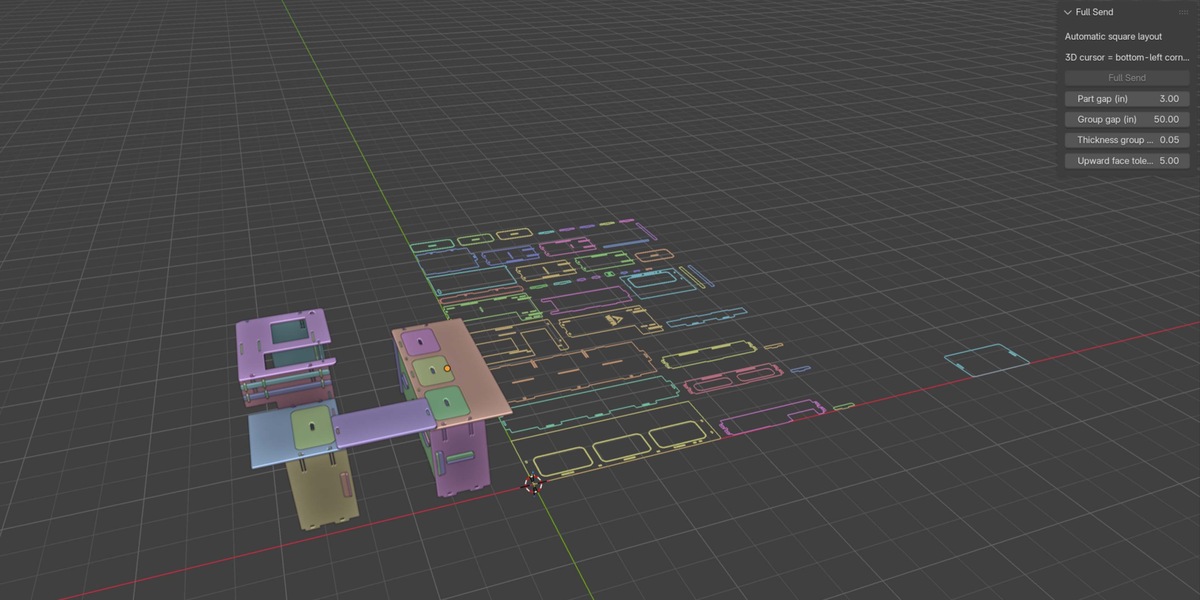
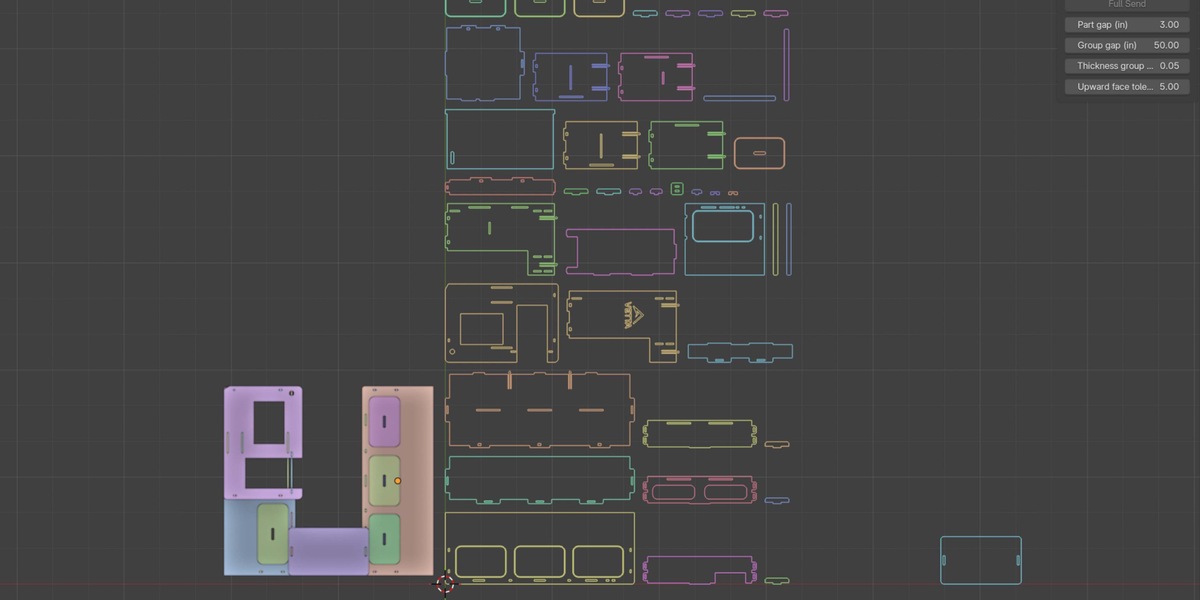
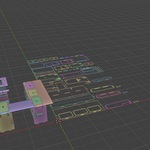
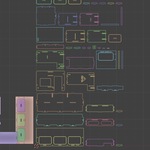
Flat Pack packs the bounding rectangles of your profiles and allows 90° rotations. It does not interlock irregular shapes or place smaller parts inside holes.
Where does the layout appear?
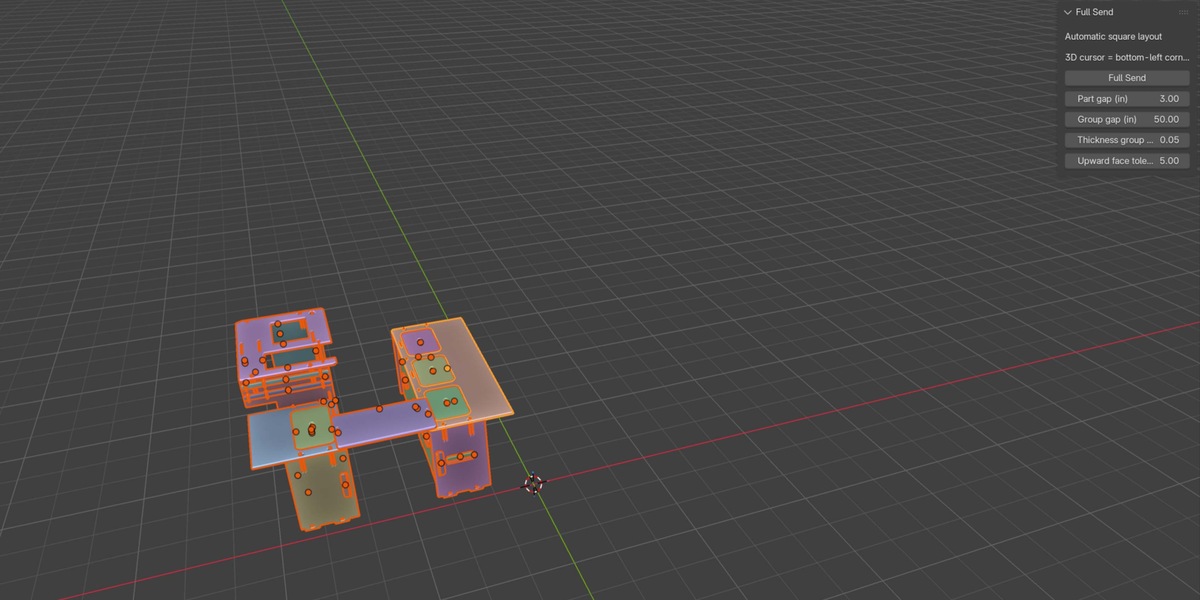
The layout’s bottom-left corner starts at the 3D cursor and extends along the world X and Y axes at the cursor’s height.
Can I adjust the spacing?
Yes. Part spacing defaults to 3 inches, and spacing between thickness groups defaults to 50 inches. Both are adjustable.
Can it handle different material thicknesses?
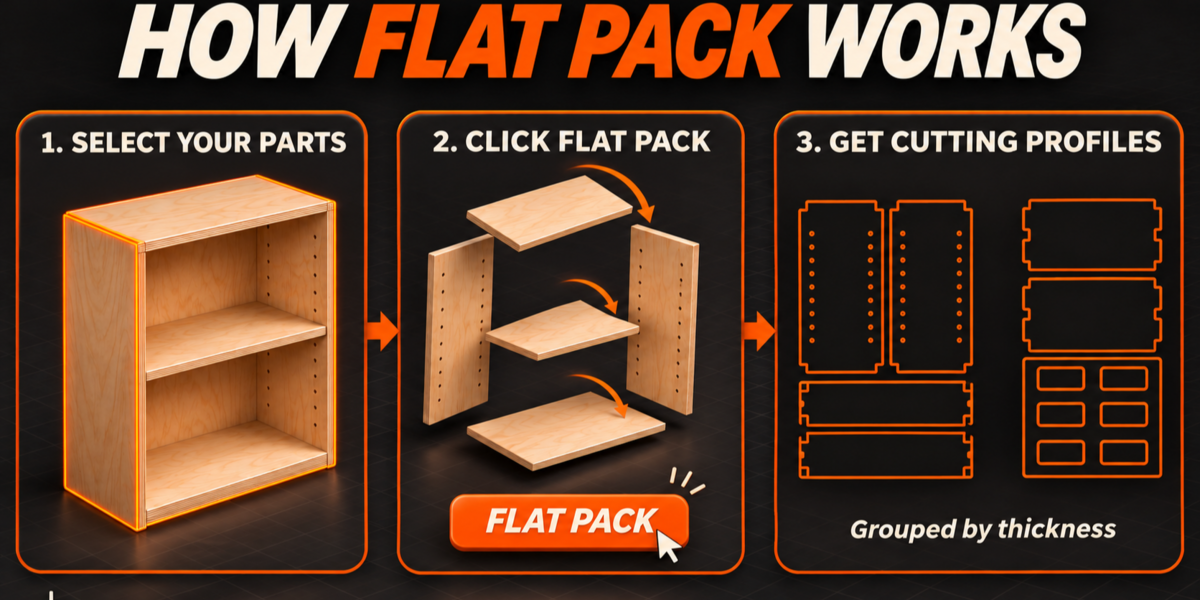
Yes. Parts are grouped by measured thickness, with an adjustable tolerance. Groups are arranged from left to right.
Does it support Boolean modifiers?
Yes. Visible Boolean results are included when extracting profiles, and objects referenced as Boolean cutters are excluded from the layout.
Does it change my original model?
Your original objects are preserved. The generated curves appear in a separate collection.
What does Flat Pack do?
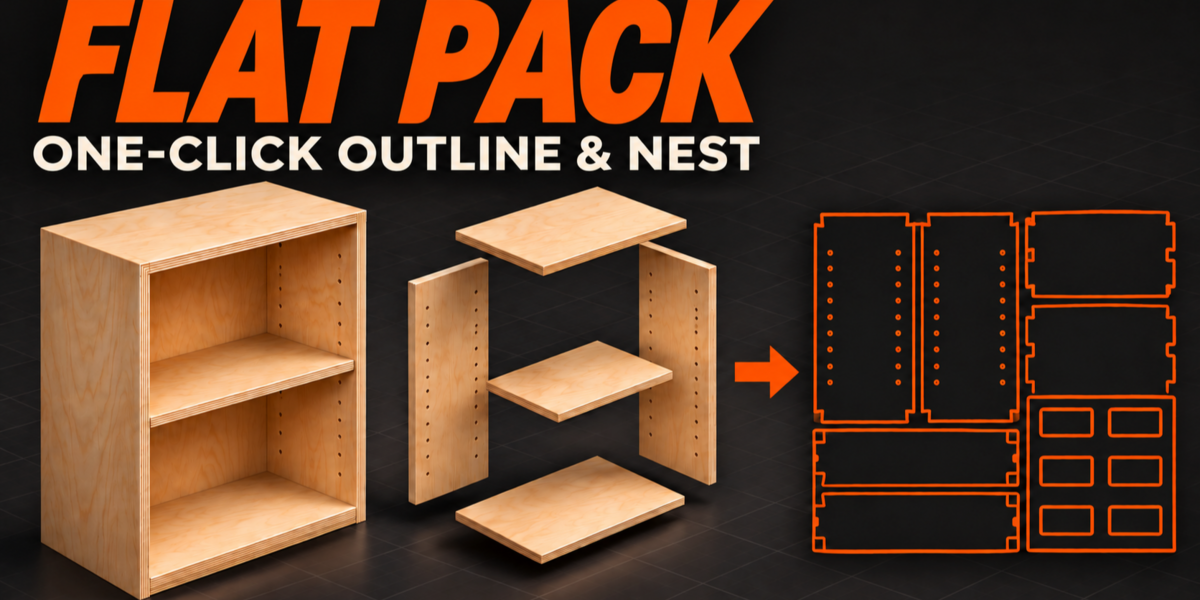
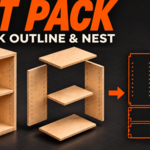
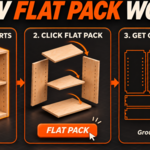
Flat Pack turns selected panel objects into editable 2D cutting profiles, groups them by thickness, and arranges them into a compact layout with one click.
Who is it designed for?
Woodworkers, cabinetmakers, furniture designers, and CNC users who model flat-panel assemblies in Blender.
Have questions about this product?
Login to message
| Published | 1 day ago |
| Blender Version | 4.3 - 5.3 |
| Extension Type | N/A |
| Render Engine Used | Cycles, Eevee |
| License | GPL |
