Flex
 Egret Studios LLC




Is Flex non-destructive?
Yes. Flex uses a non-destructive Geometry Nodes workflow and does not rewrite the original source mesh coordinates during preview. You can experiment freely, then save or export an independent result when you are ready.
Can I bake or export the final Flex animation?
Yes. Flex can save a static deformed shape, bake animation to shape keys, export to Alembic, or save Blender's native simulation cache for repeatable playback and backward scrubbing.
Can Flex simulate muscles?
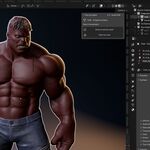
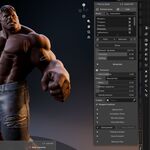
Yes. Flex includes muscle controls for Contraction, Bulge, Volume Preservation, and Fiber Direction. Muscle response can be controlled manually or driven automatically using a bone angle.
Does Flex support collision?
Yes. Flex can use a selected mesh as an approximate surface collider. Collision supports closed surfaces and open planes, but it does not provide continuous collision detection, friction, or self-collision.
Does Flex include presets Library?
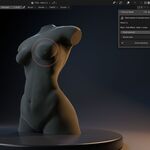
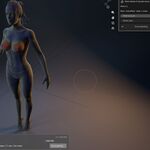
Yes. Flex includes 35 built-in presets covering Soft Body, Muscle, Body, Objects, and Stylised effects. You can also save your own custom presets for reuse. Boobs and Butts too :)
Can Flex work with animated characters and rigs?
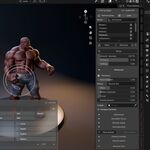
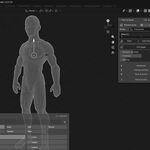
Yes. Use Timeline mode for animated objects, deforming rigs, simulation caches, and export. Flex can also respond to selected bones and drive muscle deformation from a bone angle.
Can I apply Flex to only one part of a mesh?
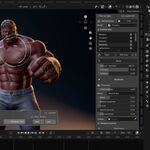
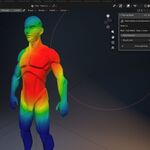
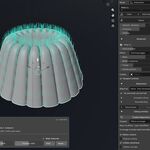
Yes. Use Paint an Area to paint exactly where you want Flex to affect the surface. You can also create multiple Flex areas on the same object and control them independently.
What is Flex?
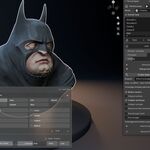
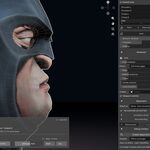
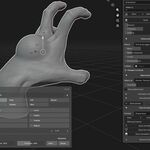
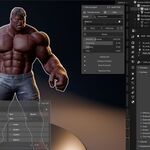
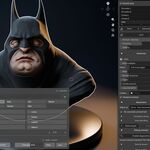
Flex is a procedural secondary motion and surface deformation system for Blender. It lets you add controllable lag, bounce, settling, sag, muscle contraction, and flexible surface response to an entire mesh or to specific painted regions.
 Included
Includes 12 months of
- Support from Egret Studios LLC
- Product updates
Extend this product’s Support Period +12 months: 50% of product price
Have questions before purchasing?
Login to message

Discover more products like this
deformation geonode soft-body deformation soft body procedural #3DPhysics Muscle System