FlowGraph — Vertical Node Editor for Blender
 Captain Pixel



What does FlowGraph support, and do I need to convert my nodes?
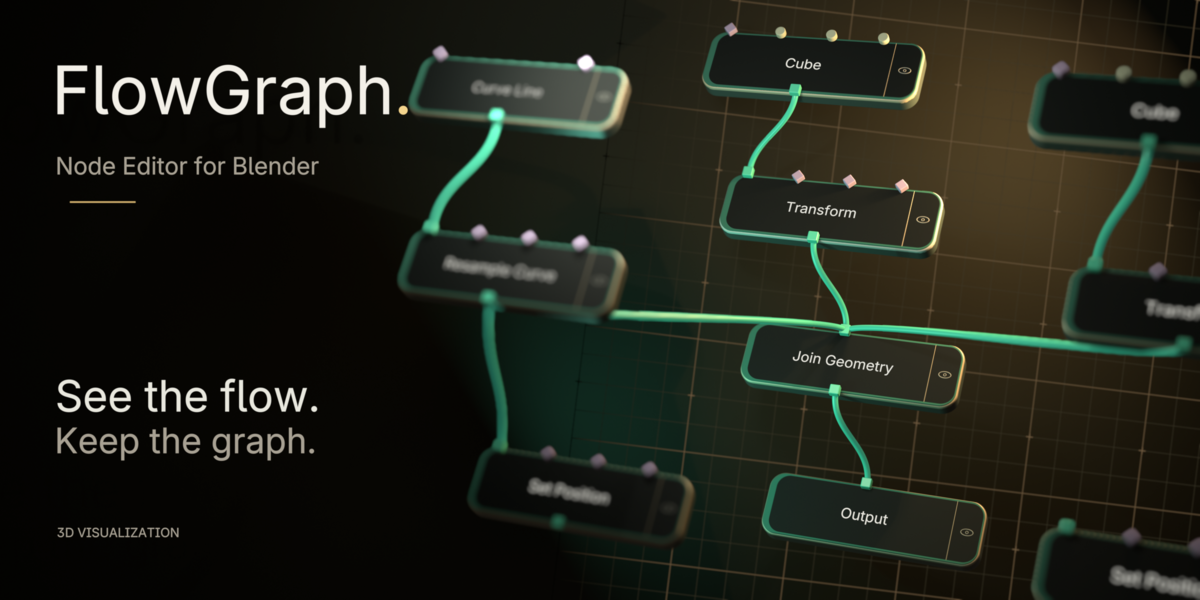
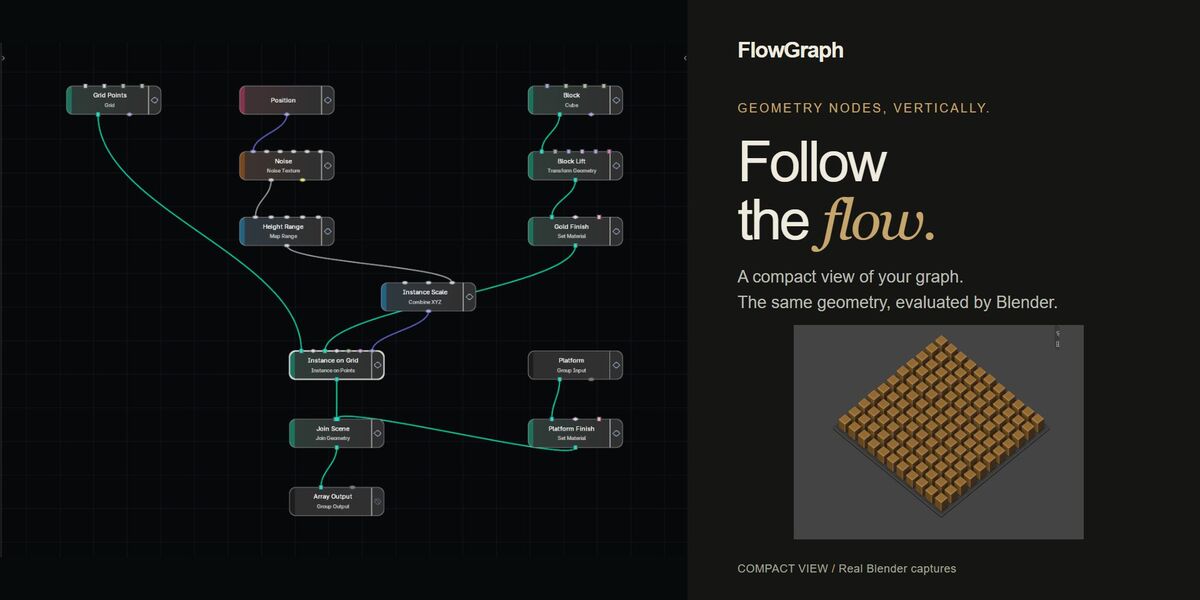
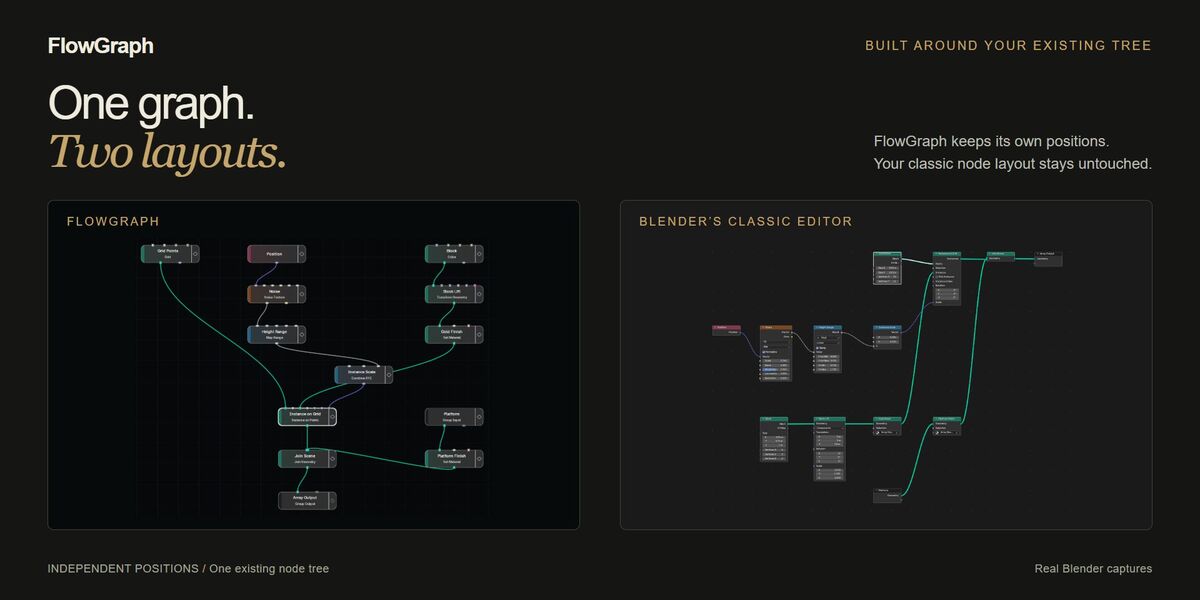
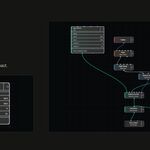
FlowGraph 0.2 supports Geometry Nodes and the Compositor. Open it over an existing tree and keep working with the same nodes and connections. No conversion is needed, and Blender evaluates the same graph. FlowGraph does not create a hidden replacement tree.
Which Blender versions and operating systems are tested?
The exact tested official Windows builds are Blender 4.2.23, 4.3.2, 4.4.3, 4.5.4, 5.0.1, 5.1.2, 5.2.2 and 5.3.0. Other patch releases are not individually qualified. Compositor support is qualified on Windows only; earlier Geometry Nodes verification was also Windows-only. See the manual for version-specific limits.
Which ZIP do I install?
Extract FlowGraph-0.2.0-Package.zip first. Install the inner flowgraph-0.2.0.zip through Blender Preferences → Get Extensions → Install from Disk, keeping that inner ZIP intact. Enable FlowGraph and restart Blender after replacing an older version. Open an existing node tree, then choose N → FlowGraph → Open FlowGraph. The PDF guide is beside the installer.
Will moving nodes change my classic editor layout?
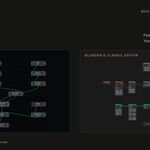
Moving nodes in FlowGraph changes only its own layout, which is saved with your blend file. The classic editor keeps separate node positions. Node, link and value edits affect the same real graph in both views. Use Back to GN or Back to Nodes to return to the classic canvas.
How do I choose a Compositor output for A or B?
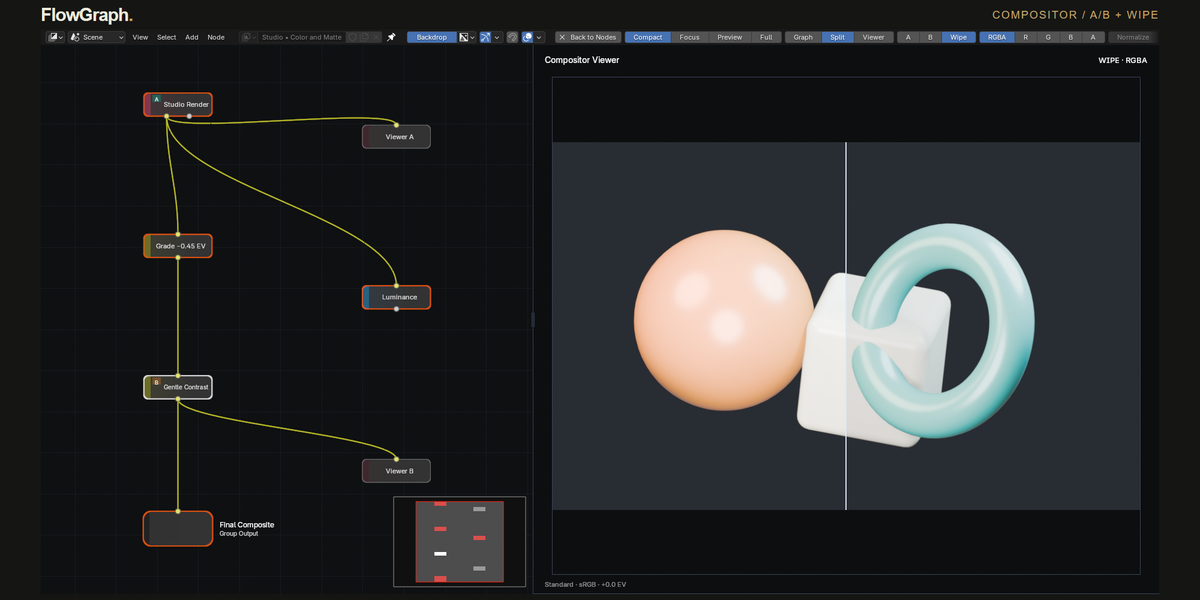
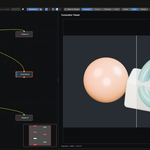
Select a source and press 1 for A or 2 for B, then choose the exact eligible output if asked. Repeat the key on an already routed source to show its cached result. Shift+1 / Shift+2 or Active → A/B explicitly chooses an output again. Wipe needs two current compatible results.
Why does the Geometry Nodes eye not show an image inside the node?
The Geometry Nodes eye routes an eligible output to a visible Blender Viewer. Inspect it in the 3D Viewport or Spreadsheet. Inline image cards belong to the Compositor Preview workflow; they are separate from the Geometry Nodes eye. Shift-click the eye to choose another supported geometry output.
Are independent Compositor previews available on every node?
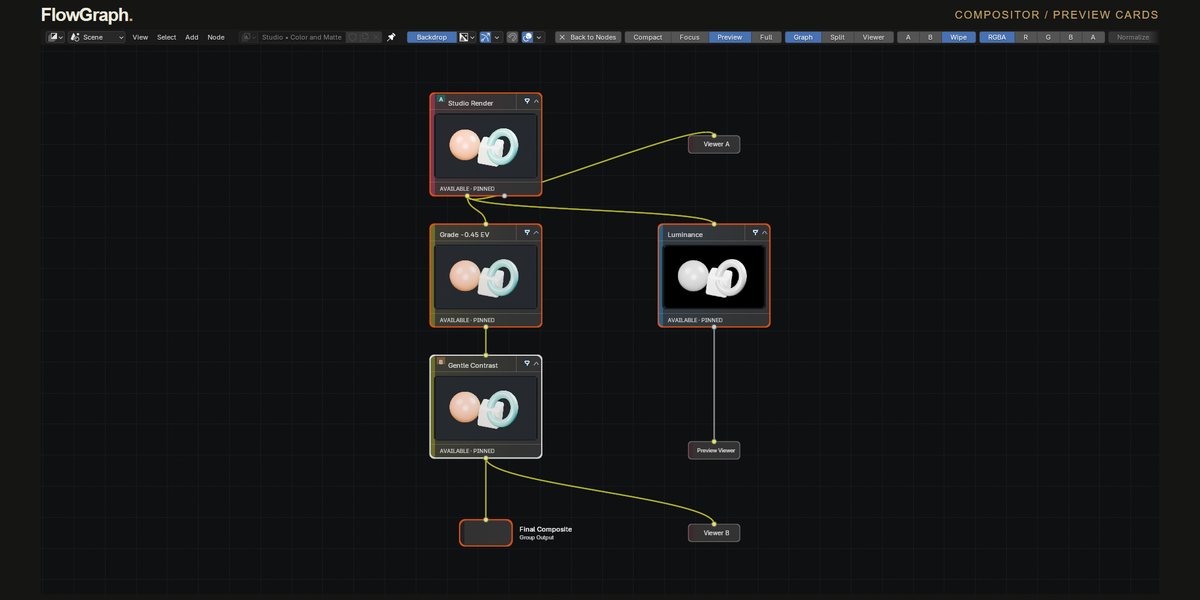
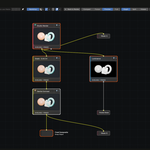
Previews are optional and need an eligible output. Enable them under N → FlowGraph → Node previews. A sequential queue uses one visible Preview Viewer, separate from A/B. Some animated or unknown data cannot be tracked safely; use A/B when that refusal appears. Disable stops the queue, while Remove Viewer separately removes its helper.
How do I enable the minimap?
Turn on Show Minimap under FlowGraph → Node Display. It is off by default. Click the map to recenter or drag its viewport rectangle to navigate. In the Compositor it appears in Graph and Split, while Viewer Focus reserves the canvas for the image. Very small editors may not have room for the map.
Does FlowGraph use Blender Undo, and why can Blender 5.1 refuse an Image operation?
Committed graph edits and layout moves use Blender's native Undo/Redo. Blender 5.1 has a known native multiview Image Undo defect. FlowGraph refuses affected Image copy/paste and shared-cache operations before changing data. The defect is not fixed by the add-on; unaffected Image and Cryptomatte workflows remain available within their supported limits.
Why can a stereo Cryptomatte Matte look too strong in Blender 4.3.2?
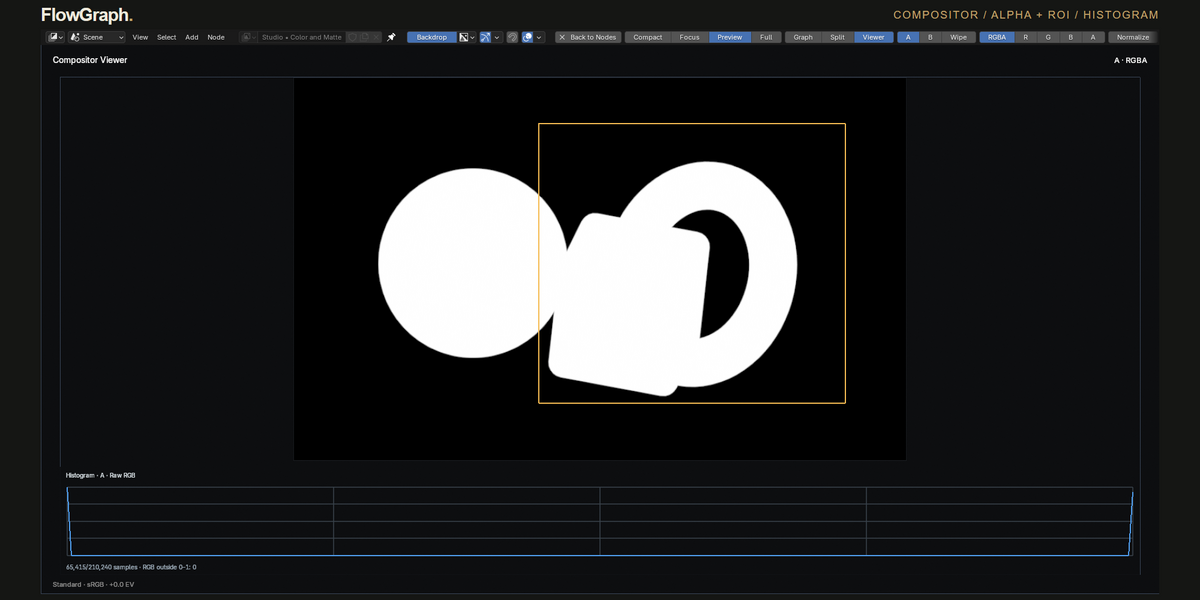
Blender 4.3.2 has a native Image-source V2 stereo Matte defect that can double coverage. FlowGraph displays Blender's result unchanged. For supported sequence sources, Add Legacy Sequence Branch provides the explicit correct-coverage path while keeping V2 and its existing wires. Normalize changes inspection only; it does not repair the computed mask.
Do Curve and Color Ramp popups apply changes the same way?
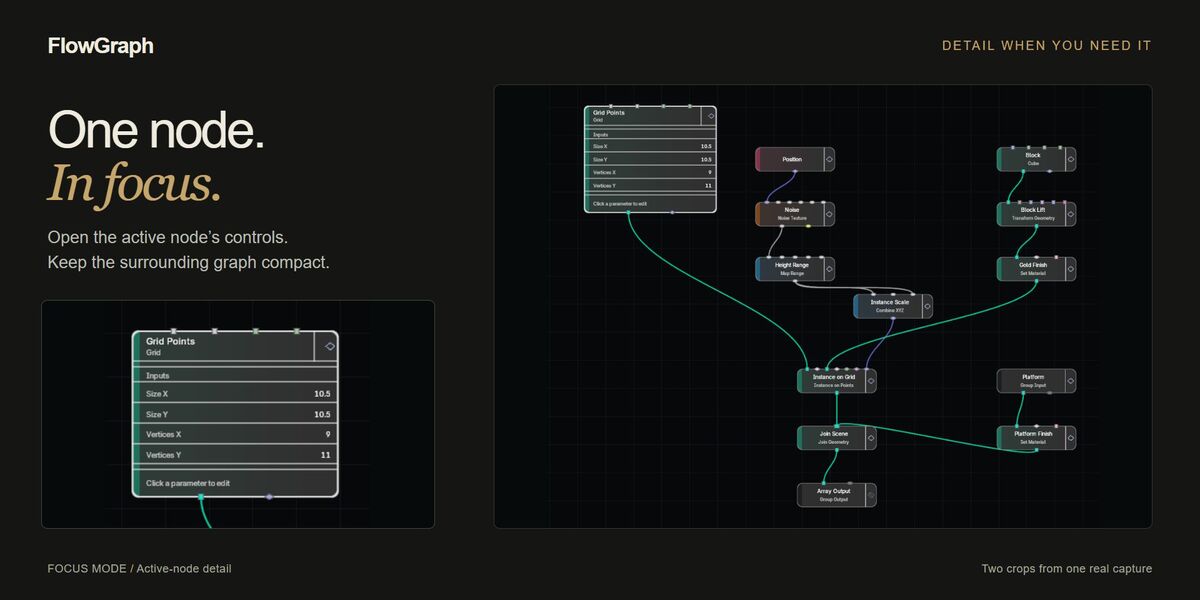
Curve Mapping edits a draft: Apply commits one Undo step and Cancel discards it. Color Ramp edits live, so closing its popup keeps the changes. Close the popup before using canvas Undo/Redo. Ordinary quick-inspector drafts also use Apply/Cancel.
Where can I find the guide or ask for help?
FlowGraph-Guide.pdf is included beside the installer and works offline. The online manual covers controls and compatibility. For help, use seller messaging on this Superhive page. Include your exact Blender build, operating system, FlowGraph version, reproduction steps and relevant error text. Remove private content from screenshots or example files.
Have questions about this product?
Login to message
| Published | about 2 months ago |
| Blender Version | 4.2 - 5.3 |
| Extension Type | N/A |
| License | GPL |
Discover more products like this
procedural Workflow interface vertical nodes geometry nodes Node Editor