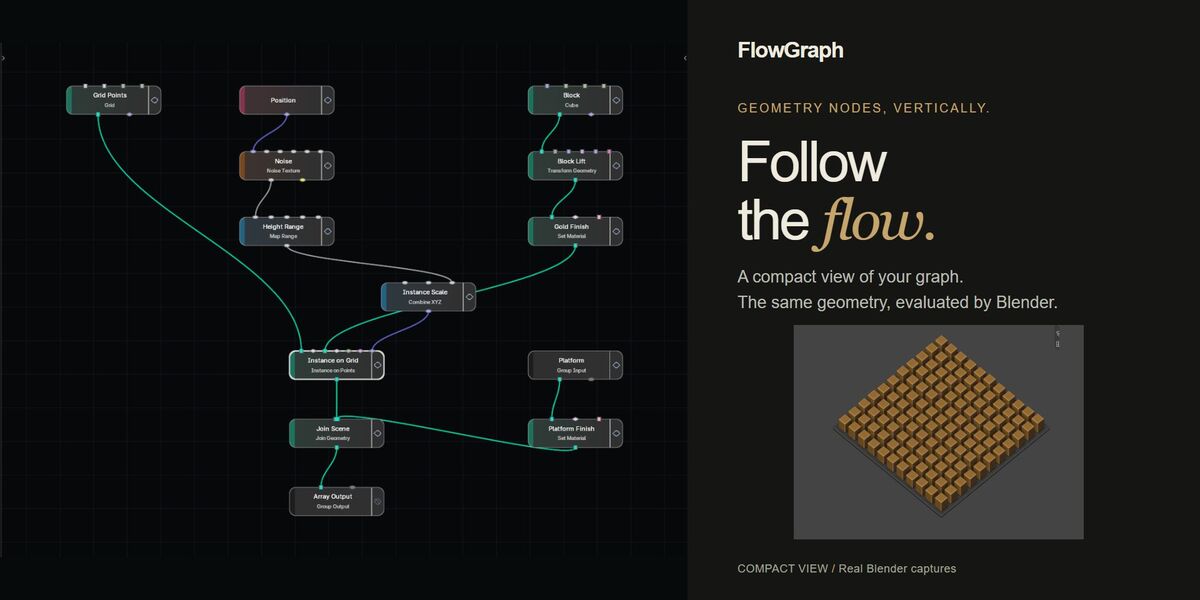
FlowGraph — Vertical Node Editor for Blender
 Captain Pixel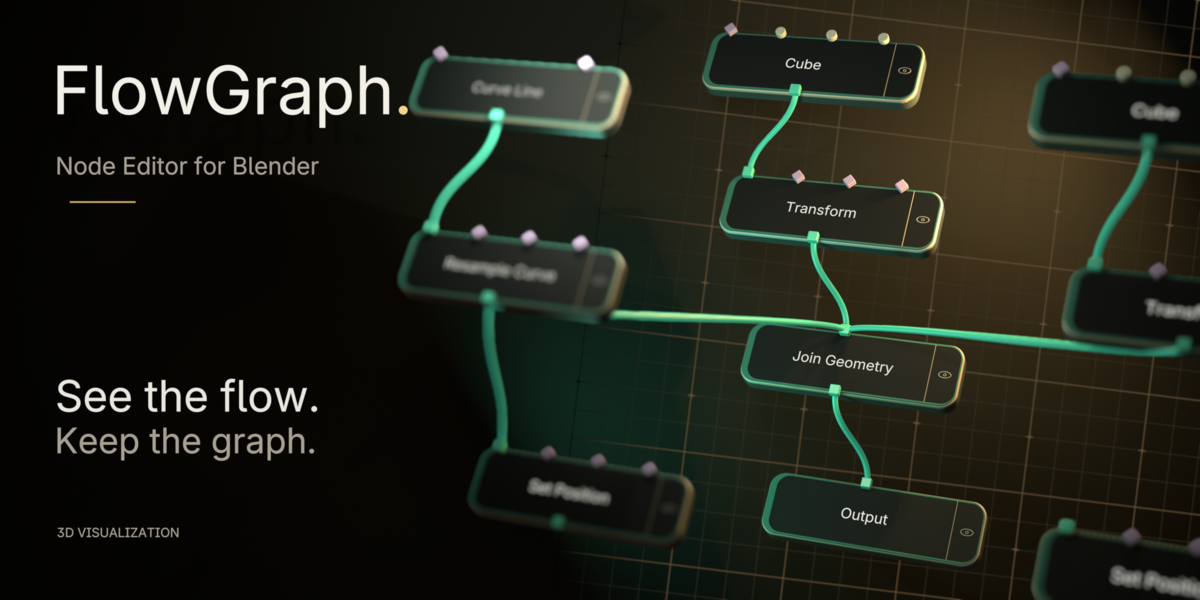
Quick start
FlowGraph 0.1.0 is a pre-release Geometry Nodes editor. Verified Windows builds: 4.2.23, 4.3.2, 4.4.3, 4.5.4, 5.0.1, 5.1.2 and 5.2.2. Other patch releases, macOS and Linux have not been individually verified.
- In Blender, open Edit → Preferences → Get Extensions. Open the top-right menu, choose Install from Disk and select the extension ZIP without unpacking it. Enable FlowGraph if needed.
- Open an existing Geometry Nodes tree. Press N over the node editor, choose the FlowGraph sidebar tab and click Open FlowGraph.
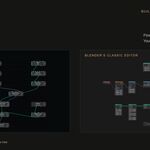
- Press Home to frame the graph. Use Back to GN, or Esc on the canvas, to return to the classic editor.
Navigate and arrange
- Left-click to select; Shift-click toggles selection. Drag a node to move the selected set. Drag empty canvas to box-select.
- Middle mouse button: pan. Mouse wheel: zoom. Home: frame all nodes.
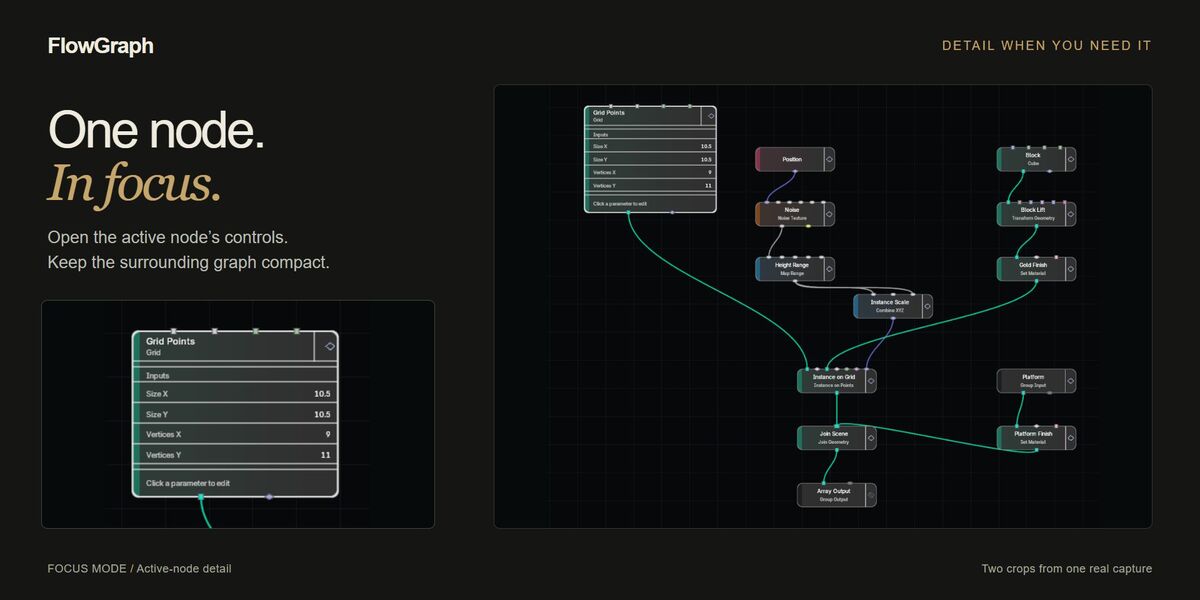
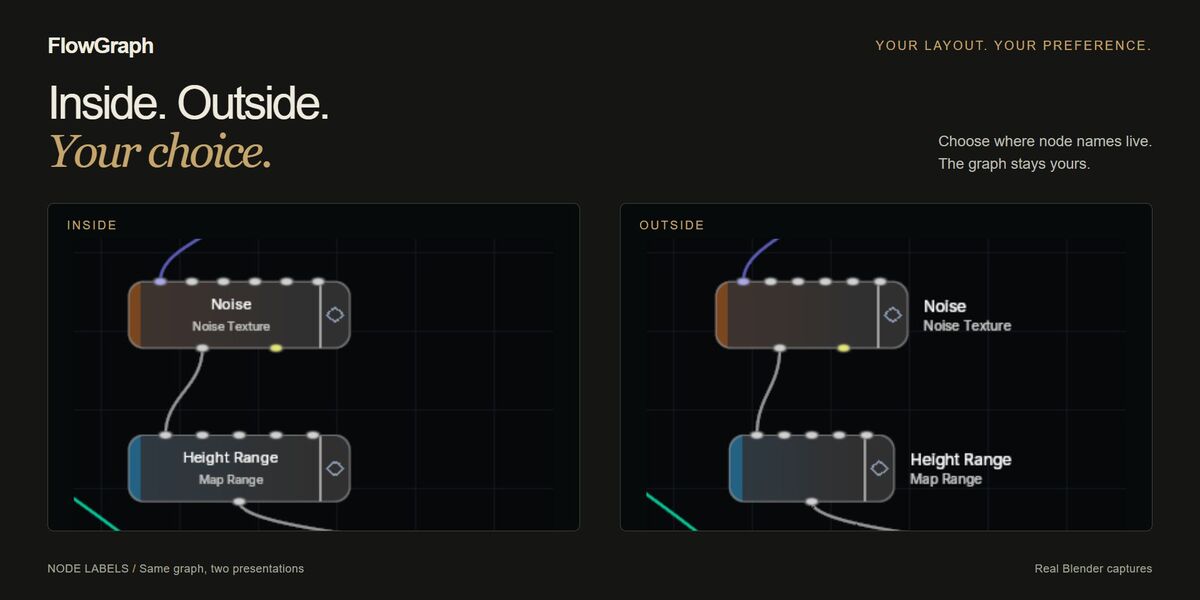
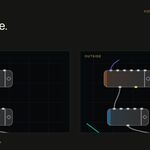
- Choose Compact, Focus or Full for the amount of visible detail. Choose Inside or Outside for compact labels. Hover over a node for its original type and description.
- Enable Show Minimap under FlowGraph → Node Display for a navigable overview. It is off by default.
Edit the graph
- Tab or Shift+A opens the native cascading Add menu. Hover categories or use Search...; over a socket or link, choices are filtered for compatibility. On Blender 4.2–4.4, use the explicit Search... action for technical names and aliases.
- Drag an output to an input to connect; drag a connected input to reconnect it. Double-click a link to insert a reroute. Ctrl+right-mouse drag cuts links.
- Double-click an ordinary node for the quick inspector. Apply or Enter commits the draft; Cancel or Esc discards it. Supported settings and item-collection controls are also available in the sidebar.
- Float Curve, Vector Curve, RGB Curve and Color Ramp open their native graphical editor on double-click. These edit the real property live: closing does not cancel edits. Close the popup before using canvas Undo/Redo.
- Ctrl+J groups selected nodes in a Frame. Alt+P detaches them; the sidebar can attach them to the active Frame. Drag the Frame title or border to move it with its descendants. Copying a Frame includes its nested contents.
- X or Delete removes the selection. Ctrl+C / Ctrl+V copies and pastes within the same Blender process; Shift+D duplicates.
- Ctrl+double-click enters a node group; Ctrl+Tab leaves it. M toggles mute/bypass. Ctrl+Z / Ctrl+Shift+Z uses Blender Undo/Redo with the default keymap.
- The preview eye routes a supported output to a visible Blender Viewer. Inspect its result in the 3D Viewport or Spreadsheet; it is not an inline GN image thumbnail.
One tree, independent layouts
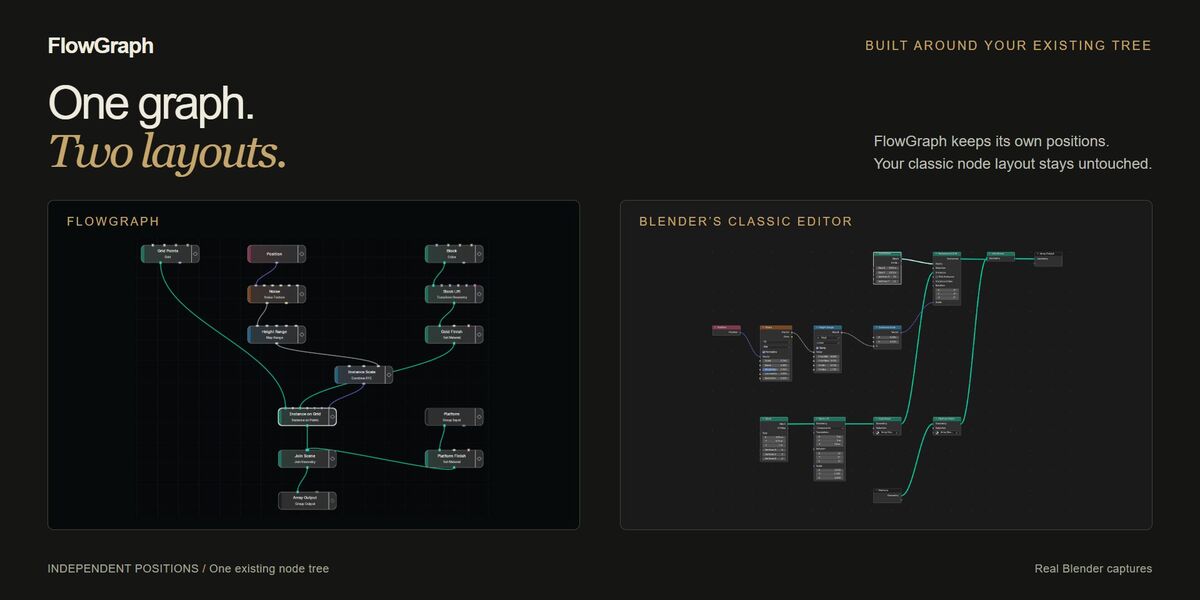
Edits change the active existing Geometry Nodes tree. Blender evaluates that tree; there is no hidden replacement. FlowGraph keeps its own positions. Moving nodes here does not rearrange the classic editor. Explicit Frame grouping changes real parent relationships, while preserving existing absolute placement in the classic editor.
Known limits and copy warnings
- Non-null direct Input Object and Input Collection properties are read-only. Copy/duplicate operations requiring restoration of those values are rejected before mutation. Supported object/collection socket defaults are a separate path.
- Complex or conflicting NLA arrangements are rejected when their ownership or playback semantics cannot be preserved safely. This is not a blanket restriction on animation or drivers.
- Operations affecting an externally pending Viewer Auto Remove state are guarded where native Undo cannot be preserved.
- On Blender 5.2, copying a 2D/3D Input Vector preserves visible values and dimensions; inaccessible hidden components become zero only on the clone, with a warning. 4D and fixed 3D values on 4.2–5.1 are copied exactly.
- If a copied menu choice loses its definition owner, the affected clone menu is left unset with a warning. Copy the full definition route to preserve the choice. The original is unchanged.
Need help?
Use seller messaging on this Superhive product page. Include the exact Blender build and operating system, FlowGraph version, reproduction steps, expected and actual results, and relevant error text. A screenshot or small example with private content removed is helpful.
Have questions about this product?
Login to message
| Published | about 5 hours ago |
| Blender Version | 4.2 - 5.2 |
| Extension Type | N/A |
| License | GPL |
Discover more products like this
procedural Node Editor geometry nodes Workflow interface vertical nodes