Flux Forms Npanel Library: 155 Shapes & 105 Materials
 gigirenders
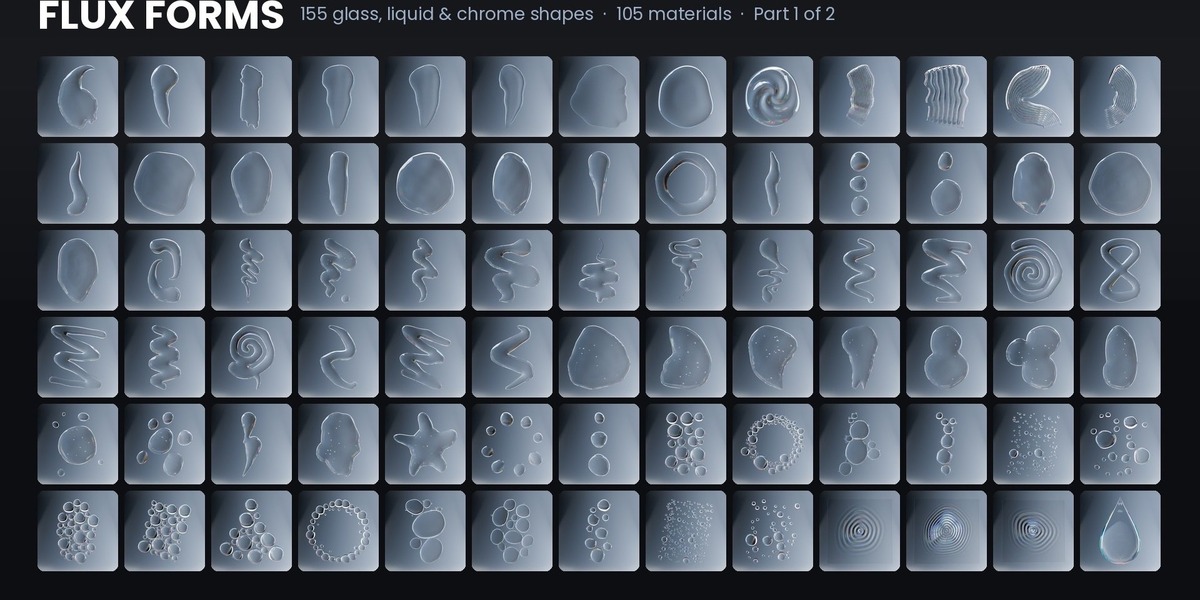
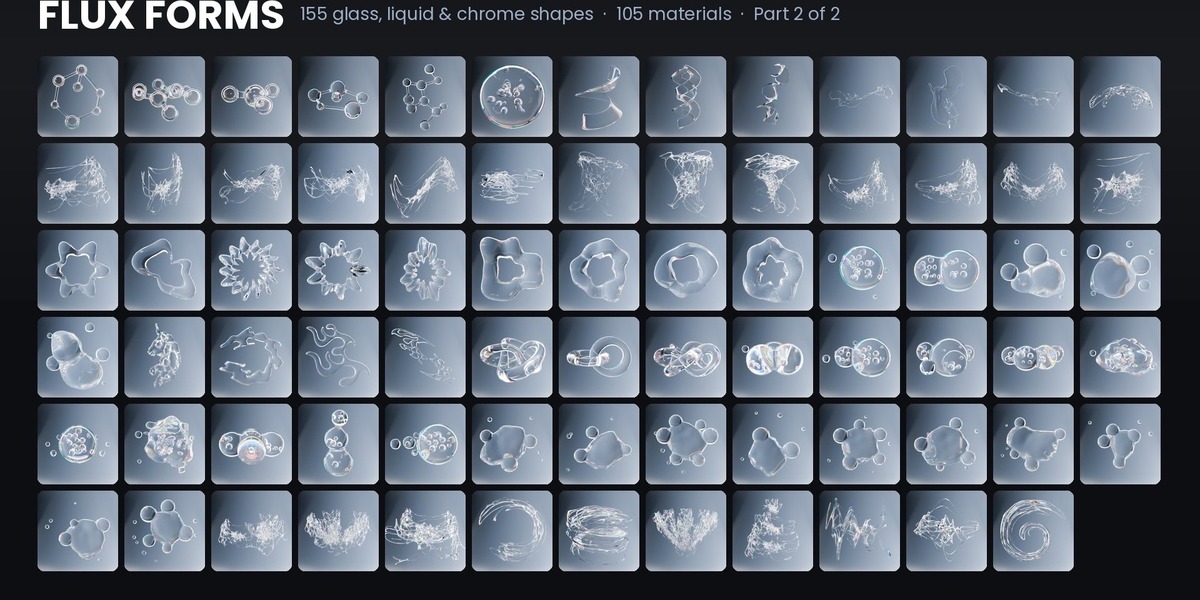
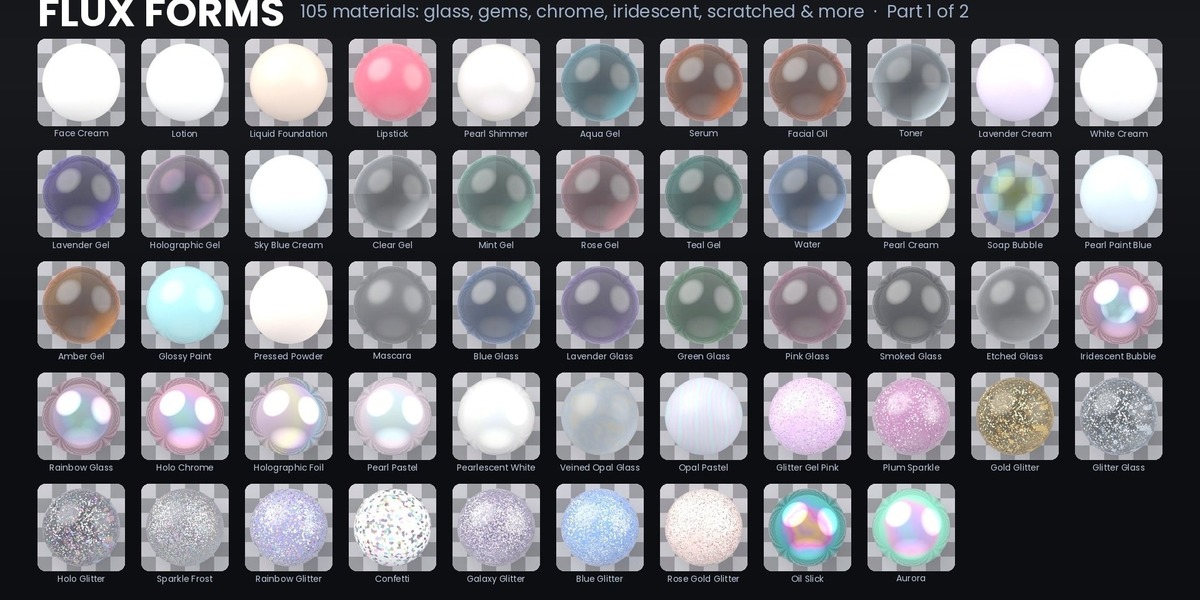
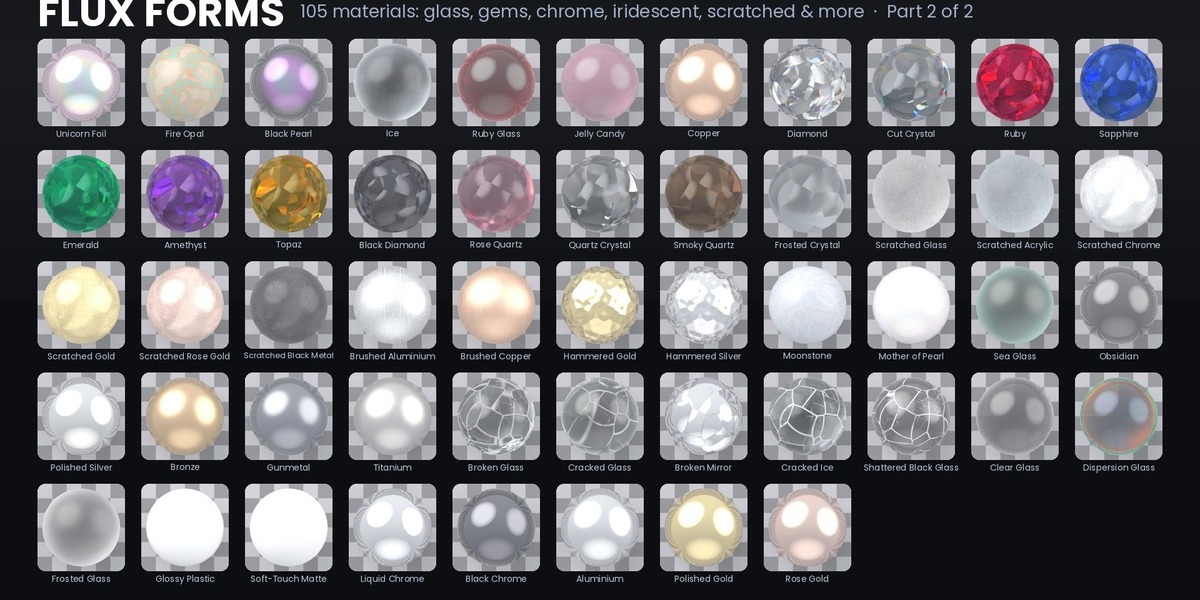
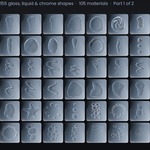
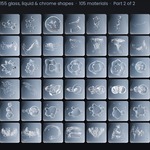
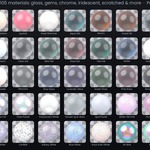
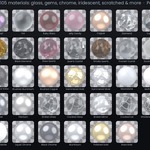
Flux Forms
User Guide
v1.0.0 · BLENDER 4.5+ · BEST IN 5.0+
✦ 01 · INSTALL
Install in a minute
1 |
Download the zip flux_forms_v1.0.0.zip. Do not unzip it. |
2 |
Install from Disk Edit › Preferences › Add-ons › top-right drop-down › Install from Disk, then pick the zip. |
3 |
Enable Flux Forms Tick the checkbox next to the add-on. |
4 |
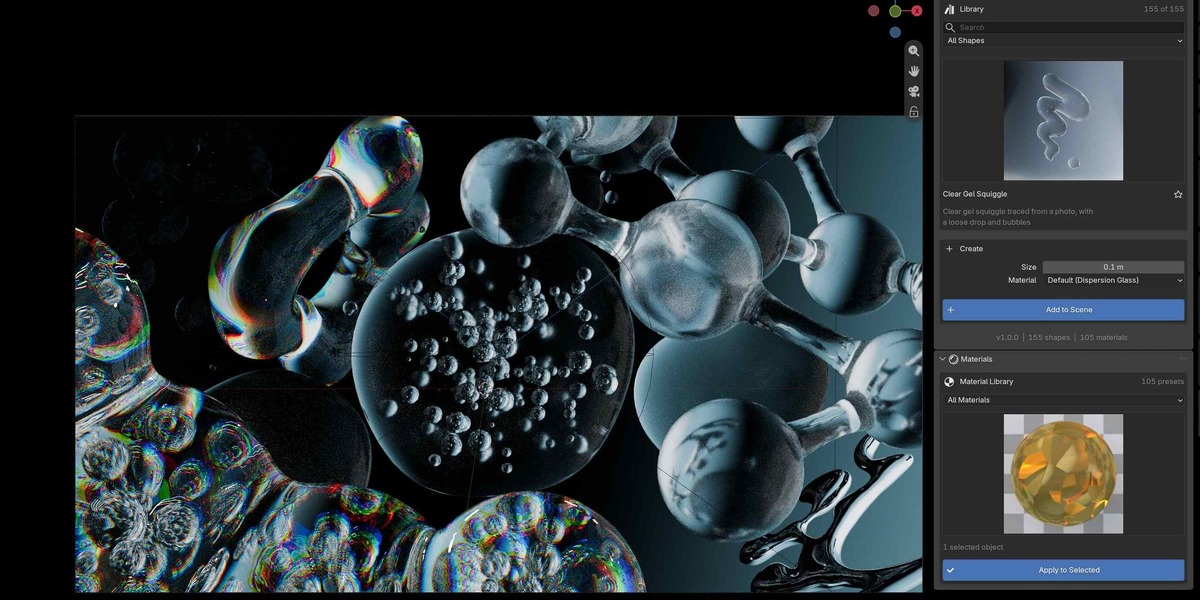
Open the panel In the 3D Viewport press N and open the Flux Forms tab. |
✦ 02 · LIBRARY
Pick a shape, add it to the scene
1 |
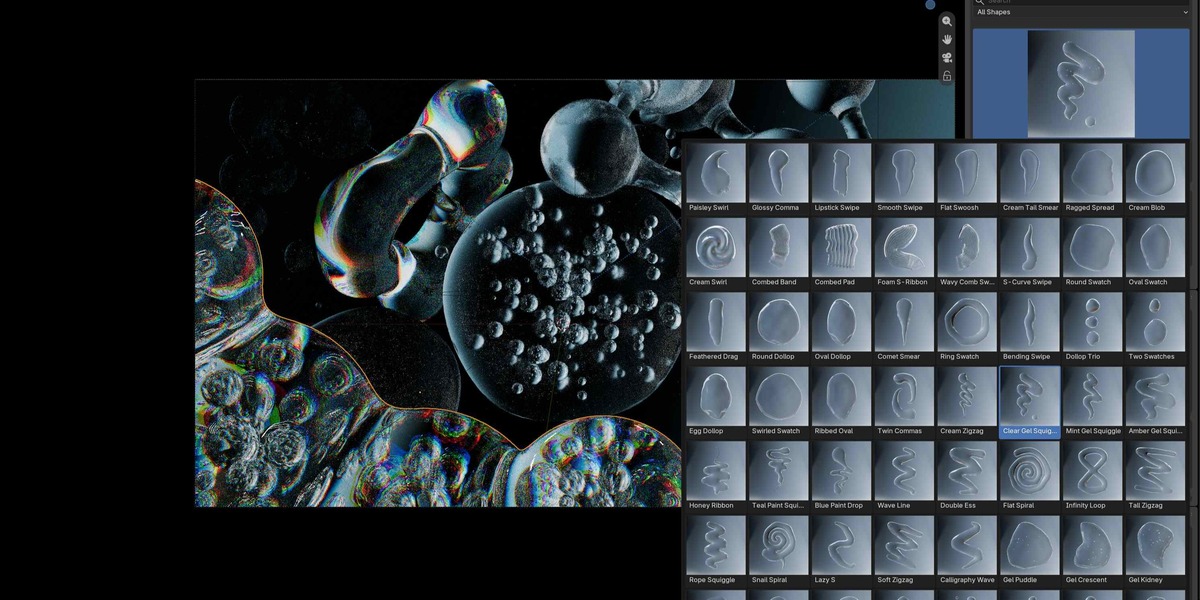
Search or choose a category Star a shape to find it under Favourites. |
2 |
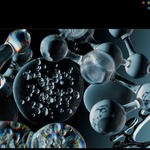
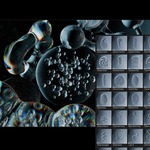
Browse Click the preview to browse all 155 shapes. |
3 |
Create Set Size, Material and Mesh Detail. |
4 |
Add to Scene Press Add to Scene. New shapes spawn at 0.1 m. |
Shapes are real meshes. Apply modifiers, sculpt or edit them freely.
✦ 03 · EDIT
Tweak it live
Select a Flux Forms object and open Edit Selected Shape. Everything updates live, no simulation.
- ✓ Shape: size, thickness, bubbles and ridge/count sliders (depending on the shape)
- ✓ Mesh Detail: Draft is quickest on slower computers
- ✓ Variation: change the seed, or press the dice for a new one
- ✓ Duplicate as New Variation keeps the original and gives you a copy with a new seed
- ✓ Swap the shape or material from the same panel
✦ 04 · MATERIALS
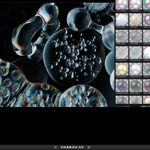
105 materials, one click
1 |
Select objects Flux Forms shapes or any mesh. |
2 |
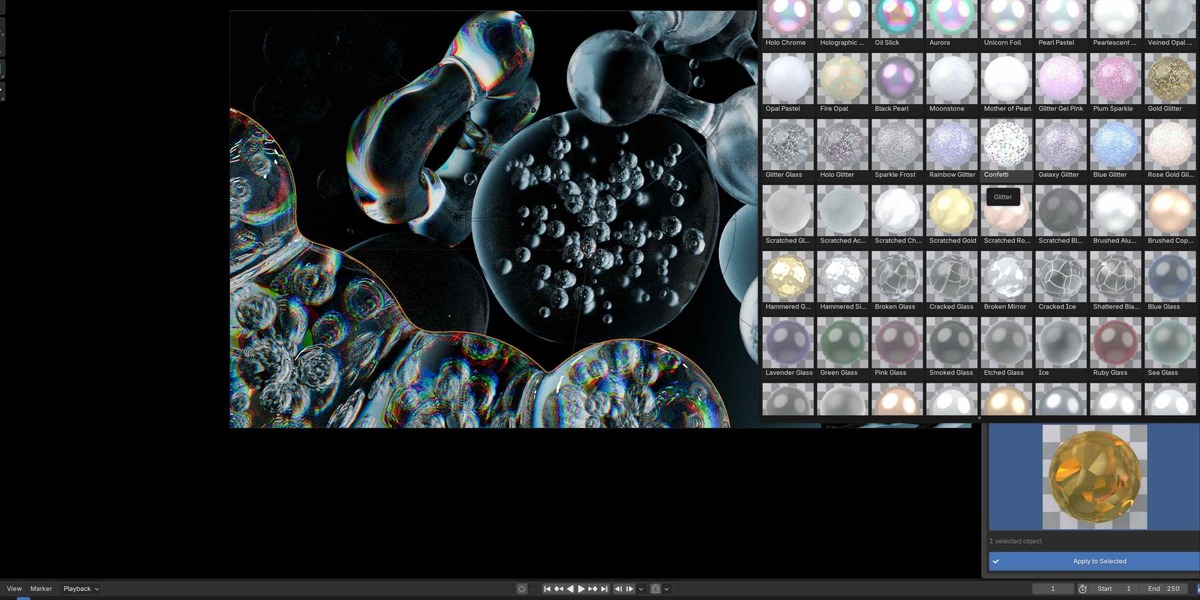
Choose a preset Open the Materials panel, pick a group and a preset. |
3 |
Apply to Selected Press Apply to Selected. |
4 |
Tweak Use the Tweak sliders that appear for procedural materials. |
Glass, gems and dispersion materials look best rendered with Cycles.
✦ 05 · GOOD TO KNOW
Tips
- ✓ Requires Blender 4.5+. Best results in 5.0 or newer
- ✓ Objects and materials are named with an FF_ prefix
- ✓ Use Draft mesh detail for fast viewport work, then raise it for final renders
- ✓ Materials work on any object, not only Flux Forms shapes
Have questions about this product?
Login to message
| Dev Fund Contributor | |
| Published | about 4 hours ago |
| Blender Version | 4.5 - 5.2 |
| Render Engine Used | Cycles |
| License | GPL |

Discover more products like this
makeup abstract shapes liquid beauty glass-material skincare abstract abstract liquid 3D shapes procedural materials Glass motion graphics