 Darksteady. Studio
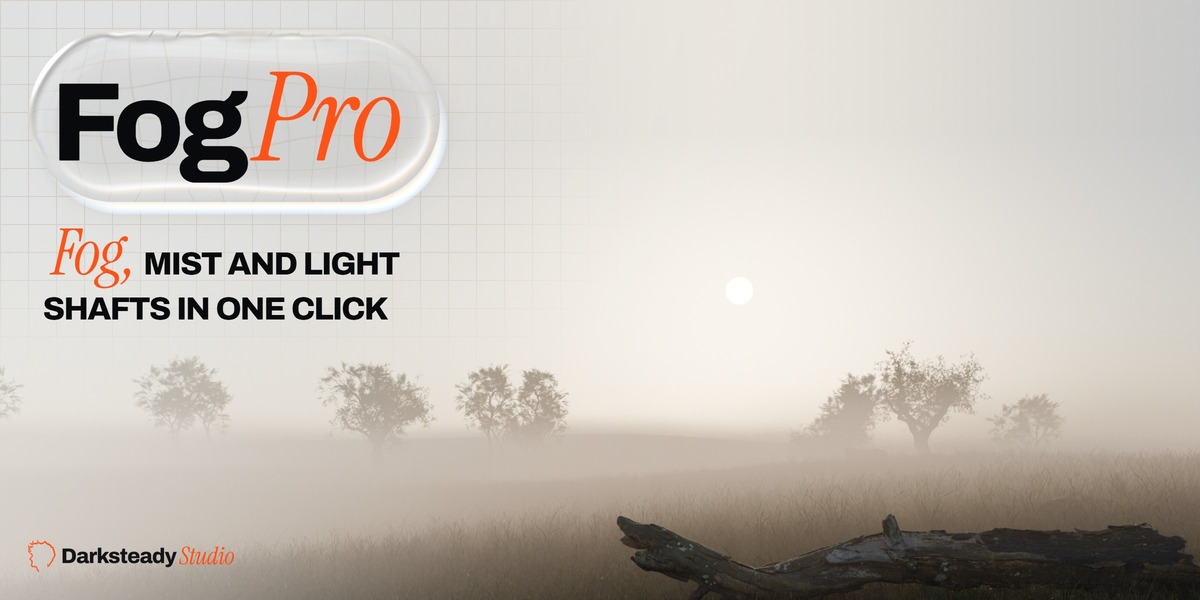


Real fog, mist and light shafts. One click.
Fog Pro fits volumetric fog to your camera and scene. Works in EEVEE and Cycles, with your own lights, materials and world.
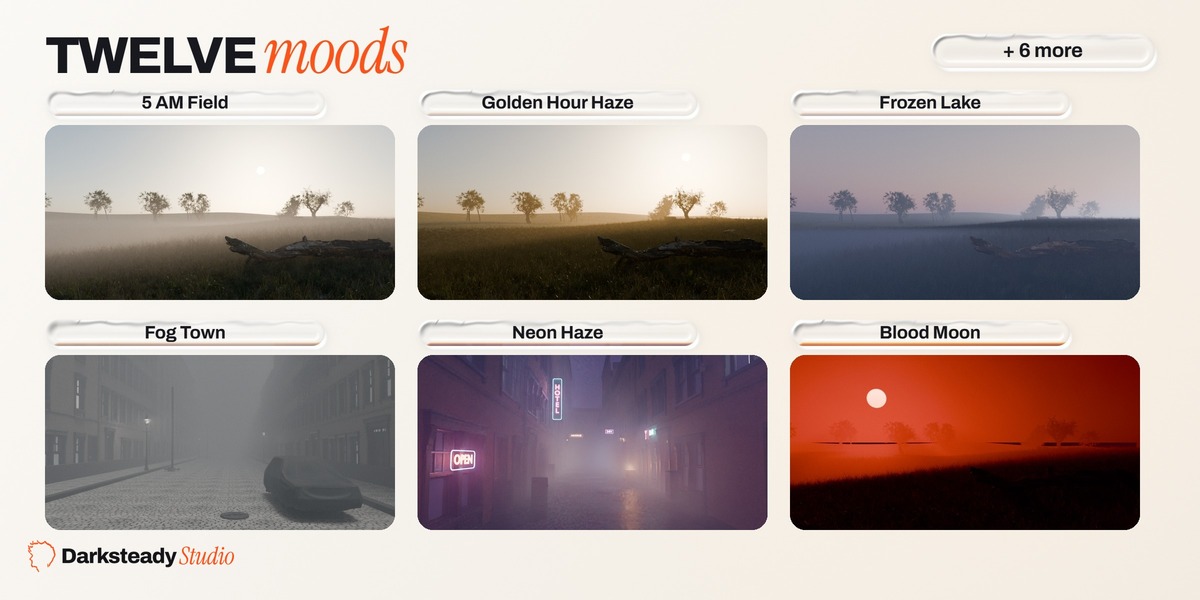
12
moods
Fog, sun, sky and grade in one click
4
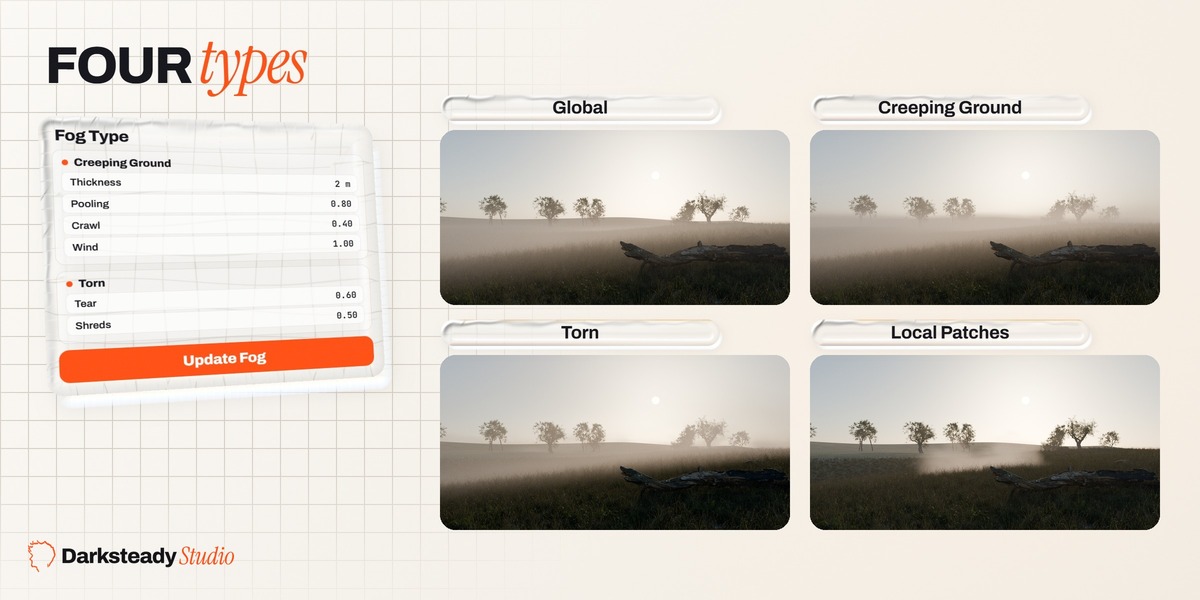
fog types
Global, Creeping, Torn, Patches
3
versions
Blender 4.2 LTS, 4.5 LTS, 5.1

1
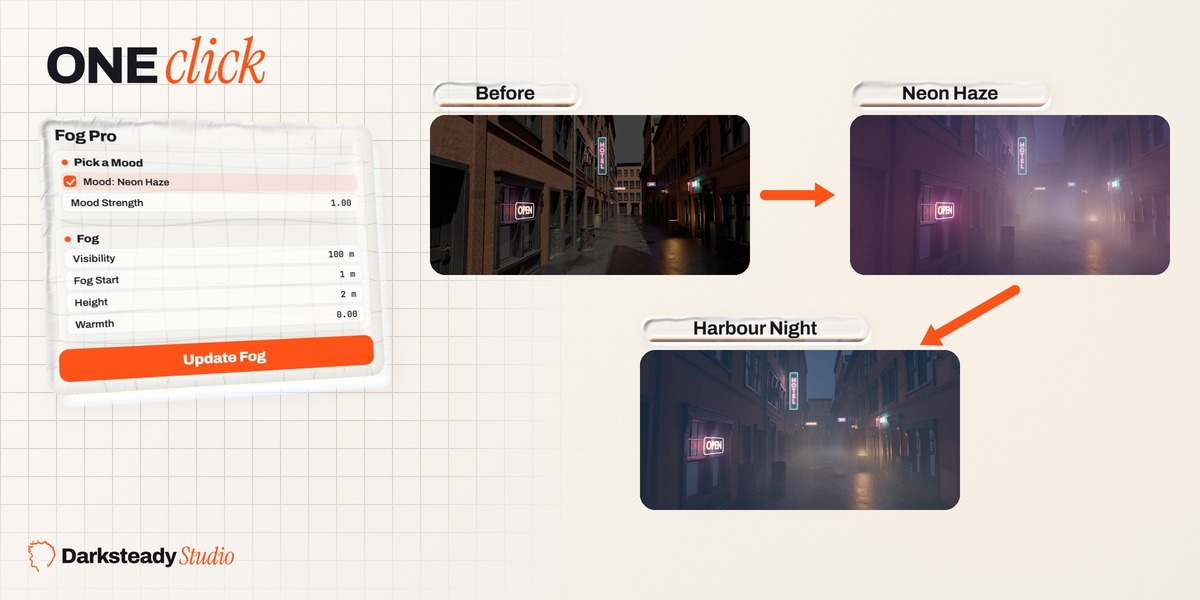
Pick a mood
Fog, sun, sky and grade change together.
2
Set the strength
From your scene (0) to the full mood (100 percent).
3
Remove it any time
Remove Fog puts your scene back exactly.
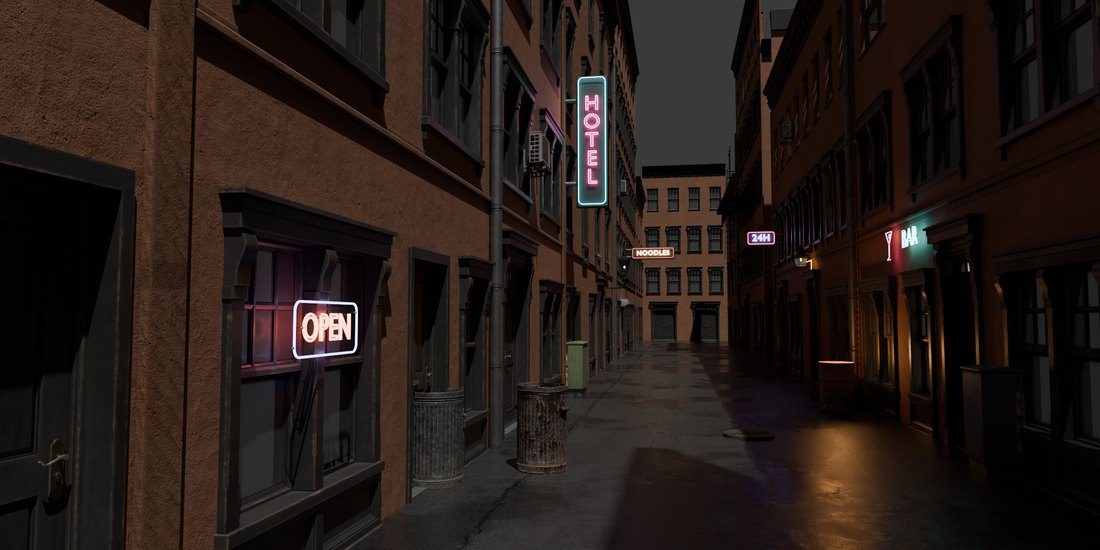
Before
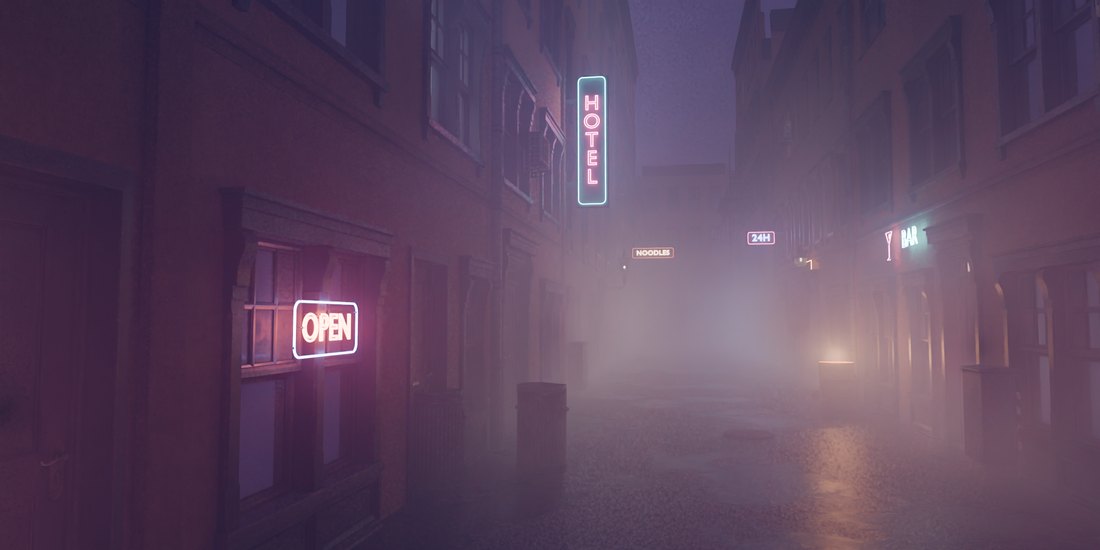
Neon Haze

One click changes fog, sun, sky and colour grade together.
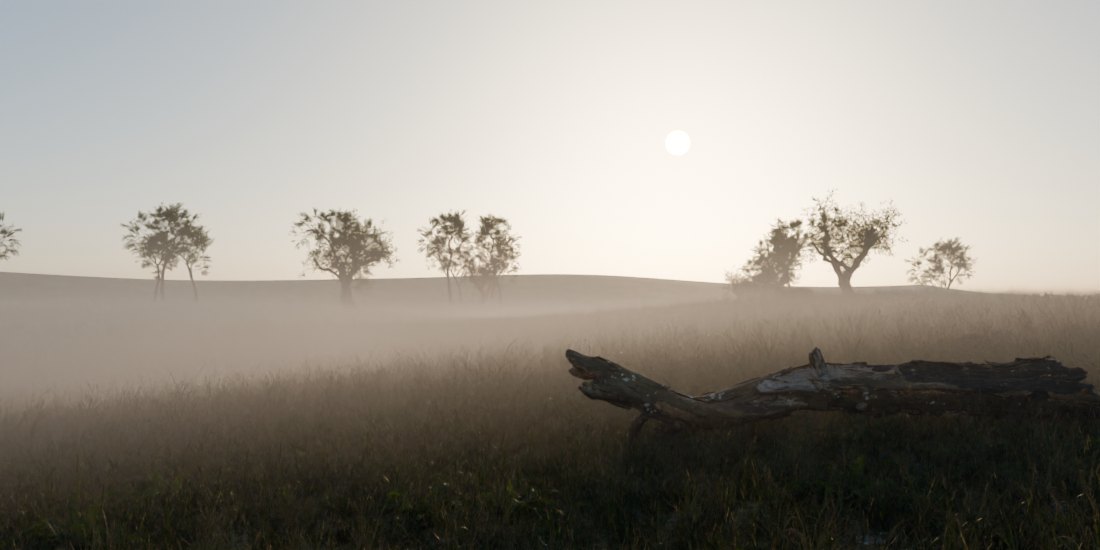
5 AM Field
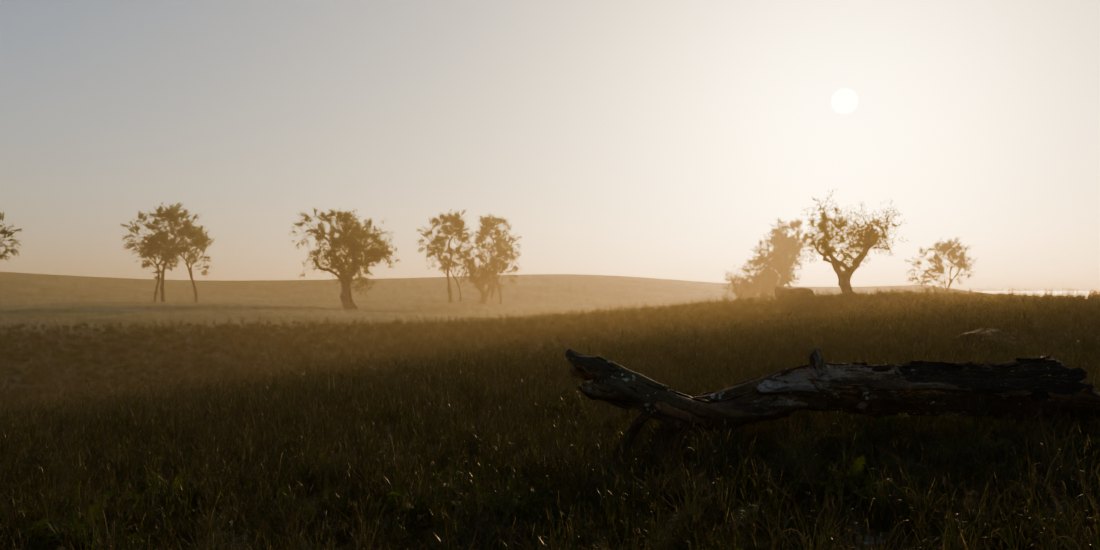
Golden Hour Haze
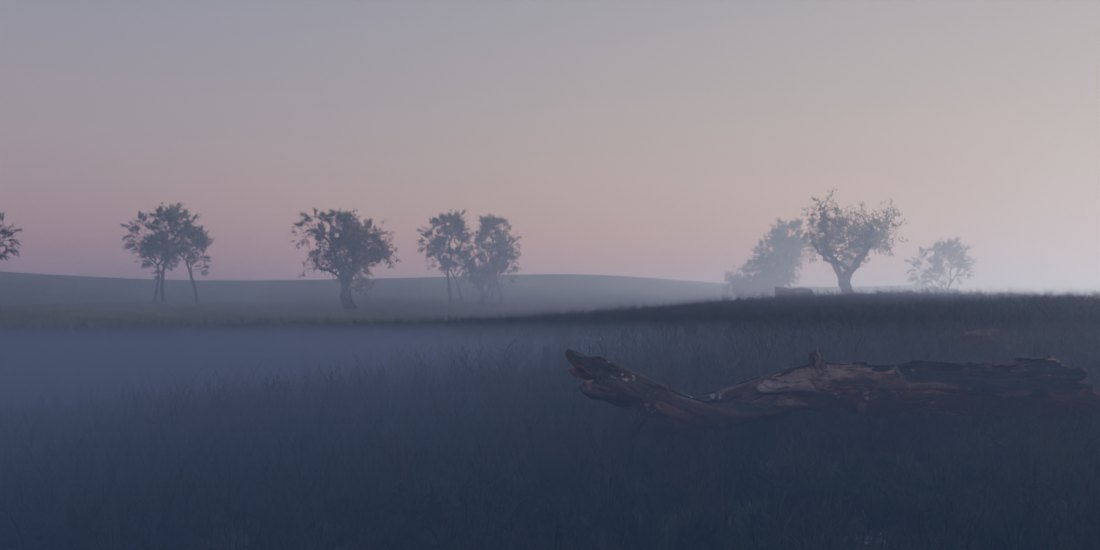
Frozen Lake
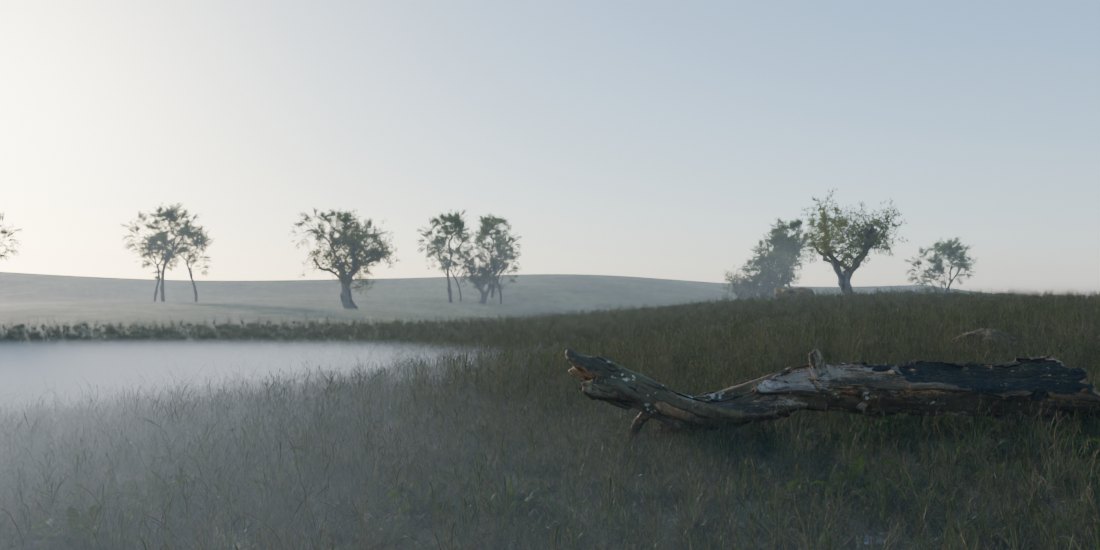
Moor Valley
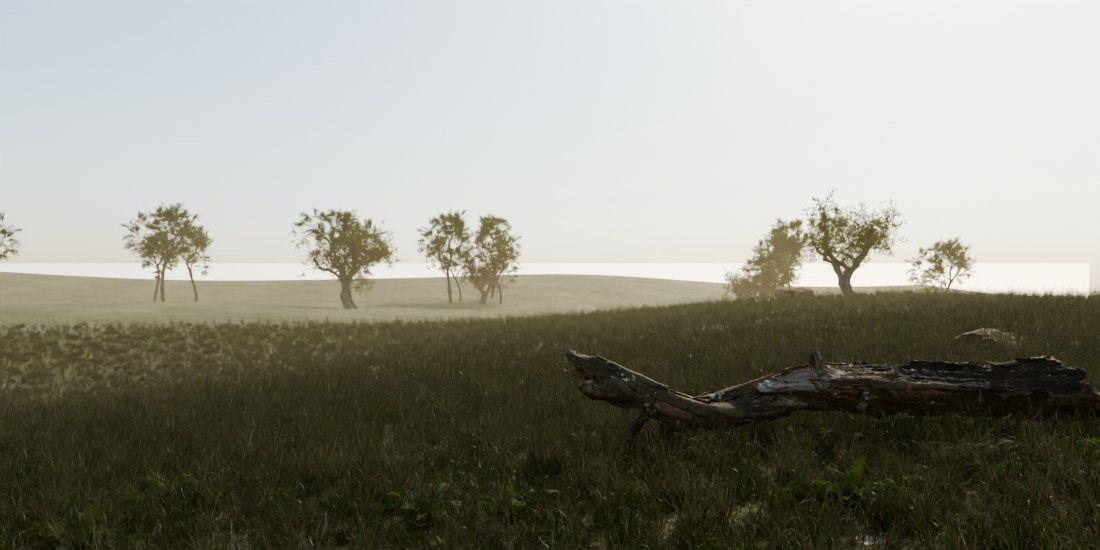
Desert Heat
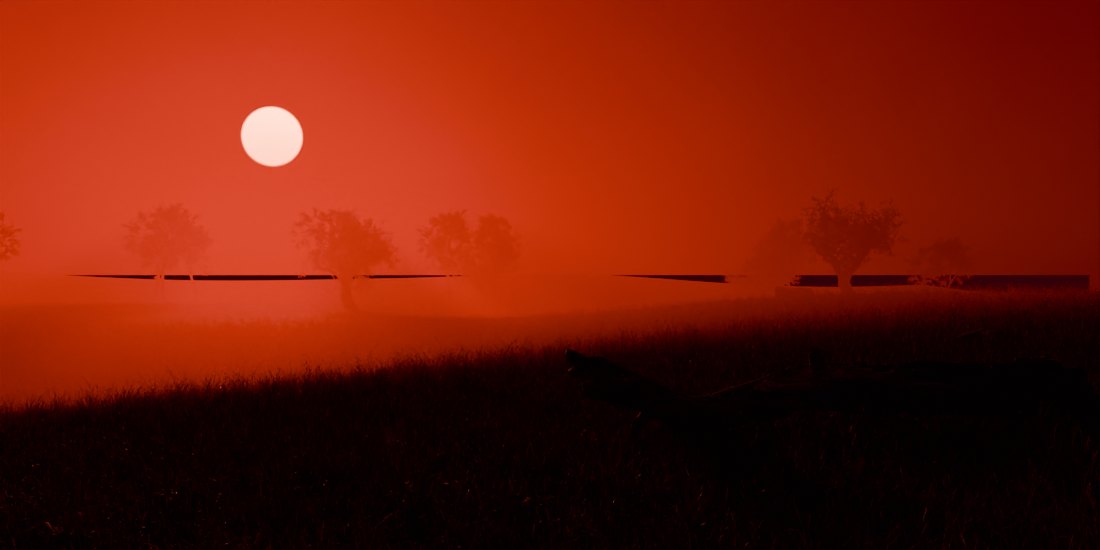
Blood Moon
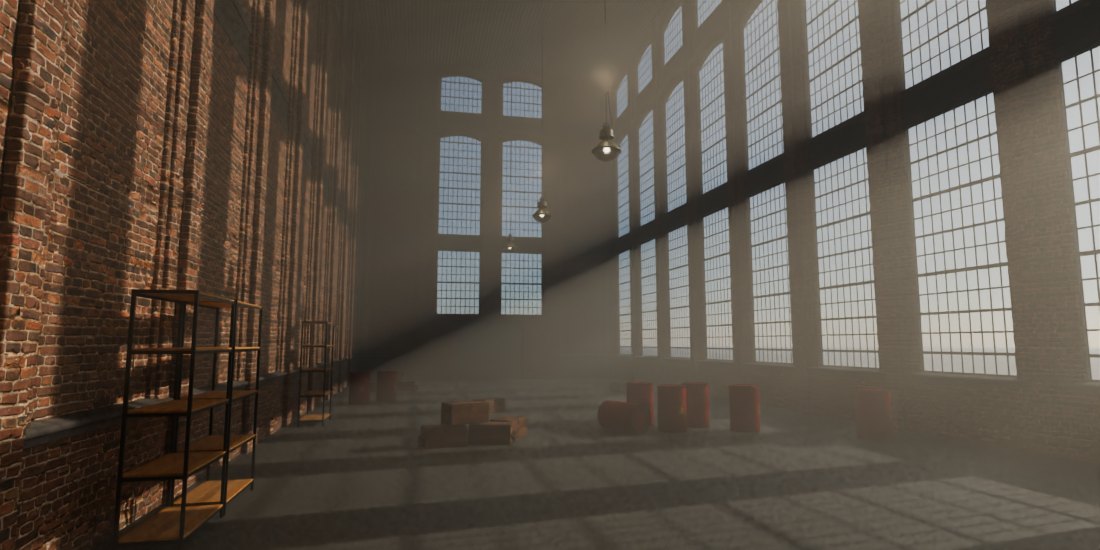
Cathedral Beams
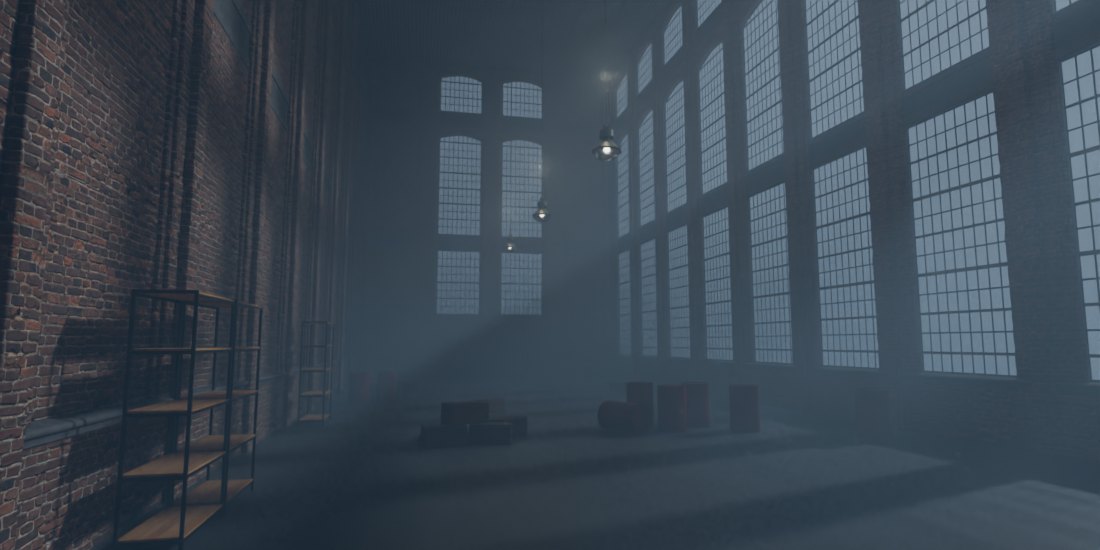
Cold Corridor
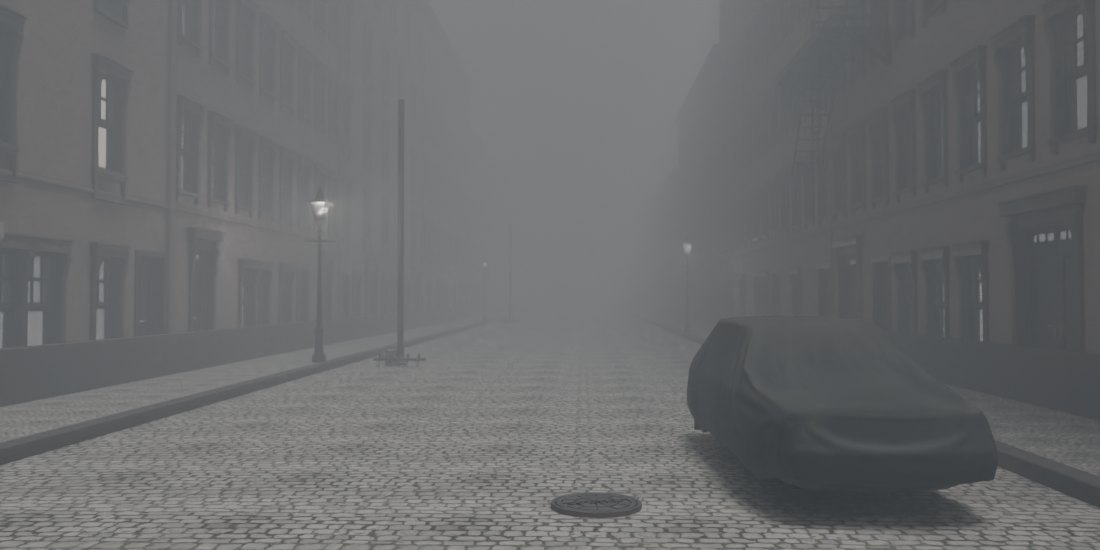
Fog Town
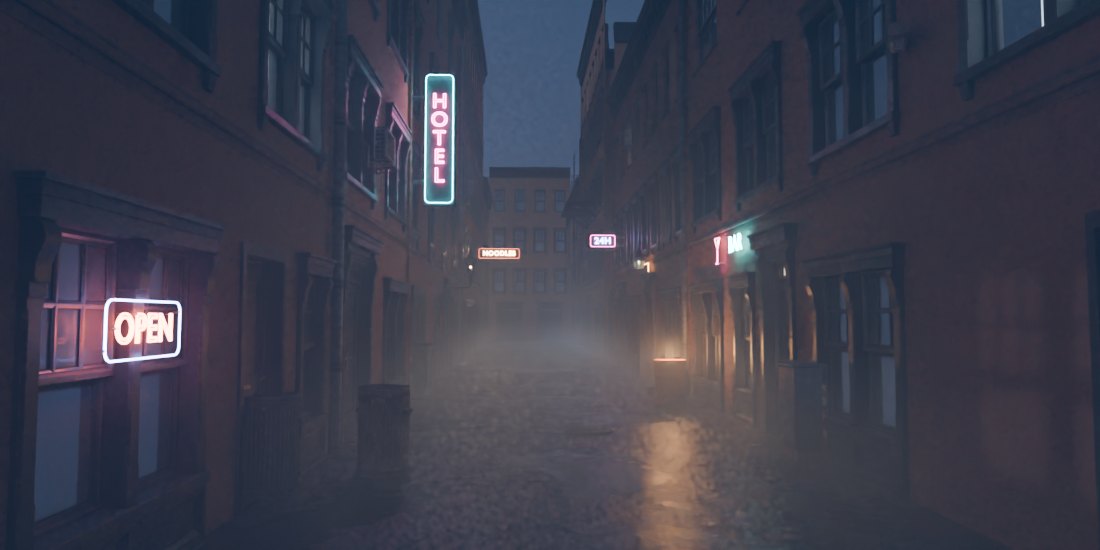
Harbour Night
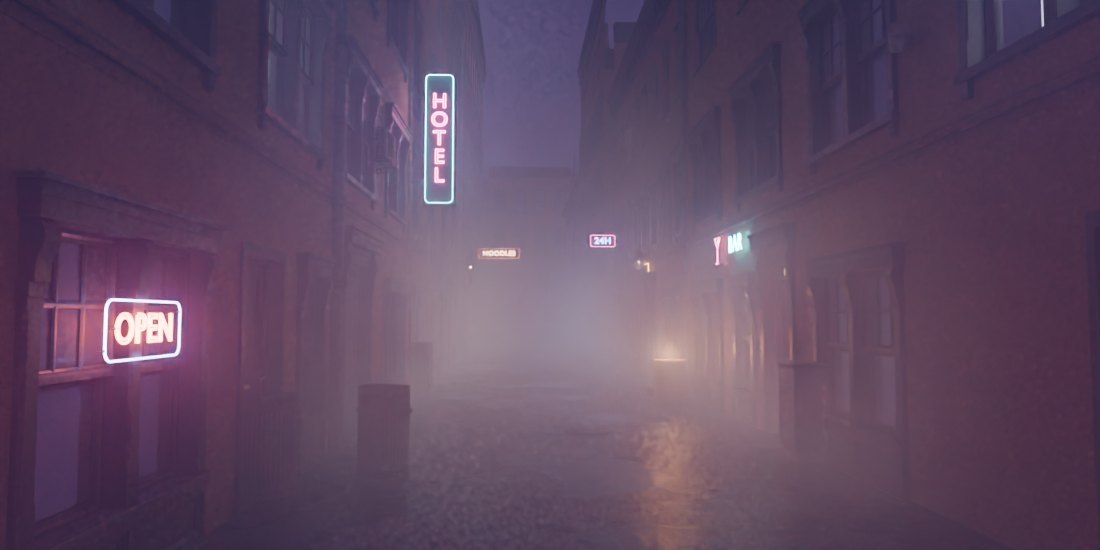
Neon Haze
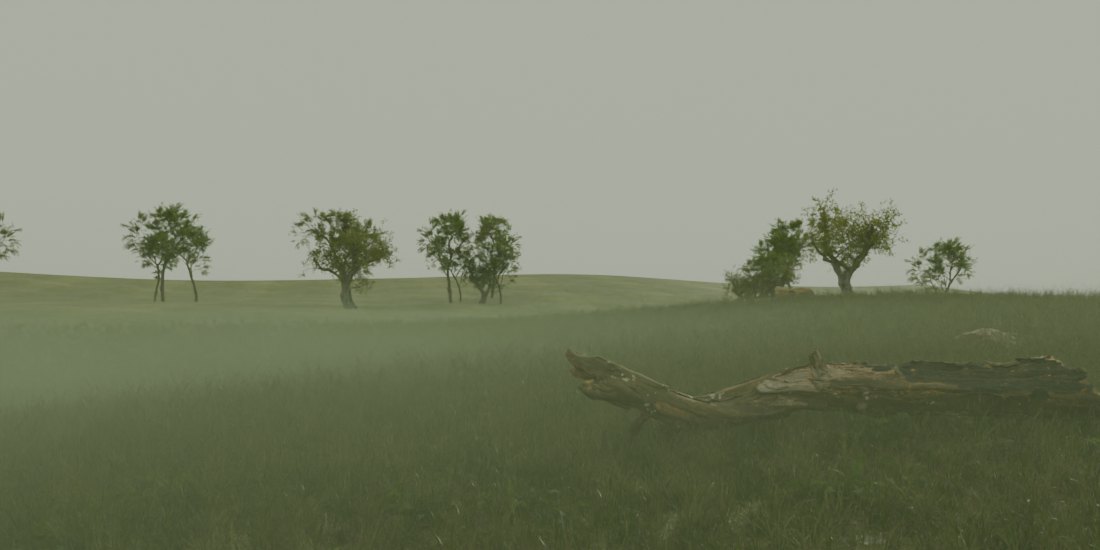
Swamp

Pick the fog that fits the shot.
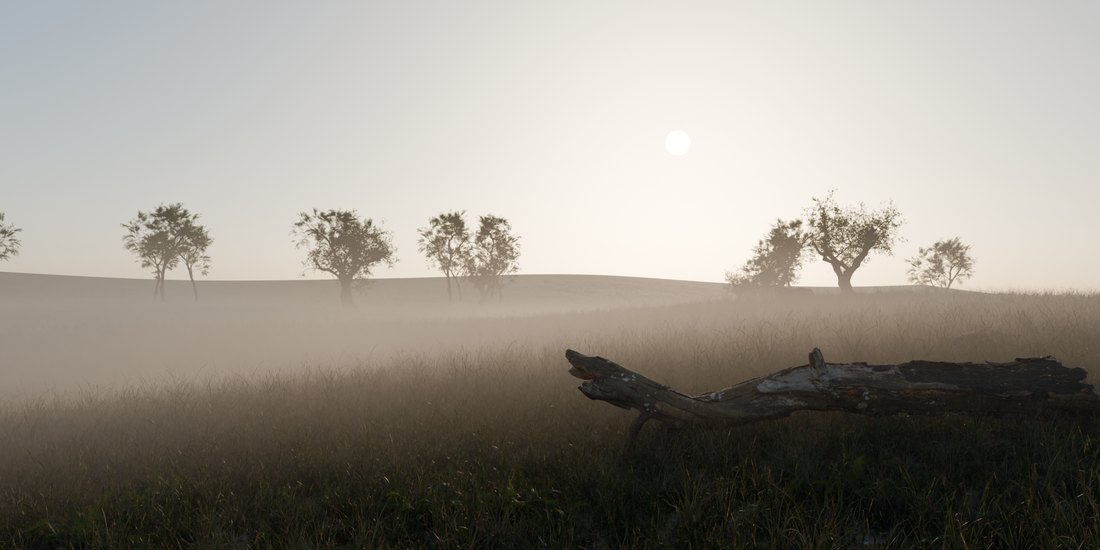
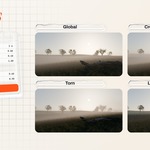
Global
Even fog over the whole view.
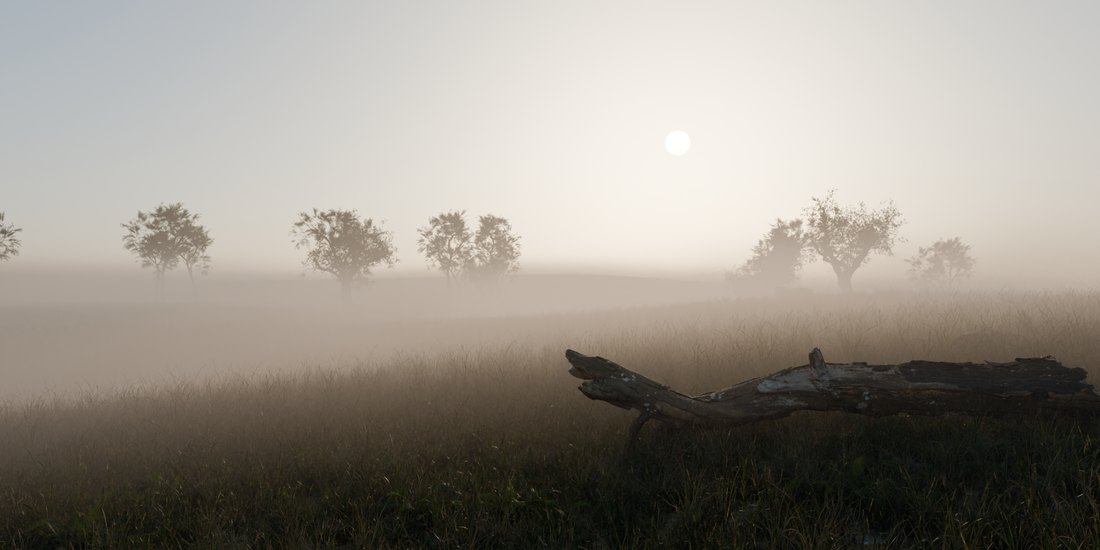
Creeping Ground
Lies on the ground, fills the hollows.
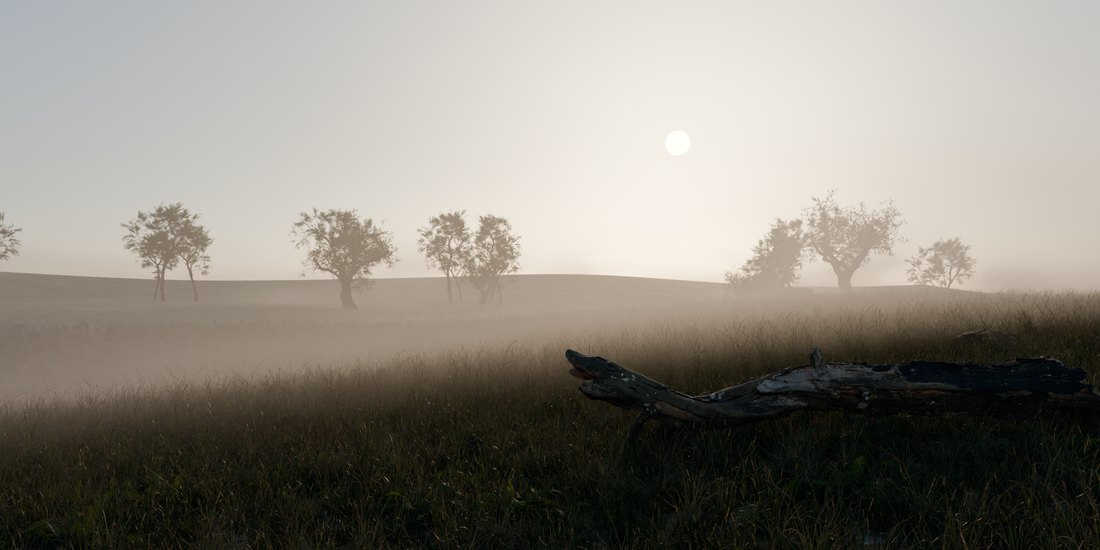
Torn
Banks of fog with clear air between.
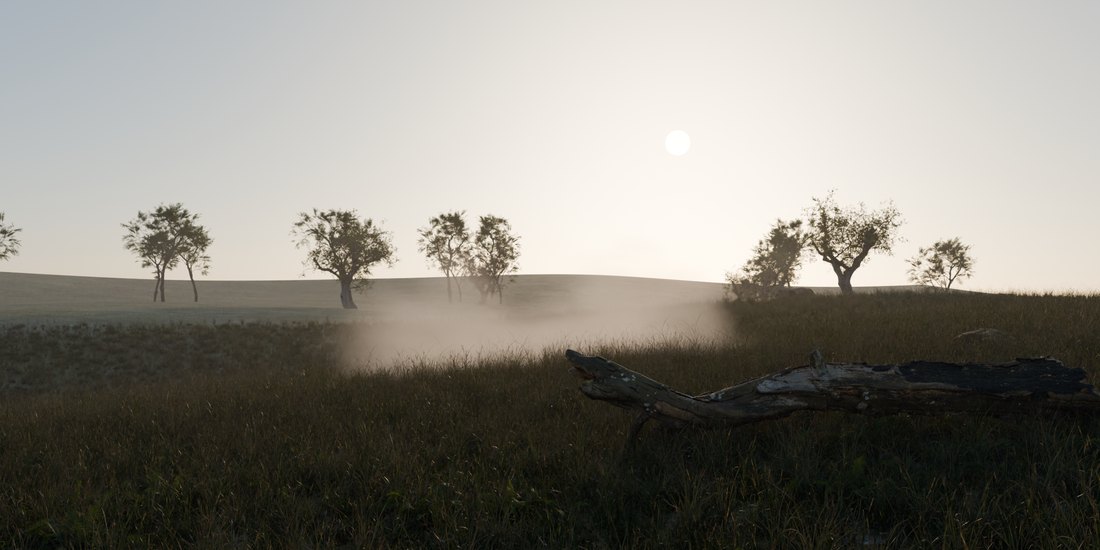
Local Patches
Pockets of mist you place yourself.

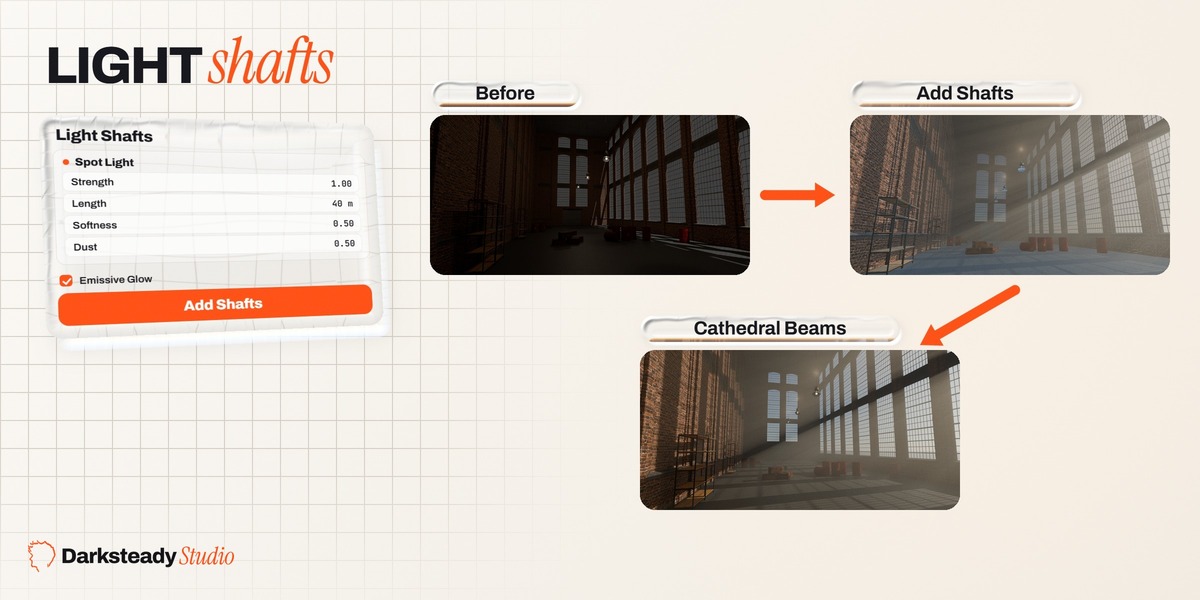
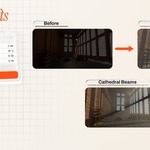
Beams of light through the fog, from any light you select.
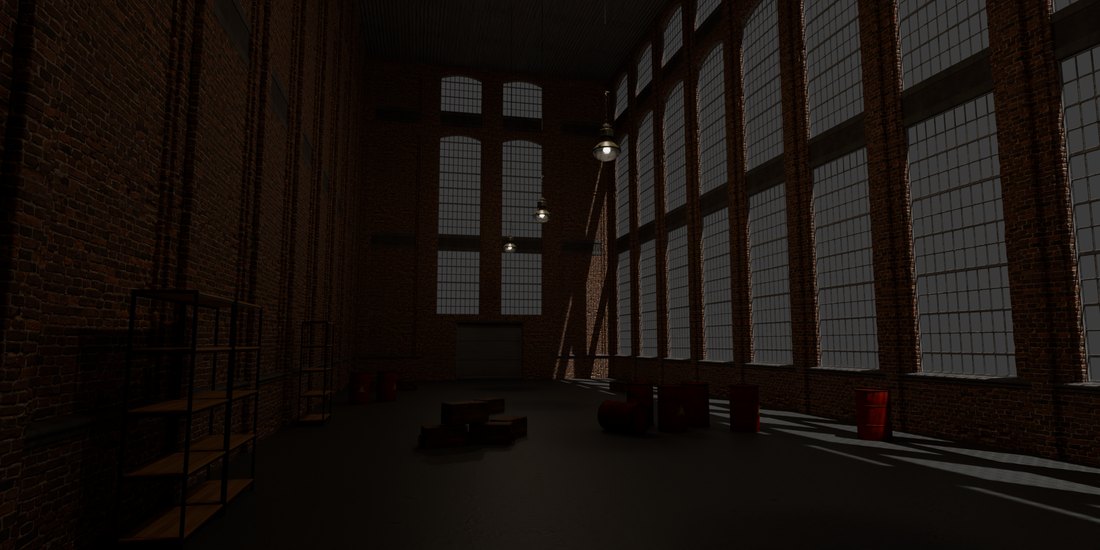
Before
A plain interior.
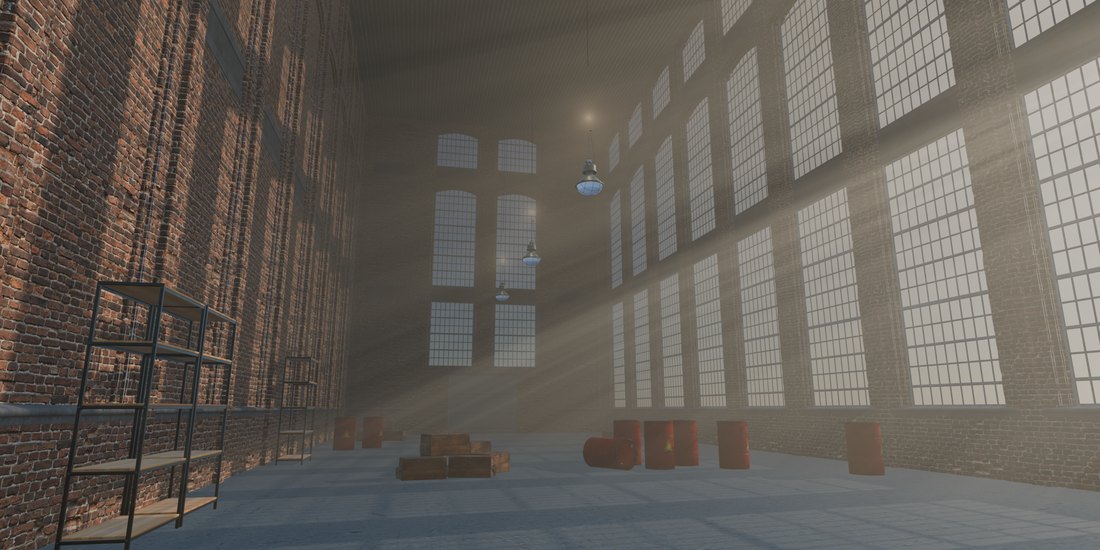
Add Shafts
One click on a light.
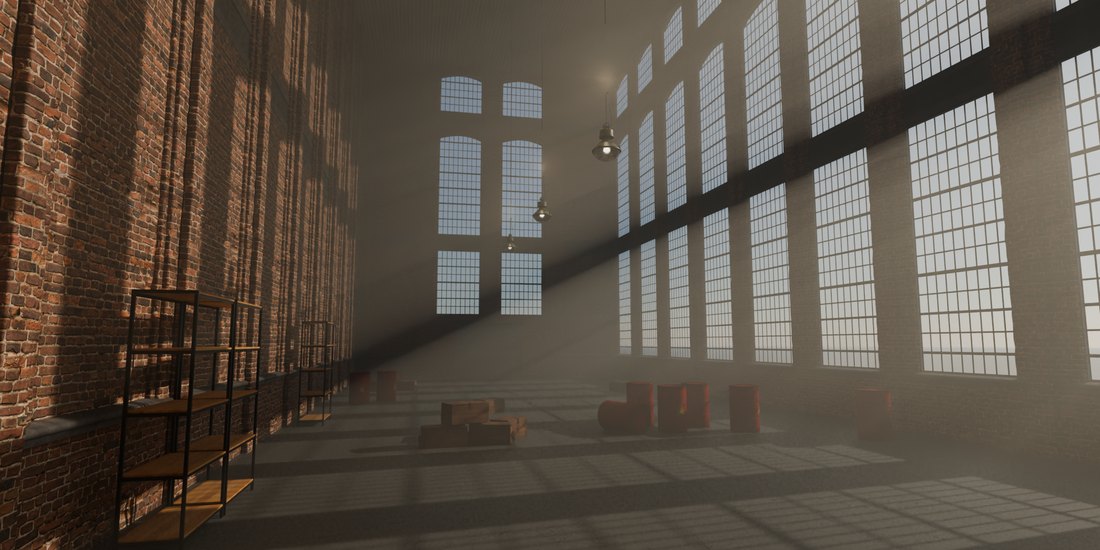
Cathedral Beams
A mood with beams built in.
Spot, area, point or sun
Select a light, click Add Shafts.
EEVEE and Cycles
With the shadows of everything in the way.
Shape the beam
Strength, Length, Softness, Tint, Dust.

Neon signs, lit windows and screens light the fog around them.
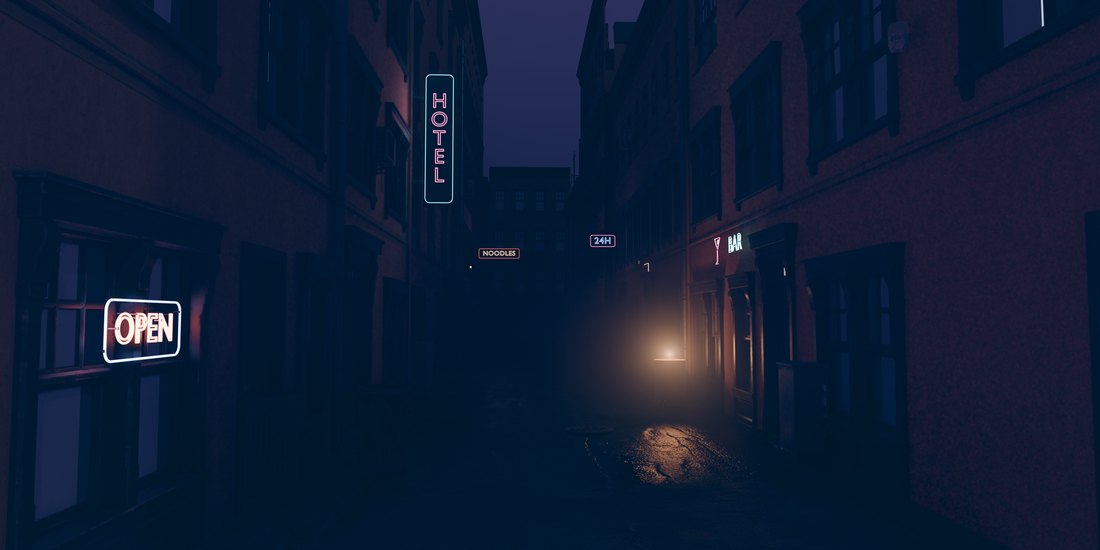
Glow off
EEVEE without it.
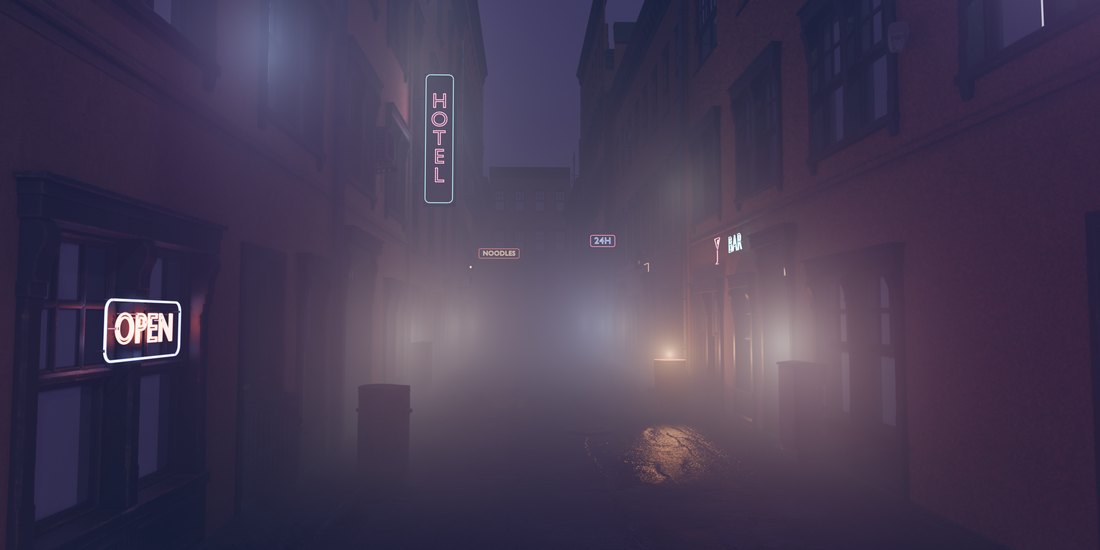
Glow on
Neon lights the fog around it.

Standard
12 moods4 fog typesEmissive GlowLight ShaftsFog DoctorRemove Fog
Studio
Everything in Standard, plus 40 moods and:
Light PatternsMasks and ClaritySmoke RoomDrifting BanksMy MoodsMood MorphCamera Moods
Questions? Ask on this page, we answer within 72 hours. Made by Darksteady Studio.
