 Yesway


Fix  fonts
fonts
with one click.
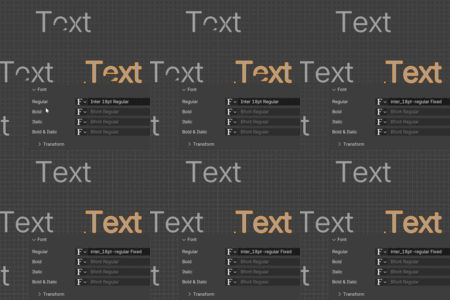
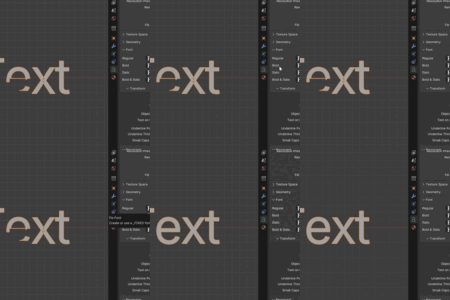
Some fonts look completely broken in Blender.
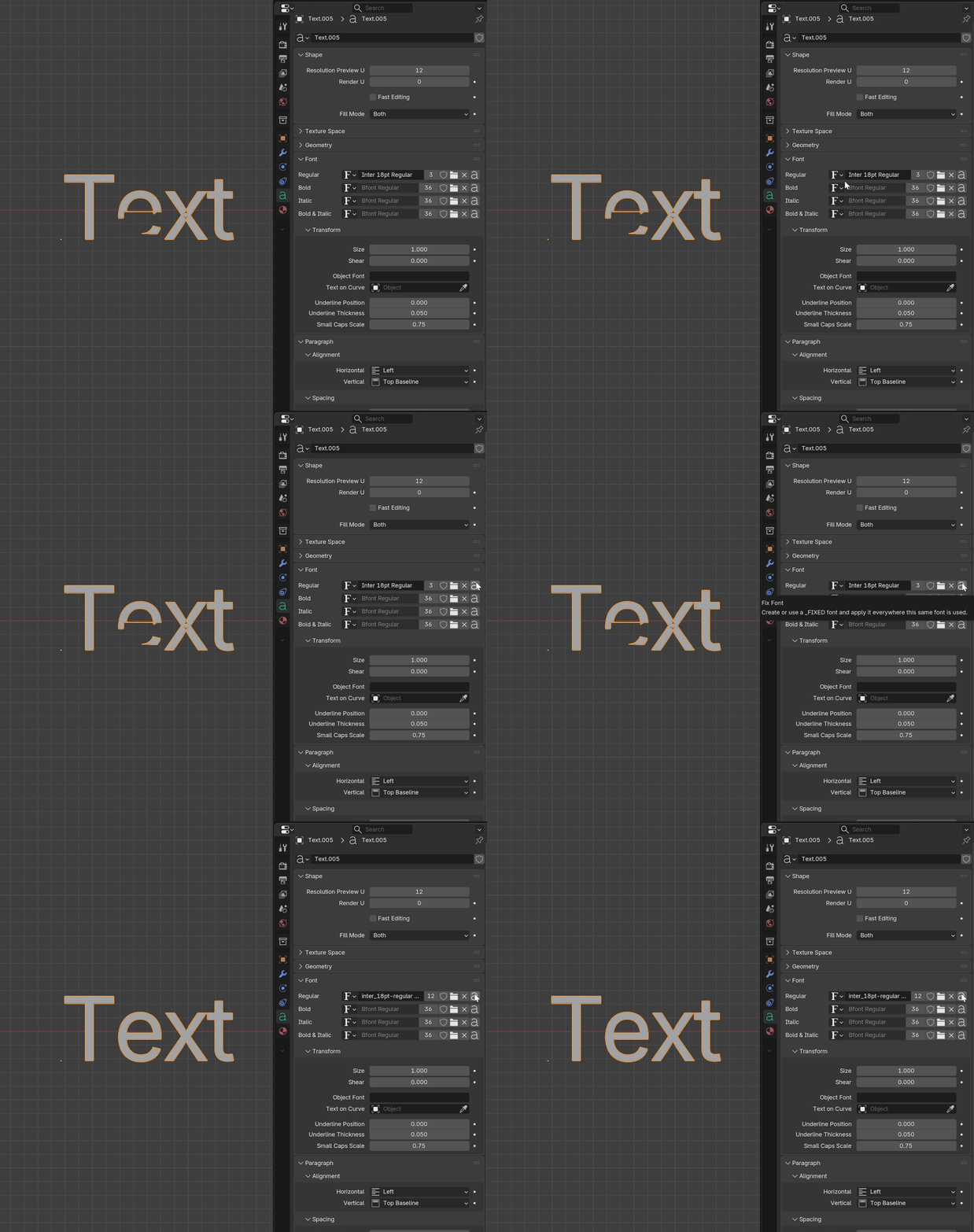
Keep text editable
Font Fixer repairs the font file itself, then applies the fixed version back to your text objects.
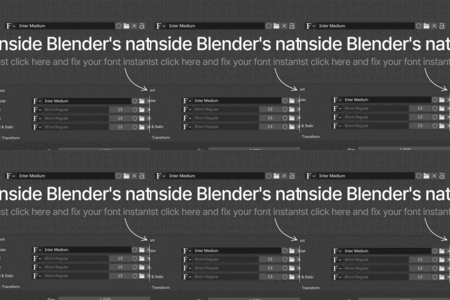
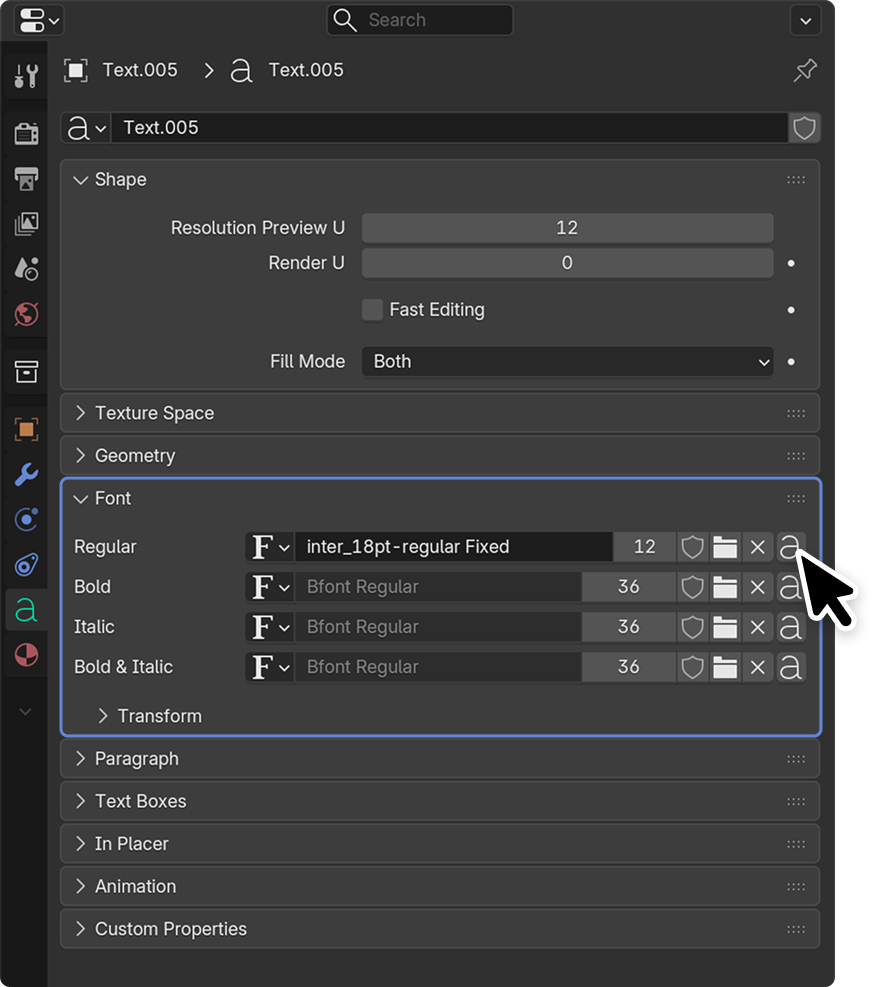
Built into Blender’s native Font panel.
Select a text object, click the small Fix Font button, and the add-on creates a repaired copy of the font automatically.
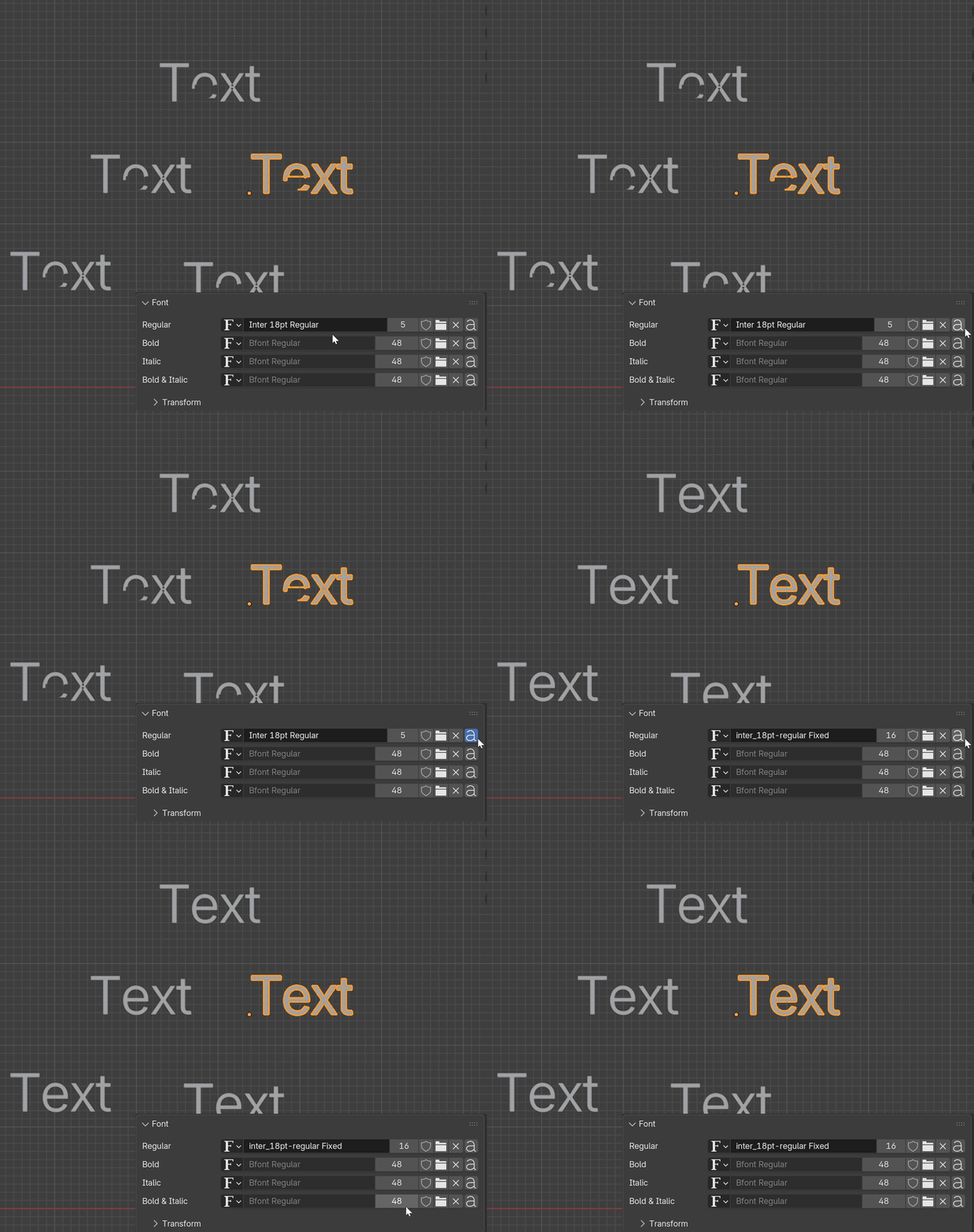
One click. Everywhere.
If multiple text objects use the same font, Font Fixer switches them all to the repaired version automatically.
What happens behind the button?
Font Fixer creates a safe fixed copy next to your original font file.
Your original font stays untouched.
Features
- Fix broken font outlines in one click
- Works directly inside the native Font panel
- Creates a safe _FIXED copy
- Applies the fixed font to matching text objects
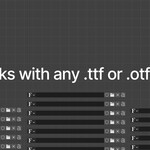
- Supports .ttf and .otf fonts
- Keeps text editable
Installation
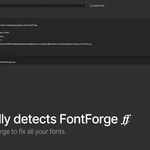
Font Fixer requires FontForge to be installed. It should be detected automatically, but you can also set the path manually in the add-on preferences.
- Install FontForge from fontforge.org
- Install Font Fixer in Blender
- Set the FontForge executable path in the add-on preferences (should detect automatically)
If FontForge is not detected, paste the FontForge executable path in the add-on preferences.
About Me
I’m Filip, and I make Blender content on YouTube as Yesway. I create explainer videos and ads in Blender, and this font problem kept annoying me in real work.
I couldn’t find a clean solution on YouTube. Everything I found was too clunky, so I decided to turn it into a proper tool.
You can find my work here: youtube.com/@yesway.studio