Font Fixer
 Yesway


Can I use this in commercial projects?
Yes. You can use it in commercial Blender projects.
What if FontForge is not detected automatically?
Open the add-on preferences and paste the FontForge executable path manually.
Where is the Fix Font button?
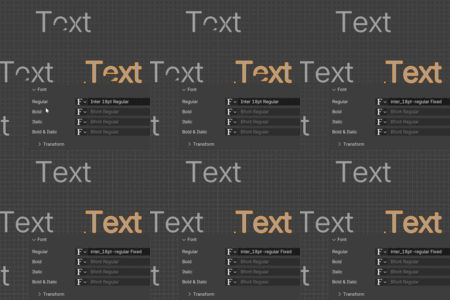
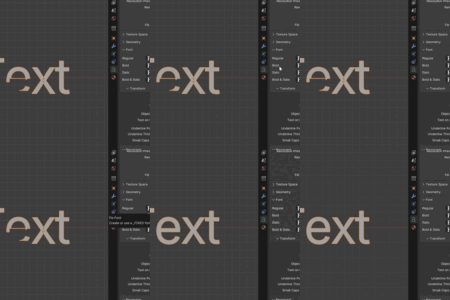
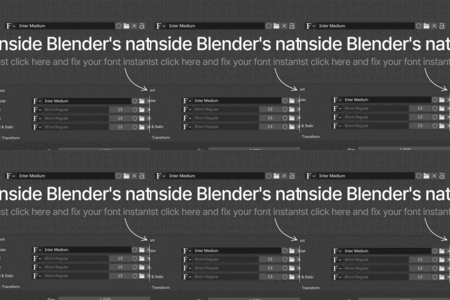
Select a text object and go to Object Data Properties → Font. The button is next to the font slot.
Does it fix all text objects using the same font?
Yes. Matching text objects are switched to the fixed font automatically.
Does it convert text to mesh?
No. Your text stays editable as a Blender text object.
Does it work with .ttf and .otf fonts?
Yes. Font Fixer supports both .ttf and .otf font files.
Do I need FontForge installed?
Yes. Font Fixer uses FontForge to repair the font file.
Does Font Fixer overwrite my original font?
No. It creates a separate _FIXED copy next to the original font file.
$5
Have questions about this product?
Login to message
| Blender Extension Compatible | Yes |
| Published | 3 months ago |
| Blender Version | 4.0 - 5.1 |
| Extension Type | Add-on |
| Render Engine Used | Cycles |
| License | Mit |
Discover more products like this
otf text objects text fontforge ttf font font fixer cleanup typography addon Motion design utility