Font Mate
 Jishnu Jithu
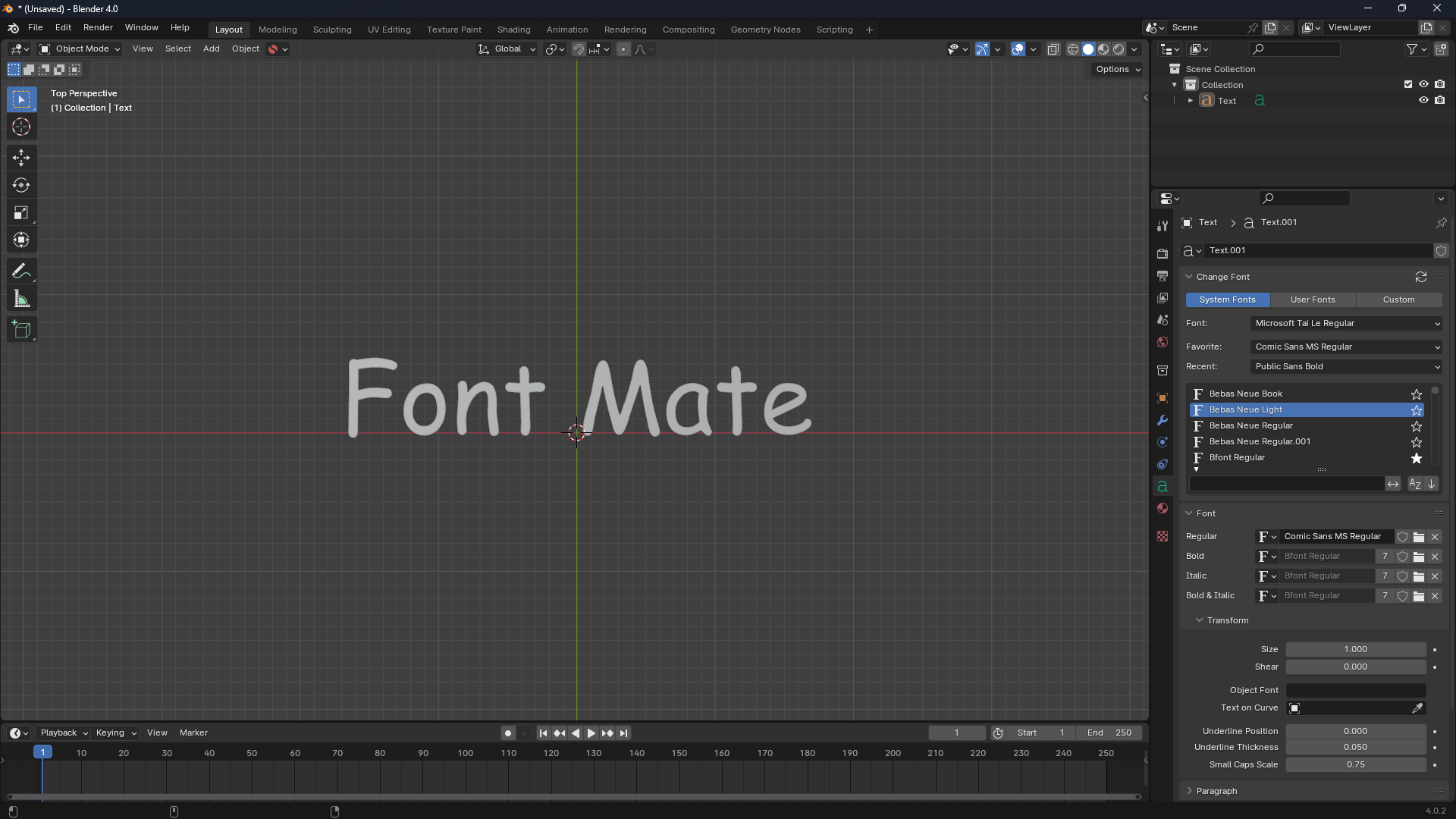
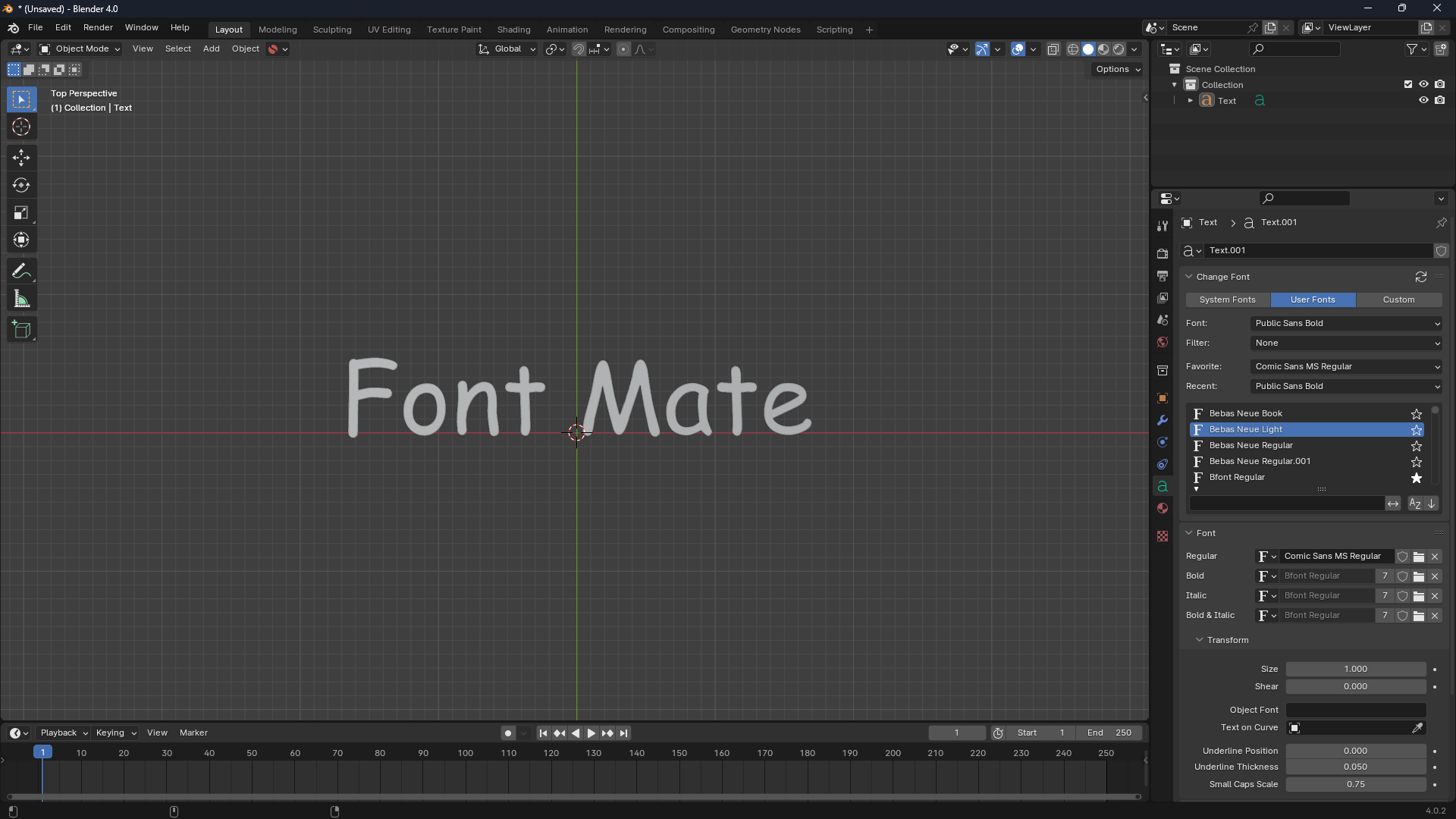
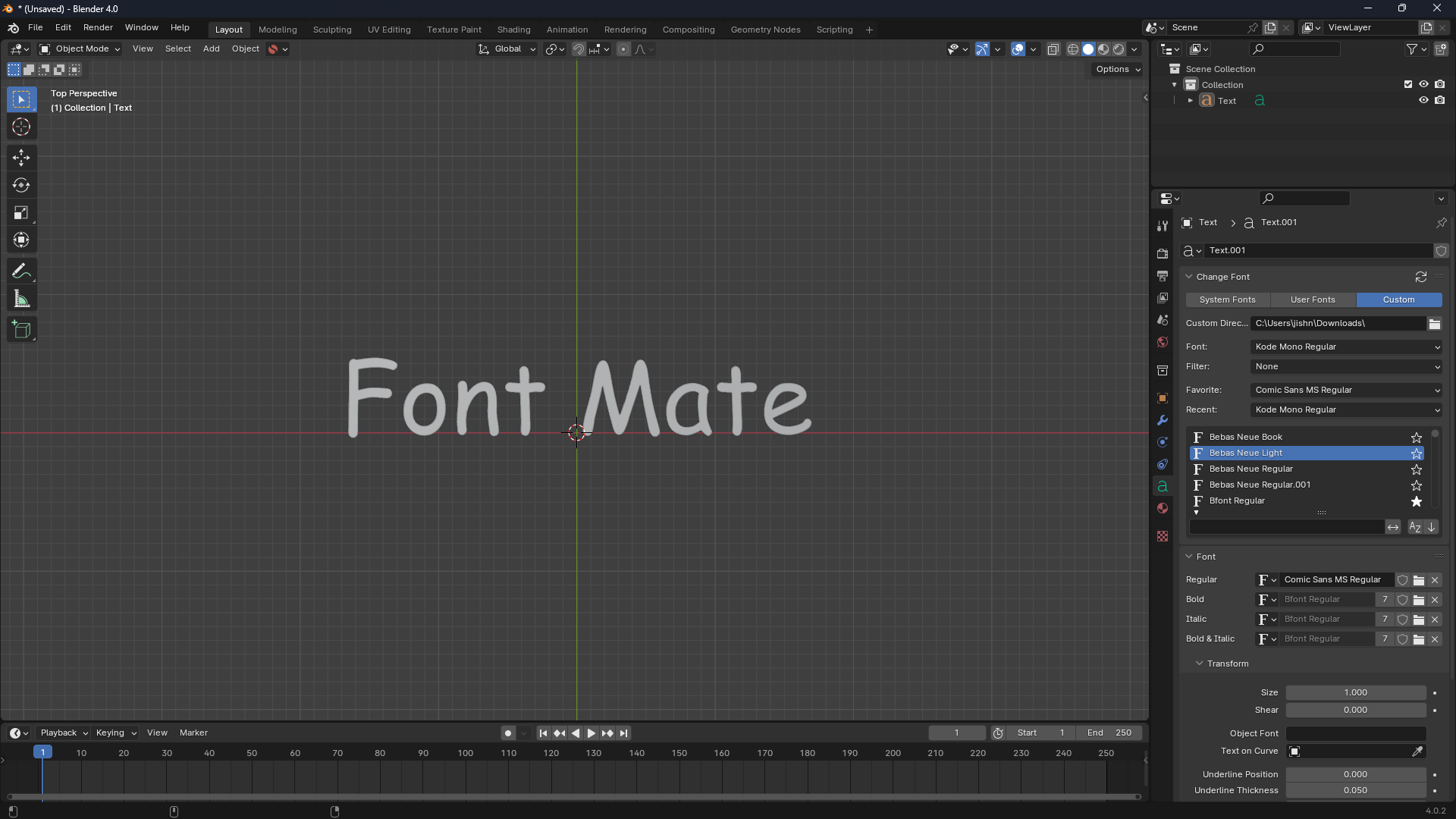
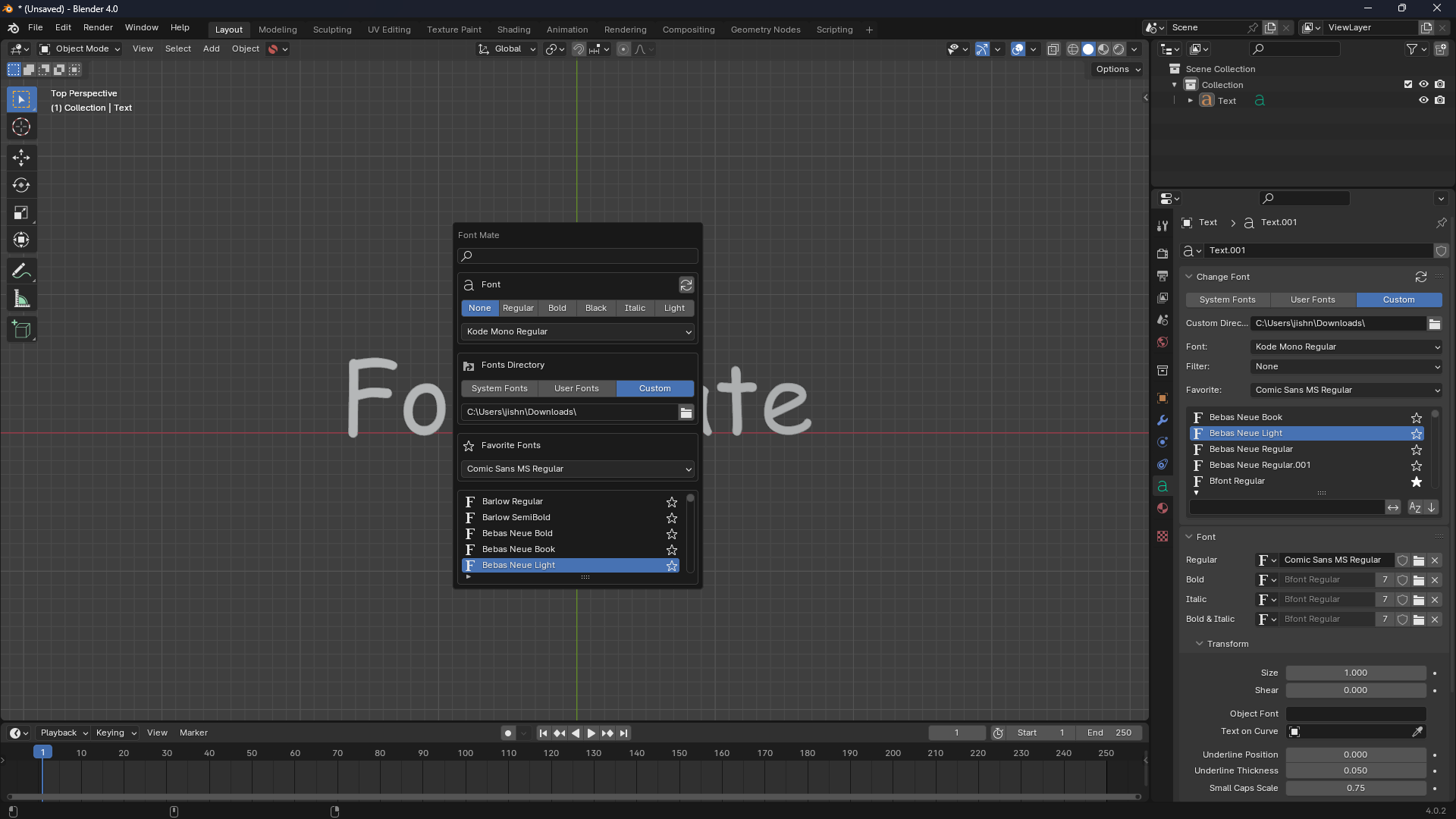
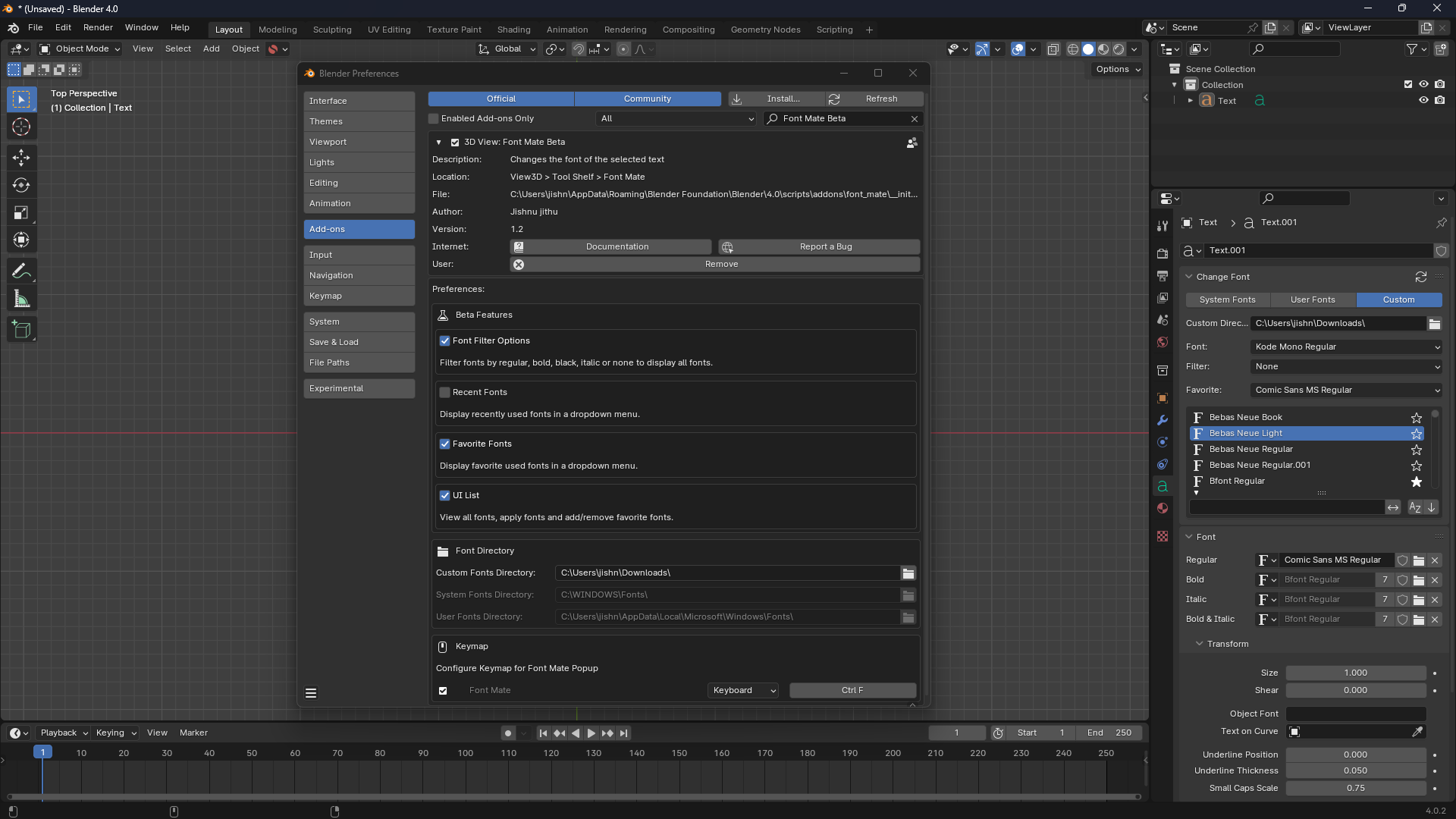
Font Mate is a Blender add-on that makes applying fonts to text objects simple and efficient. Instead of manually searching and loading font files, you can browse system-installed and user-added fonts directly in Blender and apply them instantly.
Where to Find Font Mate
- Pop-up: Press Ctrl + F in the 3D View while a text object is selected.
- Popover: In the 3D View header, click the Font Mate icon to open a compact font picker.
Basic Workflow
1. Add a Text Object
- In the 3D View, press Shift + A → Text.
- A default text object will appear in your scene.
2. Open Font Mate
- Press Ctrl + F to launch the pop-up.
- Or, use the Font Mate icon in the 3D View header.
3. Browse Fonts
- Scroll through the available fonts by name.
- Switch between:
- System Fonts – fonts installed on your computer.
- User Fonts – fonts you’ve added manually.
- All Fonts – both combined.
4. Apply a Font
- Select your text object in the scene.
- Choose a font from the Font Mate list.
- Click Apply Font → the text updates instantly.
Favorites
- Use the star icon next to a font to mark it as a favourite.
- Favourites are saved for easy access in future sessions.
Perfect for fonts you use often, like titles, labels, or motion graphics.
Pop-up Mode
The pop-up is the fastest way to try fonts without leaving the viewport:
- Select a text object and press Ctrl + F.
- A floating font picker appears so you can apply fonts immediately.
Notes & Tips
- Text Objects Only: Font Mate won’t apply to meshes, curves, or other object types.
- Live Preview: Applying a font updates your text instantly.
-
Font Support: Blender works best with
.ttf(TrueType) fonts. Some system fonts may not load. - Caching: Once a font is loaded, it stays available until Blender is closed.
Example Workflow
- Create a text object with the word Logo.
- Press Ctrl + F to open Font Mate.
- Browse your fonts and pick a stylish one.
- Click Apply Font → the text updates.
- Mark it as a favourite for future projects.
Now you have a fast, repeatable workflow for text styling in Blender.
Discover more products like this
font addon fonts blender font addon blender font changer font