 ZEG
ZEG
Installation
In Blender open Edit, Preferences, Get Extensions, then use Install from Disk and pick the medieval_weapon_generator zip.
Usage
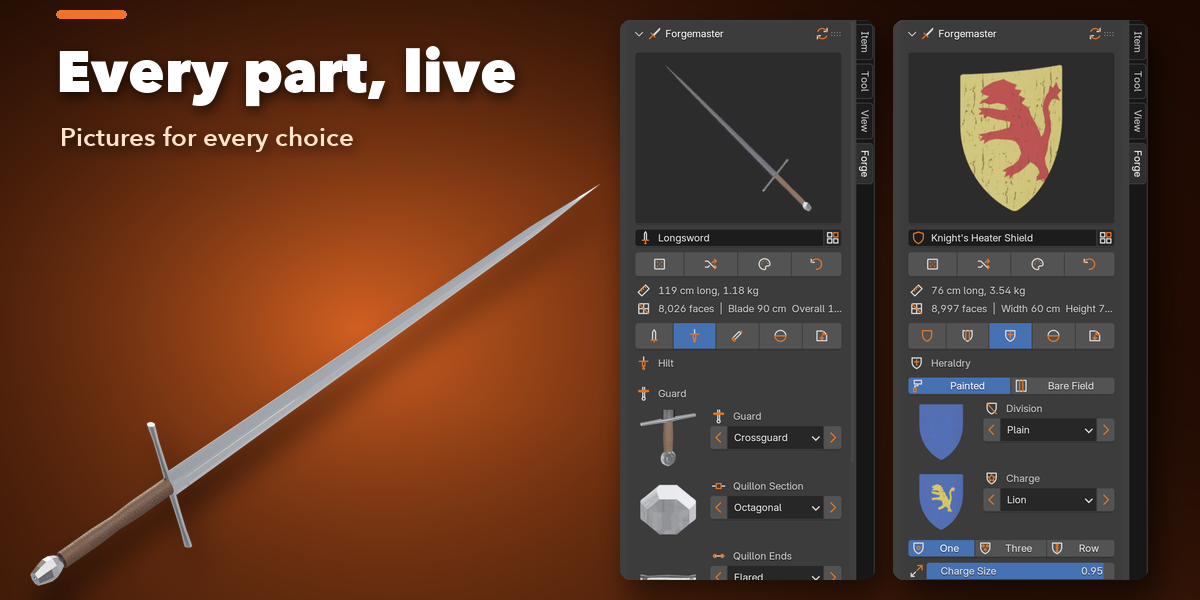
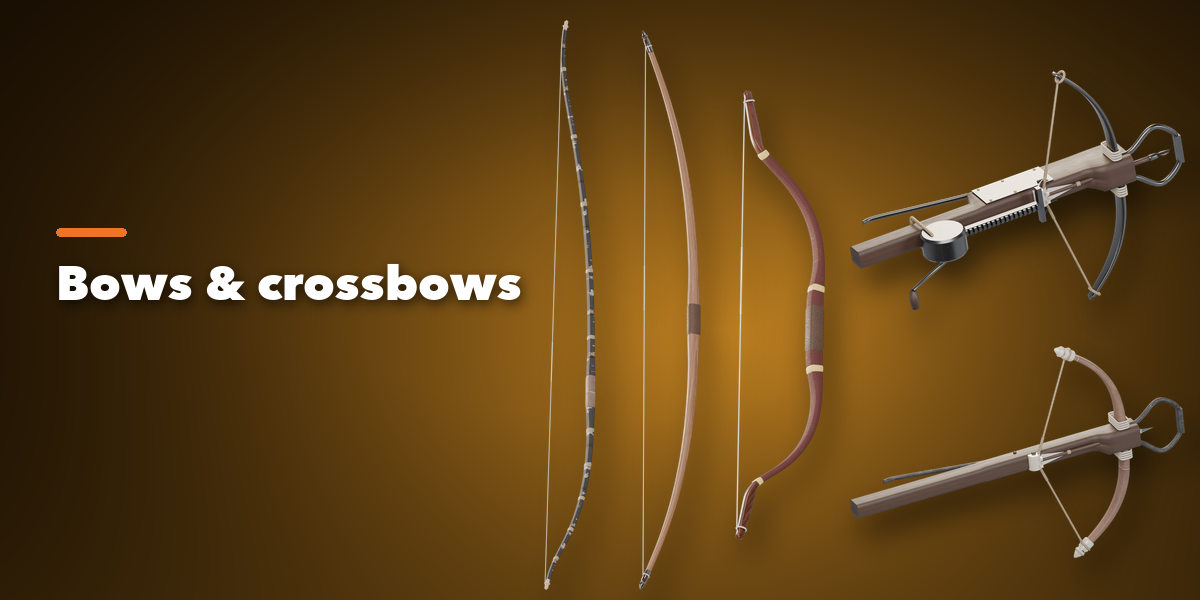
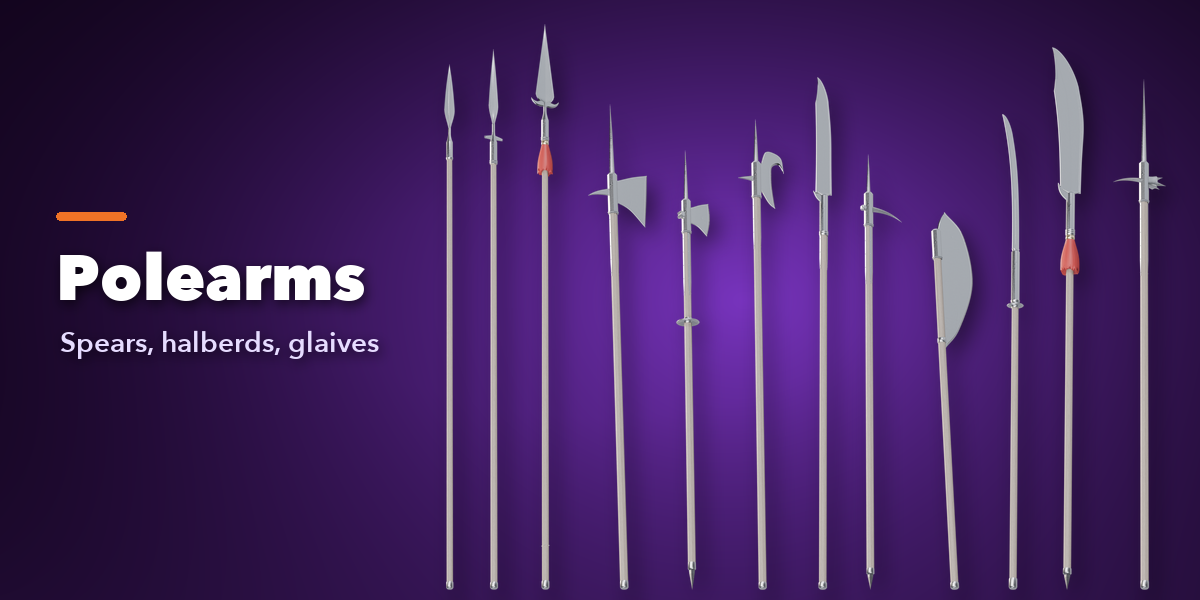
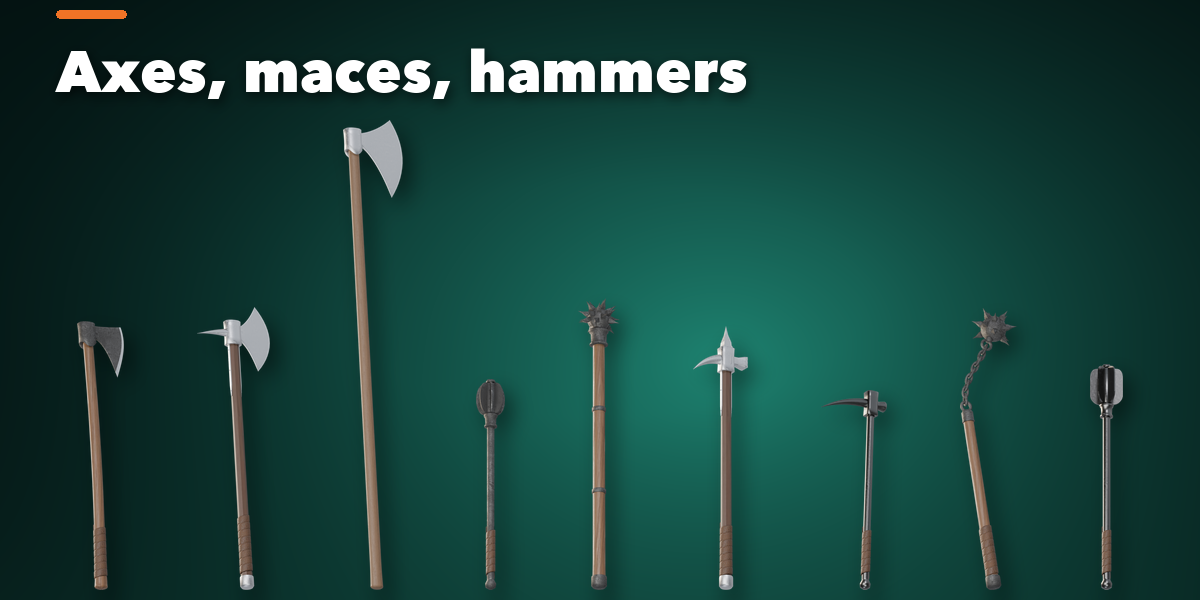
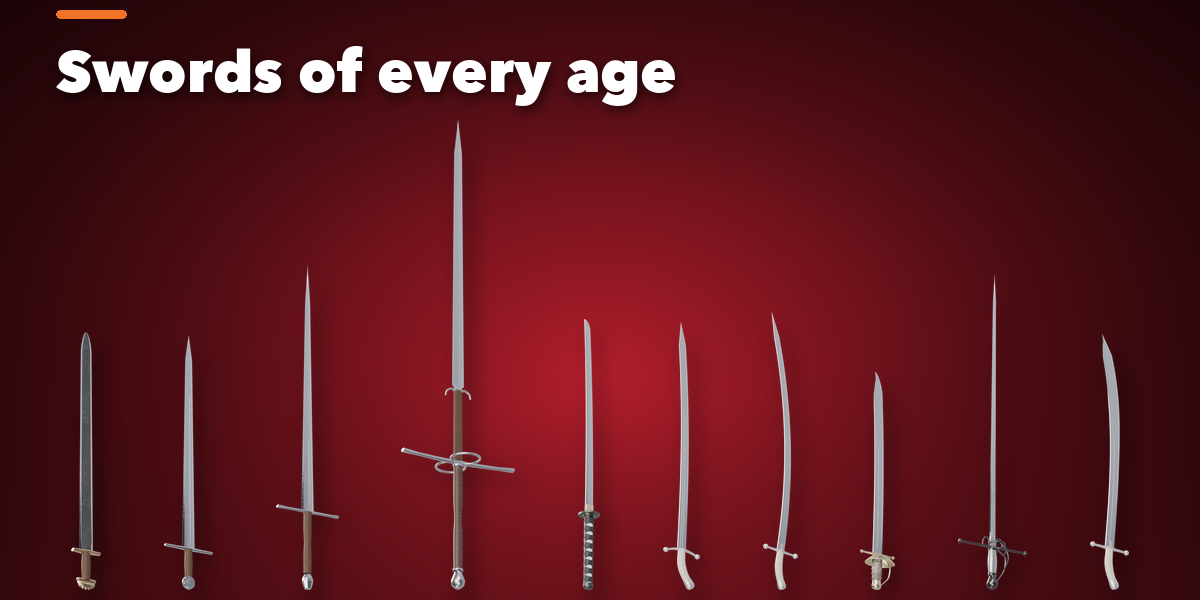
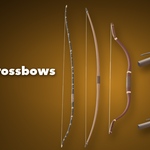
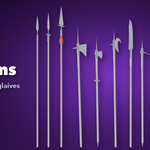
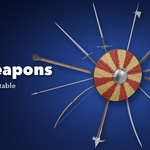
- Open the Forge tab in the 3D viewport sidebar (N). With no weapon selected, pick a weapon family, then one of its weapons, to add it at the 3D cursor. You can also use Shift+A, Mesh, Medieval Weapon.
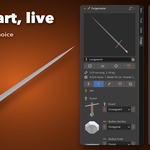
- The card at the top shows the weapon, its length and estimated weight. Random Weapon makes a new weapon of the same family, Wild mixes freely, Random Materials changes only the materials and Reset returns to the picked weapon.
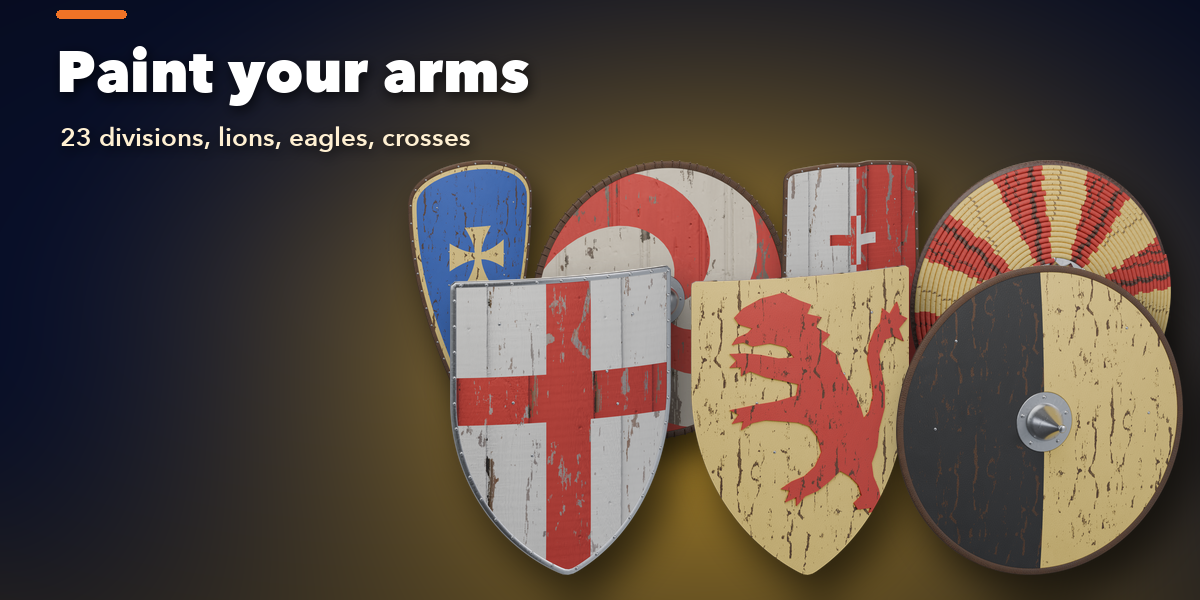
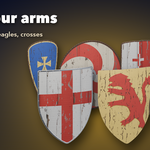
- The icon tabs hold every setting of the family (for a sword: Blade, Hilt and Scabbard; for a shield: Shape, Construction and Heraldry), then Materials and Parts & Export.
- Click a picture to open its gallery, or use the arrows beside it to step through the choices.
- Parts & Export sets the origin, scale and part visibility, applies the weapon as plain meshes and exports it to GLB, glTF or FBX.
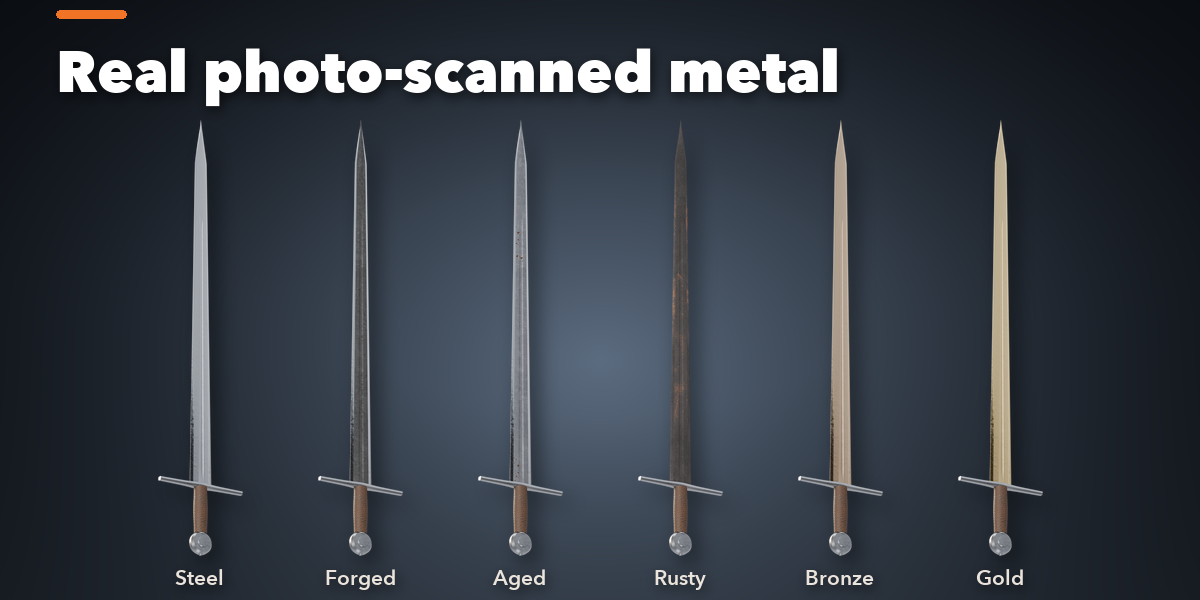
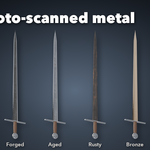
All materials are image textures into a Principled BSDF, so they survive export to any game engine.
Have questions about this product?
Login to message
| Blender Extension Compatible | Yes |
| Published | about 6 hours ago |
| Blender Version | 4.2 - 5.2 |
| Extension Type | Add-on |
| Render Engine Used | Cycles, Eevee |
| License | GPL |
