 Mars0hod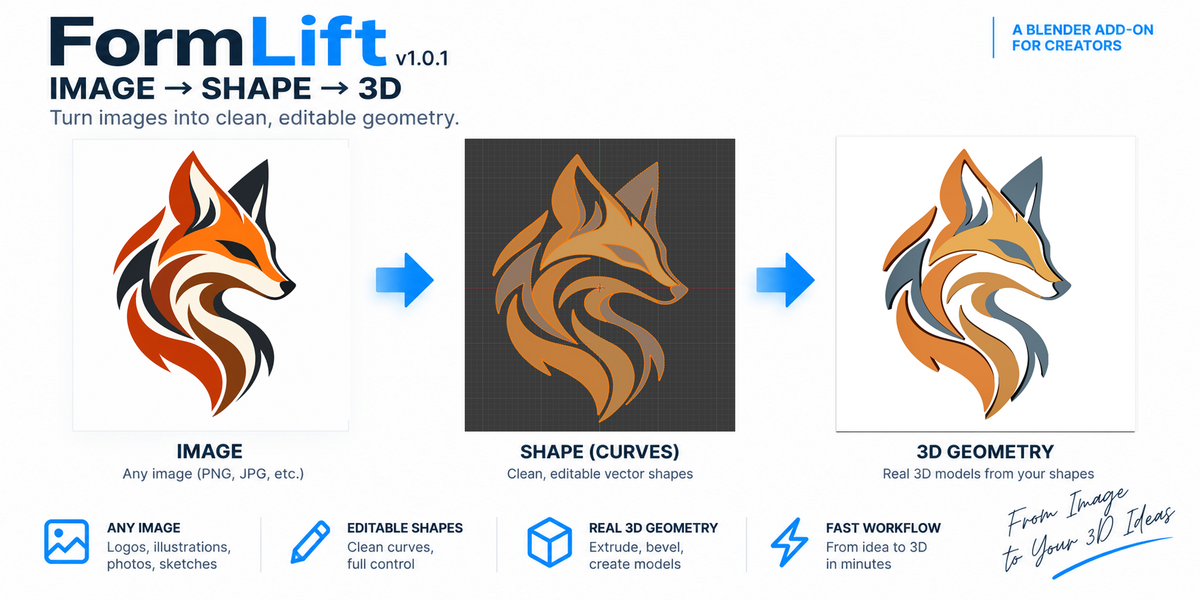
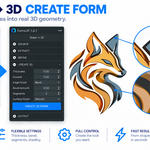
FormLift — Image → Shape → 3D
Turn images into clean, editable shapes and real 3D geometry directly inside Blender.
FormLift provides a simple workflow for converting raster images and SVG graphics into editable Blender shapes. Extract silhouettes or multiple color regions, refine the result, edit it as 2D geometry, and turn it into a 3D form — without leaving Blender.
SIMPLE WORKFLOW
Import → Extract → Refine → Edit → Create Form
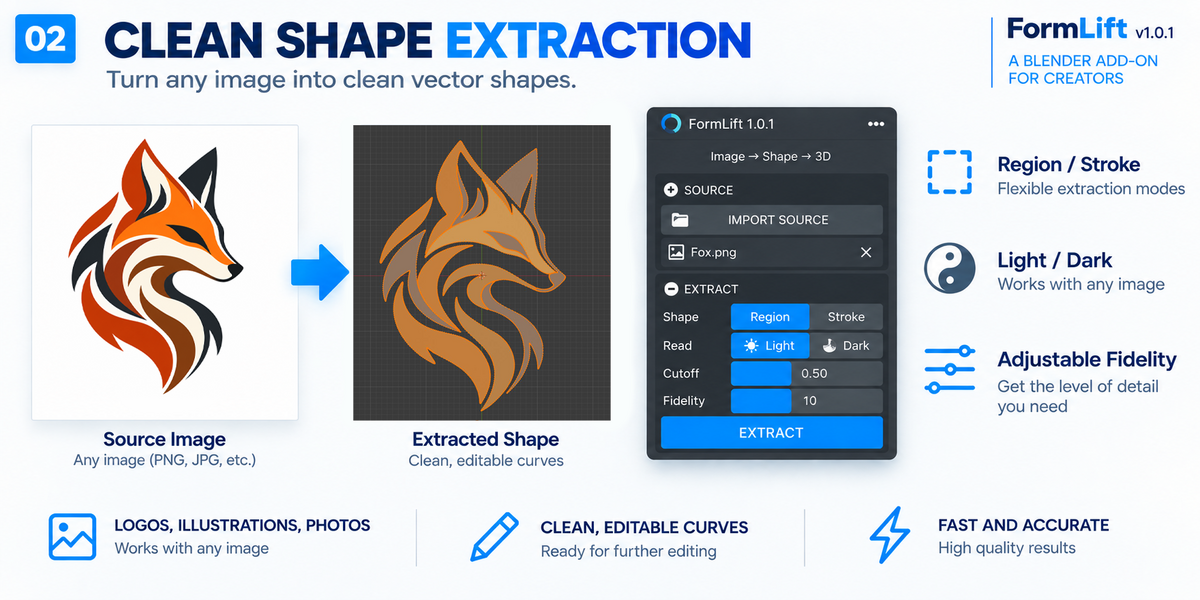
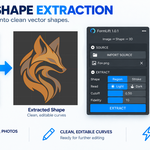
IMAGE EXTRACTION
Import an image and extract its visible shape directly inside Blender. FormLift is designed to turn image-based graphics into geometry that can be refined and edited instead of remaining a flat reference image.
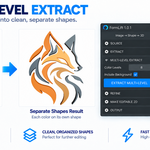
MULTI-LEVEL COLOR EXTRACTION
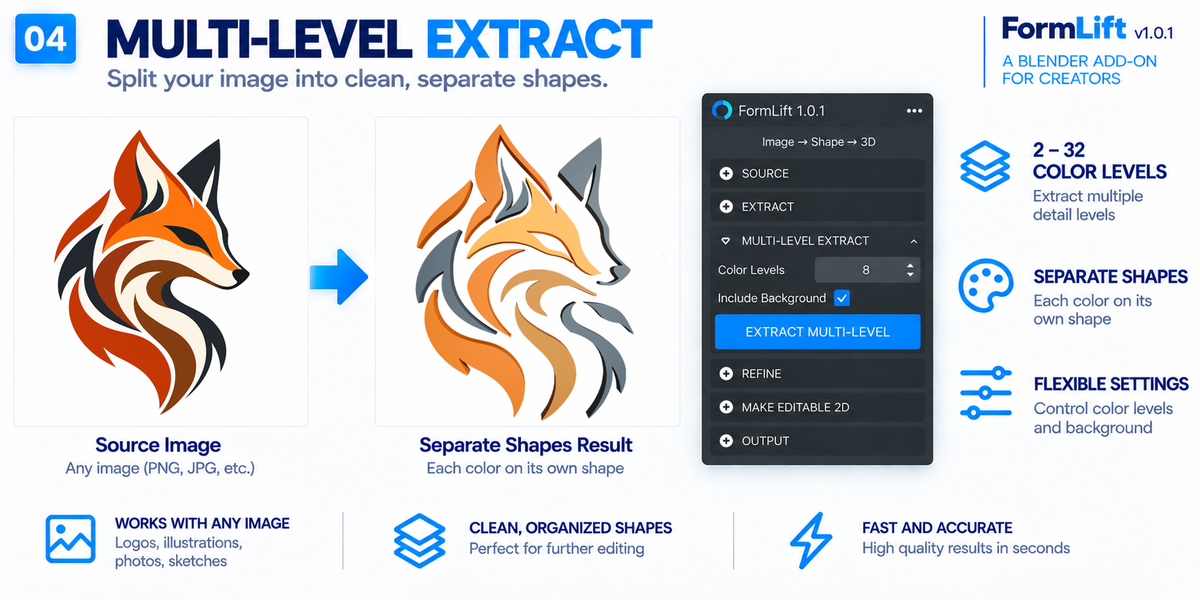
Extract multiple color regions from a single image with 2–32 color levels.
FormLift analyzes the image colors, separates meaningful regions and converts them into individual shapes. The Include Background option lets you decide whether the background should become part of the extraction.
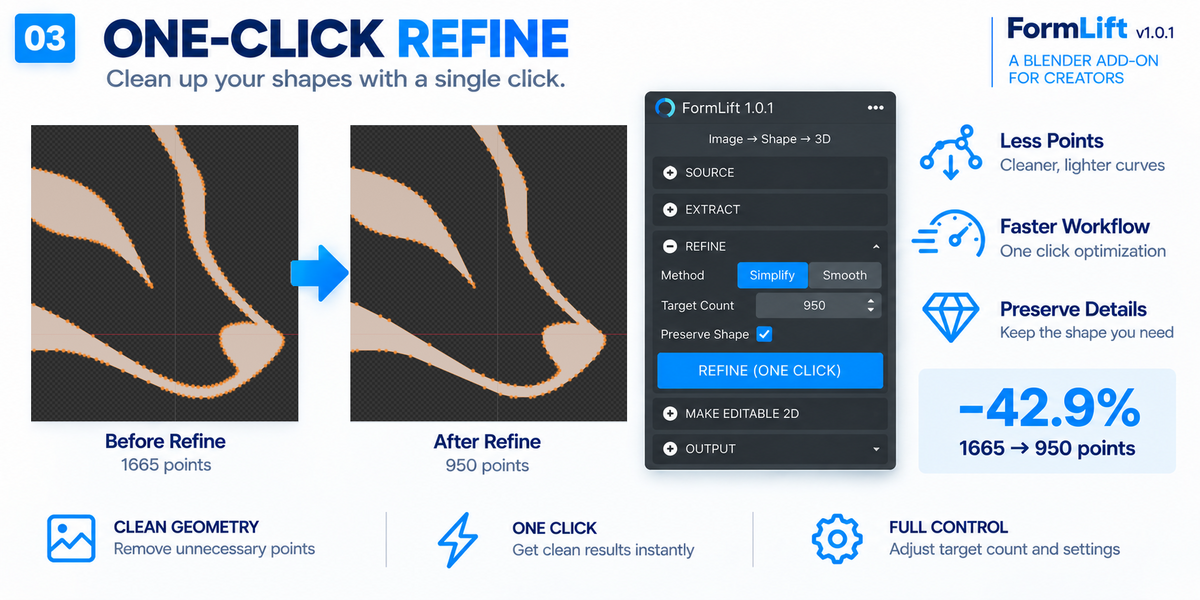
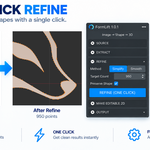
ONE-CLICK REFINE
Clean and improve extracted shapes with the Refine workflow before continuing to editing or 3D creation.
Preview the refined result first, then accept it when you are satisfied.
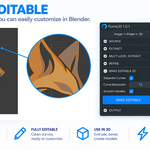
FULLY EDITABLE 2D
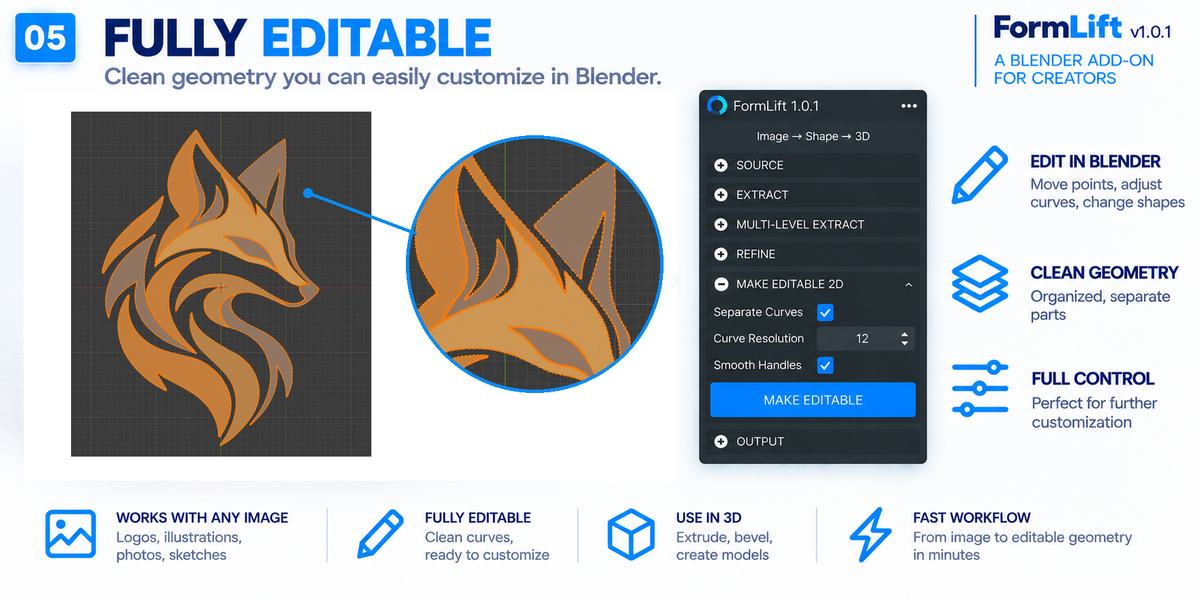
Convert extracted results into editable Blender curves with MAKE EDITABLE 2D.
Once converted, the shapes can be edited using Blender's standard Curve editing tools, giving you direct control over points and contours.
CREATE REAL 3D FORMS
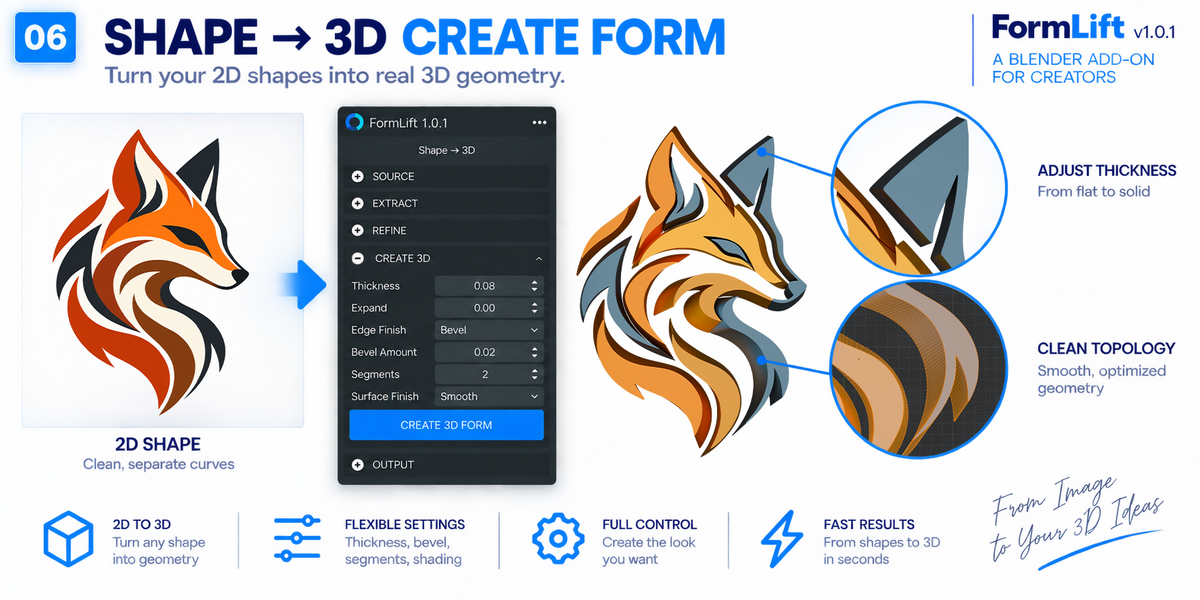
Turn your editable shapes into mesh geometry using CREATE FORM.
Control:
• Thickness
• Expand
• Edge size
• Edge steps
• Edge profile
FormLift also provides multiple edge profiles including Sharp, Round, Bevel, Bulge, Concave and Inset, with live feedback while working with the Curve.
When the form is ready, CREATE FORM converts the visible result into a Blender Mesh for further modeling, materials, modifiers and rendering.
MATERIALS & MULTI-COLOR RESULTS
Materials created during extraction are preserved through the main FormLift workflow, including editable 2D conversion and final form creation.
KEY FEATURES
• Raster image import
• SVG import
• Shape extraction
• One-click Refine workflow
• Multi-Level Color extraction (2–32 levels)
• Optional background extraction
• Editable Blender Curve output
• Live edge profile preview
• Adjustable thickness and expansion
• Multiple edge profiles
• Adjustable edge size, steps and profile
• Material preservation
• Final Mesh output
• Edit Mode support
BASIC USAGE
- Import your image or SVG.
- Use Extract to create the initial shape.
- Use Refine when the extracted contour needs cleanup.
- For multi-color artwork, choose the number of Colors and use Extract Levels.
- Click MAKE EDITABLE 2D when you want direct Curve editing.
- Adjust Thickness, Expand and the edge settings in the FORM section.
- Click CREATE FORM to convert the result into final Mesh geometry.
COMPATIBILITY
FormLift v1.0.1 is designed for Blender 5.2 LTS.
VERSION
FormLift v1.0.1
Image → Shape → 3D