FormLift
 Mars0hod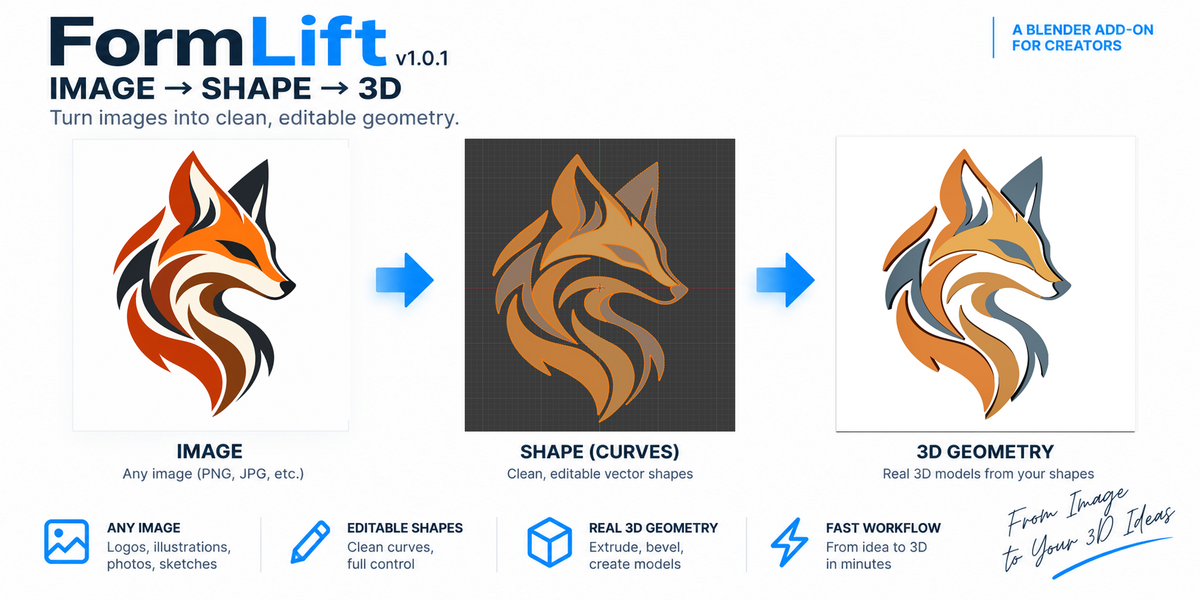
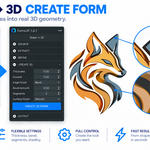
FormLift v1.0.1 — Quick Start Guide
Installation
- Download the FormLift ZIP file.
- Open Blender 5.2 LTS.
- Go to Edit → Preferences → Extensions.
- Open the drop-down menu and choose Install from Disk.
- Select the downloaded FormLift ZIP file.
- Enable FormLift if necessary.
- Open the 3D Viewport and press N. The FormLift panel is available in the sidebar.
Basic Workflow
Import → Extract → Refine → Edit → Create Form
1. Import
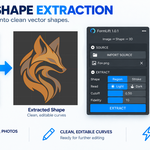
Import a raster image or SVG using FormLift. For raster images, transparent backgrounds and clearly defined shapes generally produce the easiest extraction results.
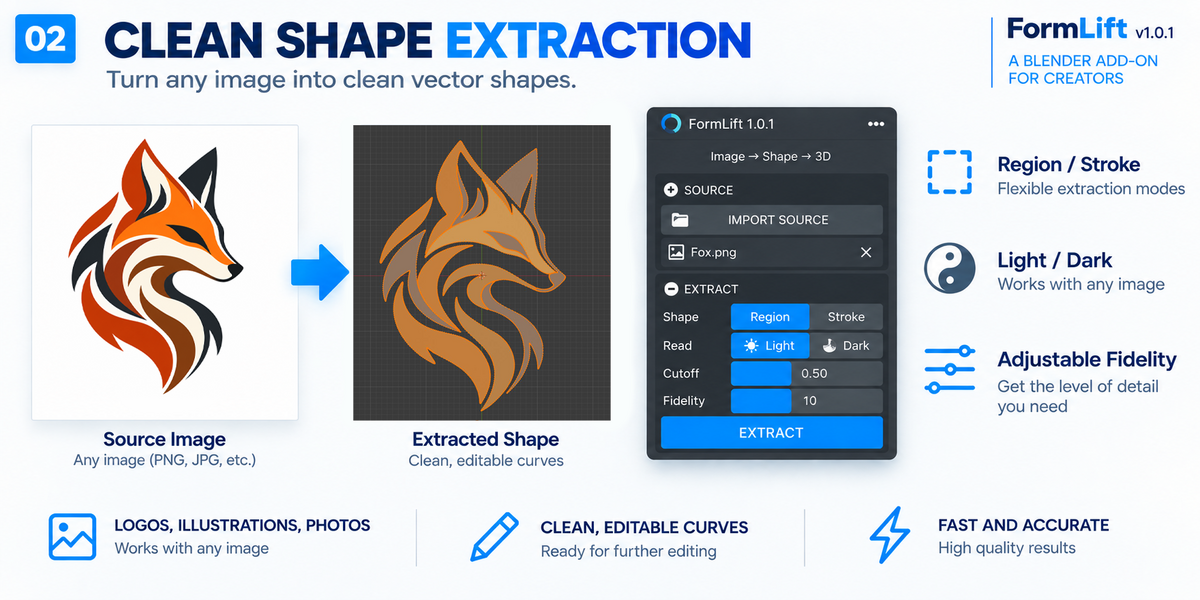
2. Extract
Use Extract to convert the visible image shape into Blender geometry.
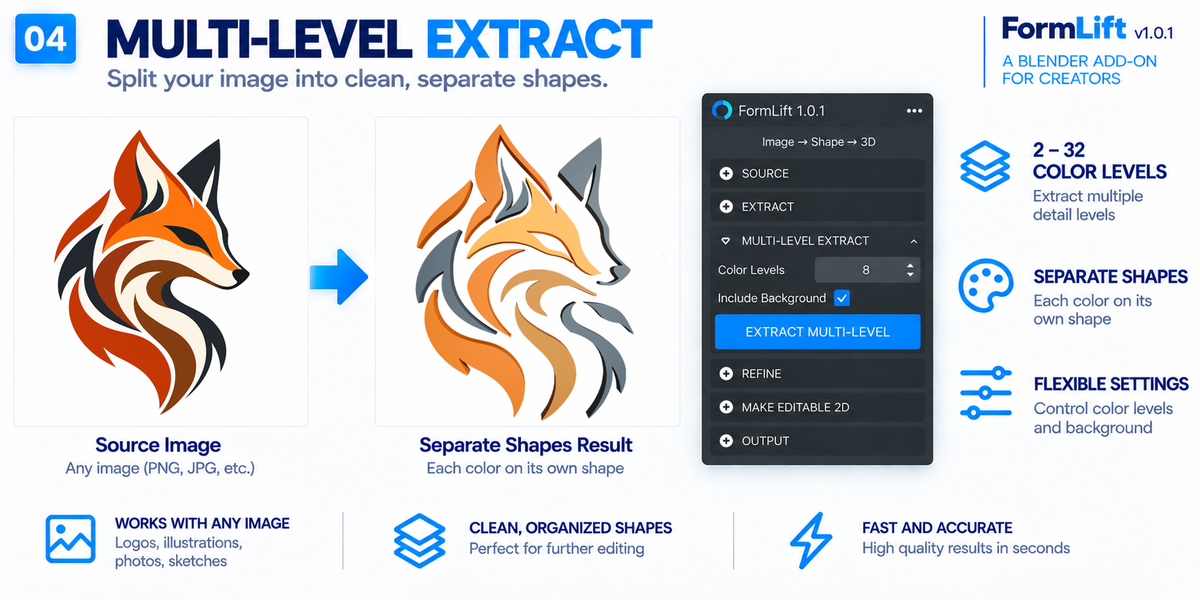
3. Multi-Level Extract
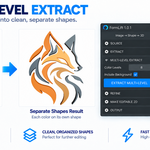
For artwork containing several colors, set Colors from 2 to 32 and click Extract Levels.
Enable Include Background when you also want the background region included in the extraction.
Each meaningful color region is extracted separately and materials are created for the resulting shapes.
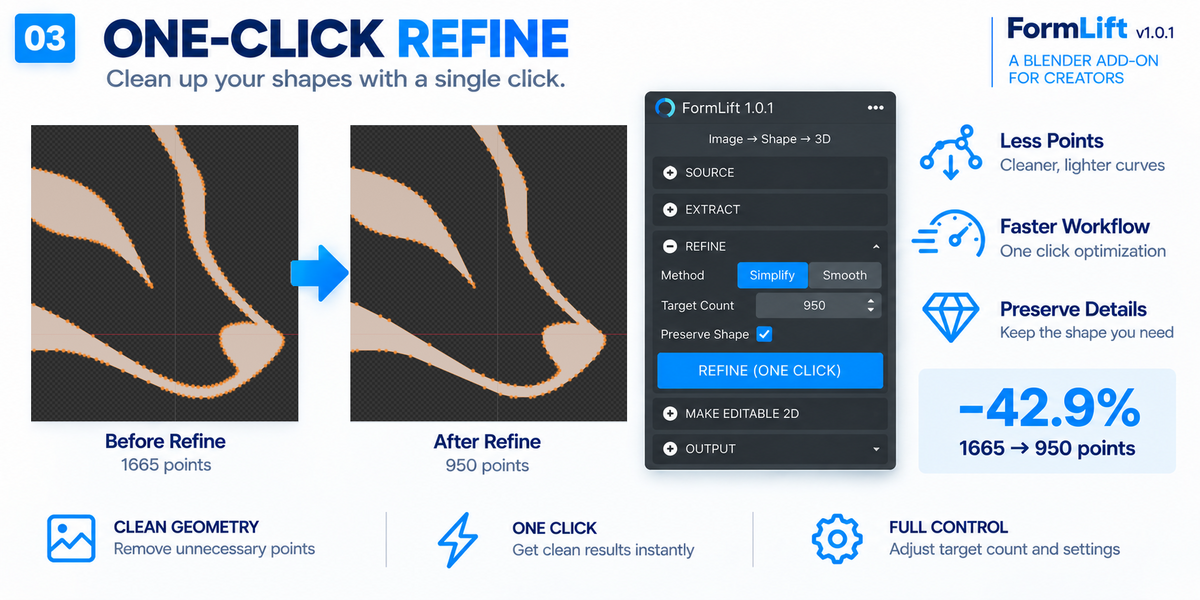
4. Refine
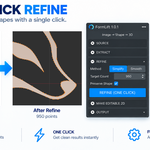
Use Refine to clean and simplify the extracted contour.
FormLift creates a preview first. Inspect the result and accept it when you are satisfied.
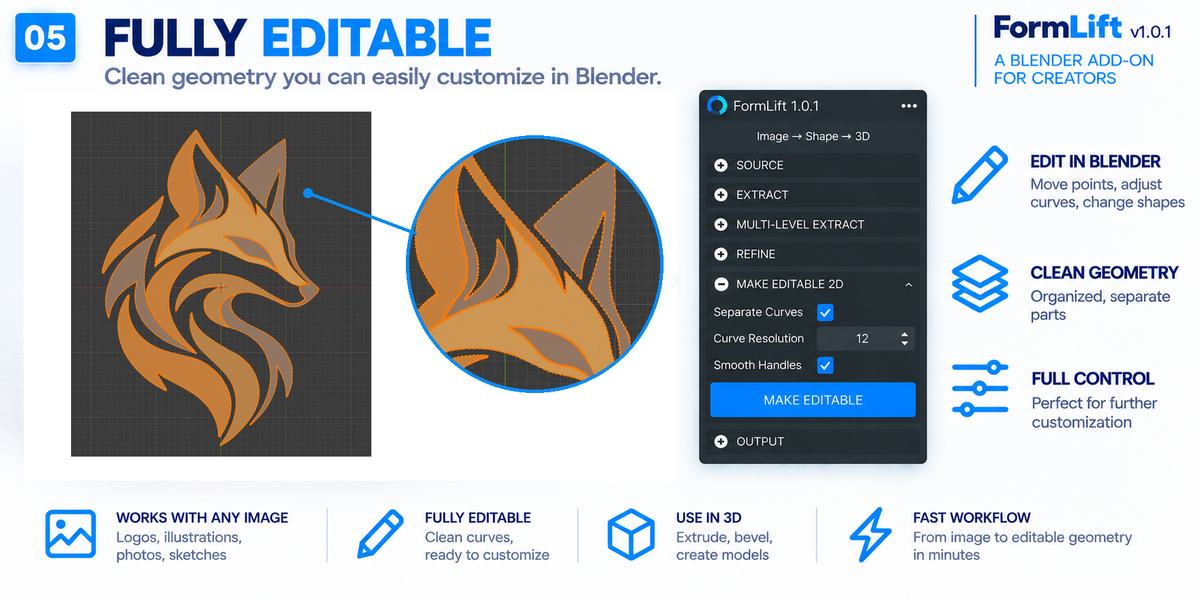
5. Make Editable 2D
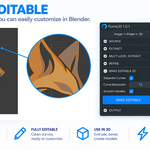
Click MAKE EDITABLE 2D to work with the result as editable Blender Curve geometry.
You can then use Blender's standard Edit Mode tools to manually adjust the contour.
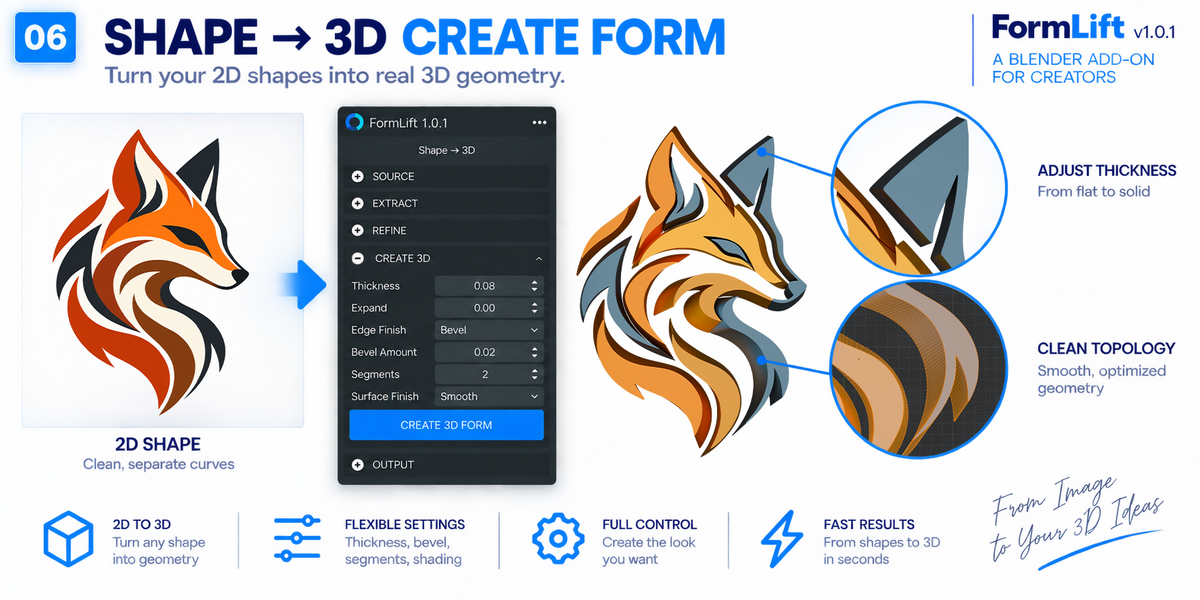
6. Create a 3D Form
In the FORM section you can adjust:
• Thickness — controls extrusion depth
• Expand — expands or contracts the shape
• Edge — controls edge treatment size
• Steps — controls edge profile resolution
• Profile — adjusts the supported bevel profile
Available edge styles include Sharp, Round, Bevel, Bulge, Concave and Inset.
Edge changes are previewed directly on the Curve before final conversion.
7. Create Form
When the result is ready, click CREATE FORM.
FormLift converts the current Curve form into a Blender Mesh that can be edited further with standard Blender modeling tools, modifiers and materials.
Tips
• High-contrast graphics with clearly separated shapes generally produce the best extraction results.
• Complex or noisy photographs may require additional Refine or manual Curve editing.
• Increasing the number of color levels can create more individual shapes. Use only as many levels as the artwork requires.
• Check the result before CREATE FORM because this operation converts the working Curve into Mesh geometry.
Compatibility
FormLift v1.0.1 is designed and tested for Blender 5.2 LTS.
Have questions about this product?
Login to message
| Blender Extension Compatible | Yes |
| Published | about 2 months ago |
| Blender Version | 5.2 |
| Extension Type | Add-on |
| Render Engine Used | Cycles |
| License | GPL |