 Xpress

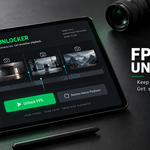
Features
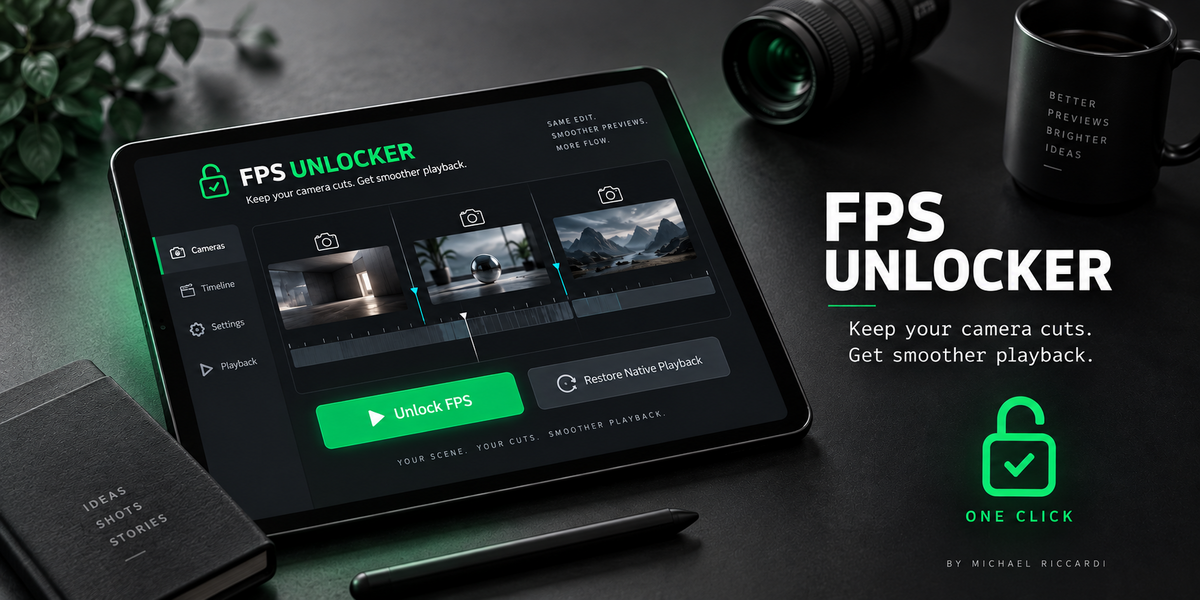
One-click activation — enable the playback workaround from the sidebar.
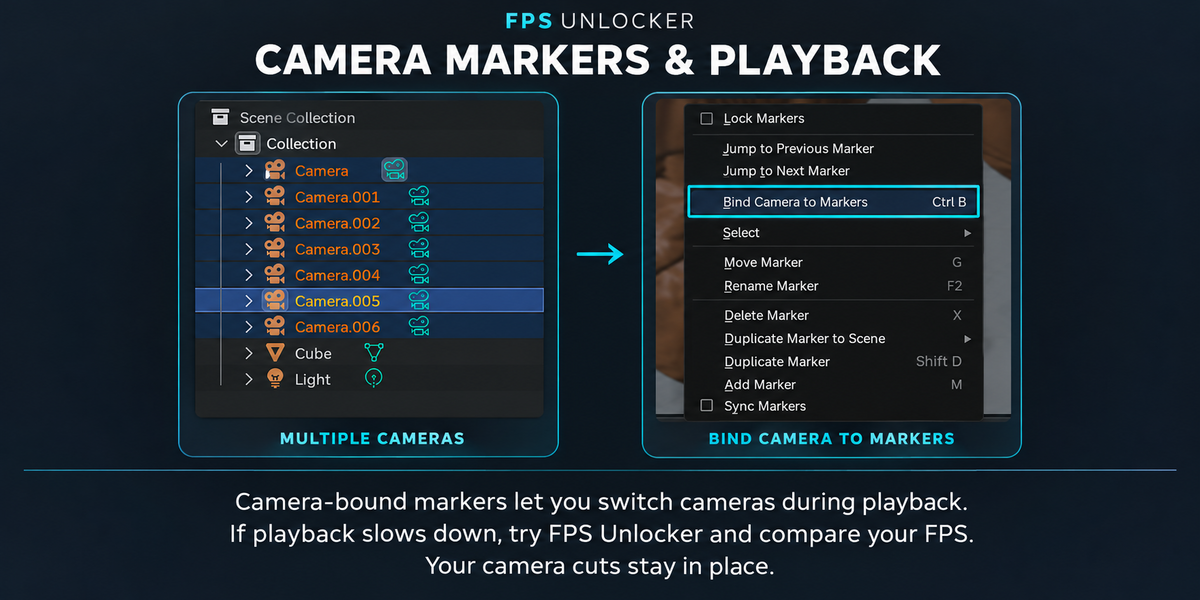
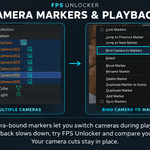
Preserves camera cuts — switches cameras according to your timeline markers.
Reversible — use Restore Native Playback to return to Blender’s normal behavior.
No scene simplification — does not reduce mesh detail or change your animation timing.
No Shotlist dependency — works with Blender’s native camera-bound markers.
How to use
Open the FPS Unlocker tab in the 3D Viewport sidebar.
Click Unlock FPS.
Play your animation and check the live FPS counter.
Click Restore Native Playback whenever you want to switch back.
How it works
During playback, FPS Unlocker temporarily manages camera switching itself instead of relying on native camera-marker bindings. The original bindings are restored when playback stops.
Performance notes
FPS Unlocker addresses a specific playback slowdown associated with camera-bound markers. Results depend on your scene, hardware, and the source of the slowdown.
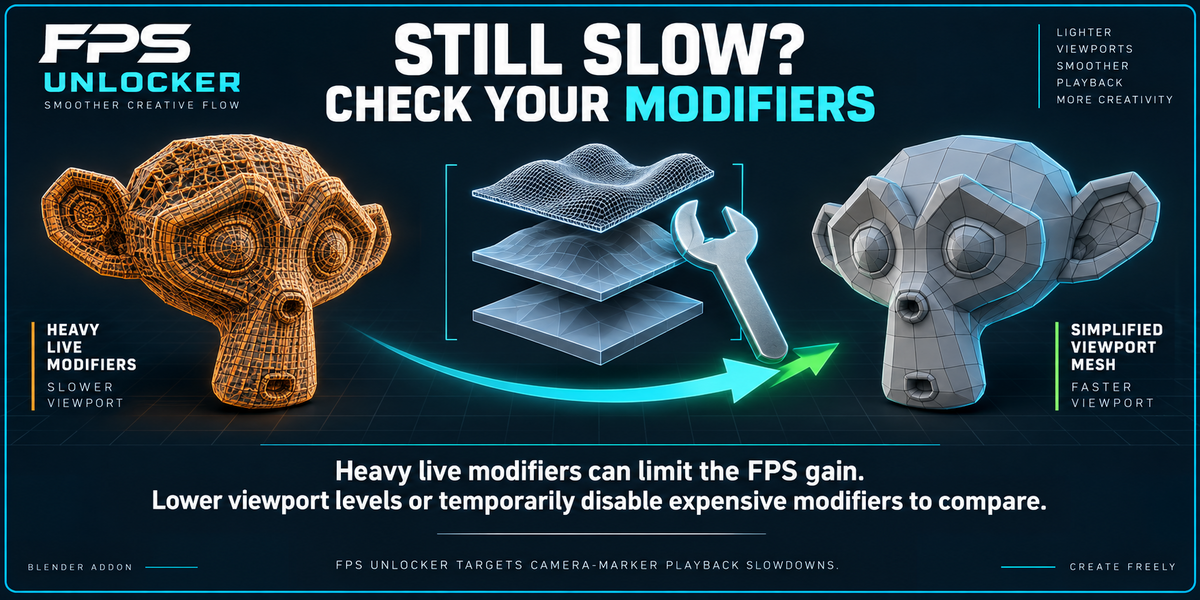
Heavy live modifiers can still limit playback speed. If you see little improvement, try lowering modifier viewport levels or temporarily disabling expensive modifiers, then compare playback again.
It is a viewport playback tool, not a rendering accelerator or a general solution for every performance issue.
////////////////////////////////////////////////////////////////////////////////////////////////////////////////////////////////////////////////
Even a simple scene on powerful hardware can struggle
FPS Unlocker was born from a real production problem: a lightweight, low-poly blockout with an animated character suffered from slow playback while using camera-bound markers.
This happened on a PC equipped with an AMD Ryzen 9 7900X3D 12-Core Processor (4.40 GHz) and an NVIDIA GeForce RTX 4090. The slowdown appeared early in the workflow, before the scene became complex.
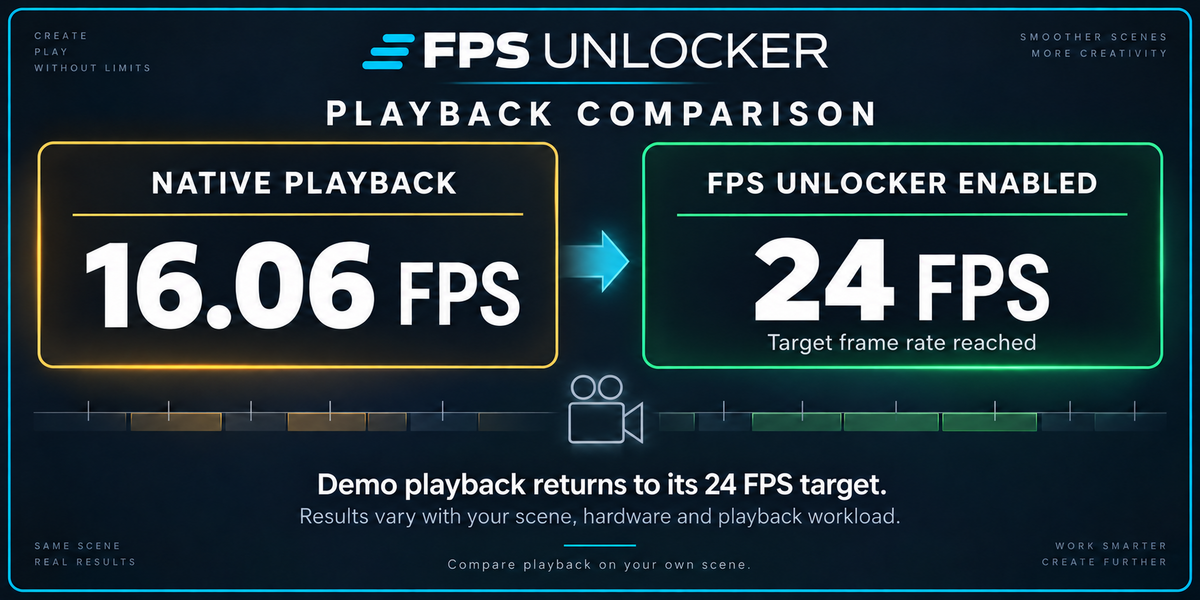
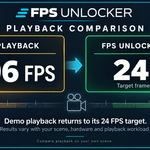
In our tests, changing how camera switching was handled improved playback while preserving the camera cuts.
If your scene looks simple but playback still feels sluggish—even on powerful hardware—FPS Unlocker may help. Results depend on your scene and setup.
Created by Michael Riccardi
No more headaches—get back to animating!
