 Xpress
FPS Unlocker — Documentation
Overview
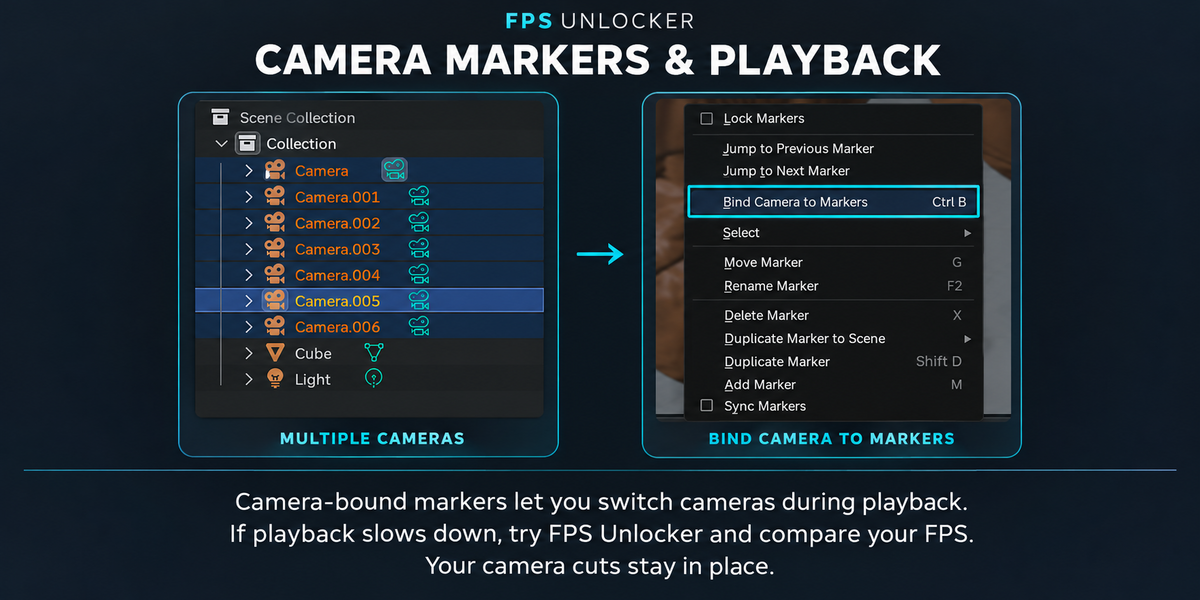
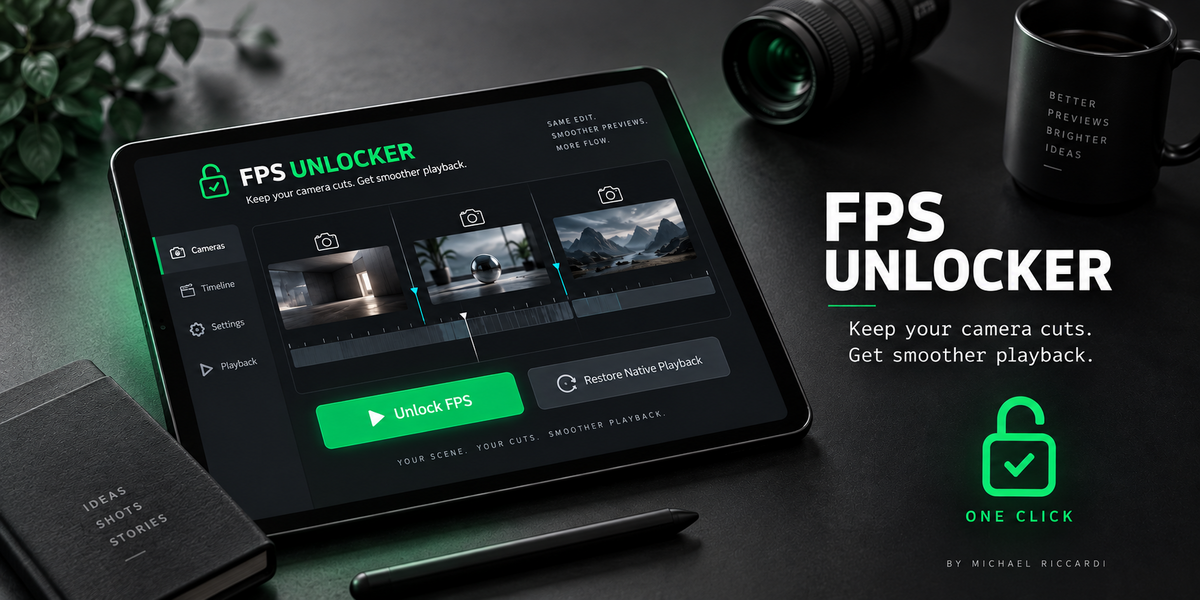
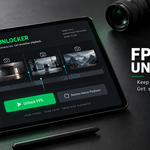
FPS Unlocker helps improve viewport playback in scenes affected by slowdowns associated with Blender’s Bind Camera to Markers feature. It preserves your camera cuts while temporarily managing camera switching during playback.
Installation
Download the FPS Unlocker ZIP file.
In Blender, open Edit → Preferences → Add-ons.
Open the menu in the upper-right corner and select Install from Disk.
Select the ZIP file without extracting it.
Enable FPS Unlocker if it is not already enabled.
Using FPS Unlocker
Open your scene with cameras bound to timeline markers.
In the 3D Viewport, press N to open the sidebar.
Open the FPS Unlocker tab.
Click Unlock FPS.
Play your animation and compare the live FPS counter.
To disable the workaround, click Restore Native Playback.
Camera Bindings
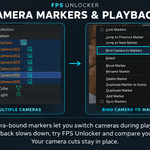
During playback, FPS Unlocker temporarily manages camera switching using your existing camera-marker assignments. Native bindings are restored when playback stops.
Modifiers and Performance
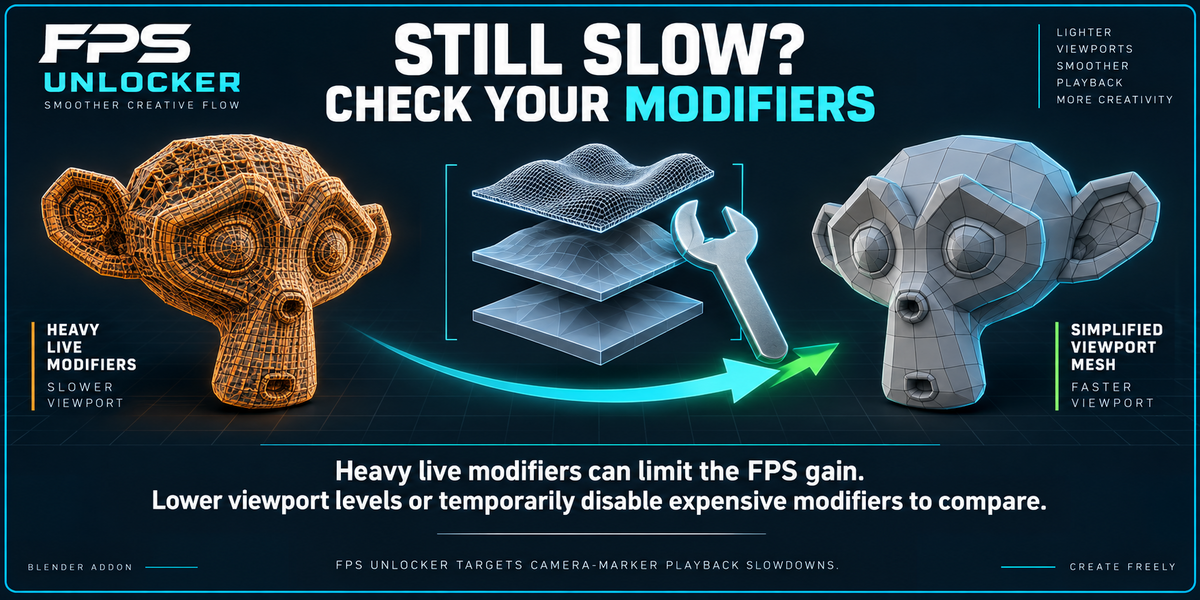
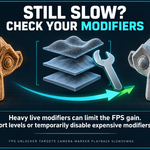
Heavy live modifiers can limit playback speed and mask the benefit of FPS Unlocker.
For a comparison test, duplicate your object and apply the relevant geometry modifiers on the copy. Applying a modifier incorporates its result into the mesh: it does not mean reducing the object to low poly.
Only apply modifiers that you no longer need to remain procedural. Keep the original object as a backup.
FPS Unlocker does not apply modifiers automatically.
Comparing Results
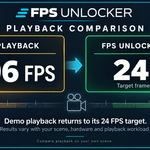
Compare the same scene and animation range with FPS Unlocker enabled and disabled. FPS readings can fluctuate during playback.
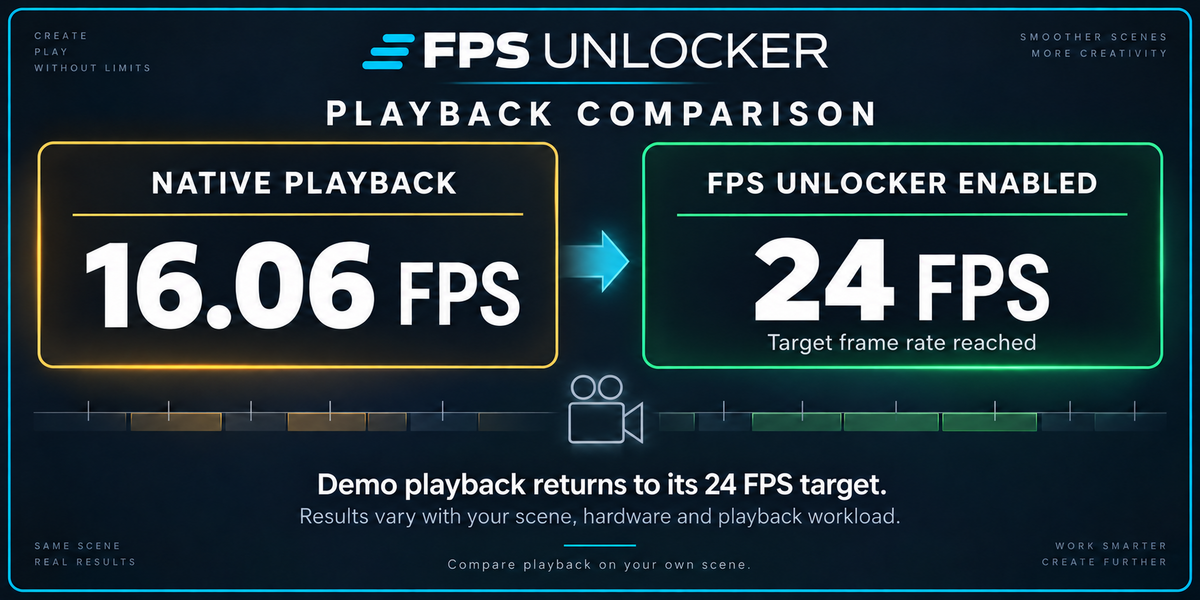
The demonstration reaches a target of 24 FPS, with fluctuations. Results depend on your hardware, scene complexity and other performance bottlenecks.
FPS Unlocker improves a specific viewport playback workflow. It does not accelerate rendering.
Created by Michael Riccardi.
Have questions about this product?
Login to message
| Blender Extension Compatible | Yes |
| Published | 4 days ago |
| Blender Version | 4.2 - 5.2 |
| Extension Type | Add-on |
| License | Mit |

Discover more products like this
Bind Camera to Markers animation camera markers camera cuts viewport performance FPS Unlocker camera switching low FPS blender addon timeline playback optimization smoother playback