 Rention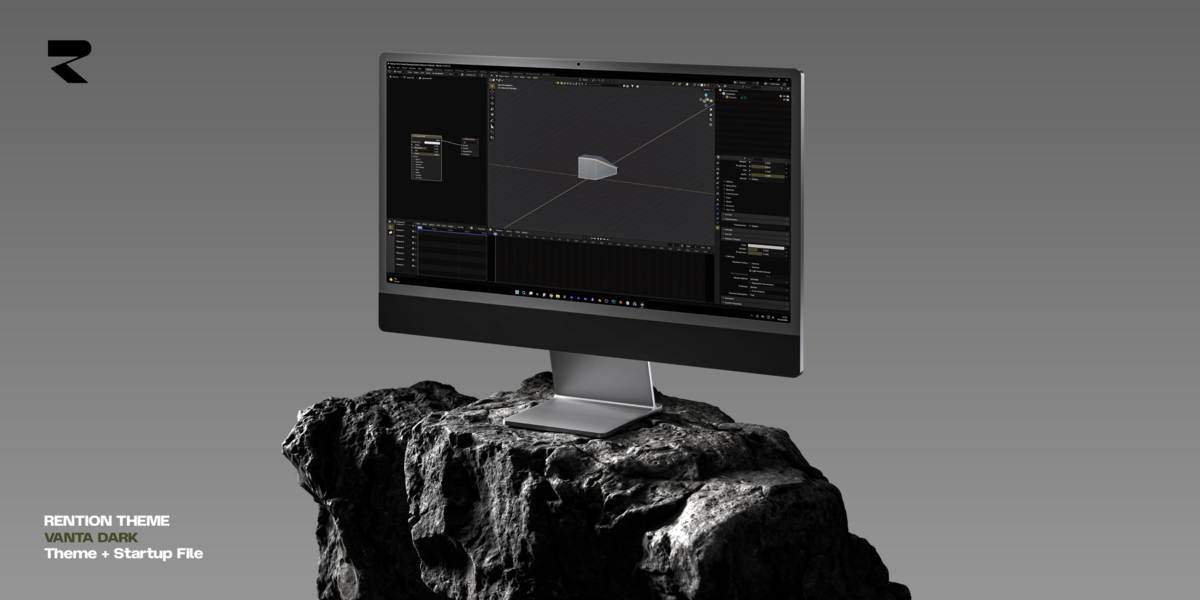
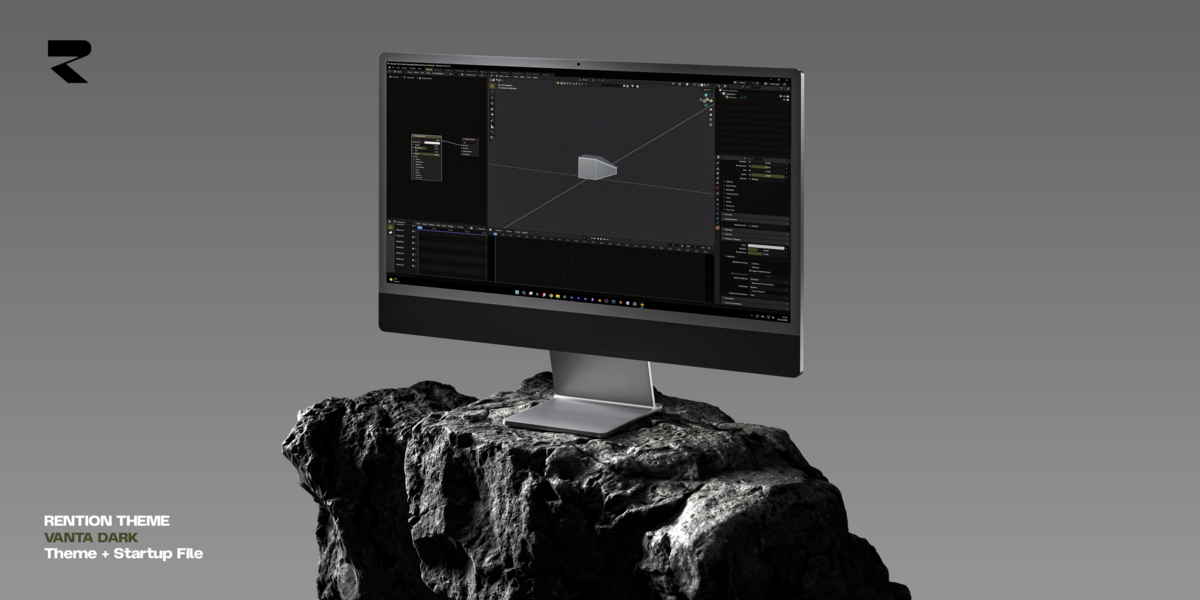
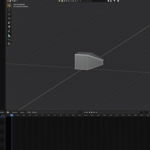
Transform your Blender workspace into a distraction-free, cinematic environment.
Designed specifically for 3D artists, automotive visualizers, and visual creators, Vanta Dark delivers a deep, refined contrast and carefully calibrated color palette that reduces eye strain during long modeling and rendering sessions.
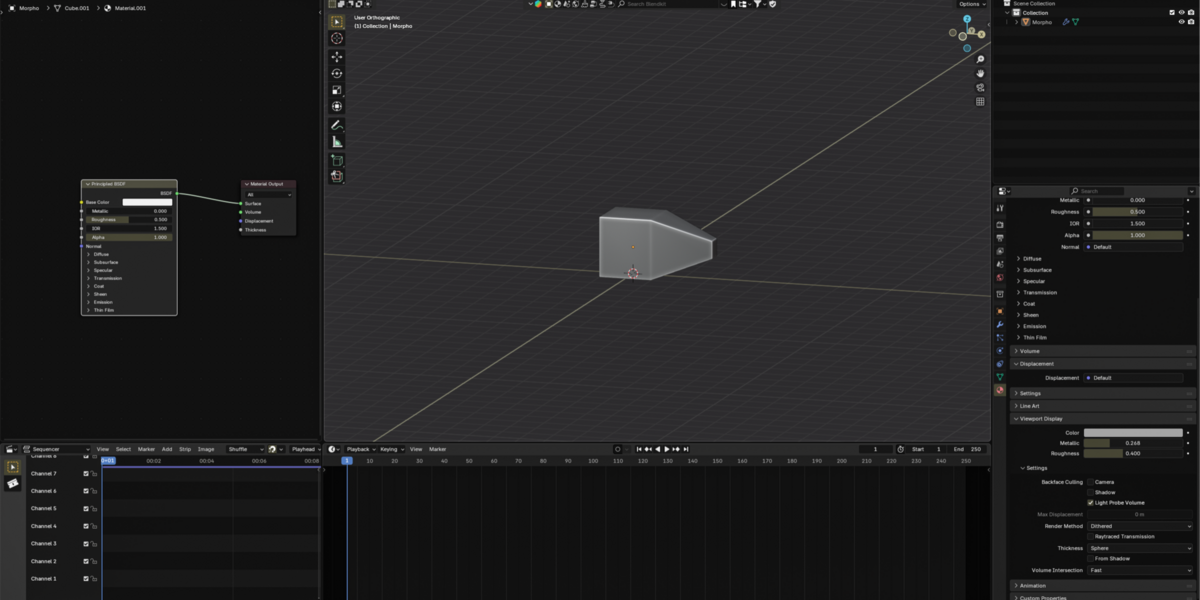
Whether you're crafting high-detail hard-surface models, tweaking complex shader networks, or setting up cinematic studio lighting, Vanta Dark keeps your viewport crisp and your focus strictly on your artwork.
Deep Contrast & Pure Dark Aesthetics: Deep charcoal and dark tones designed to give maximum visual priority to your 3D viewport.
Eye-Friendly Palette: Balanced color values tailored for extended workflow hours without visual fatigue.
Enhanced Readability: Clean UI element distinctions, subtle highlight states, and crisp text hierarchy across all editors.
100% Free & Ready to Use: One-click setup XML preset file included.
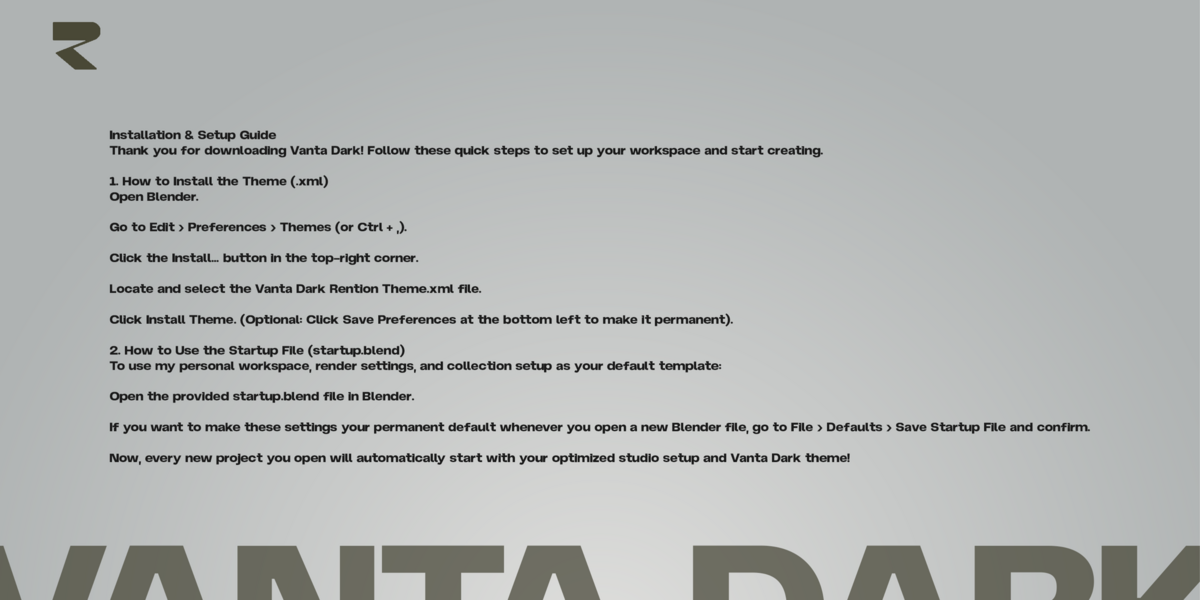
- How to Install:
Open Blender and go to Edit > Preferences > Themes.
Click Install. at the top right.
Select the Vanta Dark Rention Theme.xml file.
Enjoy your new high-end workspace!
Crafted by Rention. If you enjoy this theme, feel free to share it with your fellow artists and leave a rating!
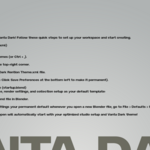
BONUS: My Personal Startup File (startup.blend) Get direct access to my exact default workspace setup, optimized render settings, and scene organization that I use daily for high-end automotive and studio projects.