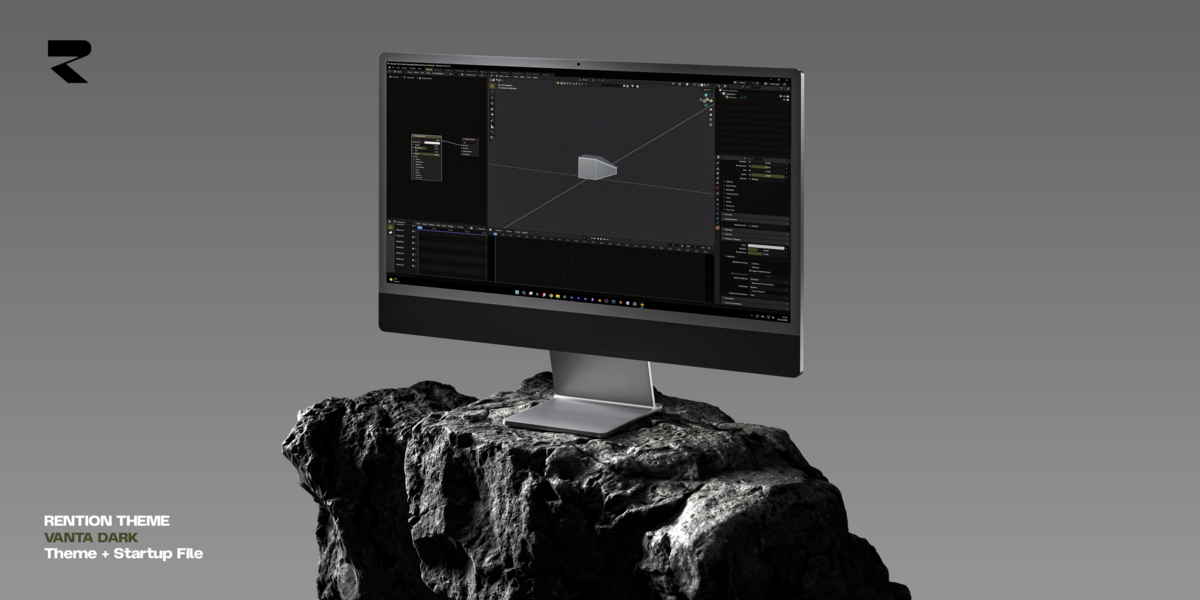
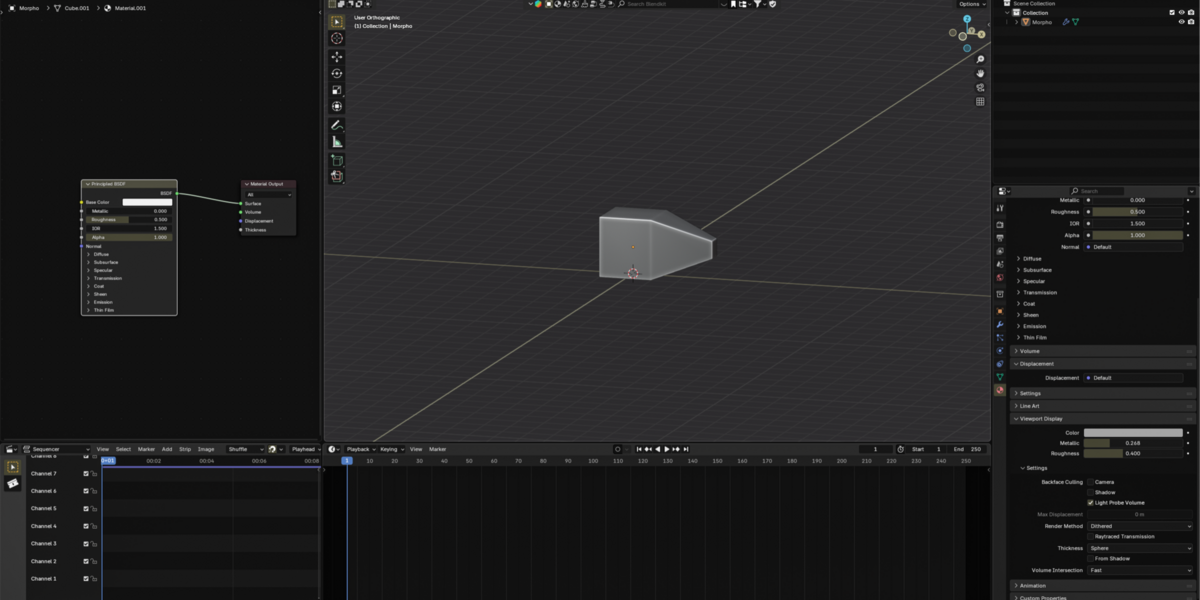
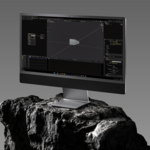
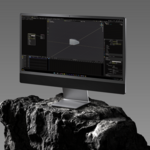
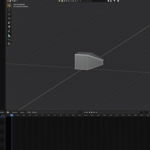
(Free) Vanta Dark Premium Sleek UI Theme for Blender + Startup File
 Rention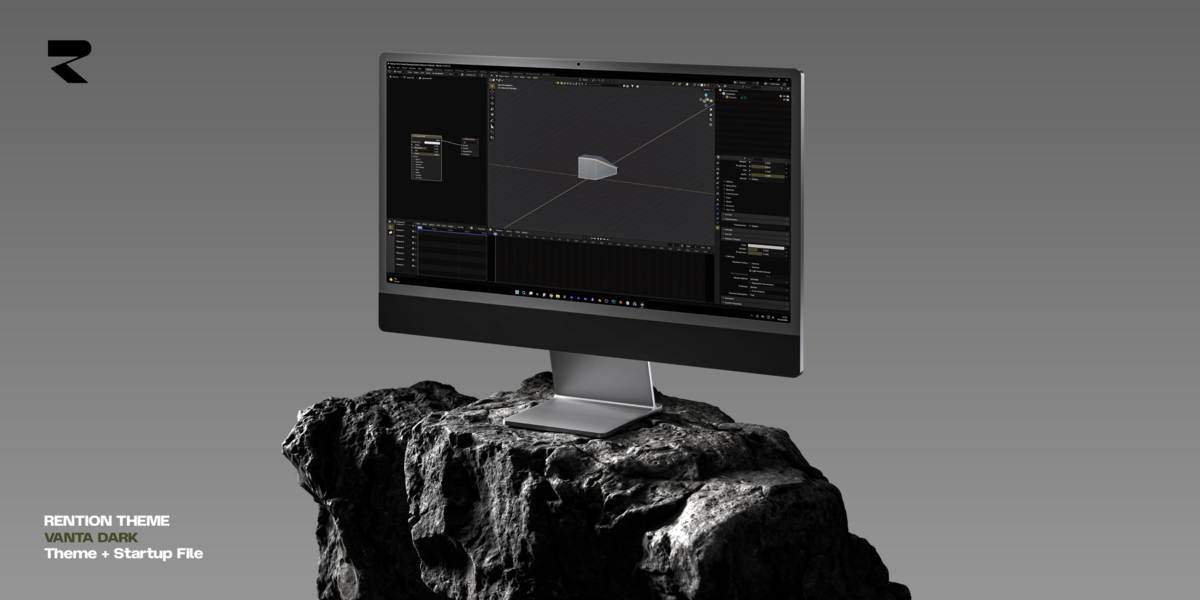

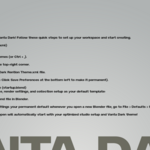
How to Install?
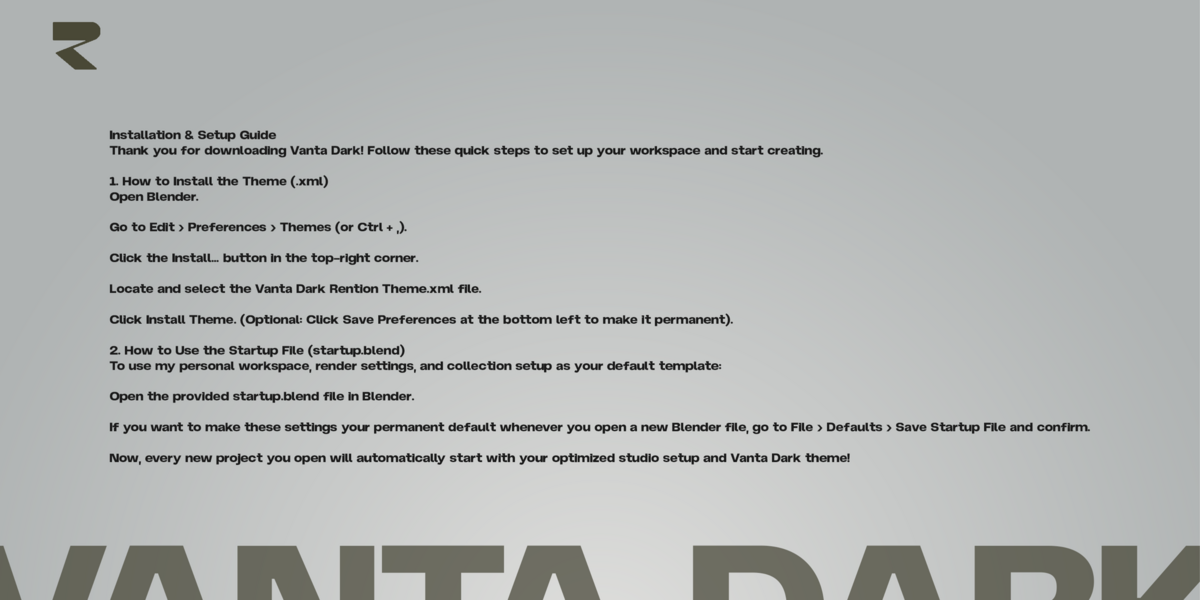
Open Blender and go to Edit > Preferences > Themes.
Click Install. at the top right.
Select the Vanta Dark Rention Theme.xml file.
Enjoy your new high-end workspace!
Have questions about this product?
Login to message
| Downloads | 10 |
| Dev Fund Contributor | |
| Published | 4 days ago |
| Blender Version | 2.6x - 5.2 |
| Render Engine Used | Cycles |
| License | Royalty Free |