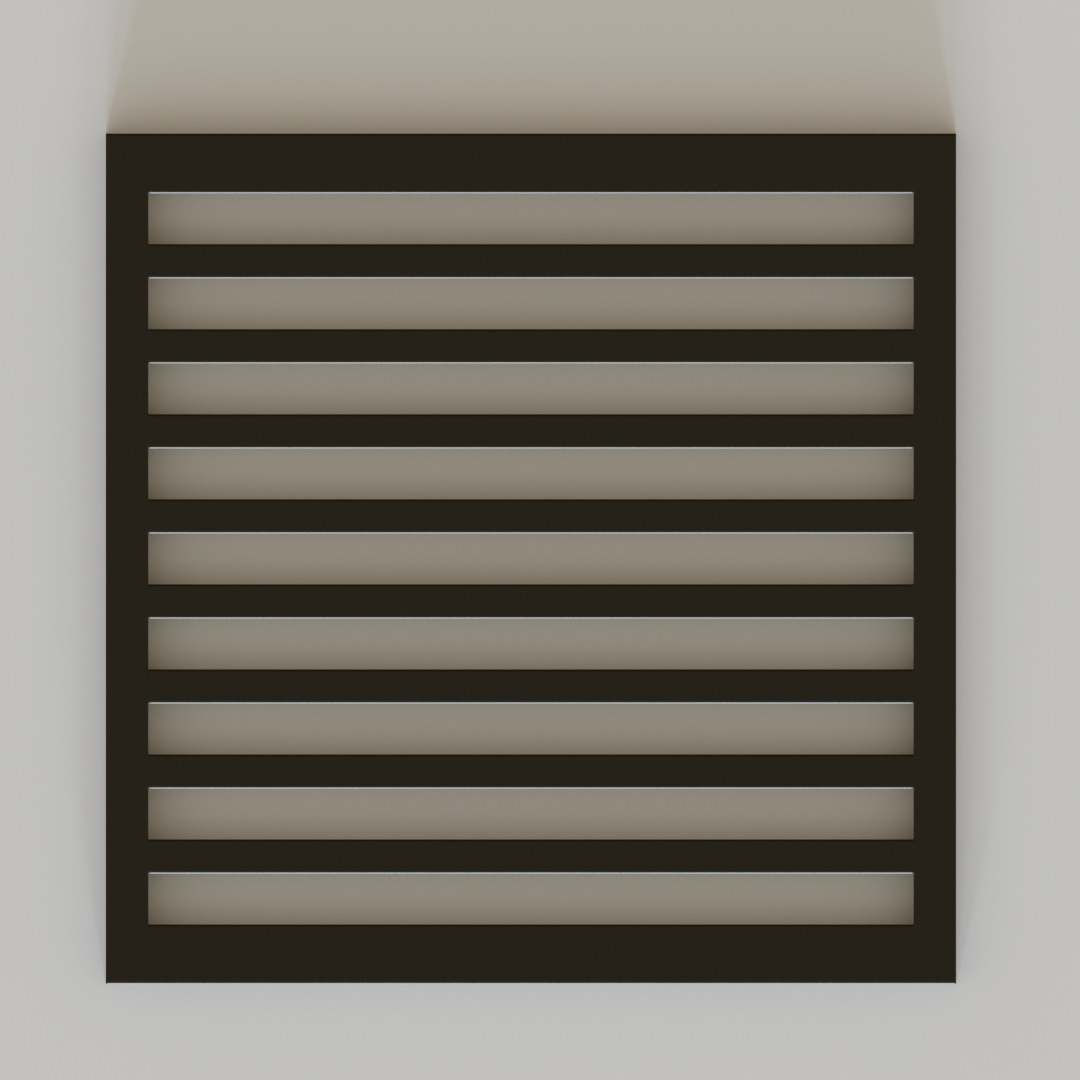
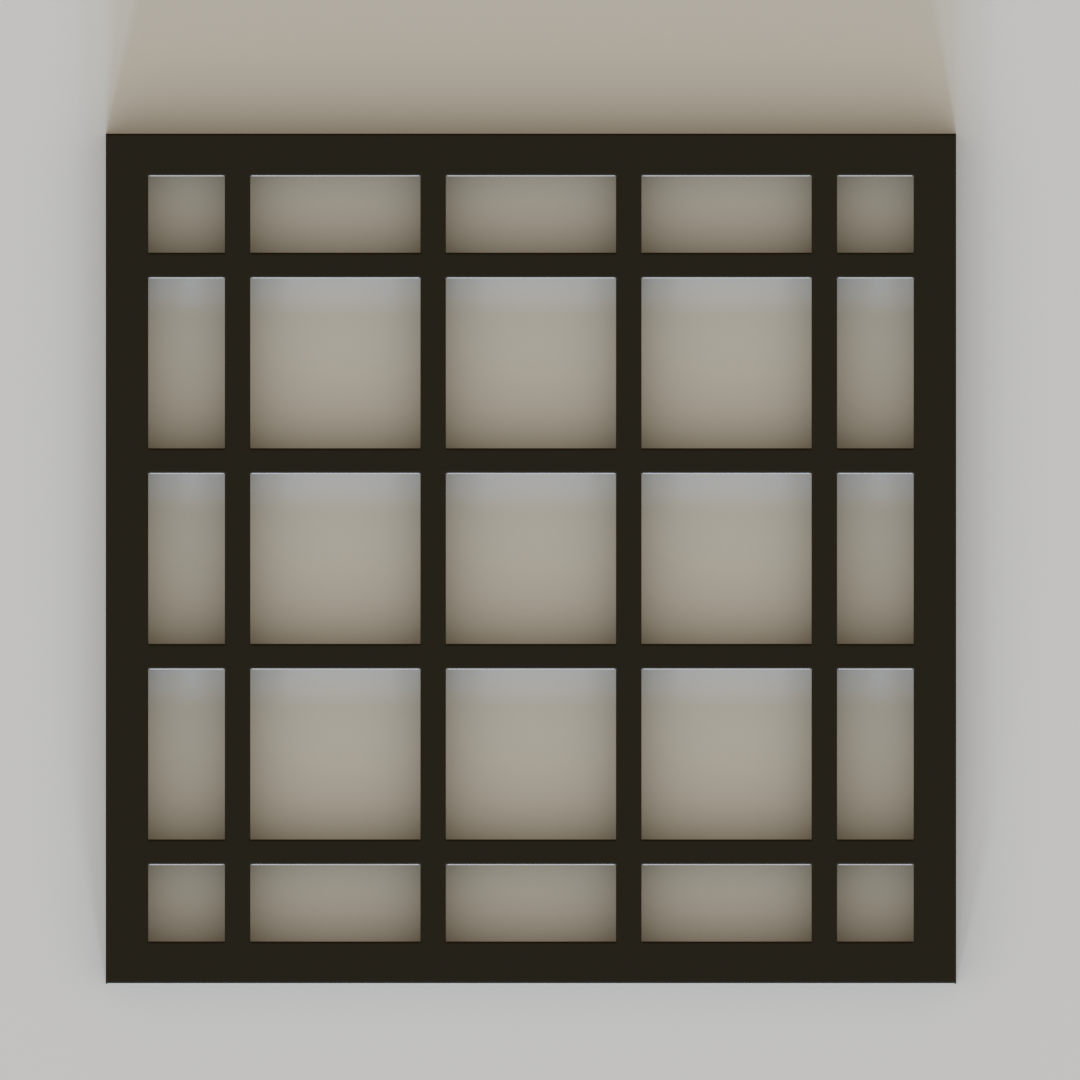
Fretwork Generator
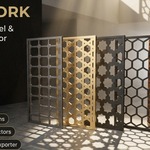
Parametric screen generation, organic attractors, curved 3D surface projection, and CNC/laser vector exporting.
Quick Navigation
Installation & Setup
- In Blender, open Edit > Preferences > Add-ons.
- Click Install... in the top-right corner and select the downloaded
fretwork.zipfile. - Enable the checkbox next to Mesh: Fretwork Generator.
- Press N in the 3D Viewport to open the sidebar, and navigate to the Fretwork tab.
Quick Start Workflow
Either deselect everything for a standalone rectangular panel, or select any flat/curved face in Edit Mode.
Click Live Preview Plane. Adjust dimensions, gap, wave depth, or pick attractor empties live in real-time.
Press Enter (or click Apply Panel) to construct the solid 3D mesh with automatic Shade Auto Smooth.
Best Practice: Working with Large Surfaces & High Tile Counts
When applying fretwork to very large surfaces (such as full building facades, stadiums, or surfaces requiring thousands of tiles):
- Avoid starting Live Preview directly on massive surfaces: Real-time viewport re-triangulation of tens of thousands of tiles on every frame can slow down interactive responsiveness.
-
Recommended Workflow:
- Select a single small representative face or use a small standalone test panel to dial in your desired tile size, gap width, filleting, and wave amplitude with Live Preview.
- Once satisfied, exit preview (Esc).
- Select your full large surface / multi-face building mesh in Edit Mode.
- Click Create Panel directly (without starting live preview). The optimized Delaunay CDT engine will generate the full high-density production mesh instantly in a single fast pass.
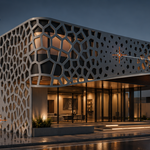
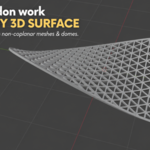
Surface Geometries: Flat, N-Gons & Curved 3D Meshes
Fretwork Generator automatically detects the type of geometry you have selected:
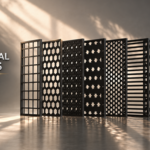
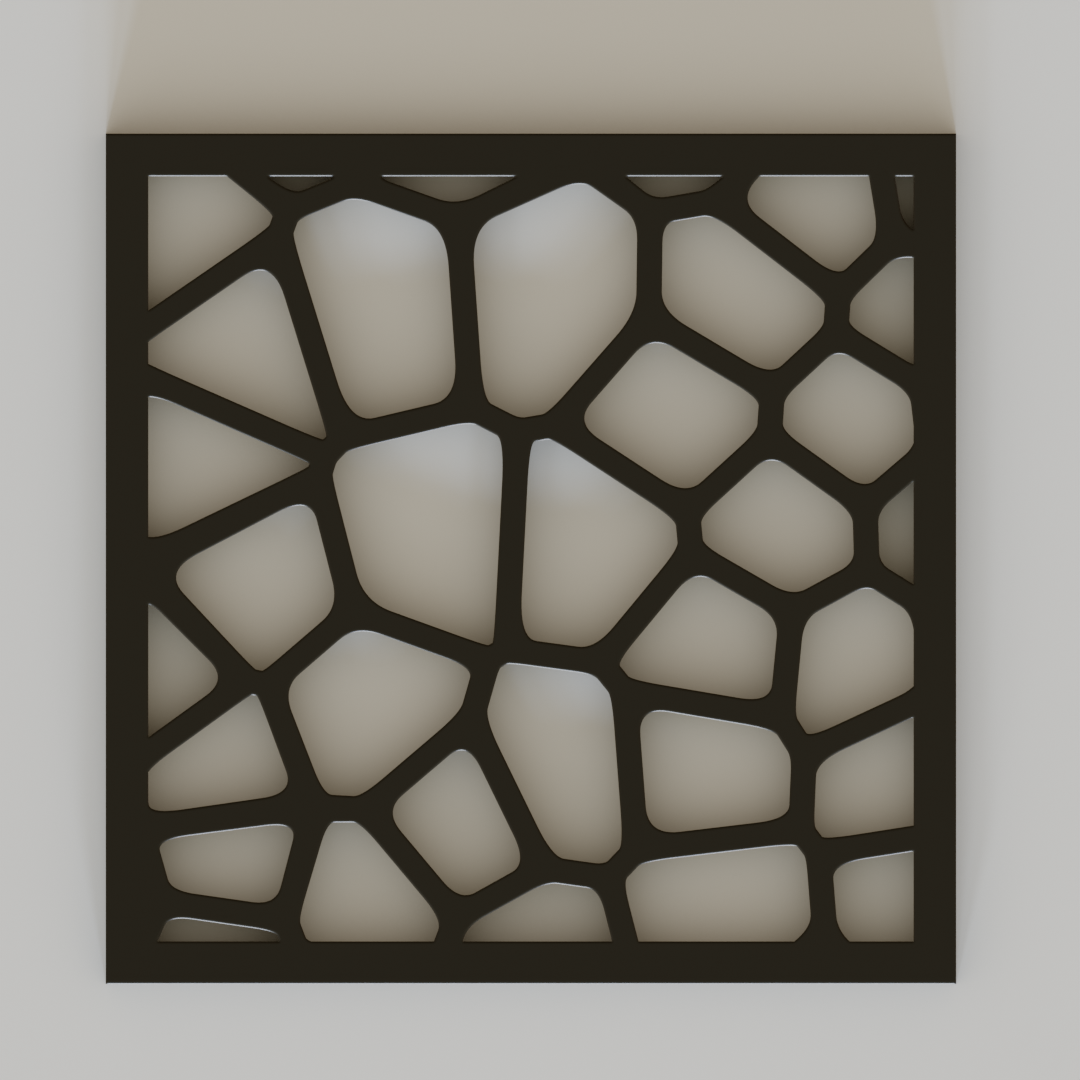
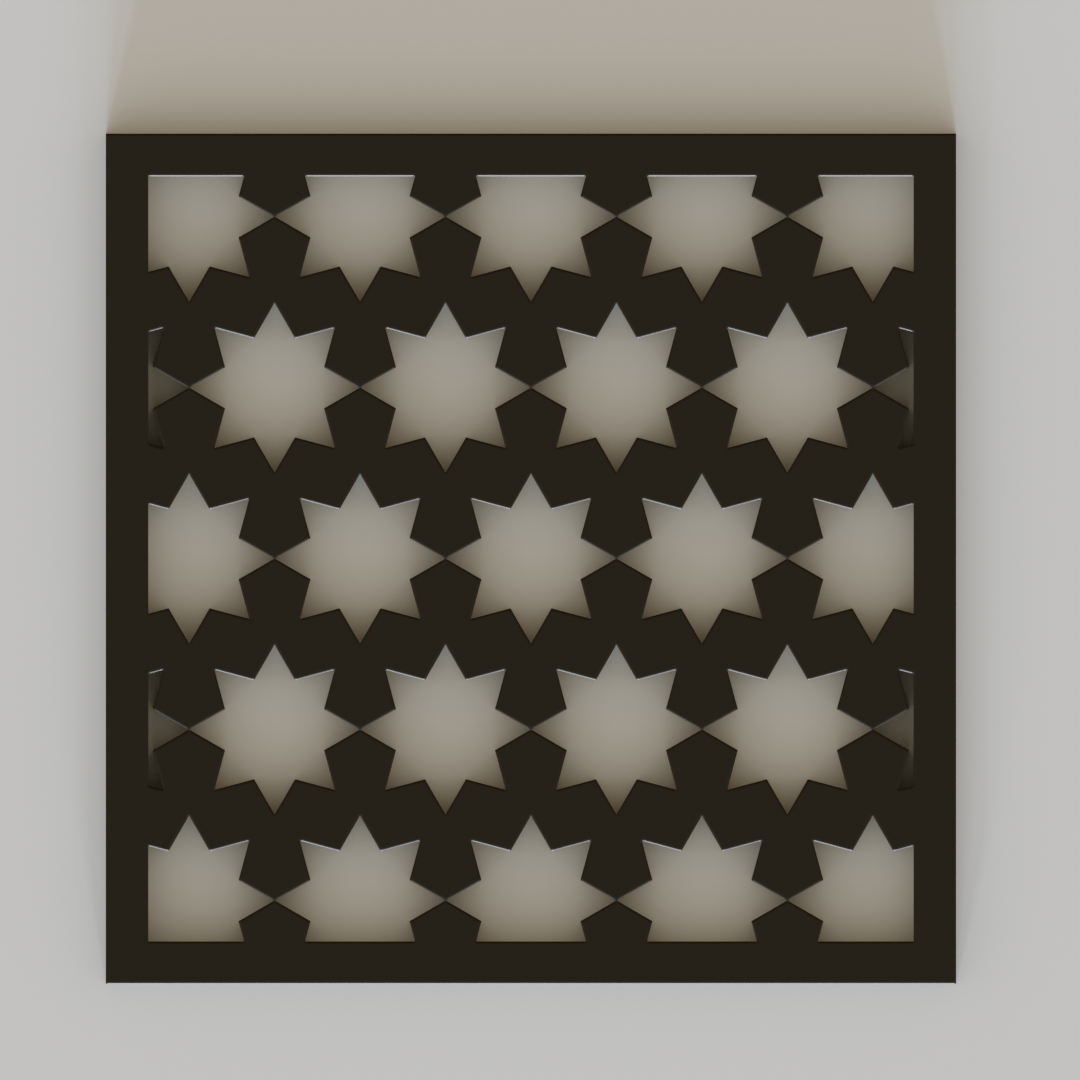
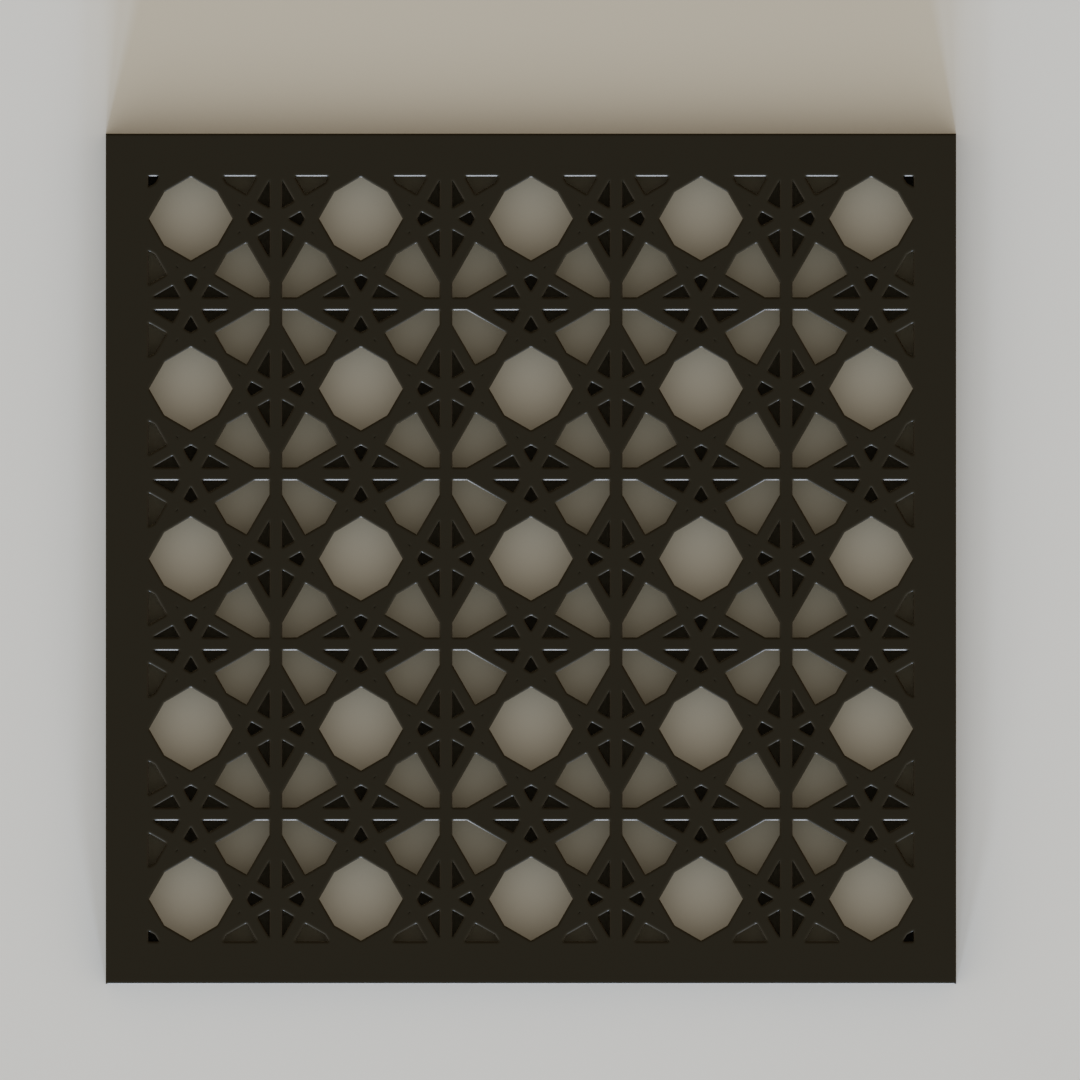
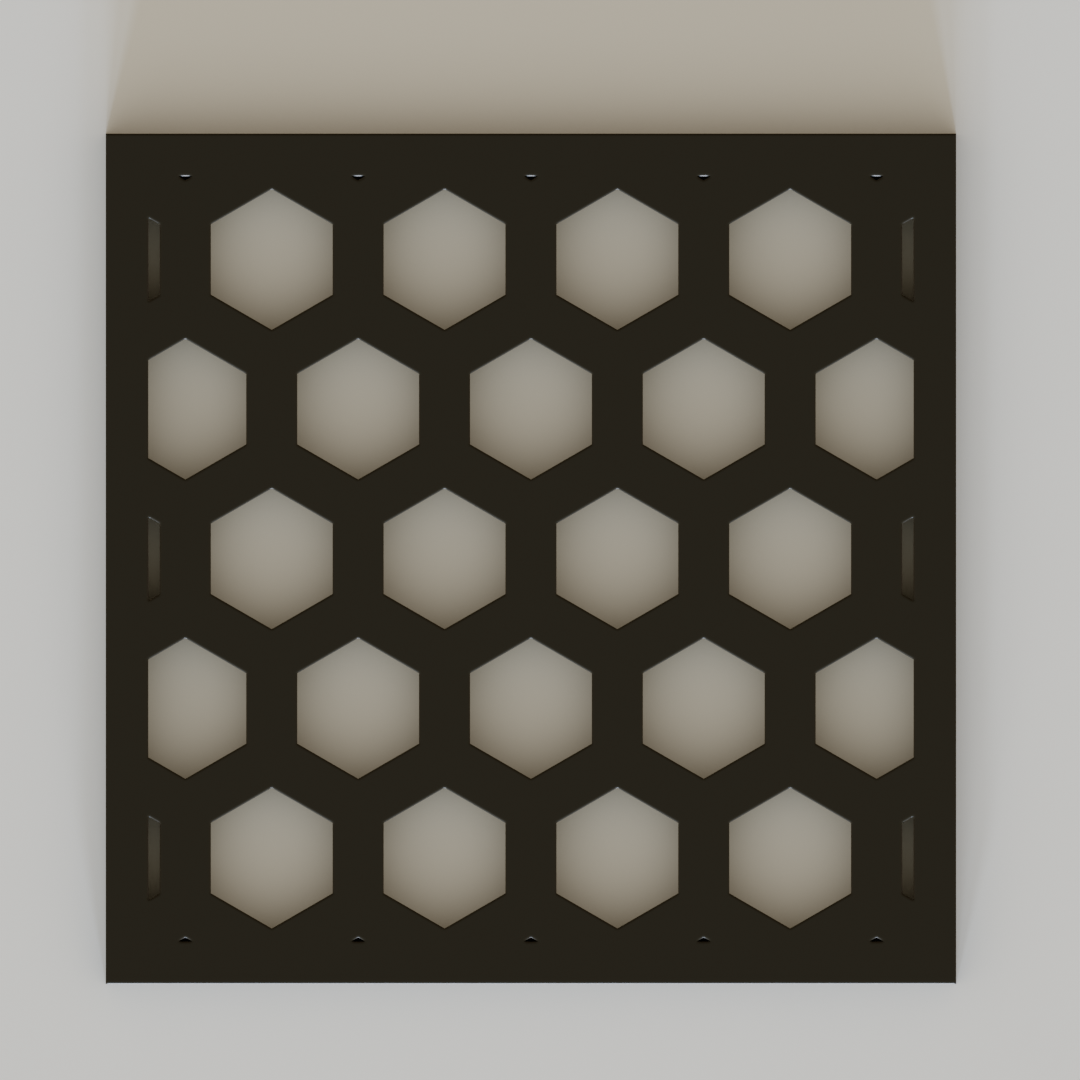
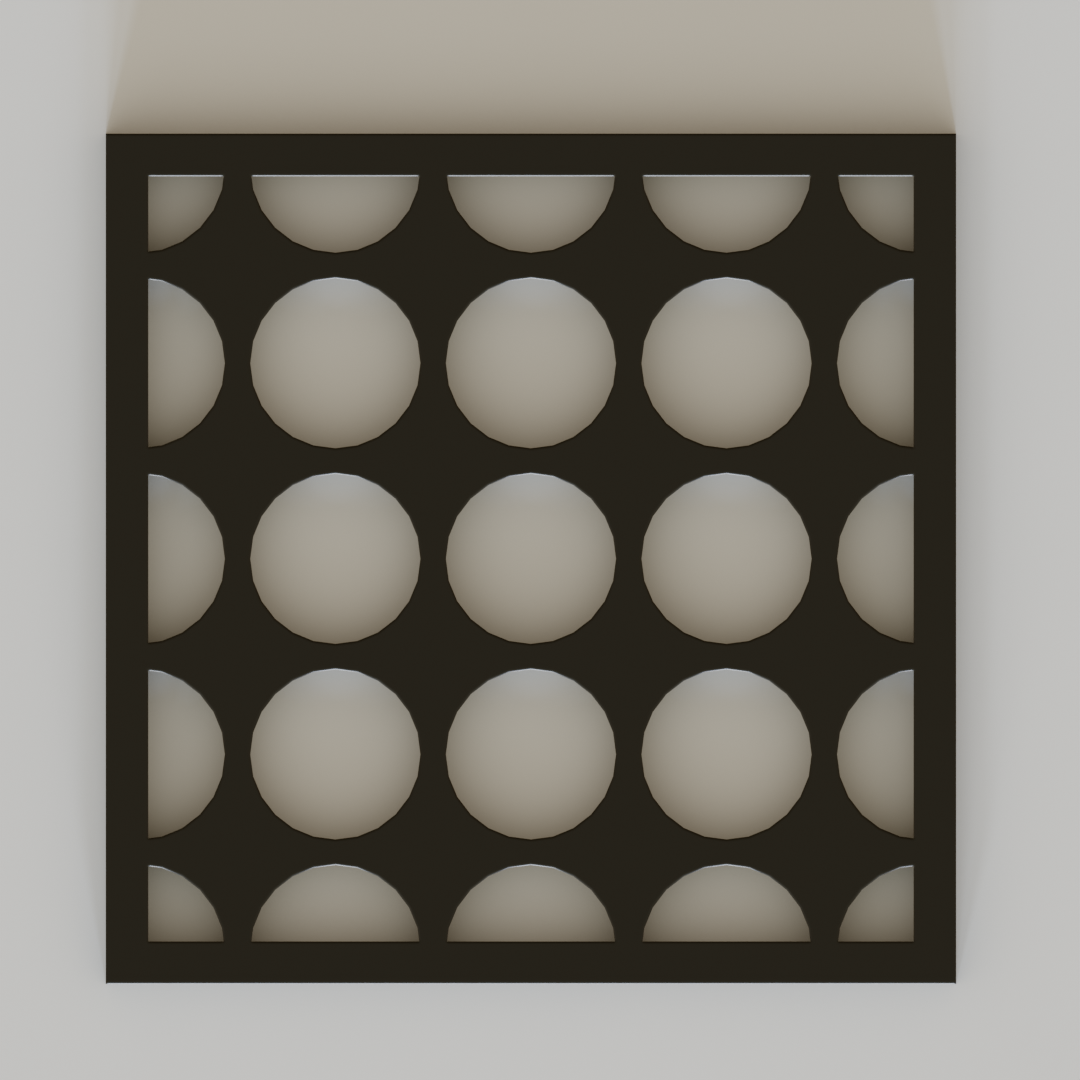
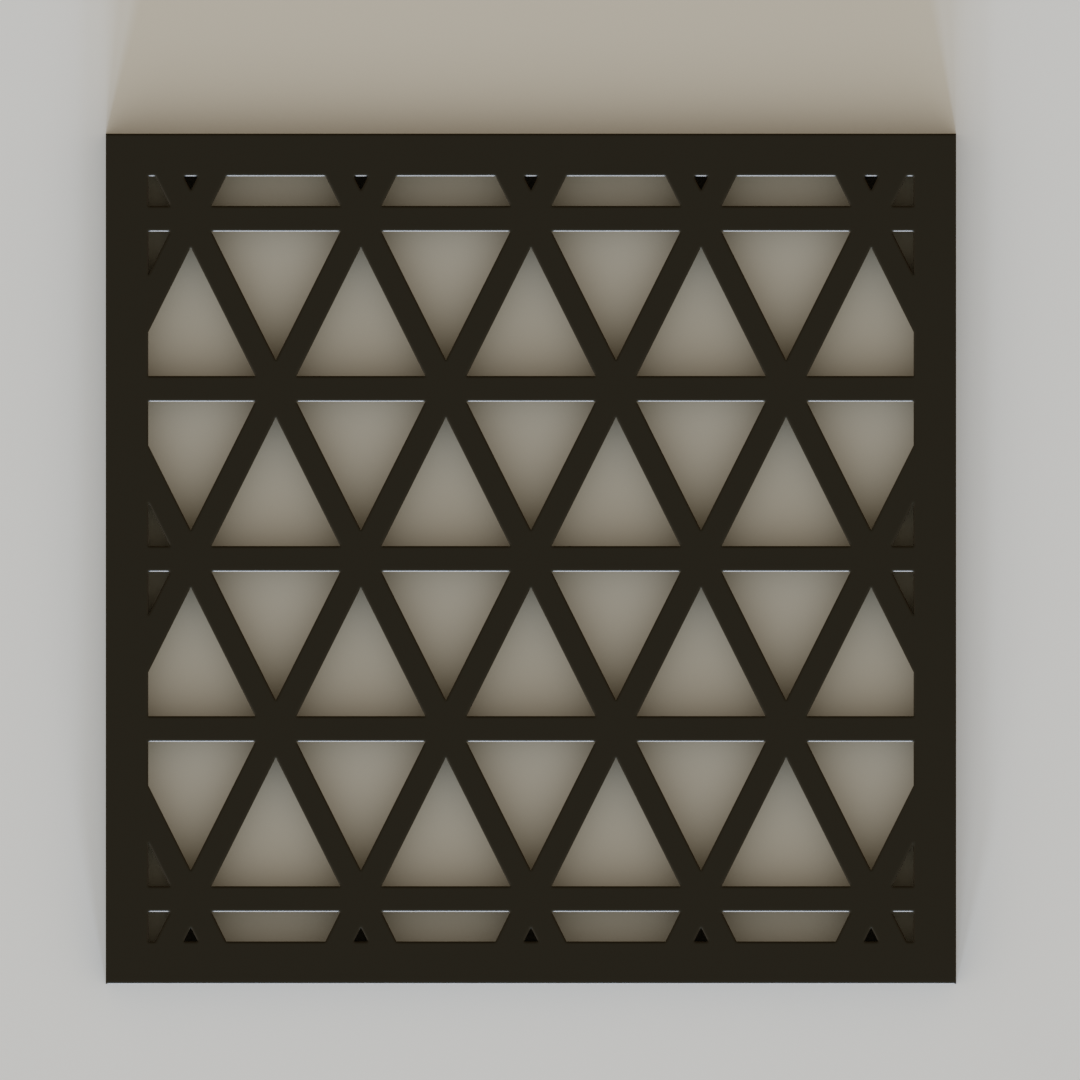
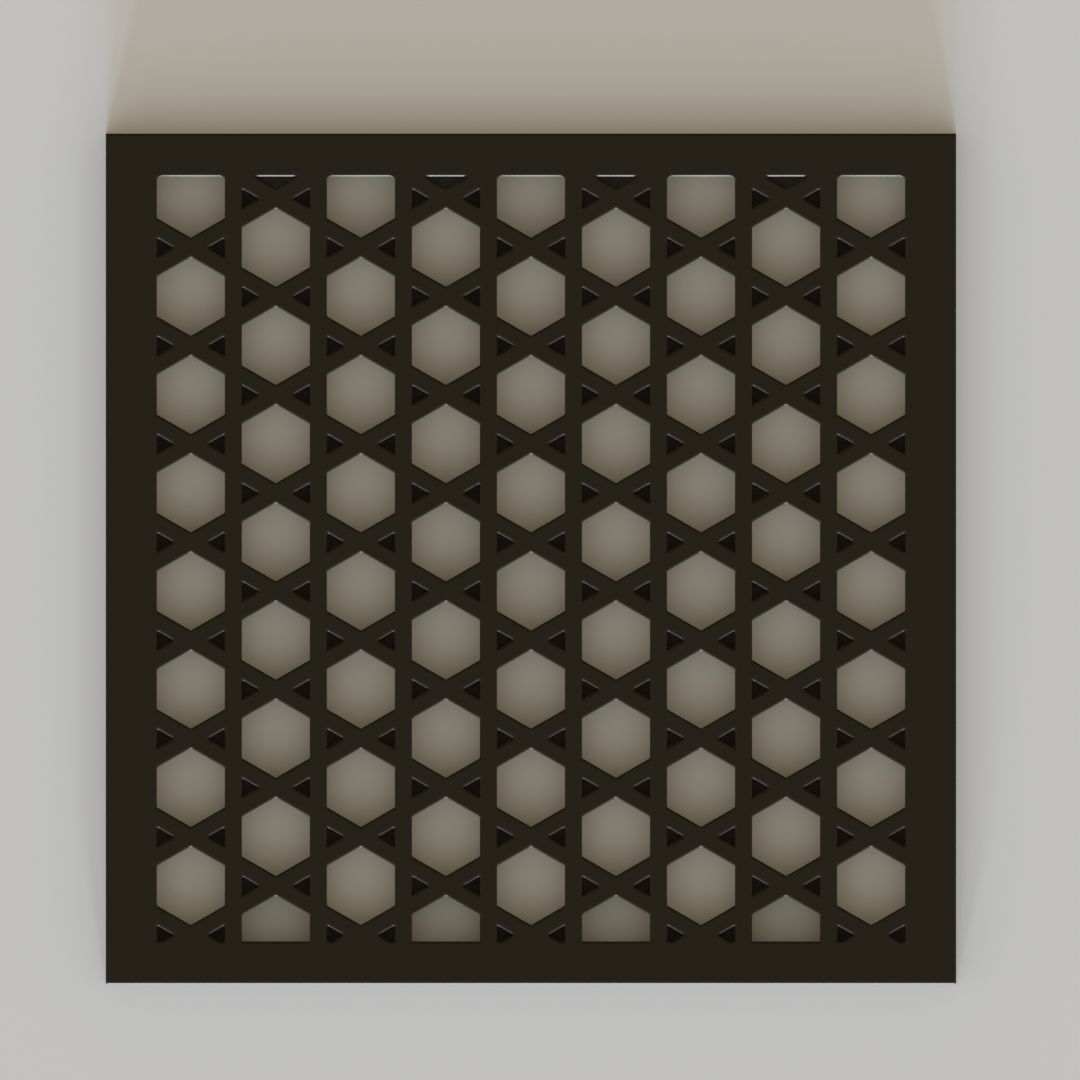
The 9 Parametric Pattern Engines
Unified Wave & Scallop Deformers
Every pattern includes unified wave controls to instantly transform rigid lines into organic curves:
Interactive Point & Curve Attractors
Attractors let you modulate hole sizes dynamically across your surface using Blender objects in the 3D scene. Each attractor belongs exclusively to the panel it was created for — other panels in the scene are completely unaffected.
Attractor controls only appear when a generated panel is selected or when Live Preview is active.
- Select your panel (or start Live Preview).
- In the Attractors section of the sidebar, click Pick Point or Pick Curve.
- Your cursor changes to an Eyedropper. A live name label appears next to the nearest compatible object as you move the mouse.
- Left-Click any highlighted Empty or Curve to assign it as an attractor. Press Esc or Right-Click to cancel.
Pick any Empty in the scene. Move or scale it in 3D space to smoothly shrink or grow nearby openings with Gaussian falloff radius and strength controls.
Pick any Curve object to create flowing rivers of opening gradients across the panel. Supports advanced Taper Profiles: Constant, Linear, Smooth, Pinch Center.
- When you pick an attractor it is automatically parented to its panel — moving, rotating, or scaling the panel moves all its attractors with it automatically.
- Each attractor is exclusive to one panel. Attractor A on Panel A will never affect Panel B.
- The sidebar Attractors list only shows attractors belonging to the currently selected panel.
Non-Destructive In-Place Editing & Auto-Sync
Whenever you select an existing Fretwork panel in Object Mode, its stored parameters are automatically reloaded into the sidebar — no manual button click needed.
Direct Laser & CNC 2D SVG Exporter
Export clean 2D vector cut profiles directly from Blender with no external converters needed:
Auto (Panel Plane) to unroll 3D curved surfaces into flat cut sheets, or project along world axes. mm), Inches (in), or Pixels (px) for 1:1 scale laser cut accuracy. Laser (Hairline) emits thin 0.1mm cut strokes; Filled (Solid) emits filled black vector shapes. Preset Manager & Visual Thumbnails
Save and organize your favorite panel designs. Presets automatically render high-resolution thumbnail icons inside the Blender UI for fast visual selection.
Need Help or Have Feature Requests?
Contact developer support through the Blender Market product inbox. All updates and pattern expansions are included free with your purchase.
Have questions about this product?
Login to message
| Blender Extension Compatible | Yes |
| Published | about 2 months ago |
| Blender Version | 4.2 - 5.2 |
| Extension Type | Add-on |
| License | GPL |
Discover more products like this
architecture voronoi facade svg export Panel patterns laser cutting parametric procedural fretwork