 one99addons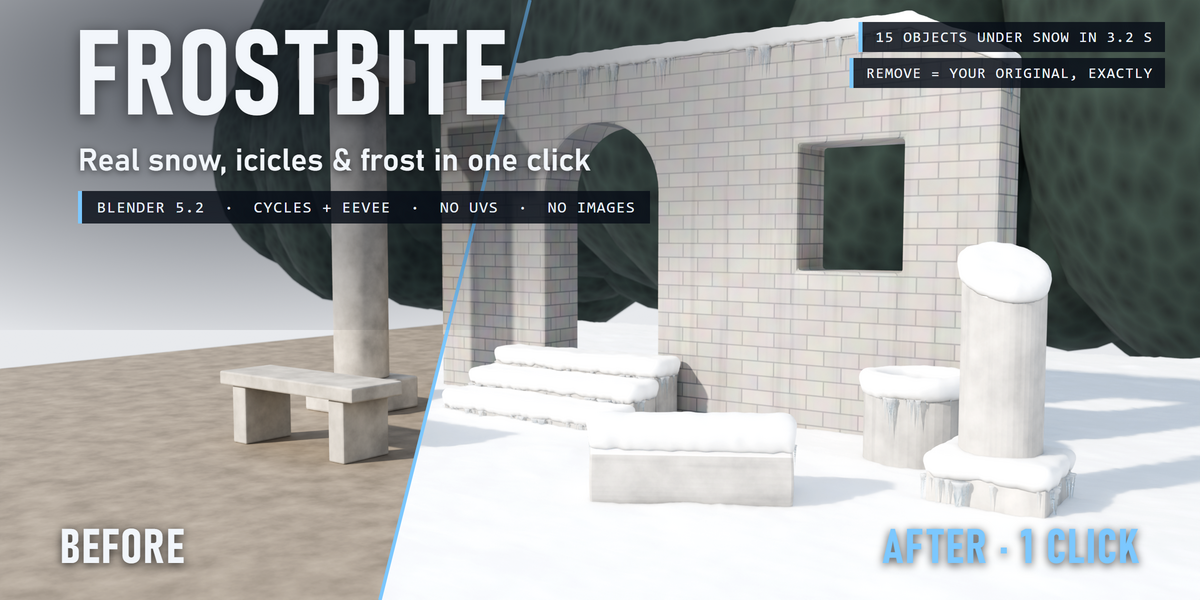
❄️ Frostbite
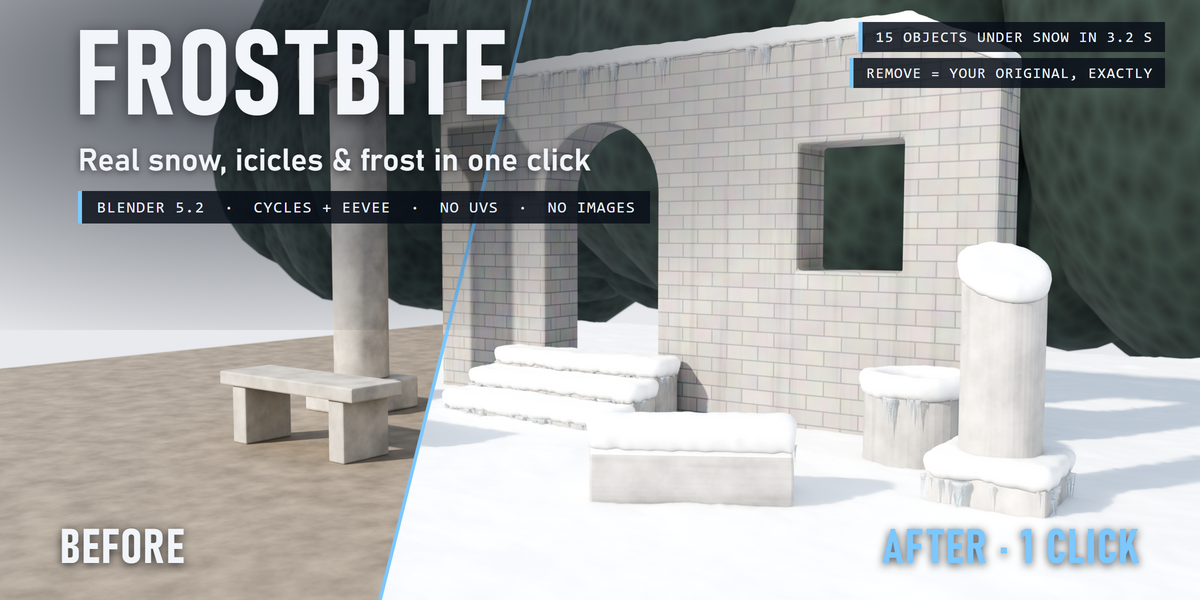
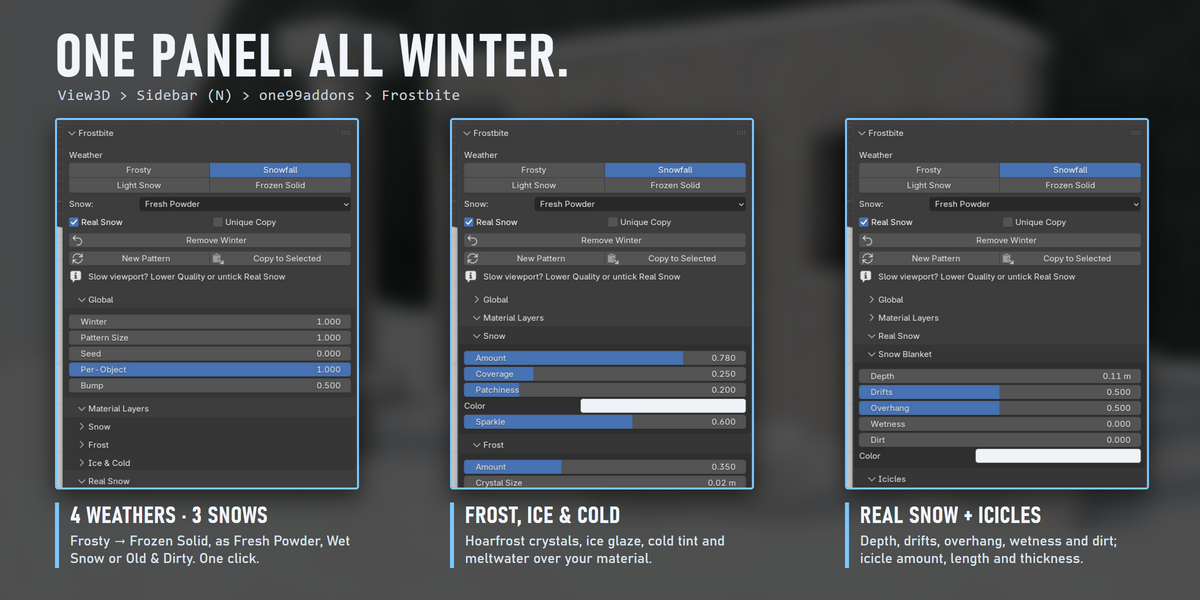
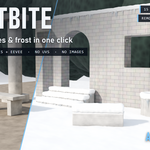
Real snow, icicles and frost on any object, in one click. Real geometry, no UVs, fully removable.
Select your objects, click a weather, and Frostbite lays a real blanket of snow on everything that faces the sky, hangs icicles under the snowy ledges and covers your materials in sparkling hoarfrost. Your materials stay as they are: everything is added on top, and one click takes it all off again.
The problem
Winter scenes need snow that sits on things the way real snow does: thick and flat on top, rounding over the edges, missing under shelter, with icicles where it melts and drips. Doing it by hand means modelling a snow cap for every ledge, sculpting the edges and placing every icicle. Most snow tools just paint white on top faces, or scatter blobs that float.
How it works
- Select your objects. Walls, roofs, benches, props, the ground: any mesh, any material. No UVs needed.
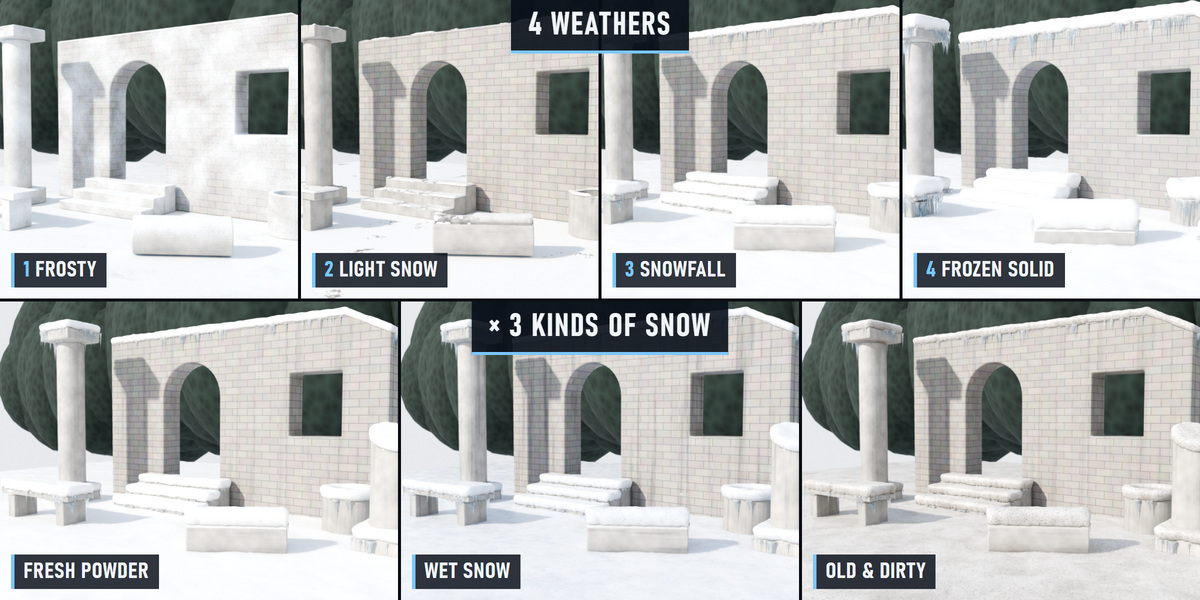
- Click a weather: Frosty, Light Snow, Snowfall or Frozen Solid. Pick the snow: Fresh Powder, Wet Snow or Old & Dirty.
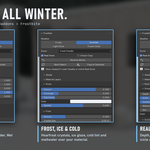
- Tweak if you want. Every part has its own sliders in the sidebar, and every part is a clean, named node group you can open.
What you get
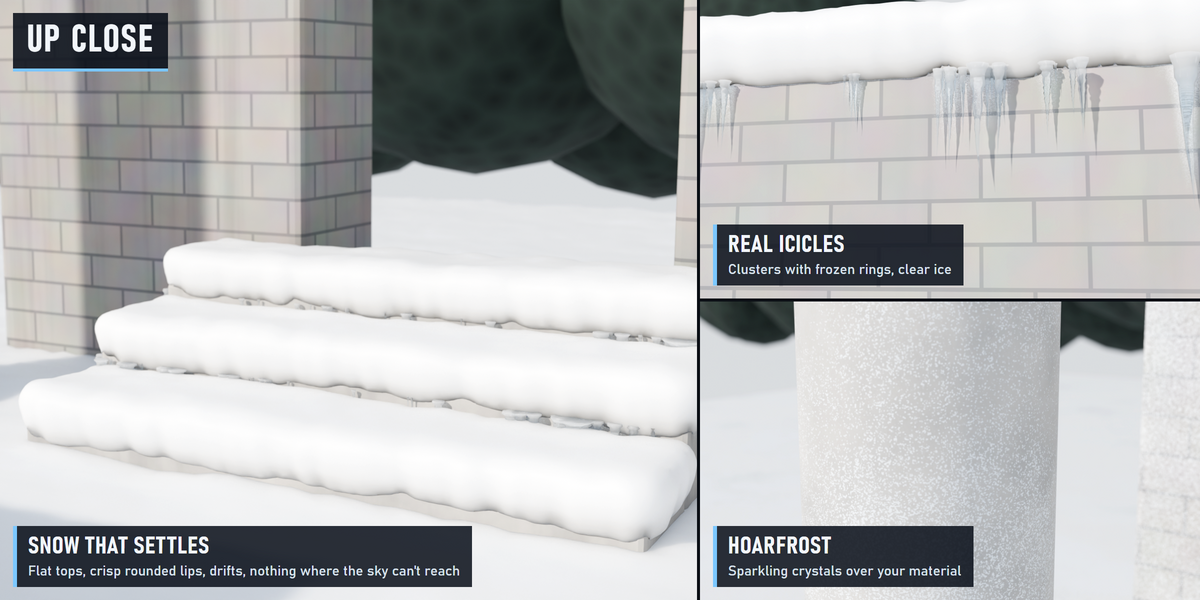
- Snow blanket (real geometry): one continuous layer on everything that sees the sky. Flat on top, crisp rounded lips that overhang a little, thinner on slopes, deeper in drifts, and no snow where something above shelters the surface (under arches, ledges and seats).
- Icicles (real geometry): clusters hanging from under the snow lips, many short and a few long, thick at the root and tapering to a sharp tip, with frozen rings and clear ice that turns milky at the root. They never grow into the ledge below.
- Hoarfrost: a translucent coat of sparkling ice crystals over your material, thicker on cold, up-facing surfaces and in crevices.
- Ice & cold: a glossy ice glaze, a cold blue-grey tint and dark meltwater streaks running down the walls.
- Snow material: clean cold white with subsurface light, glinting crystals and wind ripples; wet snow turns grey and glossy, old snow gets grit and grime.
4 weathers × 3 snows
- Frosty: a cold morning, hoarfrost everywhere, almost no snow.
- Light Snow: a thin, patchy layer with the ground showing through.
- Snowfall: proper snow on every top, icicles under the ledges.
- Frozen Solid: deep snow, thick frost, long icicles.
- Snow types: Fresh Powder (bright and sparkling), Wet Snow (grey, glossy, slushy, meltwater), Old & Dirty (grit and grime).
Measured, not promised
- Ruin scene of 15 objects under snow in 3.2 s on a laptop RTX 3060.
- Render 2400 × 1200, Cycles: 30 s before, 63 s after.
- Remove Winter: every material link, node, slot and modifier comes back exactly as it was (checked by automatic tests).
Safe with your scenes
- Your material stays: the winter is mixed on top, your shader is not replaced.
- Shared materials, empty or multiple slots, linked duplicates and materials from other files are handled. Unique Copy changes only the selected objects even when a material is shared.
- Plays nicely with other material add-ons (Timeworn and Overgrowth too): removing Frostbite keeps anything stacked after it connected.
- Full undo, and the result is saved in your .blend.
Where to find it
3D View > Sidebar (N) > one99addons tab > Frostbite, and in the Object menu.
Good to know
- Snow only sees the object it is on: an object sheltered by another object still gets snow. Untick Real Snow on those, or remove it from them. Icicles stop at the ground (Ground Level, set automatically), but can still reach into the snow of a separate object right below them (e.g. stairs made of separate steps): lower Icicle Length there.
- On very big areas the snow gets a little coarser to keep the viewport fast. Raise Quality for close-ups, lower it if the viewport is slow, or untick Real Snow while you work.
- Curves and text get the material layers; the real snow and icicles need a mesh.
- Works in Cycles and EEVEE. Clear icicles look best in Cycles.
Install
Edit > Preferences > Add-ons > drop-down arrow > Install from Disk, pick frostbite_v1.0.0.zip (don't unzip it) and tick Frostbite. Requires Blender 5.2 or newer.
Made by one99addons.