Frostbite - Procedural Snow & Real Frost
 one99addons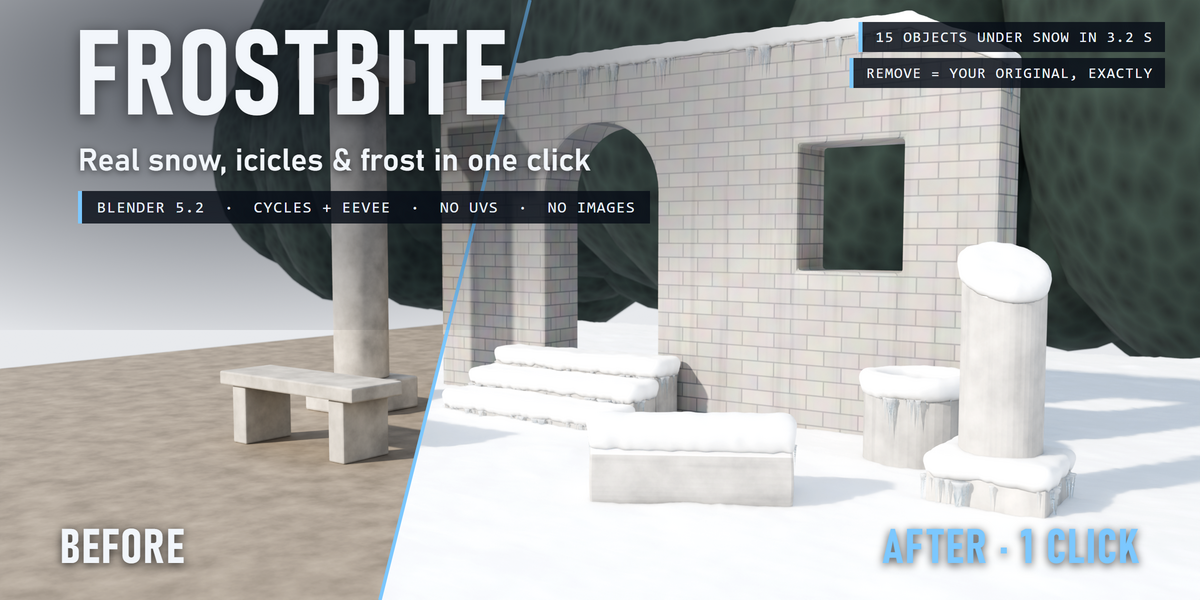
Frostbite - documentation
INSTALL
Edit > Preferences > Add-ons > drop-down arrow > Install from Disk..., pick frostbite_v1.0.0.zip (don't unzip it), tick "Frostbite". Requires Blender 5.2 or newer.
WHERE
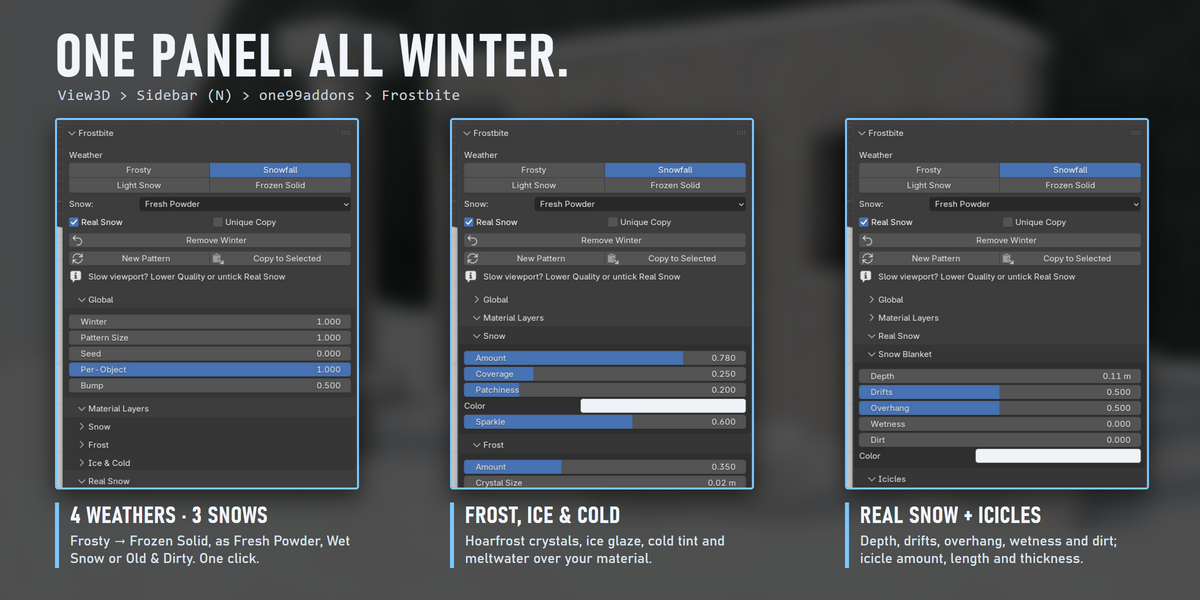
3D View > Sidebar (press N) > one99addons tab > Frostbite. Also in the Object menu > Frostbite.
QUICK START
- Select the objects (props and the ground together is best).
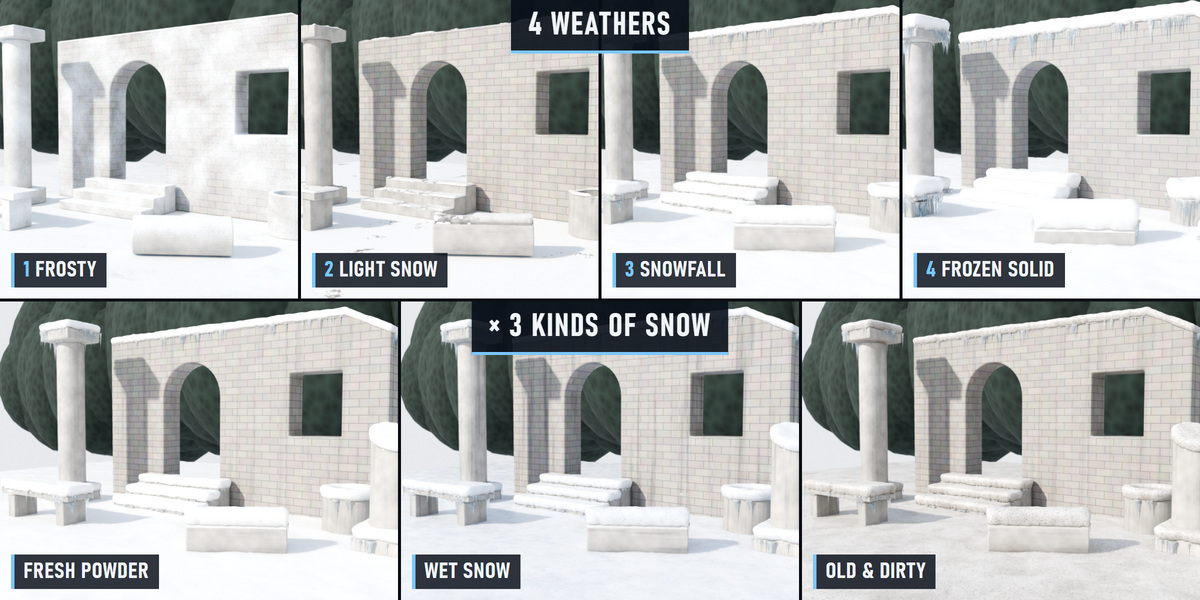
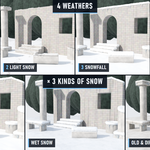
- Pick the Snow: Fresh Powder, Wet Snow or Old & Dirty.
- Click a weather: Frosty, Light Snow, Snowfall or Frozen Solid.
Click another weather at any time: objects that already have Frostbite just get the new settings.
MAIN PANEL
- Real Snow: also build the real snow blanket and icicles (geometry, through a modifier). Off = material layers only, much lighter.
- Unique Copy: if a material is shared with objects you did not select, the selected objects get their own copy. Also needed for materials linked from another file.
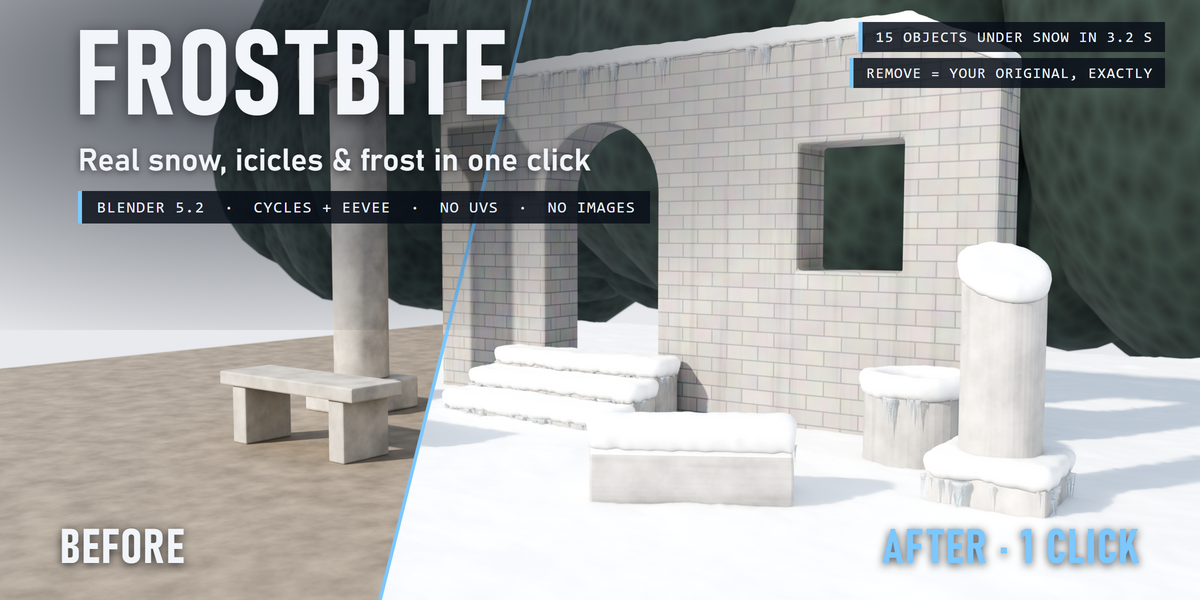
- Remove Winter: takes it all off. Links, nodes, slots and modifiers come back exactly as they were.
- New Pattern: a new random pattern (seed) for the selected objects.
- Copy to Selected: copies every setting of the active object to the other selected objects.
GLOBAL
Winter (master amount), Pattern Size, Seed, Per-Object variation, Bump.
MATERIAL LAYERS (painted on top of your material)
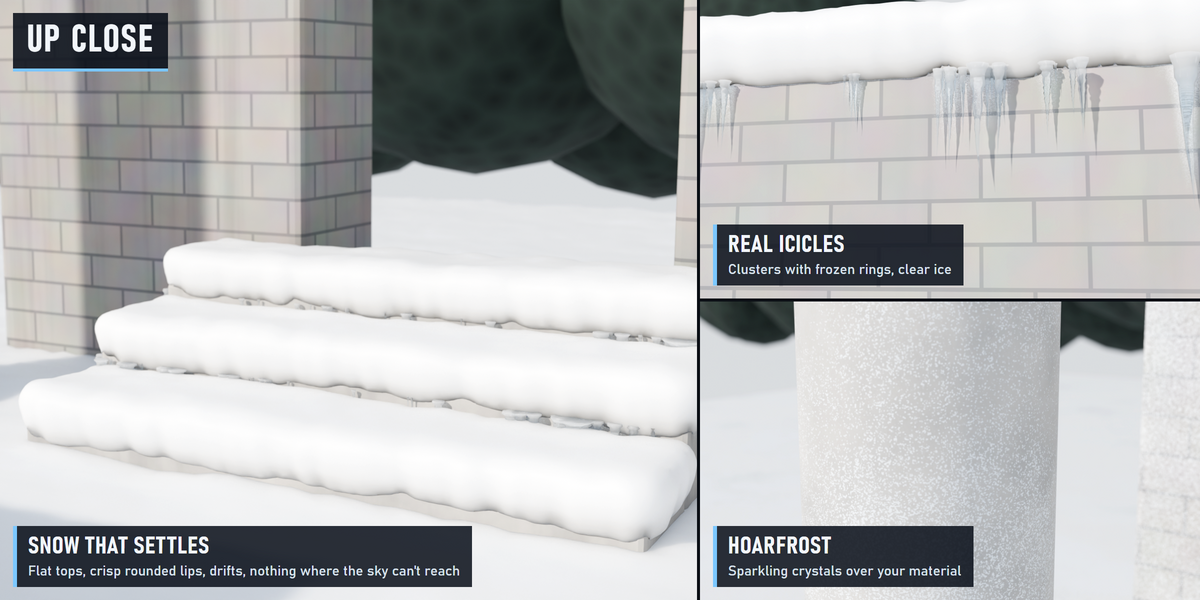
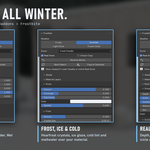
- Snow: amount, coverage (0 = flat tops only, 1 = slopes too), patchiness, colour, sparkle.
- Frost: amount, crystal size, colour. Thicker on up-facing surfaces and in crevices.
- Ice & Cold: ice glaze (glossy film), cold tint, meltwater streaks running down.
REAL SNOW (geometry)
- Snow Blanket: depth, drifts (deeper here, thinner there), overhang (how far the lips round over the edges), wetness, dirt, colour.
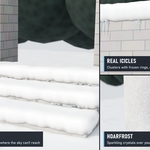
- Icicles: amount, length of the longest ones, thickness, Ground Level (set automatically to the lowest selected object: icicles never reach into the snow on the ground).
- Seed & Quality.
TIPS
- Snow knows what shelters it on the same object (an arch, a ledge, a seat), not on other objects. Untick Real Snow on objects that are completely under something else.
- Slow viewport: lower Quality or untick Real Snow while you work.
- Objects in real-world size give the best results (sizes are in metres).
- Every part is a named node group (Frostbite · Snow Blanket, Icicles...) if you want to look inside.
LIMITS
- Curves and text objects get the material layers only (real snow and icicles need a mesh).
- On very large areas the snow is built a little coarser to stay fast; raise Quality for close-ups.
Have questions about this product?
Login to message
| Published | 2 days ago |
| Blender Version | 5.2 |
| Extension Type | N/A |
| Render Engine Used | Cycles, Eevee |
| License | GPL |
Discover more products like this
geometry nodes ice icicles snow winter environment frost weather Christmas procedural