Gachoki Explode View
 Gachoki Studios

What does my model need to work well?
Each moving part should be its own object.
Put each part’s origin in its middle with Object > Set Origin > Origin to Geometry.
Start with the model assembled, because the addon remembers where each part belongs the first time you explode.
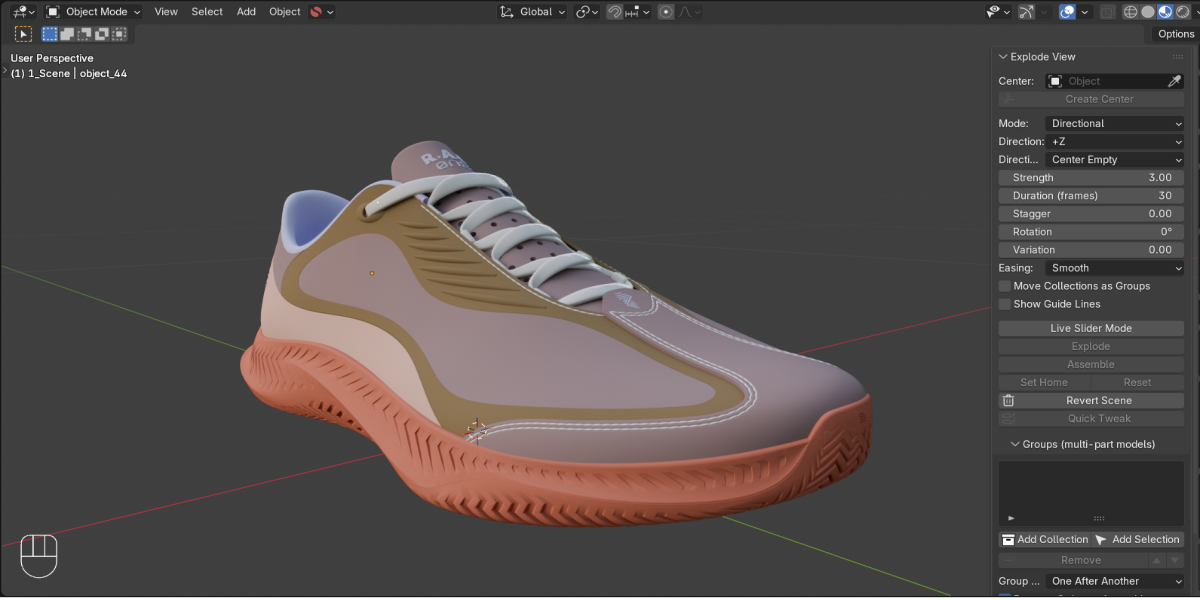
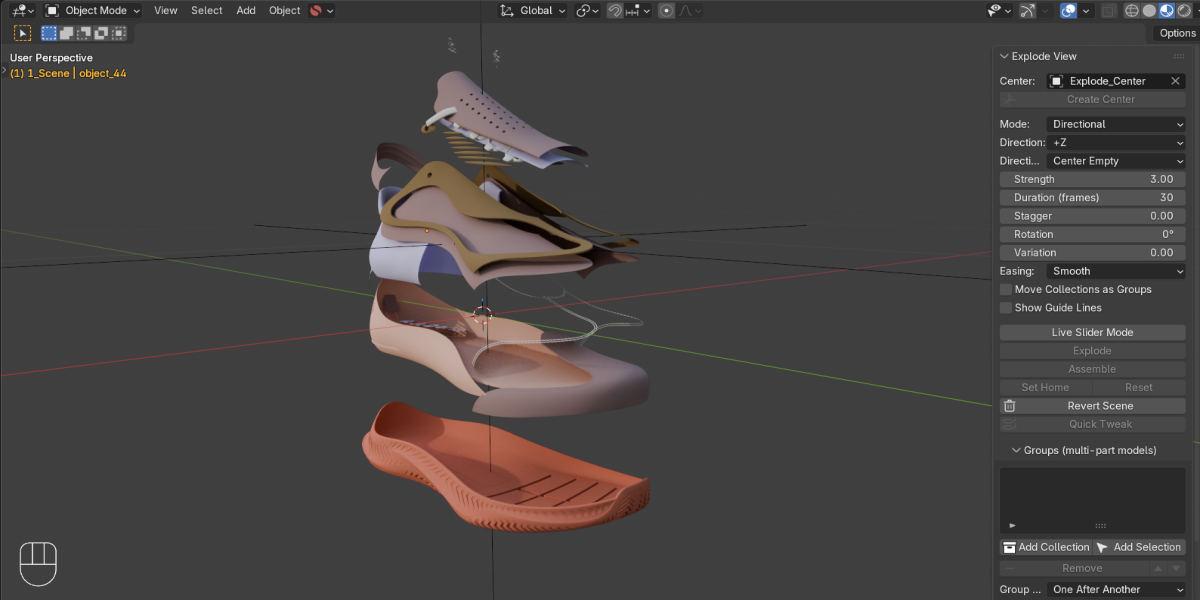
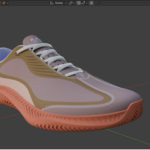
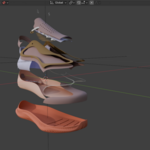
Can parts move in one direction instead of outward, like stacked phone layers?
Yes. Switch Mode to Directional, pick a direction such as plus Z, and the parts slide along it. Parts farther along the direction move farther, so the layers keep their spacing.
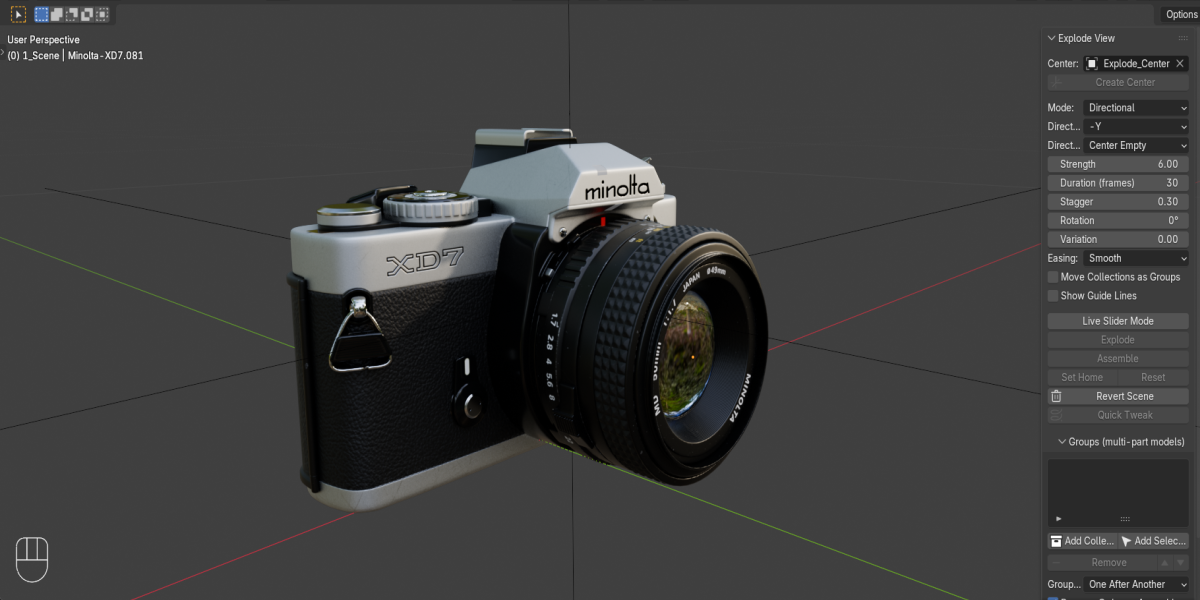
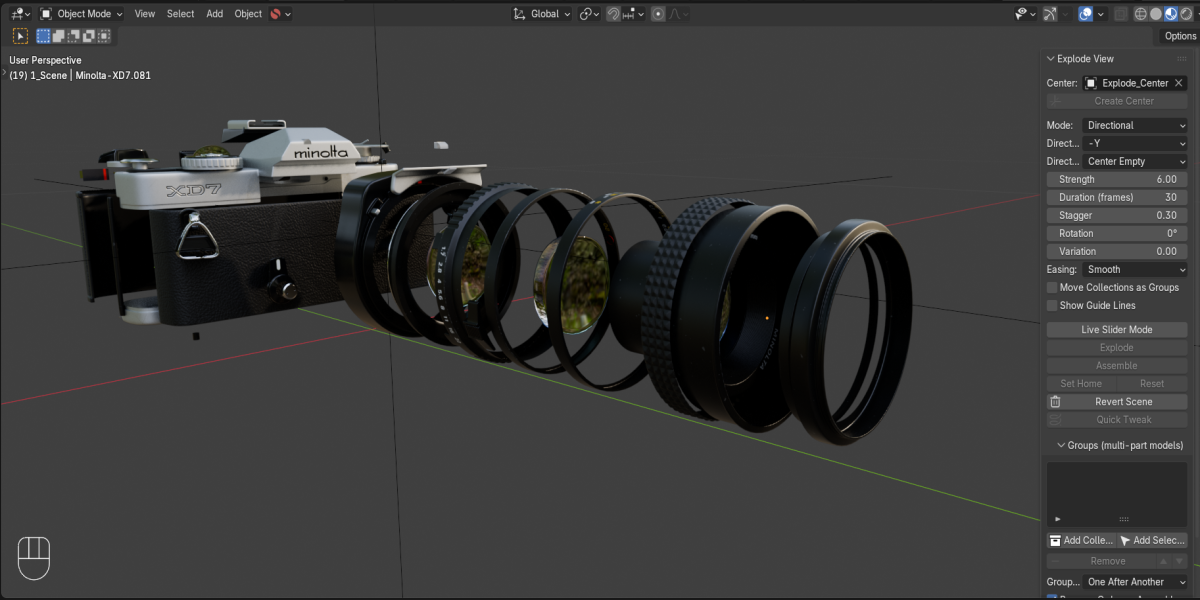
Can I explode a model with many parts, like a camera, in a set order?
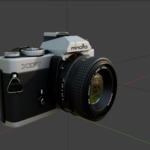
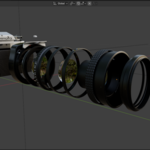
Yes. Put each sub-assembly in its own collection and click Add Collection for each one. Every group gets its own center and its own settings, and you can set the order and timing between groups. Assembling plays the order in reverse, so nothing gets stuck on the way back.
Do I have to keyframe anything myself?
No. Pick an empty as the center, select your parts, and click Explode. The addon creates the keyframes, and you can edit them in the Timeline or Graph Editor like any other animation. Prefer to scrub by hand? Switch on Live Slider Mode and drag a slider instead.
Which Blender versions does it work with?
Blender 4.5 and newer. It installs as an extension: go to Preferences > Get Extensions > Install from Disk and pick the zip, without unzipping it.
 Included
Includes 12 months of
- Support from Gachoki Studios
- Product updates
Extend this product’s Support Period +12 months: 50% of product price
Have questions before purchasing?
Login to message
| Blender Extension Compatible | Yes |
| Dev Fund Contributor | |
| Published | about 4 hours ago |
| Blender Version | 4.5 - 5.2 |
| Extension Type | Add-on |
| Render Engine Used | Cycles, Eevee |
| License | GPL |

Discover more products like this
assembly animation product animation disassemble motion graphics exploded view explode technical animation product-visualization