Quick Setup
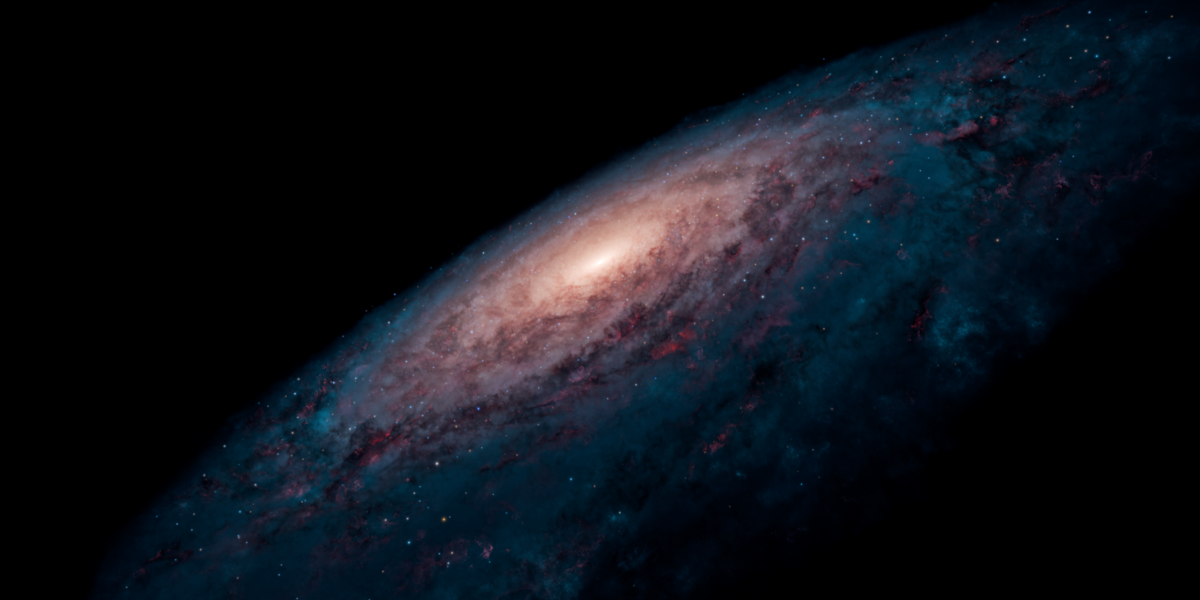
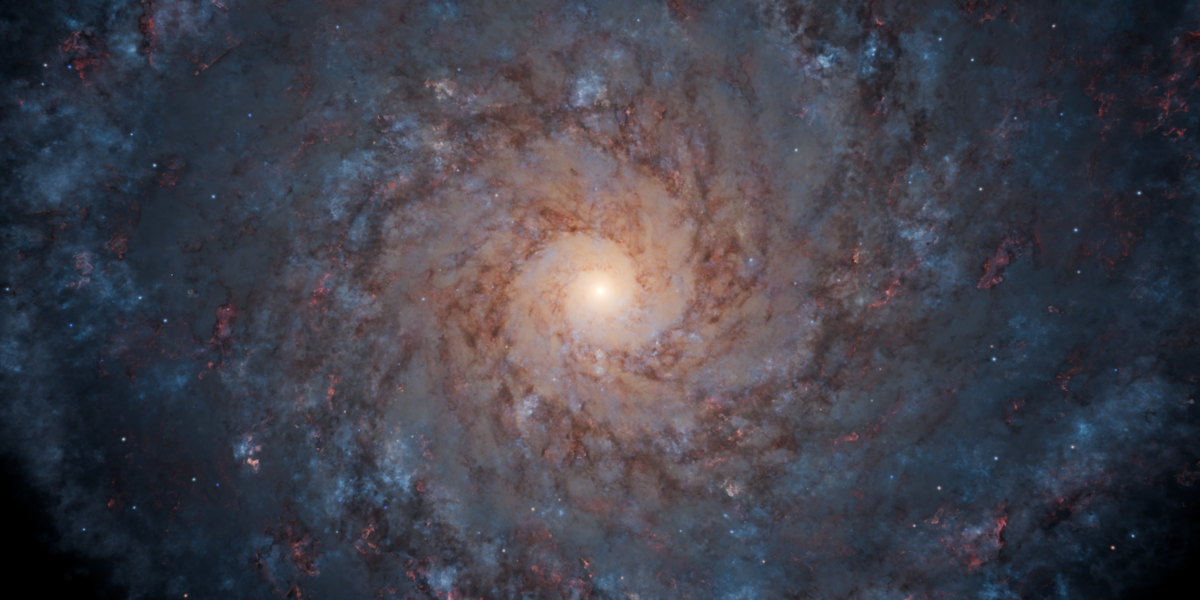
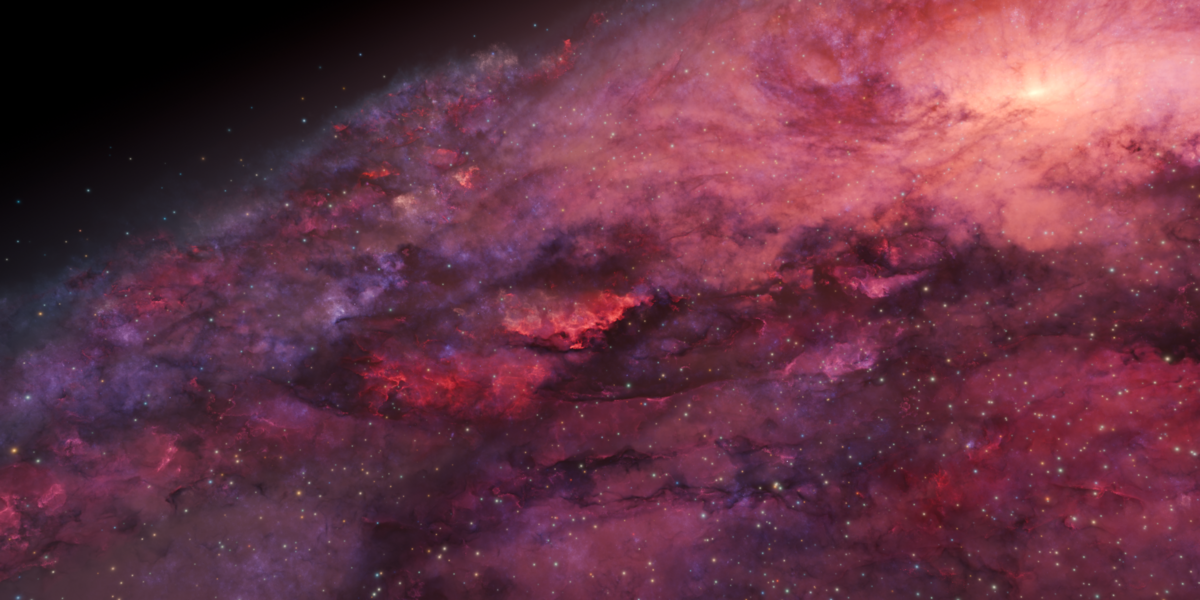
To start Editing the galaxy, go to the outliner and open the "Galaxy" object. You will find two children objects: "Starfield" and "Volume".
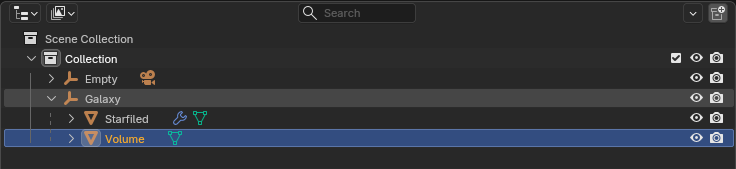
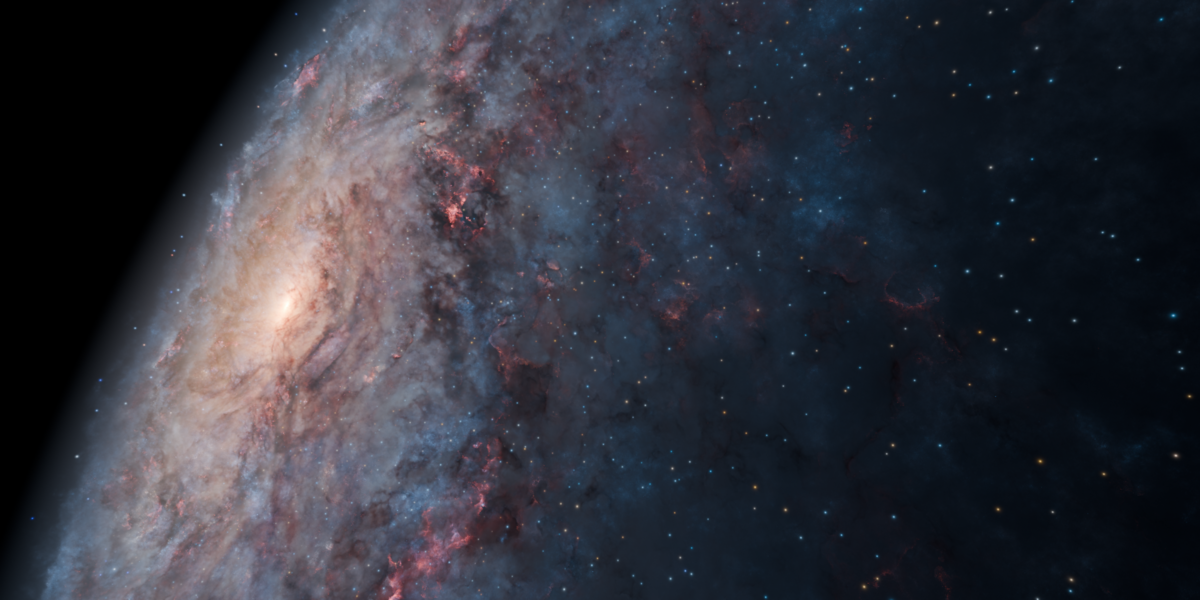
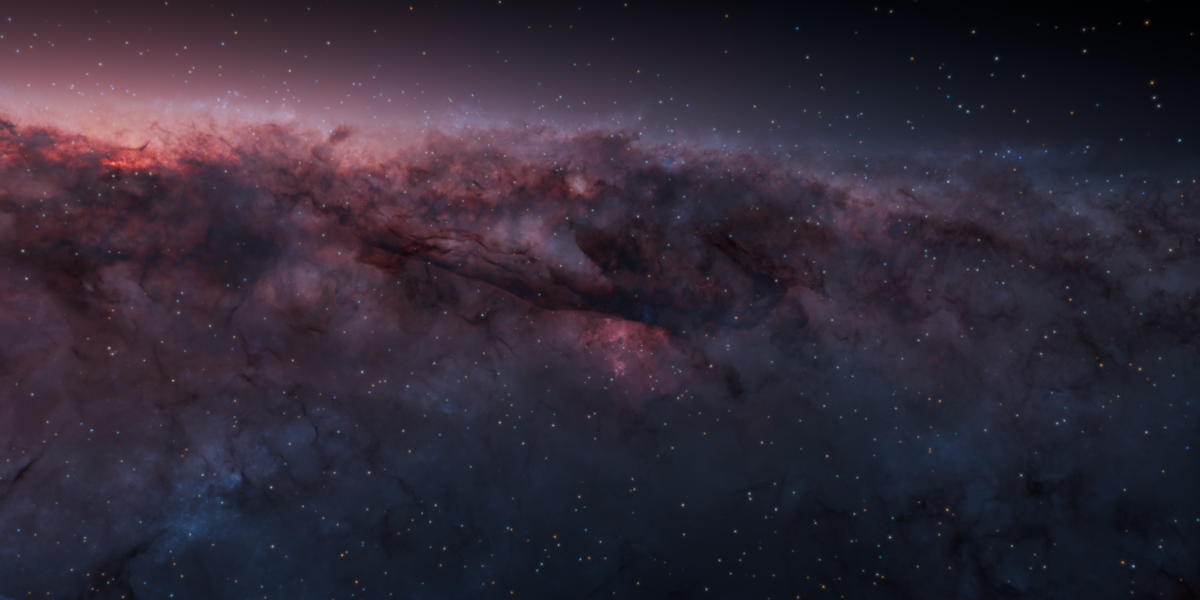
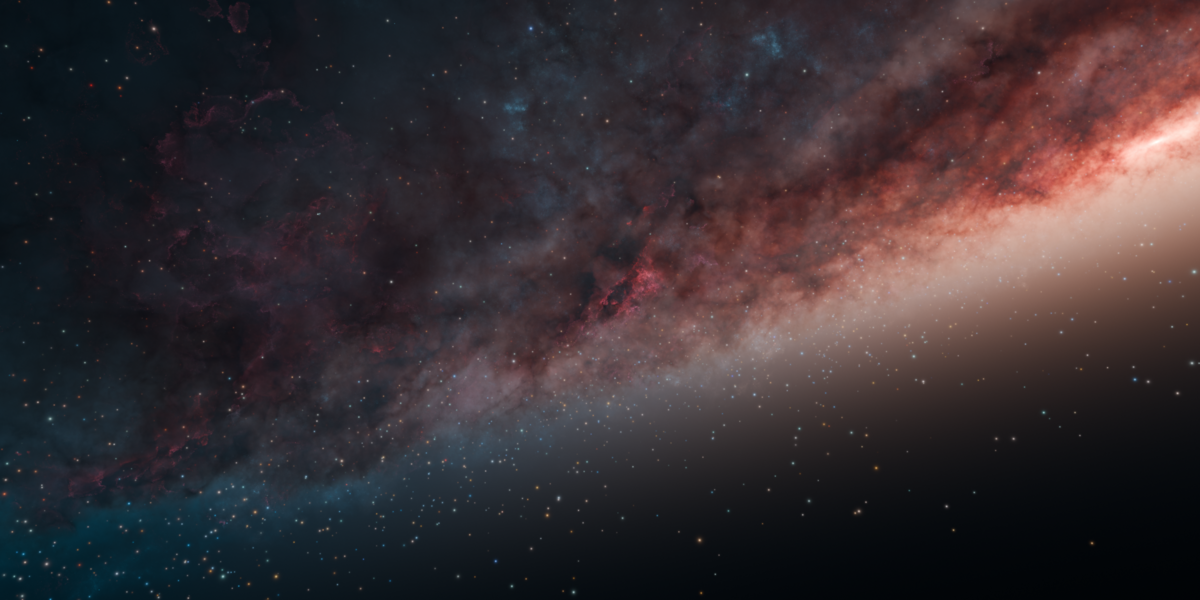
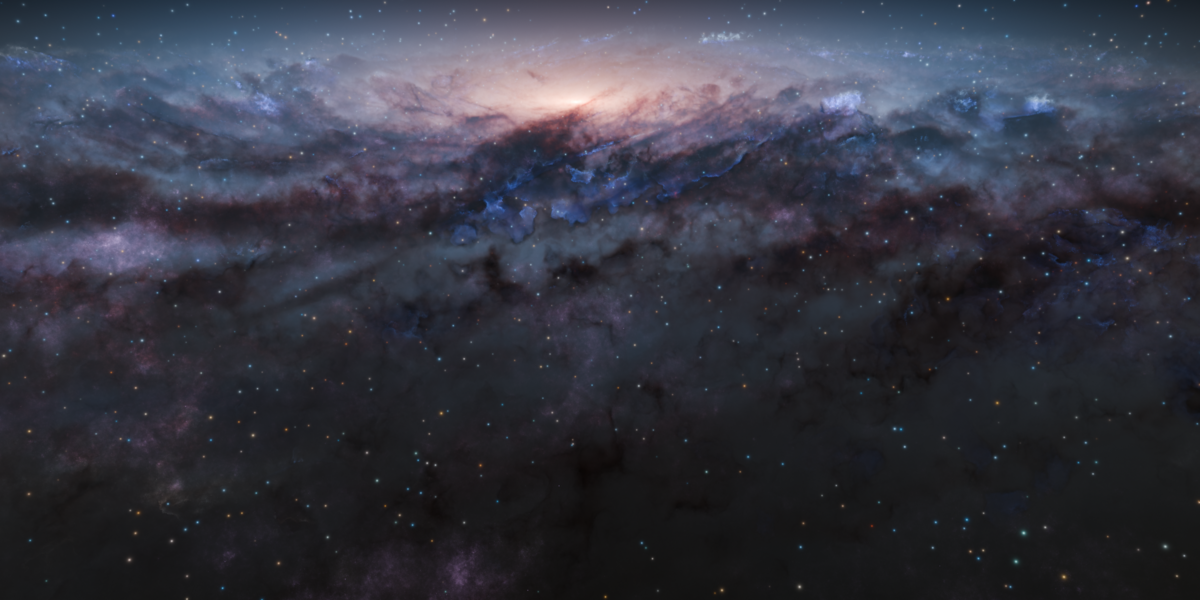
Volume and Starfield respectively controls the galaxy shader and the starfield (geometry and material).
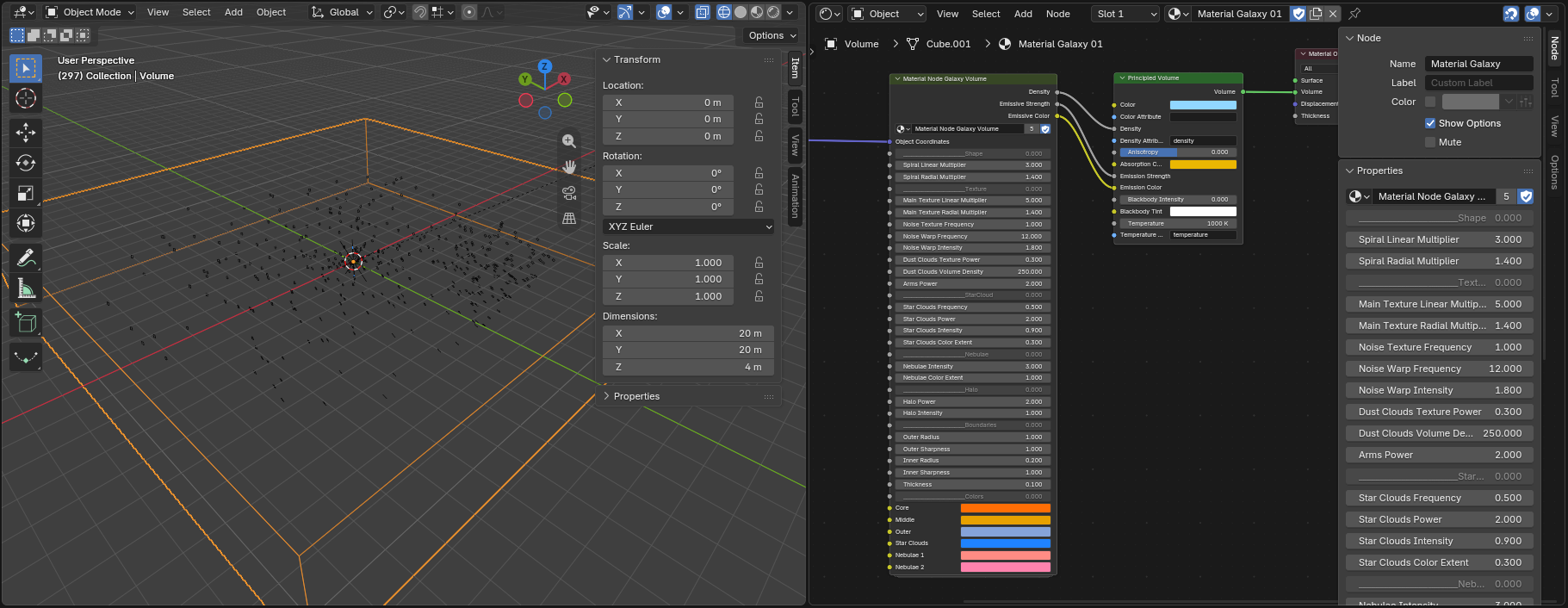
To edit the galaxy, select the Volume and open the shader editor. In the node graph, you will se the big node with all the parameters.
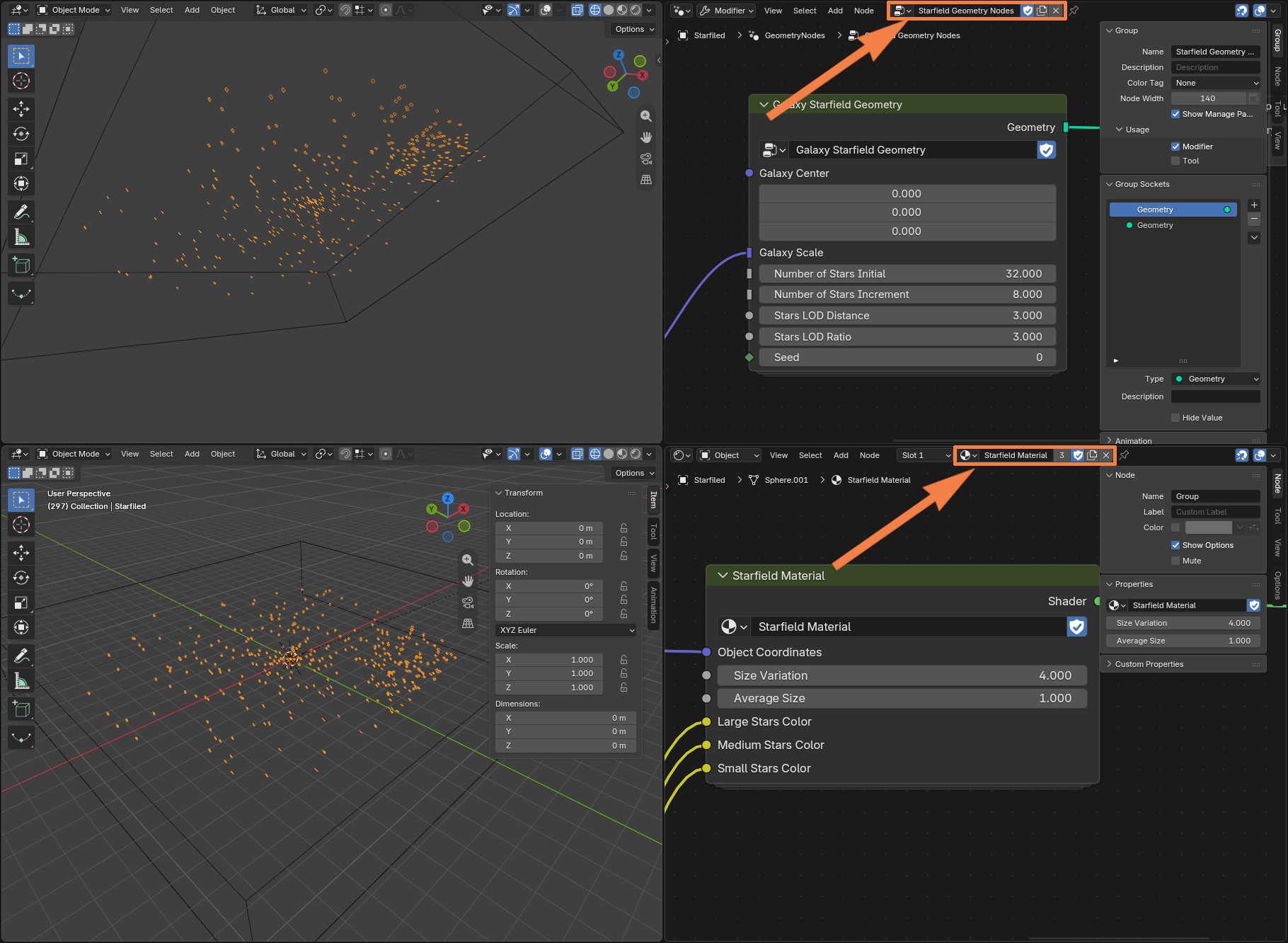
To edit the starfield, select the Starfield Object and open both the shader editor and the geometry node graph. You will see all the relevant parameters in both graphs.
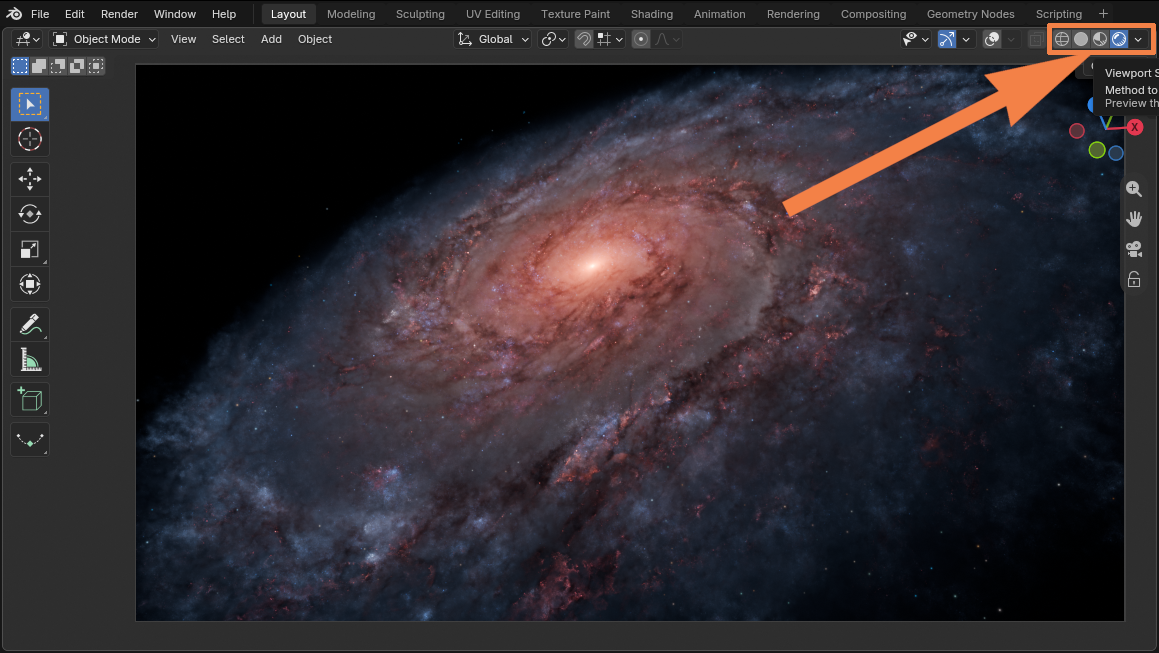
In the viewport, navigate to the render shading, and your setup is complete!
 Gioele Muscolino