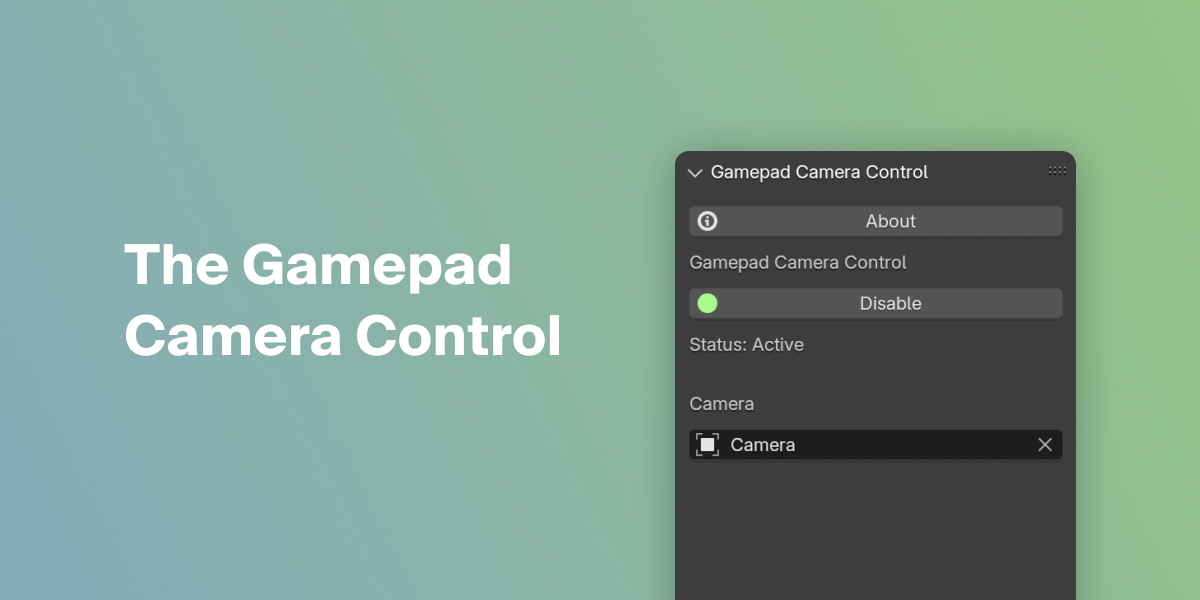
Gamepad Camera Control

that studio in VSE

Item Rating

This item has an average rating of 5 from 8 ratings by the community.

100%
0%
0%
0%
0%

Purchase this item to leave a review!

  • Maarten
    3 months ago

    Such a great addon! I love how it's possible to configure so many things and how fluent the movements are. Great tool to have making beautiful camera-movements. Thanks for creating this!

  • Dmitry Lobutin
    6 months ago

    Works great in 5.0.1 on win with dual-sense!

  • iNocturne
    8 months ago

    Still learning but this is something ive been wanting in sometime now.

  • Tassos
    over 1 year ago

    The add-on is great! I had some problems connecting my XBOX controller, but Adam helped me very quickly and competently and now it works very good.
    The add-on makes it very easy and intuitive to position and animate the camera.

  • Joseph Kowalewski
    over 1 year ago

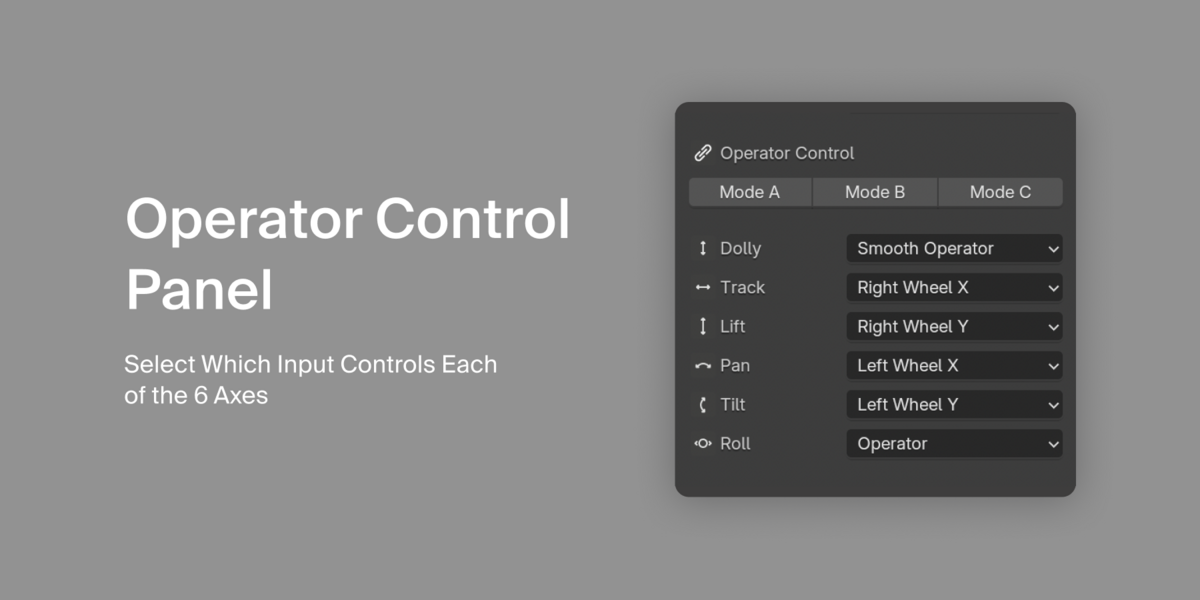
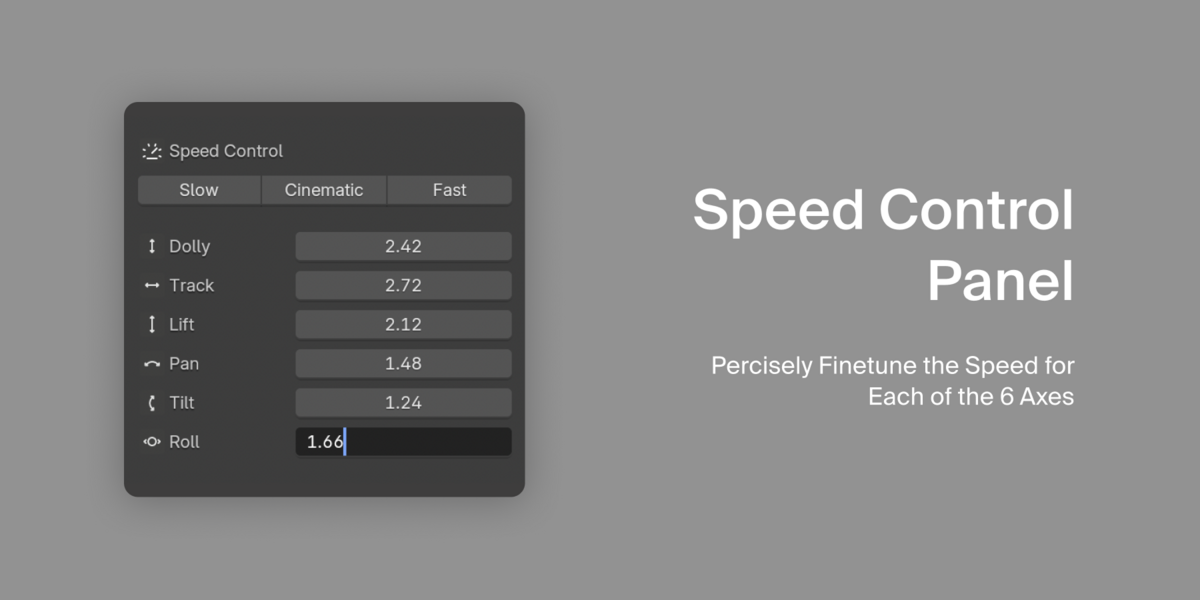
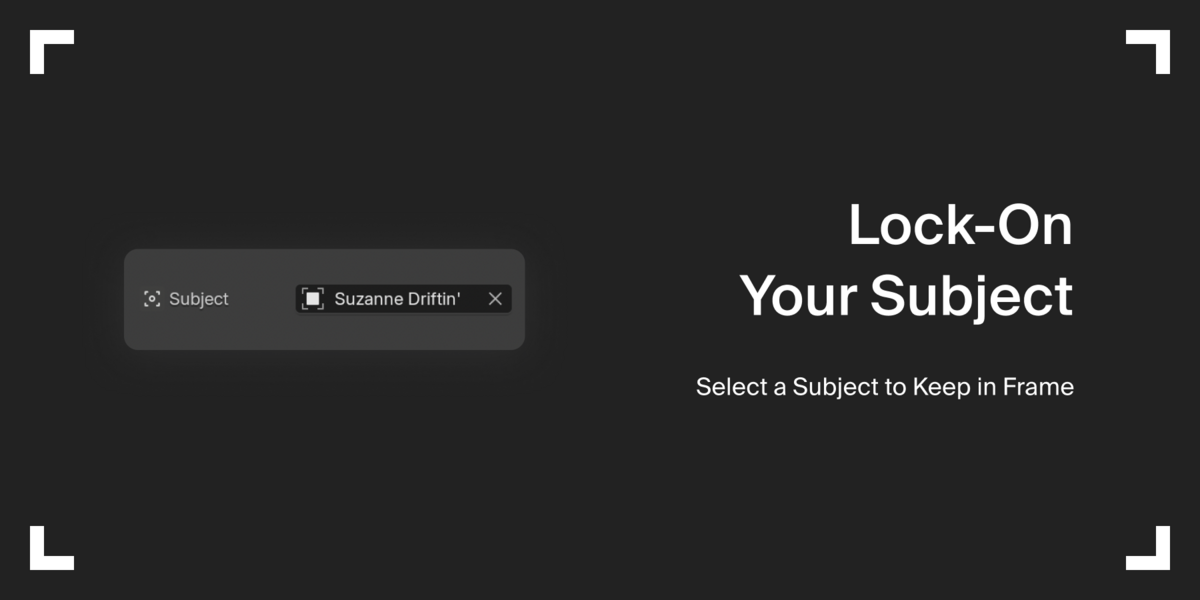
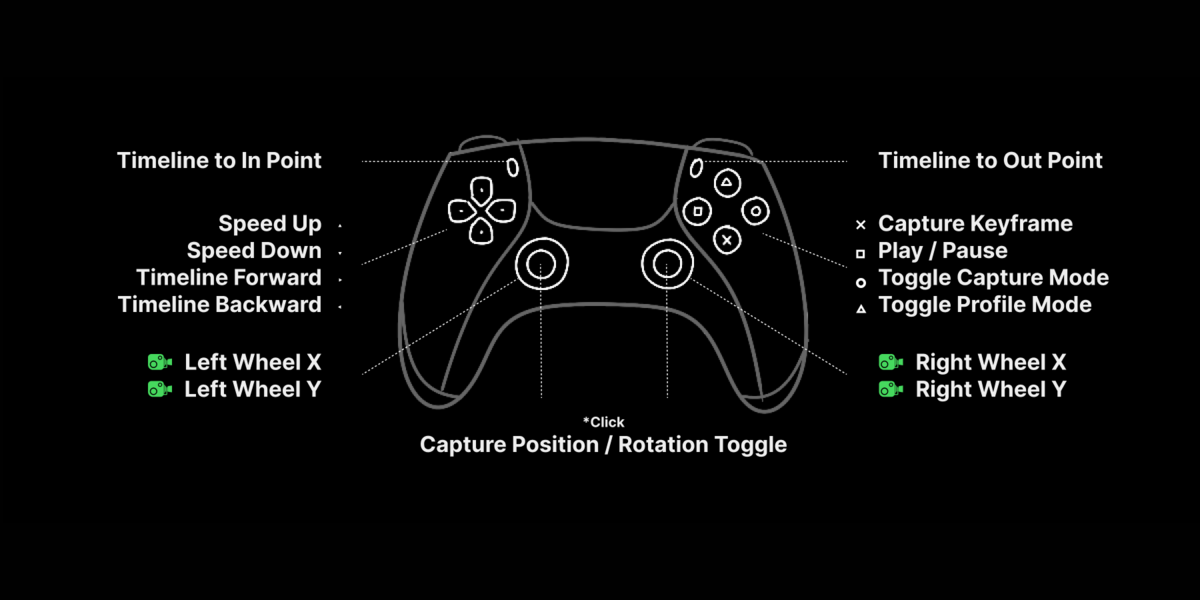
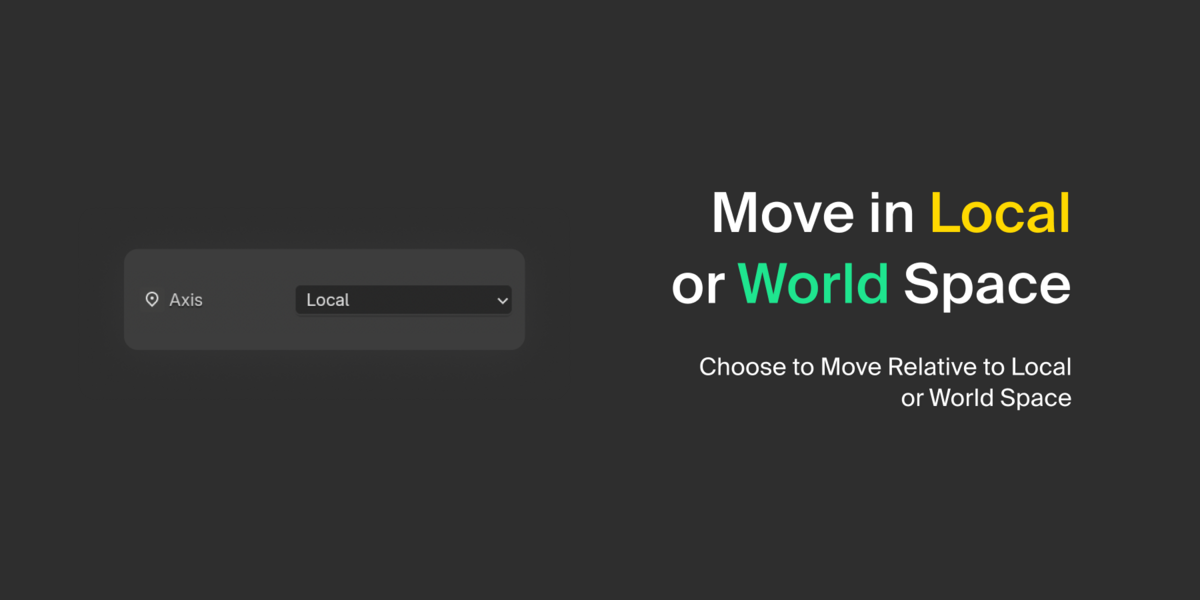
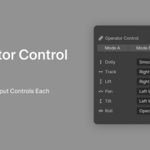
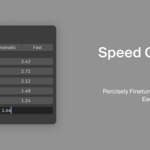
    I rushed to the store today to get the PS5 since I heard it works best with a Mac. I used it on my older Mac computer, and it works well. I was surprised by how well-thought-out the gamepad camera control interface is. I like the preset speed control settings, making it easy to choose and switch between the best speeds, fast or slow. Select subject is great; quadratic/linear interpolation is excellent; world/local; and the ability to remap the controls is great!

    I haven't played around with it much—just a few minutes now—but I am super impressed with everything, including the excellent documentation. I can't wait to spend a lot of time with this. I am very impressed!!

    • Adam Vokal

      over 1 year ago

      Wonderful. Glad you are enjoying it. Thank you so much for these words — It means a lot.

  • decaynews
    over 1 year ago

    That is a unique thing. I am stunned by the ability to use my (since a while) unused PS4 Controller in Blender to control the cameramovements. And i works as expected, the option to control the speed by a value is very helpful. One important note: If you can not connect to the controller, i had to reset the Controller (resetbutton in small hole on the downside of the cntroller) and then i could connect via bluetooth. (on OSX).

    • Adam Vokal

      over 1 year ago

      Thank you for the kind words and for the note. Indeed, while also, as an alternative to the reset button, you can perform a soft reset by long pressing the 'Start' and 'PS' buttons at once.

  • cog pub
    over 1 year ago

    Works great with everything I've thrown at it and the developer's documentation and support is top-notch.

    • Adam Vokal

      over 1 year ago

      Thank you!

  • george
    over 1 year ago

    Your addon is great! It feels really smooth with a simple and straightforward interface and well thought out controls. Also, no hassle or issues connecting the gamepad to the addon, it's just plug and play.

    • Adam Vokal

      over 1 year ago

      Thank you, George, for these kind words! Glad you're enjoying it. 🚀

  • Displaying 8 ratings
  • (1 seat) Full Gamepad Camera Control Addon + Life-time Updates

    $44
  • (10+ seats) Full Gamepad Camera Control Addon + Life-time Updates

    $299
$44

Support Period Included

Includes 12 months of

Extend this product’s Support Period +12 months: 50% of product price

Have questions before purchasing?
Login to message

Details
Blender Extension Compatible Yes
Sales 200+
Rating
8 ratings
Dev Fund Contributor
Published almost 2 years ago
Blender Version 3.6 - 5.2
Extension Type Add-on
License GPL