 Raelin Assets
Garland & String Lights Generator v1.3
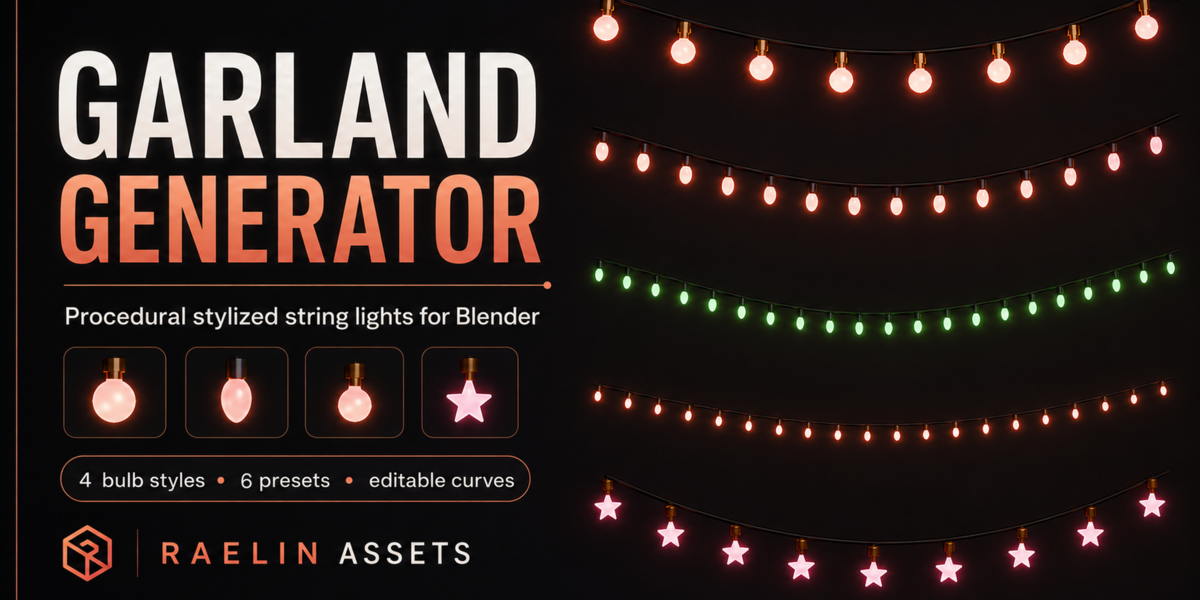
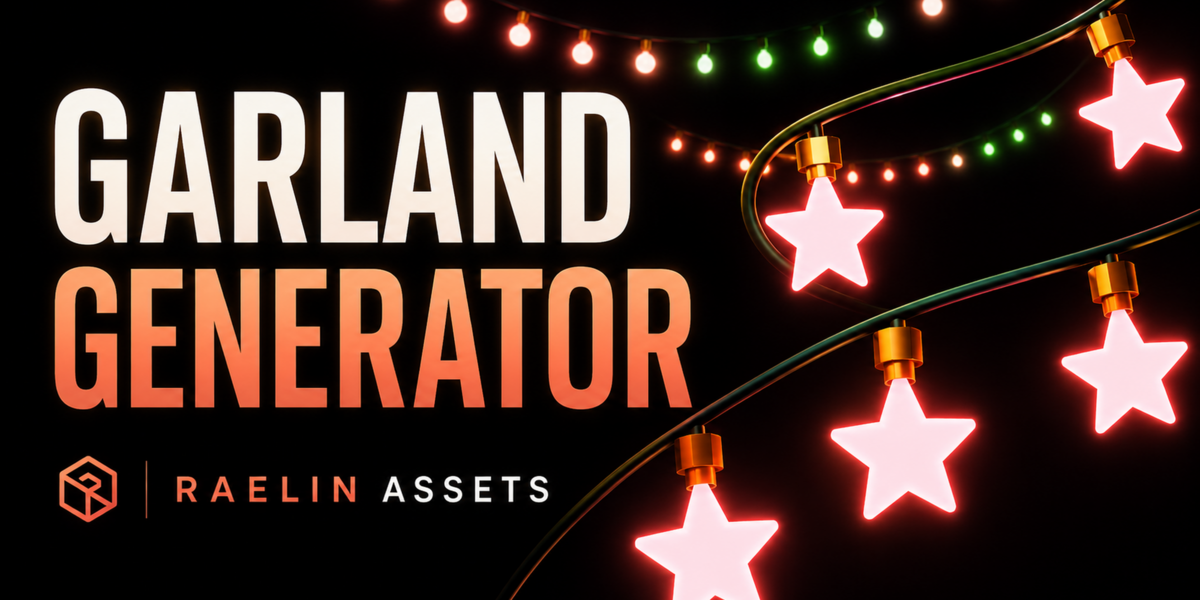
Create customizable garlands and decorative string lights directly from editable Blender curves.
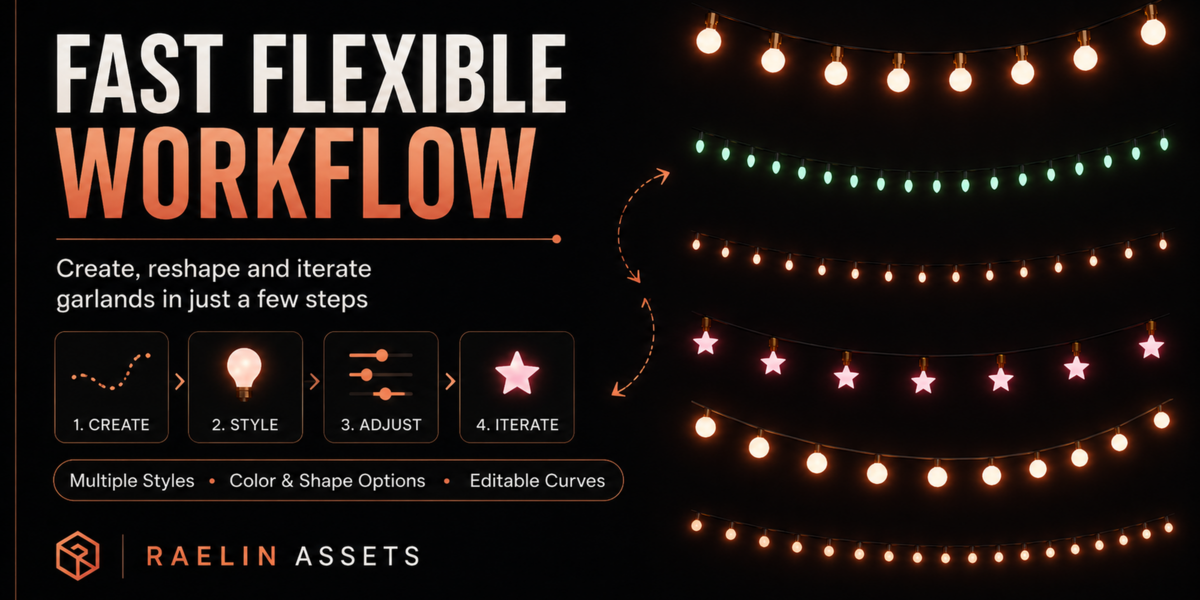
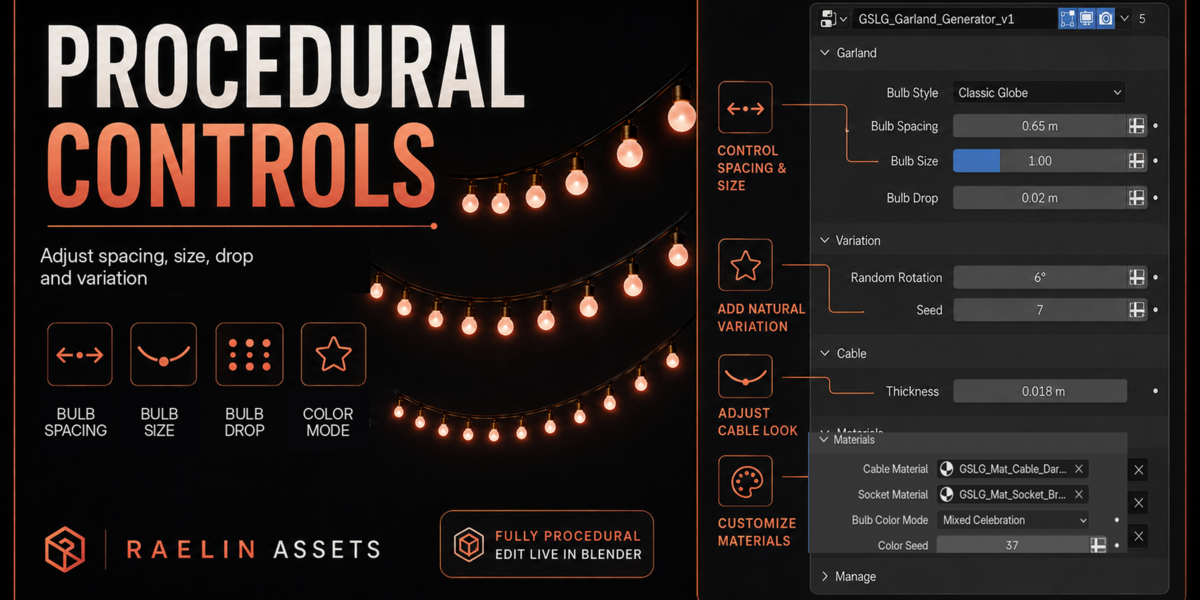
Garland & String Lights Generator is a native Geometry Nodes asset designed for fast environment dressing. Shape the cable like any regular Blender curve, then control bulb style, spacing, scale, hanging variation, geometry detail, cable topology, materials, and colors from a single Geometry Nodes modifier.
No add-on or Python installation is required for normal use.
New in v1.3 — Realtime Geometry Optimization
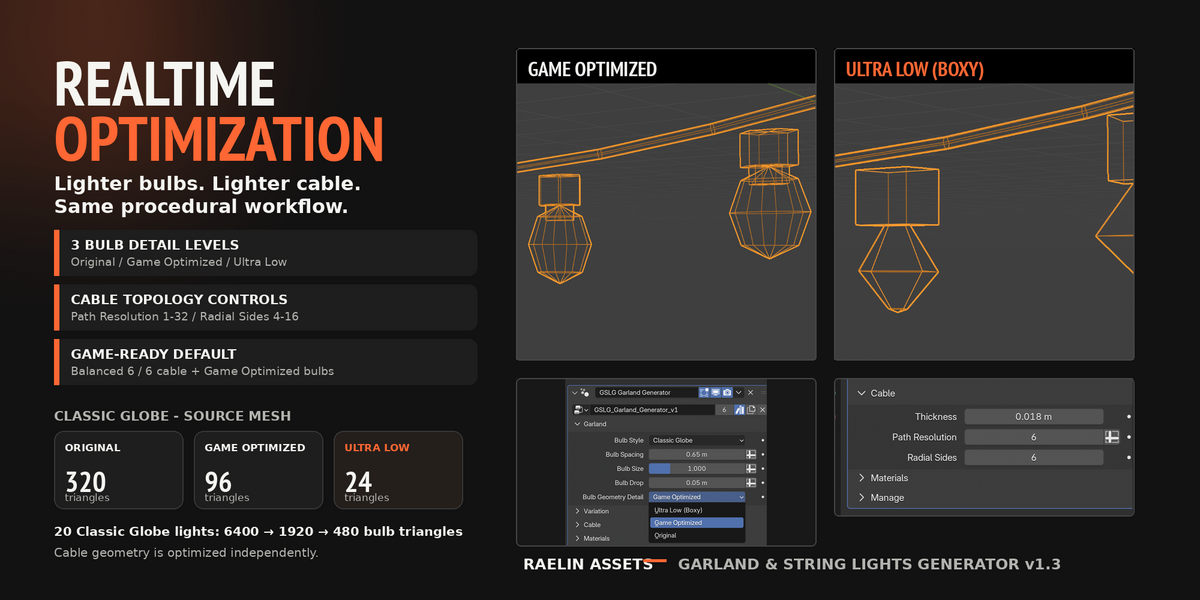
Version 1.3 introduces independent geometry optimization for both bulbs and cable, making the generator much lighter for games, mobile projects, background dressing, and scenes containing many repeated lights.
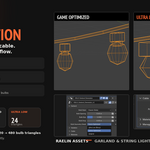
Bulb Geometry Detail
Choose between three geometry levels:
- Original — original source topology
- Game Optimized — balanced realtime option and the default for the included v1.3 presets
- Ultra Low (Boxy) — minimum practical geometry for maximum performance
Cable Optimization
Cable topology can be controlled independently with:
- Path Resolution — 1 to 32
- Radial Sides — 4 to 16
A good realtime starting point is:
Game Optimized bulbs + Path Resolution 6 + Radial Sides 6
Example — Classic Globe
Per bulb:
- Original — 320 triangles
- Game Optimized — 96 triangles
- Ultra Low — 24 triangles
For 20 Classic Globe lights:
- Original — approx. 6,400 bulb triangles
- Game Optimized — approx. 1,920 bulb triangles
- Ultra Low — approx. 480 bulb triangles
Cable geometry is controlled separately, so the final result can be tuned to match the needs of your scene.
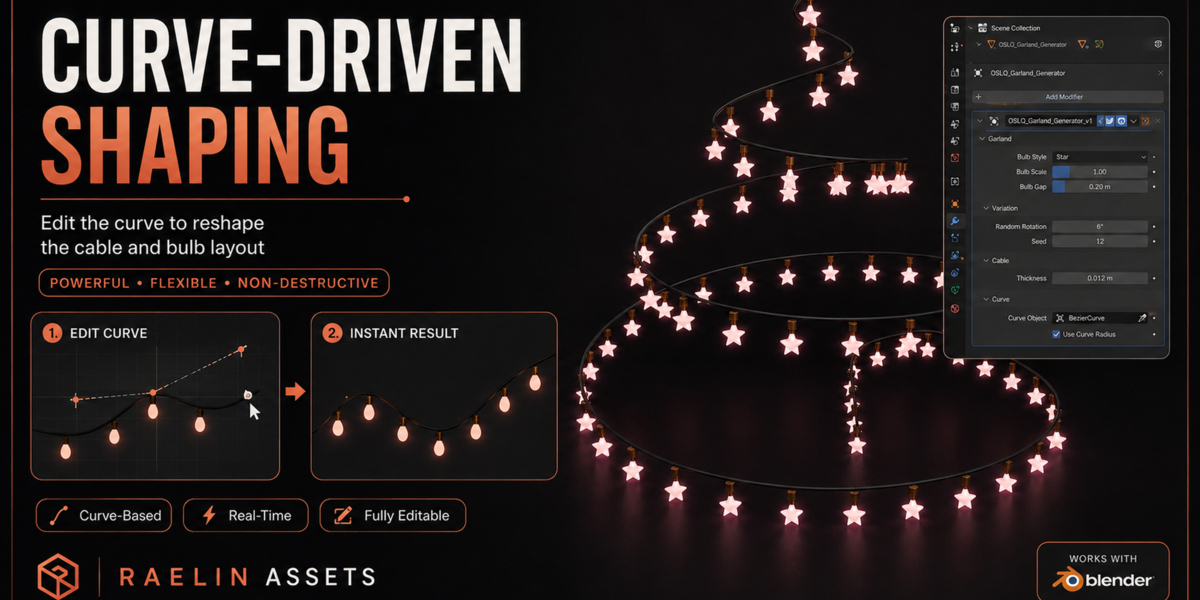
Simple Curve-Driven Workflow
Edit the curve to define the shape of your garland.
Move, extend, and adjust curve points in Edit Mode to create:
- cafe strings
- market decorations
- street spans
- canopies
- layered lights
- custom compositions
The Geometry Nodes setup automatically generates the cable and distributes the lights along the edited path.
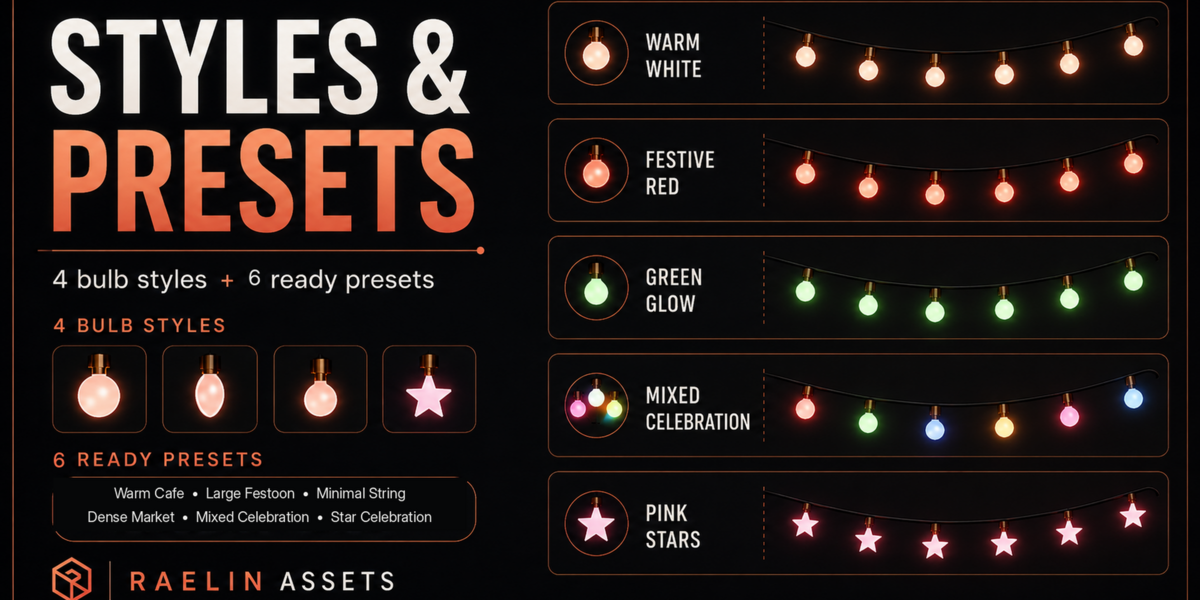
4 Bulb Styles
Choose between:
- Classic Globe
- Festoon Pear
- Mini Bulb
- Star Light
Each style works with the generator's spacing, scale, drop, rotation, tilt, geometry detail, material, and color controls.
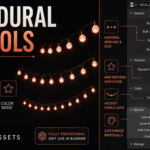
Natural Variation
Add controlled irregularity without manually adjusting individual lights.
- Random Rotation adds repeatable axial rotation
- Random Tilt adds a natural lean to the complete socket and bulb assembly
- The attachment point remains fixed to the cable while the bulb tilts
- Separate Seed, Tilt Seed, and Color Seed controls keep rotation, tilt, and color variation independent
Set Random Tilt to zero whenever you want perfectly vertical hanging lights.
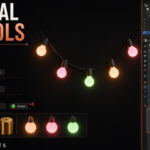
Single or Mixed Bulb Colors
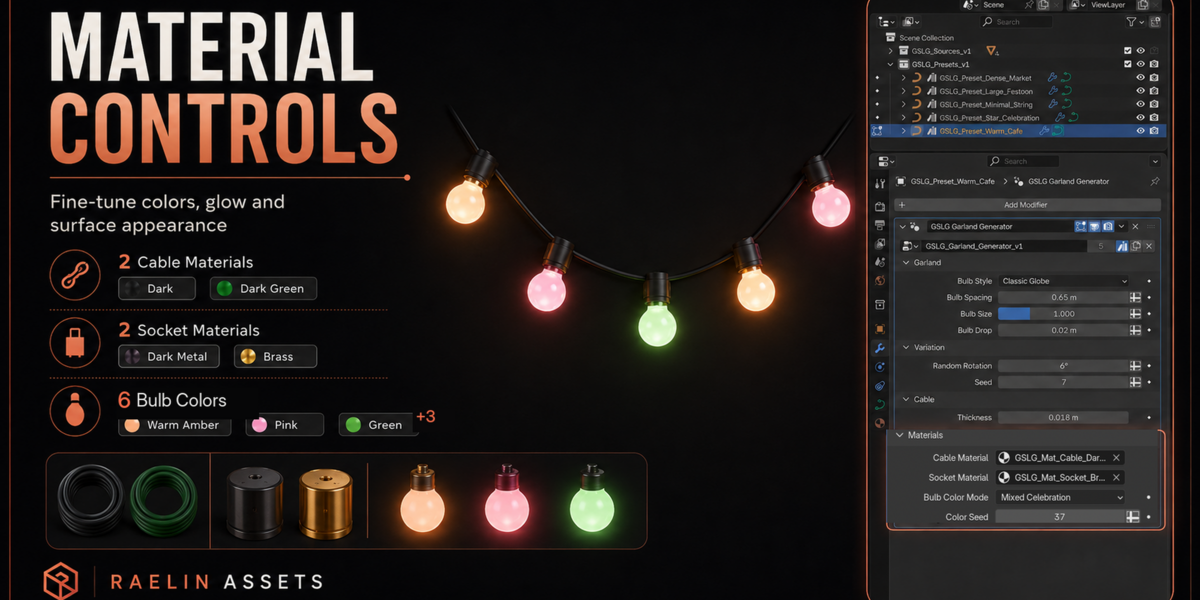
Use Single color mode with any included bulb material, or switch to Mixed Celebration for automatic per-bulb color variation.
Mixed Celebration uses the included six-color palette and a dedicated Color Seed, allowing you to generate different repeatable color arrangements without changing bulb rotation or tilt.
Procedural Controls
The Geometry Nodes modifier includes controls for:
- Bulb Style
- Bulb Spacing
- Bulb Size
- Bulb Drop
- Bulb Geometry Detail
- Random Rotation
- Rotation Seed
- Random Tilt
- Tilt Seed
- Cable Thickness
- Cable Path Resolution
- Cable Radial Sides
- Cable Material
- Socket Material
- Bulb Color Mode
- Bulb Material
- Color Seed
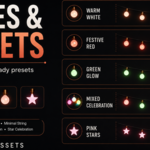
6 Ready-to-Use Presets
Start from one of six included setups:
- Warm Cafe — classic warm lights for cafes, terraces, and cosy streets
- Dense Market — dense mini bulbs for market stalls and festive street decor
- Large Festoon — large warm bulbs with brass sockets for prominent spans
- Minimal String — thin mini-light string for subtle environment dressing
- Star Celebration — glowing star lights with brass sockets and gentle variation
- Mixed Celebration — multicolor classic globes using the included six-color palette
Duplicate any preset and reshape its curve to quickly create an independent variation.
10 Included Materials
Cable
- Dark
- Dark Green
Socket
- Dark Metal
- Brass
Bulbs
- Warm Amber
- Pink
- Green
- Blue
- Cool White
- Coral Red
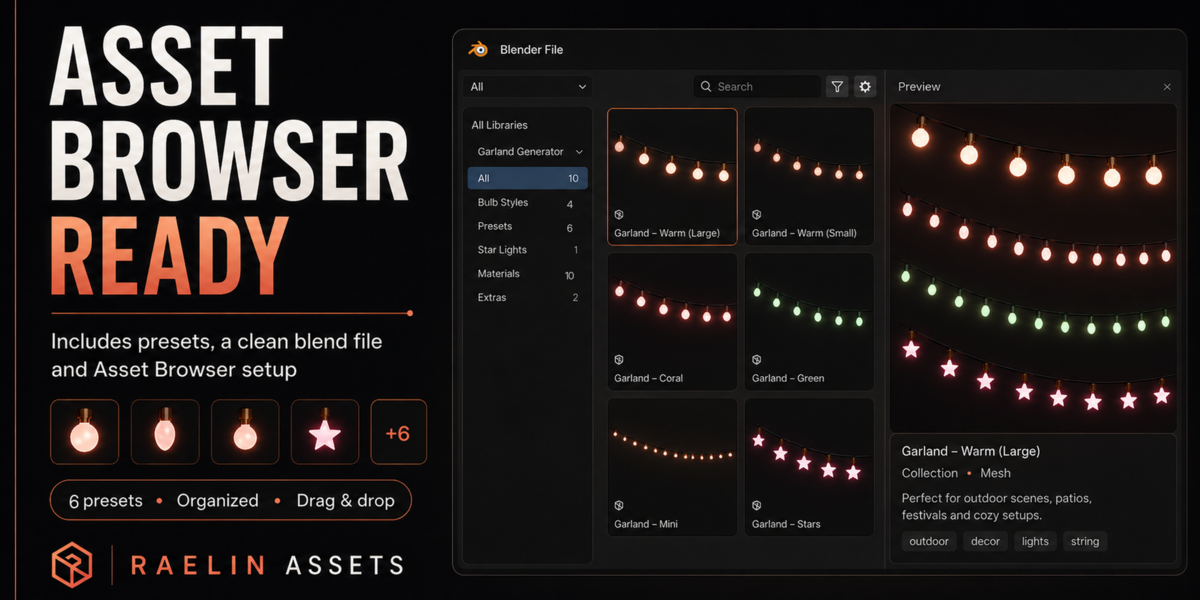
Asset Browser Ready
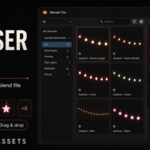
The generator node group and all six presets are marked as Blender assets.
You can add the product folder as an Asset Library and access the included assets directly through Blender's Asset Browser.
You can also use File → Append to bring an individual preset and its required dependencies into another Blender project.
Included Files
Raelin_Garland_String_Lights_Generator_v1.3.blend- User Guide PDF
- README
- CHANGELOG
Blender Compatibility
Functionally tested with:
- Blender 4.5 LTS
- Blender 5.2 LTS
Built with native Blender Geometry Nodes.
No external add-on or Python installation is required for normal use.
Garland & String Lights Generator

Discover more products like this
curve stylized decoration asset-browser game-art string lights procedural Generator environment garland geometry nodes lights
Have questions about this product?
Login to message
Includes an Asset Library
7 drag-and-drop assets for Blender’s Asset Browser.
Browse included assets| Published | about 2 months ago |
| Blender Version | 4.5 - 5.2 |
| Render Engine Used | Cycles, Eevee |
| License | Royalty Free |