Garland & String Lights Generator
 Raelin Assets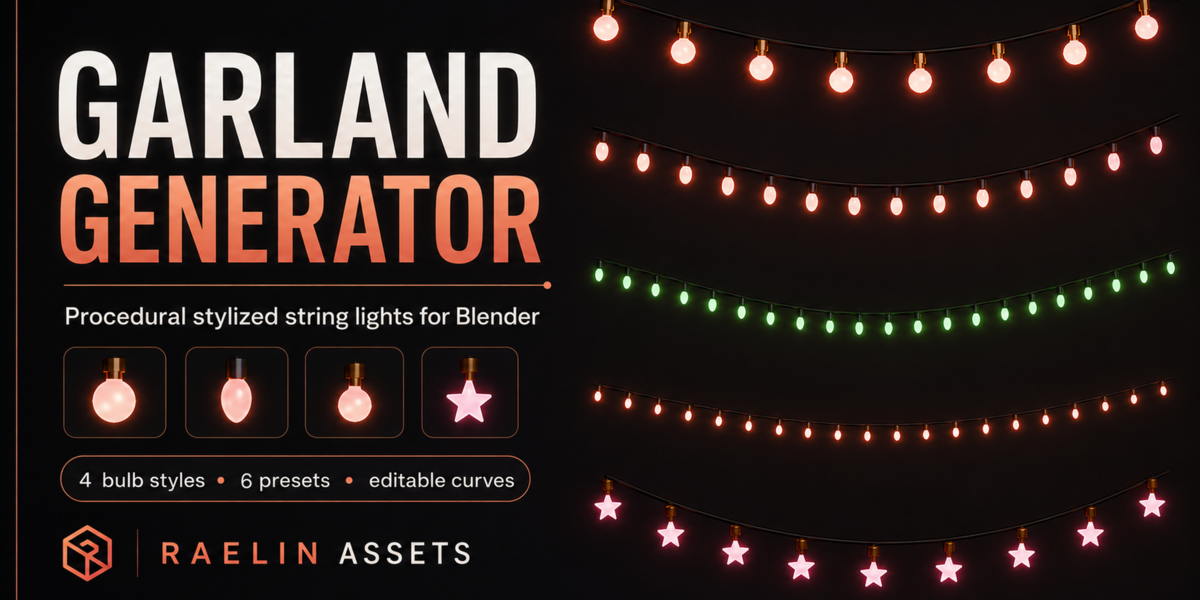

Getting Started
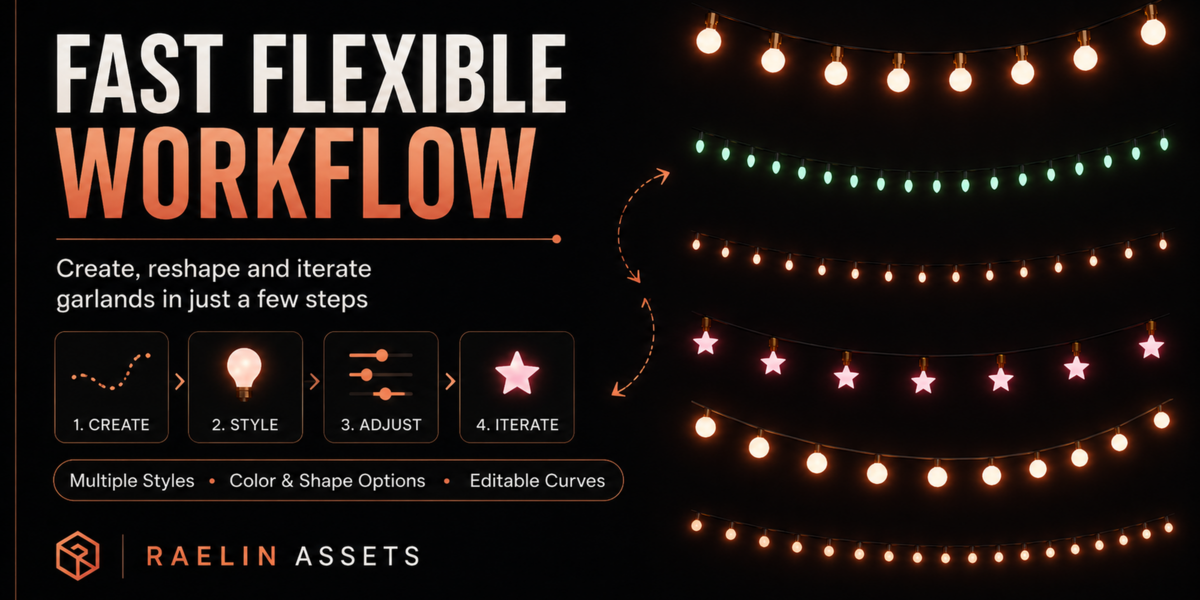
- Download and extract the product ZIP.
- Open
Raelin_Garland_String_Lights_Generator_v1.3.blendin Blender. - Choose one of the included presets or duplicate an existing garland.
- Edit the curve in Edit Mode to reshape the garland.
- Adjust the Geometry Nodes controls in the Modifier panel.
Using the Generator
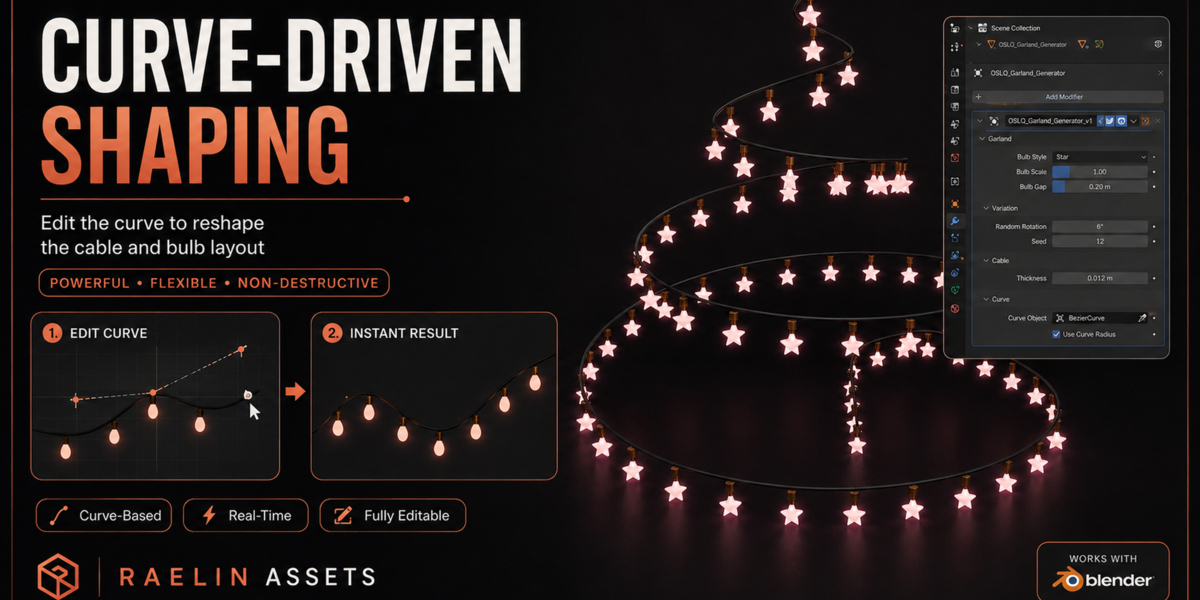
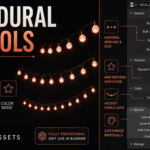
The garland is fully curve-driven. Move, add, or remove curve points in Edit Mode to change the shape and length of the light string.
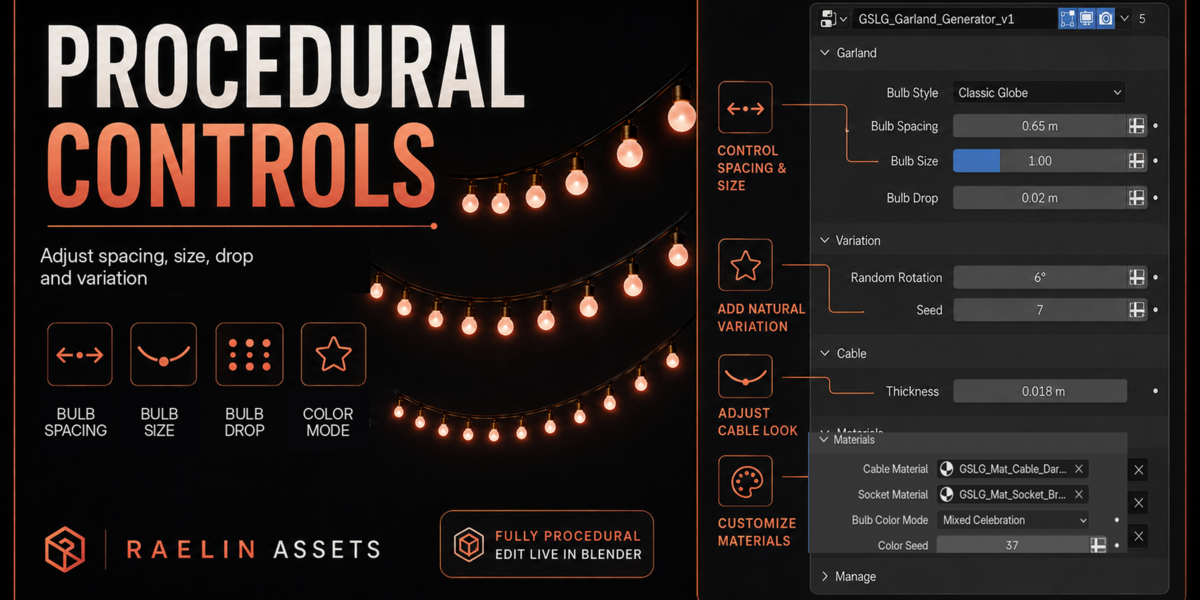
The Geometry Nodes modifier provides controls for:
- Bulb Style
- Bulb Spacing
- Bulb Size
- Bulb Drop
- Bulb Geometry Detail
- Random Rotation
- Rotation Seed
- Random Tilt
- Tilt Seed
- Cable Thickness
- Cable Path Resolution
- Cable Radial Sides
- Cable Material
- Socket Material
- Bulb Color Mode
- Bulb Material
- Color Seed
Geometry Optimization — v1.3
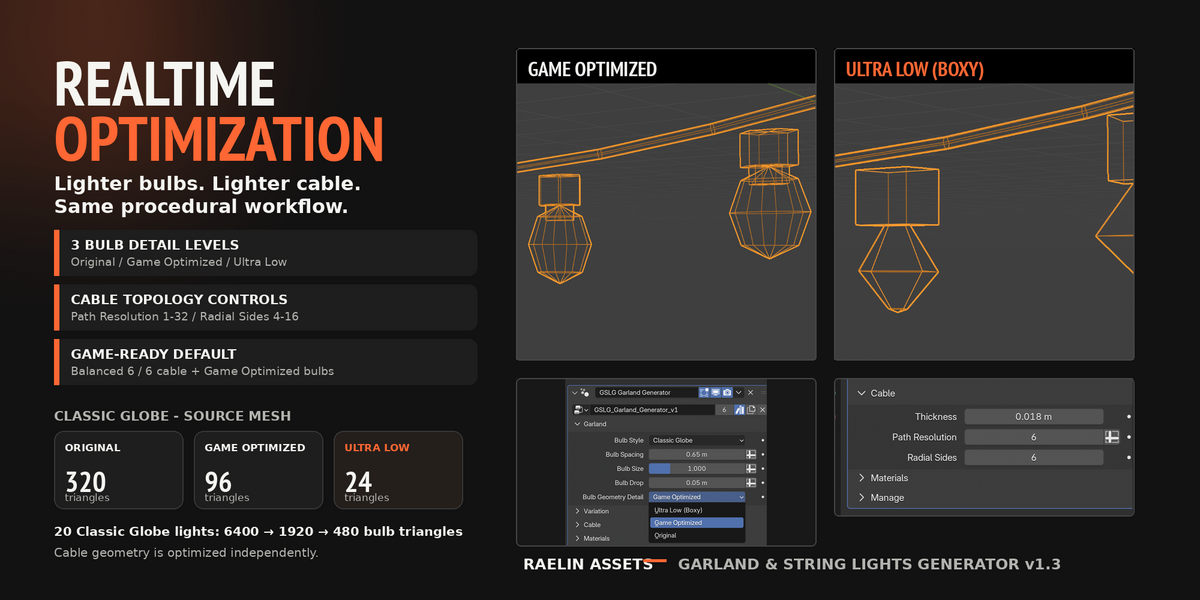
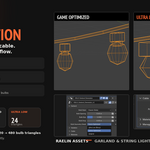
Version 1.3 includes independent optimization controls for both bulbs and cable.
Bulb Geometry Detail:
- Original — original source geometry
- Game Optimized — balanced realtime geometry and the recommended default
- Ultra Low (Boxy) — minimum practical geometry for maximum performance
Cable geometry can be optimized separately using:
- Path Resolution — controls the resolution along the cable path
- Radial Sides — controls the number of sides around the cable
For lightweight or realtime scenes, a good starting point is:
Game Optimized + Path Resolution 6 + Radial Sides 6
You can reduce these values further when maximum performance is more important than smoothness.
Included Presets
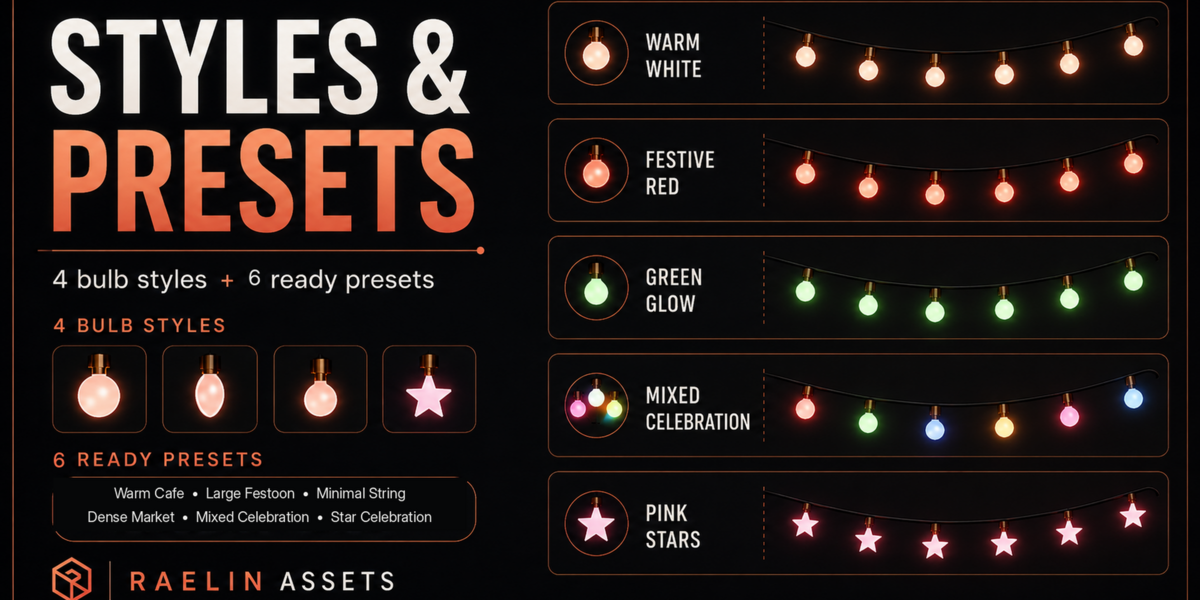
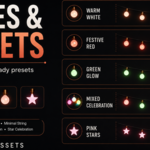
The product includes six ready-to-use presets:
- Warm Cafe
- Dense Market
- Large Festoon
- Minimal String
- Star Celebration
- Mixed Celebration
You can duplicate any preset and reshape the curve to create a new variation.
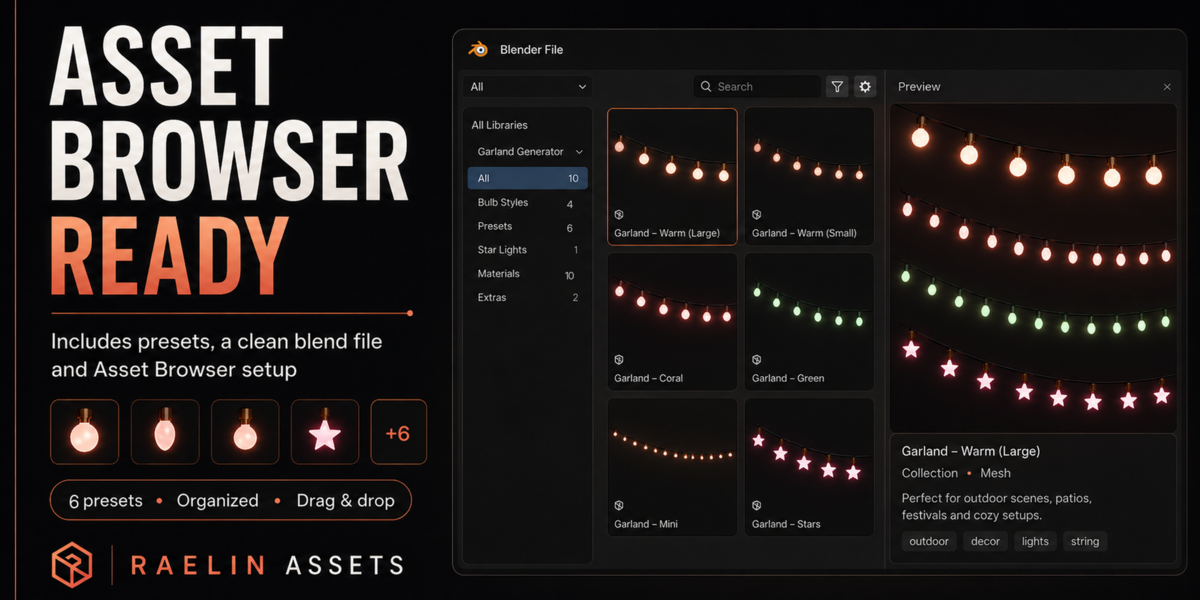
Asset Browser
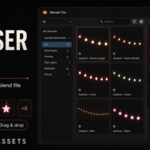
The Garland Generator and all six presets are marked as Blender assets.
To use them through the Asset Browser:
- Open Blender Preferences.
- Go to File Paths → Asset Libraries.
- Add the extracted product folder as an Asset Library.
- Open the Asset Browser and select the library.
You can also use File → Append to bring a preset or generator into another Blender file.
Materials
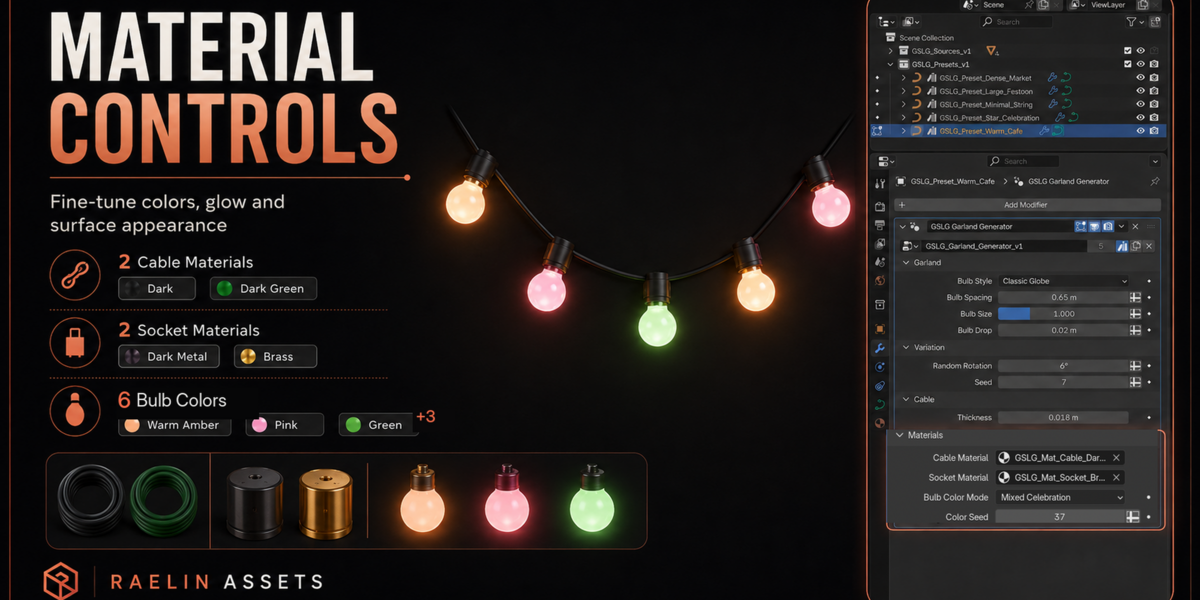
Included materials:
Cable:
- Dark
- Dark Green
Socket:
- Dark Metal
- Brass
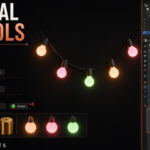
Bulbs:
- Warm Amber
- Pink
- Green
- Blue
- Cool White
- Coral Red
Compatibility
Tested with:
- Blender 4.5 LTS
- Blender 5.2 LTS
The generator uses native Blender Geometry Nodes.
No external add-on or Python installation is required.
Full Documentation
A detailed PDF user guide is included inside the product ZIP:
Documentation/Raelin_Garland_String_Lights_Generator_User_Guide_v1.3.pdf
Have questions about this product?
Login to message
Includes an Asset Library
7 drag-and-drop assets for Blender’s Asset Browser.
Browse included assets| Published | about 2 months ago |
| Blender Version | 4.5 - 5.2 |
| Render Engine Used | Cycles, Eevee |
| License | Royalty Free |
Discover more products like this
stylized decoration asset-browser game-art procedural geometry nodes Generator lights curve garland string lights environment