 MeshMind



GeoFlow
22 ready-to-use Geometry Nodes presets. Browse, click, done.
A searchable N-panel library of production-ready deformers, generators, and scatter setups — no node graph assembly required. Find a preset, apply it, tweak a few sliders, and get back to creating.
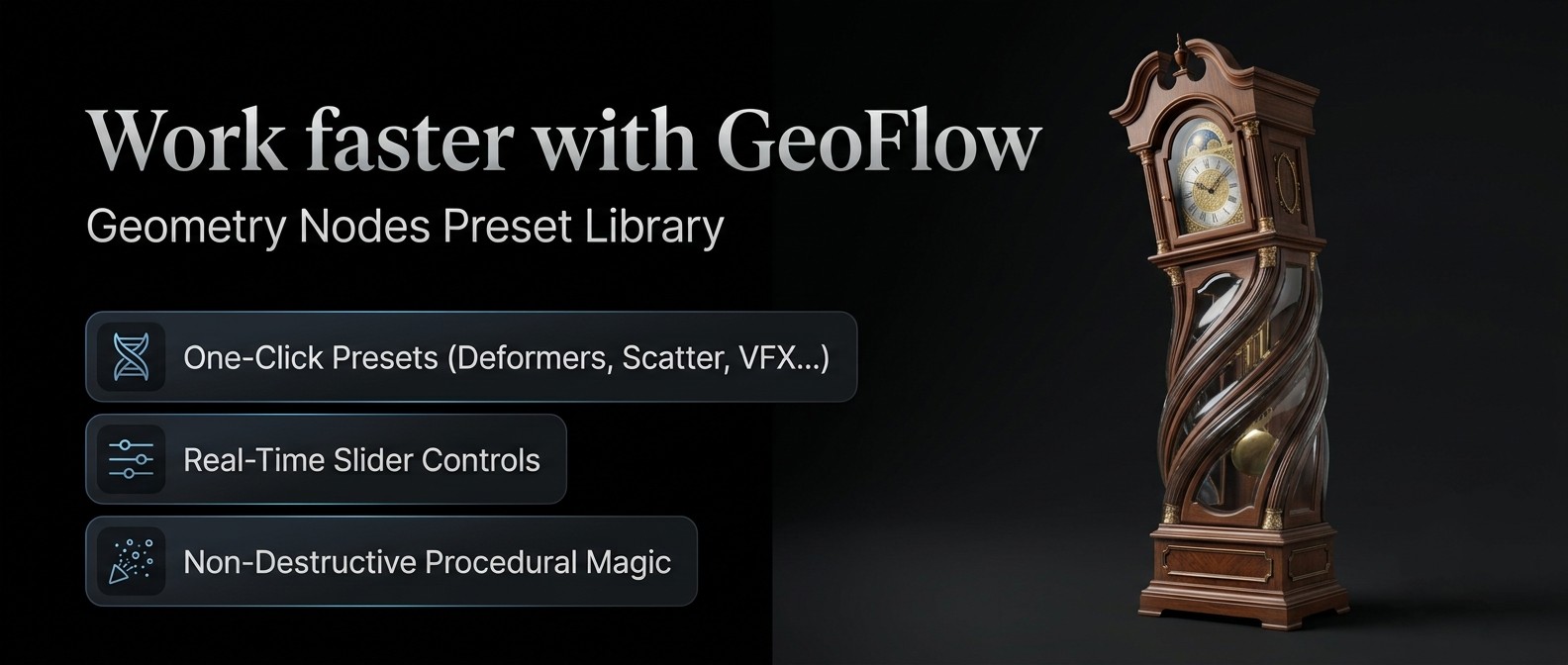 Geometry Nodes is powerful. Building from scratch every time isn't.
Node libraries hand you hundreds of building blocks and leave the assembly to you. That's great when you
need something bespoke — but most of the time you just need a clean bend, a reliable scatter, or a
curve-following deformer that actually preserves your cross-section. GeoFlow skips the
node-wiring step entirely: open the N-panel, search or browse by category, click a preset, and it's live
on your object.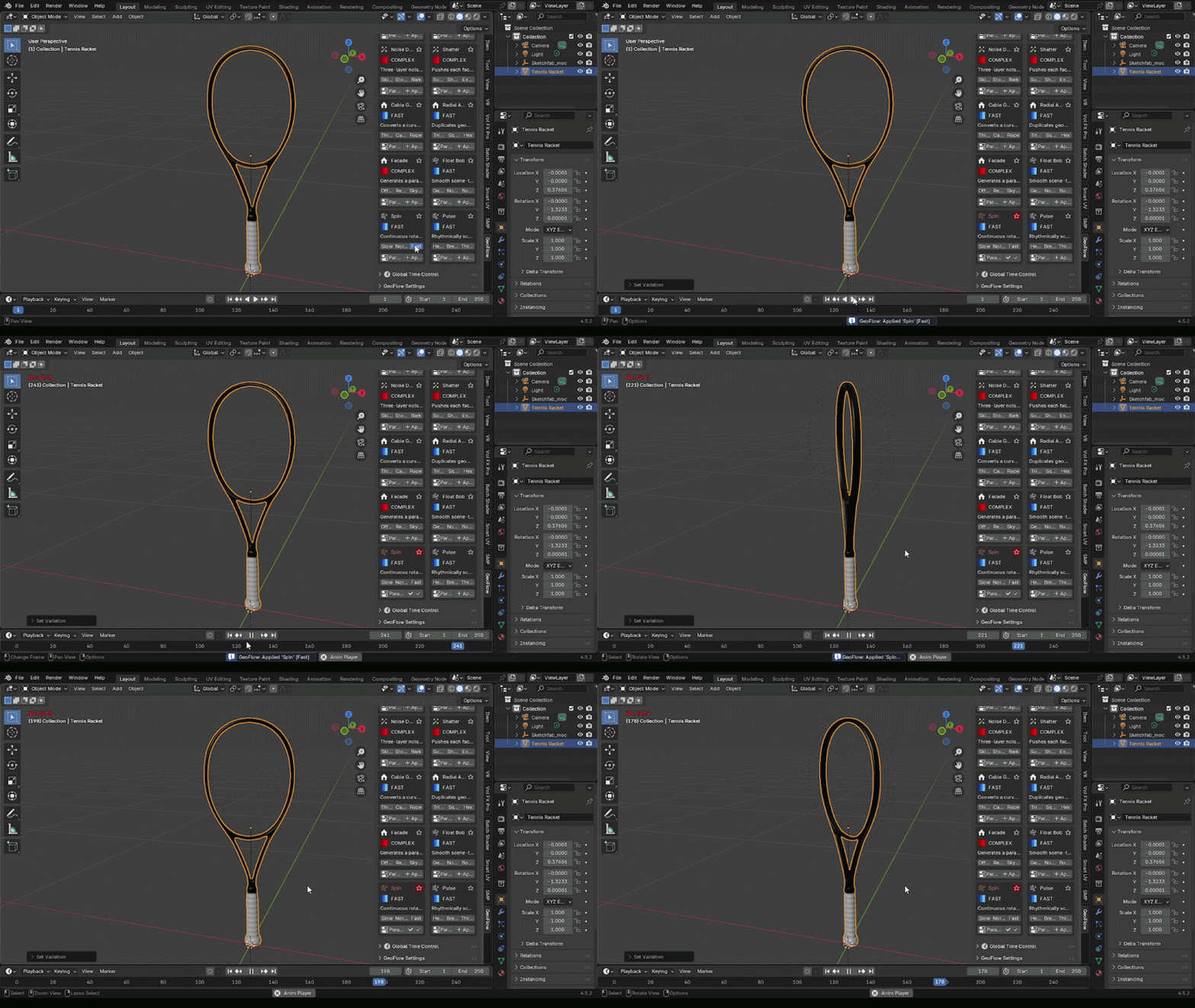
A preset library, not a parts bin
Toolsets like Higgsas hand you a huge collection of raw node groups you wire together yourself — brilliant for custom rigs, overkill when you just need a working deformer right now. Terrain-focused addons like BagaPie cover scattering and architecture but aren't built as a general preset browser. GeoFlow sits in between: a curated, ready-to-apply preset library with a real search-and-browse UI, so applying a procedural effect takes seconds instead of a node-editor session.
| Workflow | Raw node-group libraries | GeoFlow |
|---|---|---|
| Getting a working effect | Assemble nodes yourself | One click from the N-panel |
| Finding the right tool | Scroll a long flat list | Search + favorites + categories |
| Iteration | Manual node tweaking | Randomize + global time controls |
| Learning curve | Steep — node theory required | None — browse and apply |
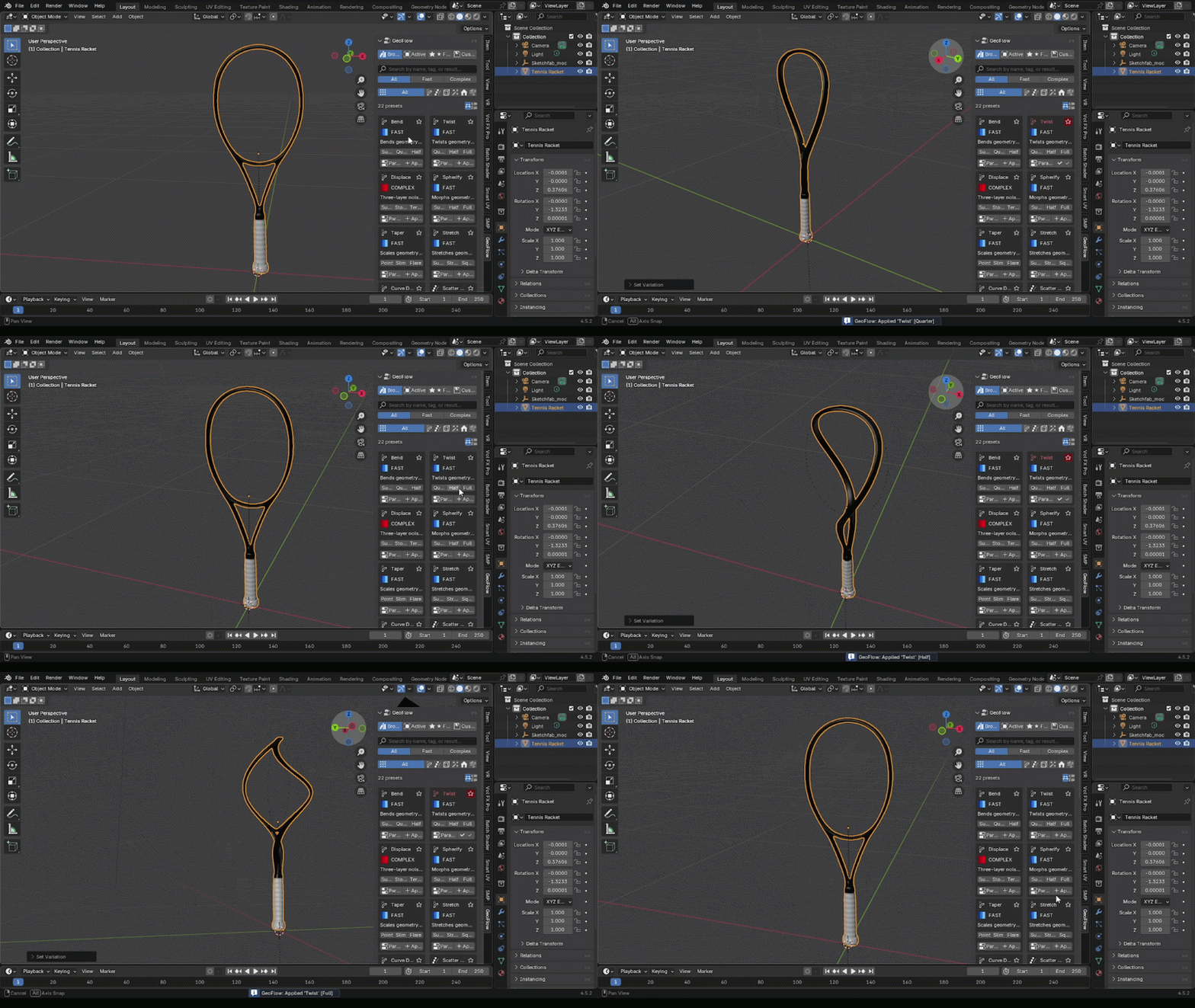 What's inside
22 Presets Across 6 Categories
Deformers, generators, and scatter setups organized into clear categories, so you're never digging through an unsorted node-group list to find the one you actually need.
Search, Favorites & Randomize
Type to filter presets instantly, star your most-used ones for one-click access, and hit randomize to explore variations of a preset's parameters without manually dragging every slider.
Global Time Control
Animated presets share a single global time driver, so you can scrub, offset, or sync multiple procedural effects across a scene without hunting down individual keyframes.
Accurate Curve Deformers
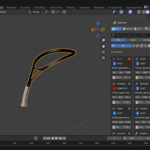
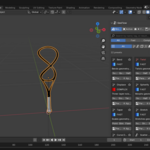
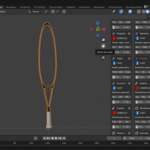
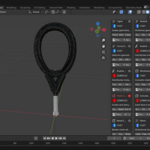
Curve Deform and Bend presets are built on correct circular-arc and cross-section-preserving math — objects follow a curve without warping, pinching, or losing their original silhouette.
Scatter & Generator Presets
Distribute objects procedurally with presets tuned for common scattering scenarios — no manual Distribute Points setup required.
Clean N-Panel Integration
Everything lives in the 3D viewport's N-panel — no separate window, no leaving your normal modeling workflow to dig through the Geometry Nodes editor.
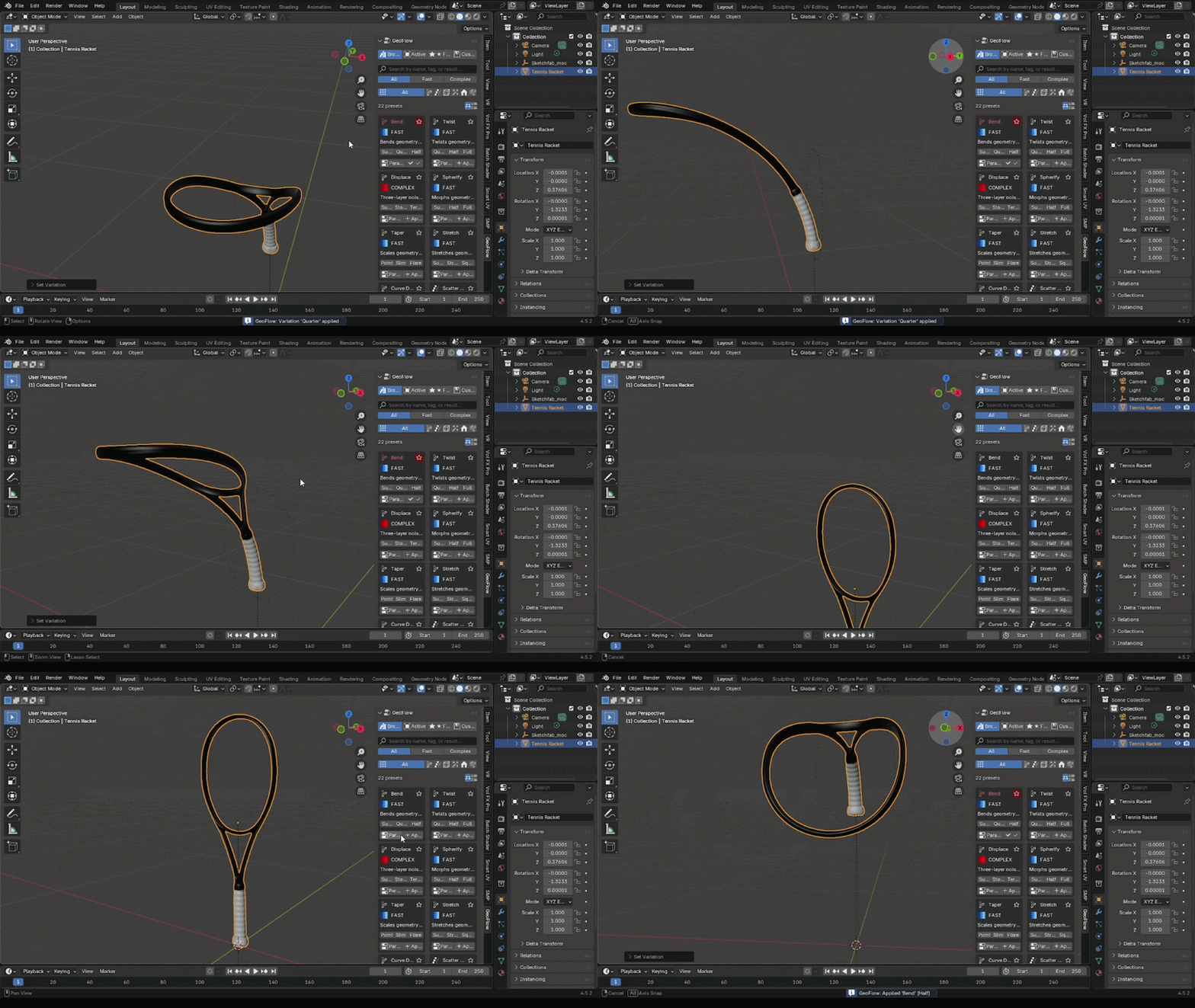 Built for
- Motion designers who need a fast, reliable deformer without touching the node editor
- Environment artists scattering props, foliage, or debris across a scene
- Hard-surface & prop artists bending or curve-fitting geometry cleanly
- Blender users new to Geometry Nodes who want the results without the node theory
Requirements
- Blender 4.2 or newer (packaged as a Blender Extension)
- Windows, macOS, and Linux supported
Installation
Edit > Preferences > Get Extensions > Install from Disk
Select the downloaded .zip
Enable "GeoFlow" in the Extensions list
Open the N-panel (press N) in the 3D Viewport to find the GeoFlow tab
Licensing
| Plan | Includes | Price |
|---|---|---|
| Personal | 1 user, all 22 presets, lifetime updates | $20 |

