Geonodes Pier Generator
 Edmund Earle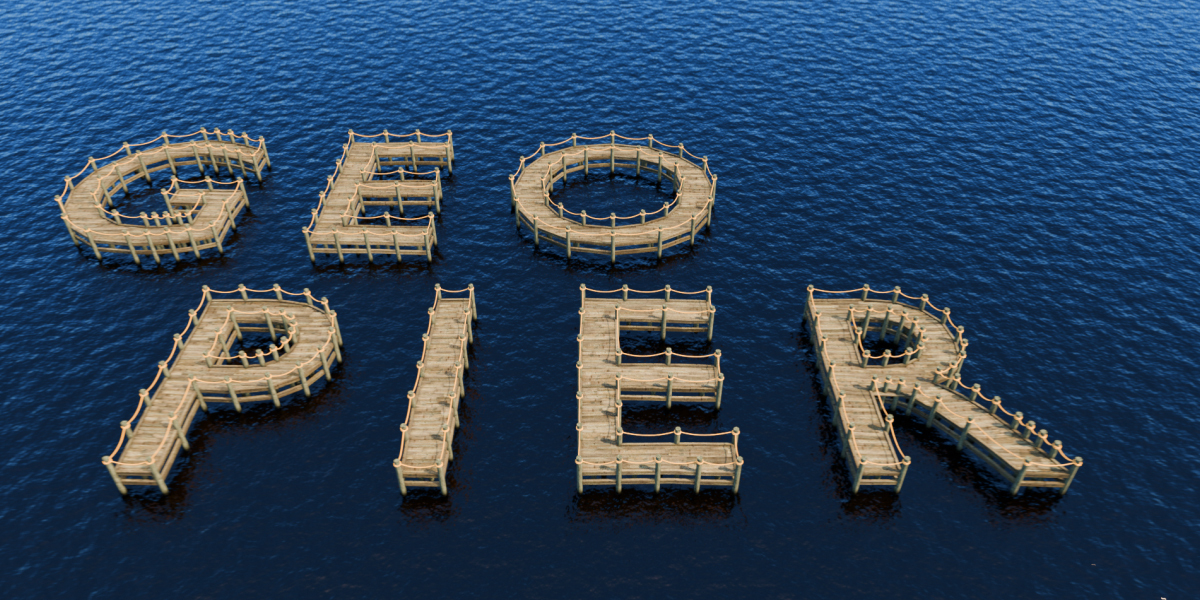
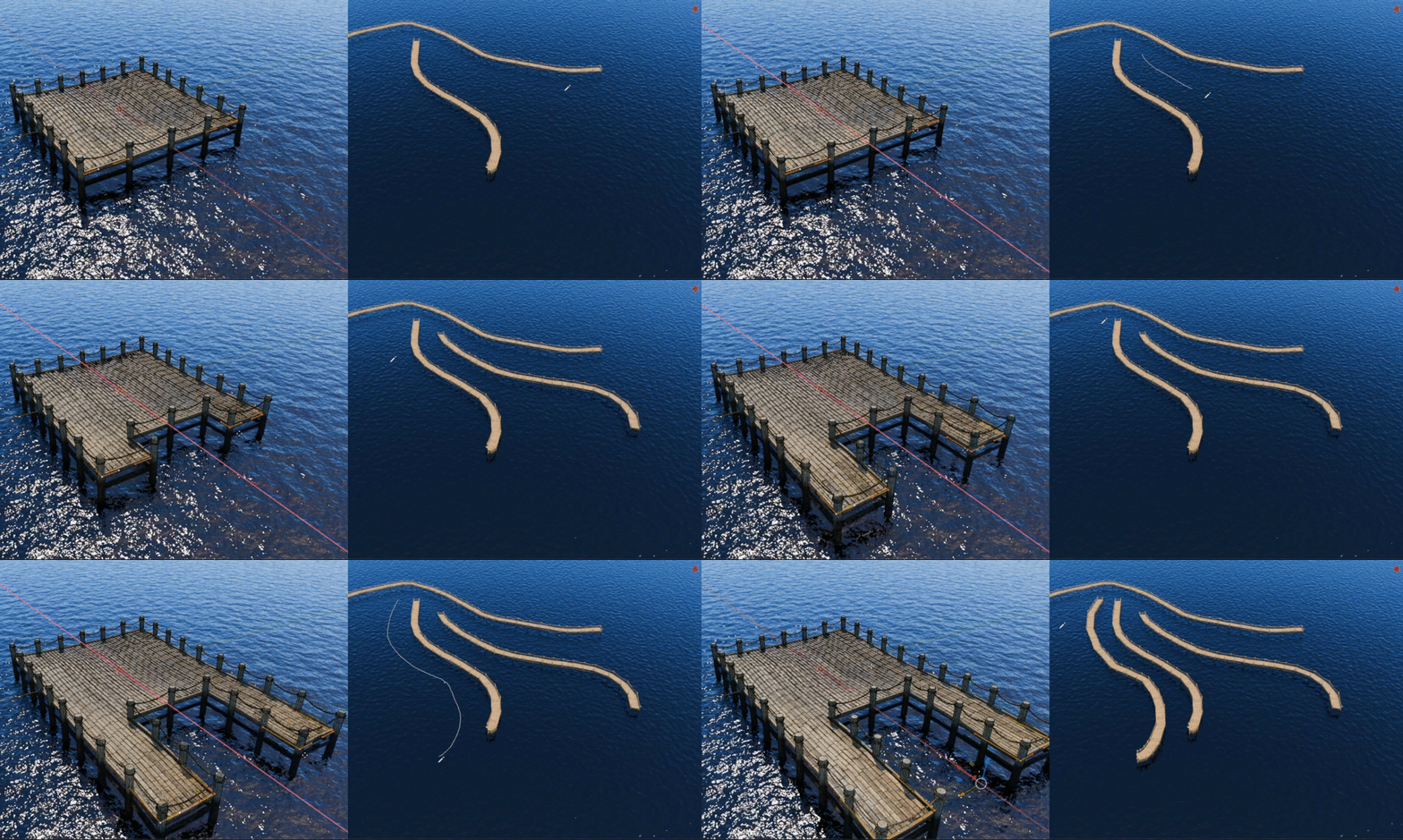
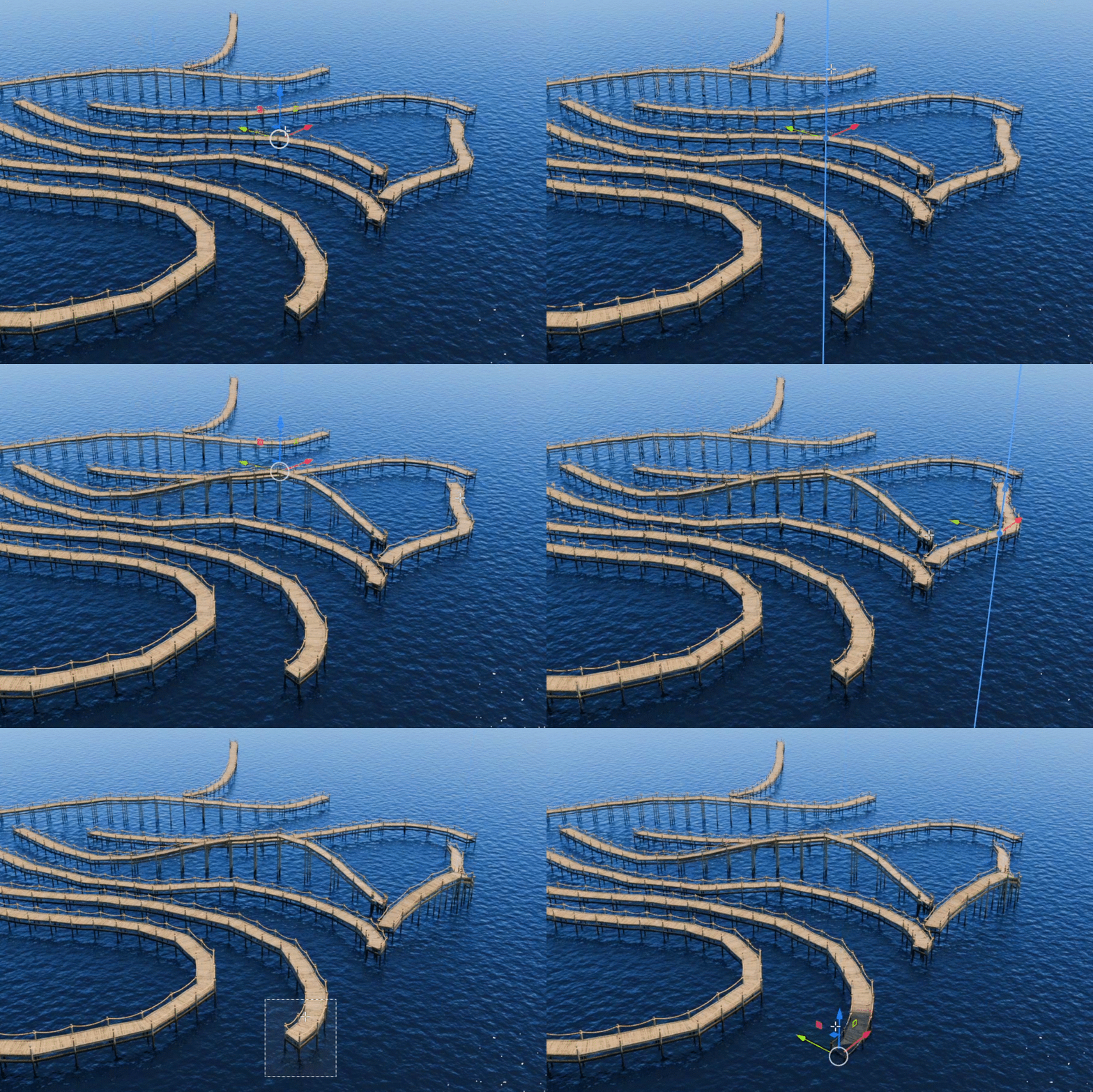

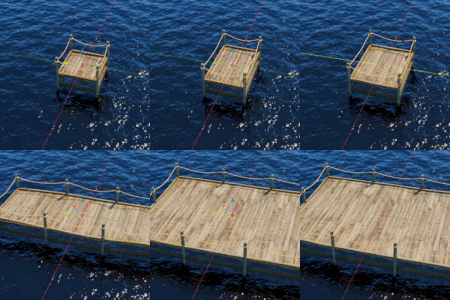
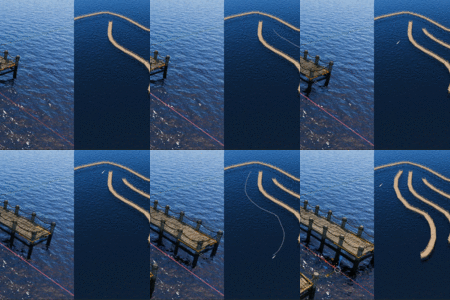
Setup:
1. Link or Append the Geo Pier Generator nodetree into your file:
\ GEO_PIER_GENERATOR.blend \ NodeTree \ GEO PIER GENERATOR
2. Create a curve if you haven't already: either a shape or a single line/spline.
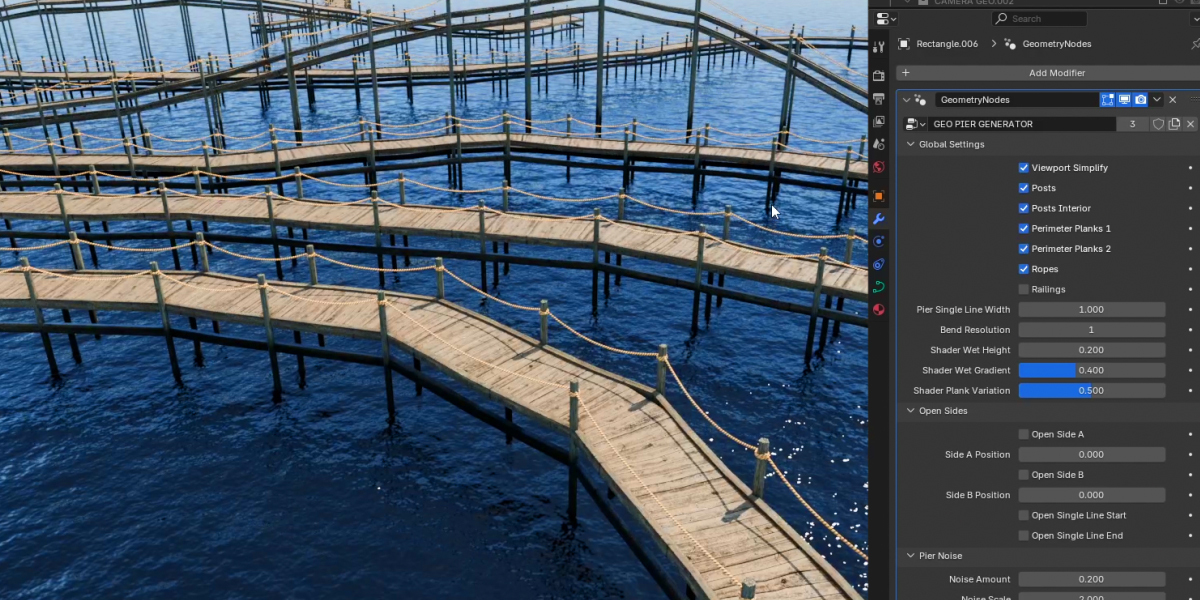
3. In the Modifiers tab add the Geometry Nodes modifier and add the GEO PIER GENERATOR nodegroup.
.
Settings:
"Viewport Simplify": a big or complicated dock quickly creates a lot of polygons. This uses the "simple" platform (planks are a texture map) and halves the subdivisions/curve resolutions of other objects.
"Bend Resolution": controls how many posts are created along a rounded bend in a pier. Note: Bend resolution can also be affected by the Curve's Object Data Properties\"Resolution Preview U" setting.
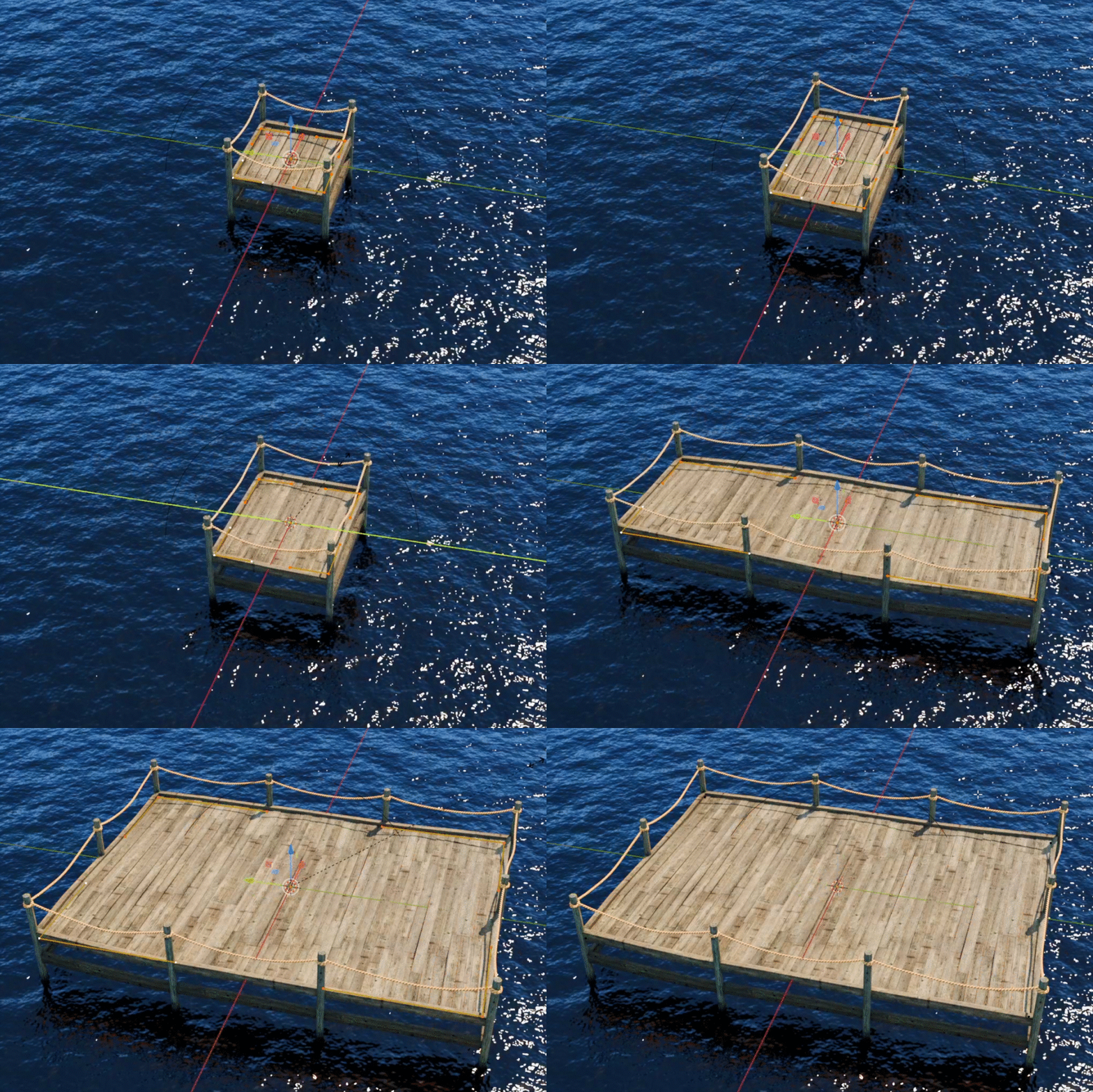
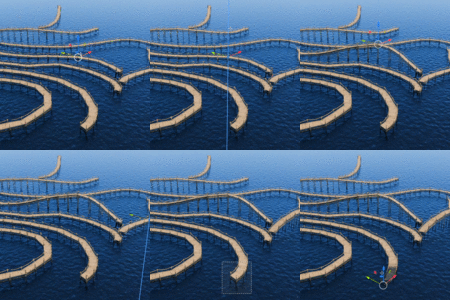
"Open Sides": lets you remove railings/ropes and perimeter planks so that you have an entrance to the pier, or combine with other piers. Note: piers can get glitchy if they have overlapping curves: keep curves a little bit apart.
All other settings are hopefully self-explanatory. Check the FAQ for more...
Have questions about this product?
Login to message
| Sales | 10+ |
| Published | over 1 year ago |
| Blender Version | 4.3 |
| License | Creative Commons |
