 ghostWDFR




GH Script Manager — Documentation
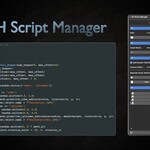
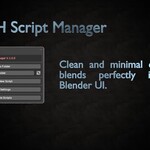
GH Script Manager is a Blender addon designed to simplify the way you manage and launch Python scripts directly inside Blender’s UI. This page outlines the basic usage, installation, and configuration options.
More detailed Documentation available here
🧩 Installation
- Download
GH Script Manager.zip - In Blender, go to Edit > Preferences > Add-ons
- Click Install and select the ZIP file
- Enable the addon in the list
- Find it under the N-panel > GH Tools tab
- Alternatively, drag & drop the ZIP file into the Blender window
📂 Script Folder
By default, the addon uses an internal folder to store your scripts. You can change this by setting a custom script folder path. All created and launched scripts will use this path.
⚙ Editor Settings
Enable “Use Custom Text Editor” to define an external editor such as Notepad++ or VS Code. Set the full path to the executable in the provided field.
✏️ Creating Scripts
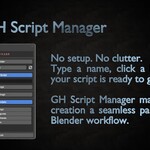
- Enter a name in the Script Name field
- Click Create Script
- A new
.pyfile will be generated in the current folder
🚀 Launching Scripts
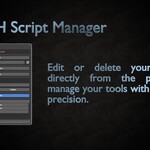
Click any script from the list to:
- Run — executes the script in Blender
- Edit — opens it in the assigned editor
- Delete — removes the script file permanently
💾 Saved Settings
GH Script Manager stores settings in two text files:
-
config.txt— contains:
UseCustomEditor=false
CustomEditorPath=-
saved_path.txt— stores your selected script folder path
🧼 Script Refresh
If you add or remove files manually in the folder, use the Refresh List button to update the list inside Blender.
❓ Need Help?
Join the support server on Discord
Made by ghostWDFR
Discover more products like this
Script Automation 2025 addon addon advanced script BlenderScripts addon scripts Blender python scripts Batch Script Execution