 Oculis Studio



Blender add-on
Ghoster
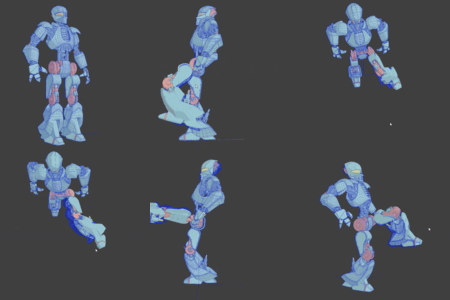
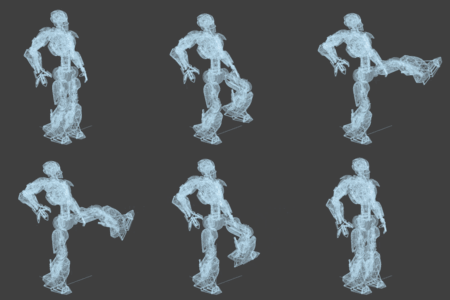
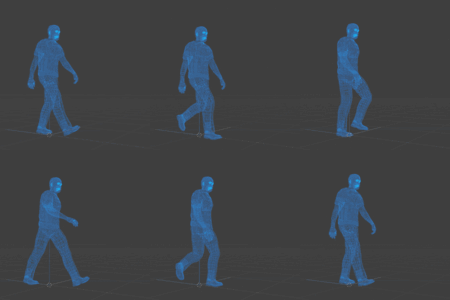
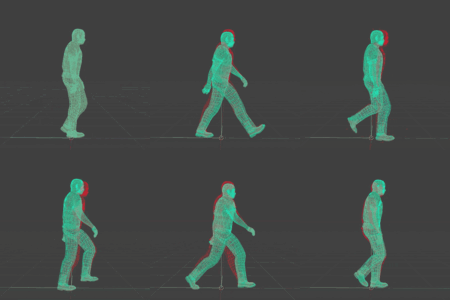
Record an animation pass and play it back as a semi-transparent ghost overlay in the viewport — so you can compare old and new versions while you work.
v1.0.0GPU-acceleratedNo renders · no scene copies
Iterate timing, spacing, and poses with the previous pass sitting right on top of your current animation — without rendering, duplicating scenes, or guessing what changed.
Typical use cases
Where it helps
|
Compare Walk cycles & motion arcs See the old path against the new one in real time while you scrub or play. |
Timing Spacing & pose continuity Check whether a timing change actually improved the feel — not just looked different. |
|
Review Animation revisions Stack up to ten independent ghost layers, each with its own color, opacity, range, and display. |
Teach Before / after demos Show what changed without exporting plays or building a second scene. |
Core loop
Record → adjust → compare
Ghoster sits beside your normal animation loop. Capture a pass, keep working, then play both versions together in the viewport.
1 |
Record an animation pass Pick a collection and frame range (or use Timeline / Preview). Ghoster stores evaluated geometry for playback. |
2 |
Adjust timing, spacing, or poses Keep animating as usual. Nothing destructive — no duplicated scenes, no bake step just to compare. |
3 |
Play both versions together Your current animation plays normally. The recorded pass appears as a ghost overlay — synced to the timeline, including scrubbing and loop playback. |
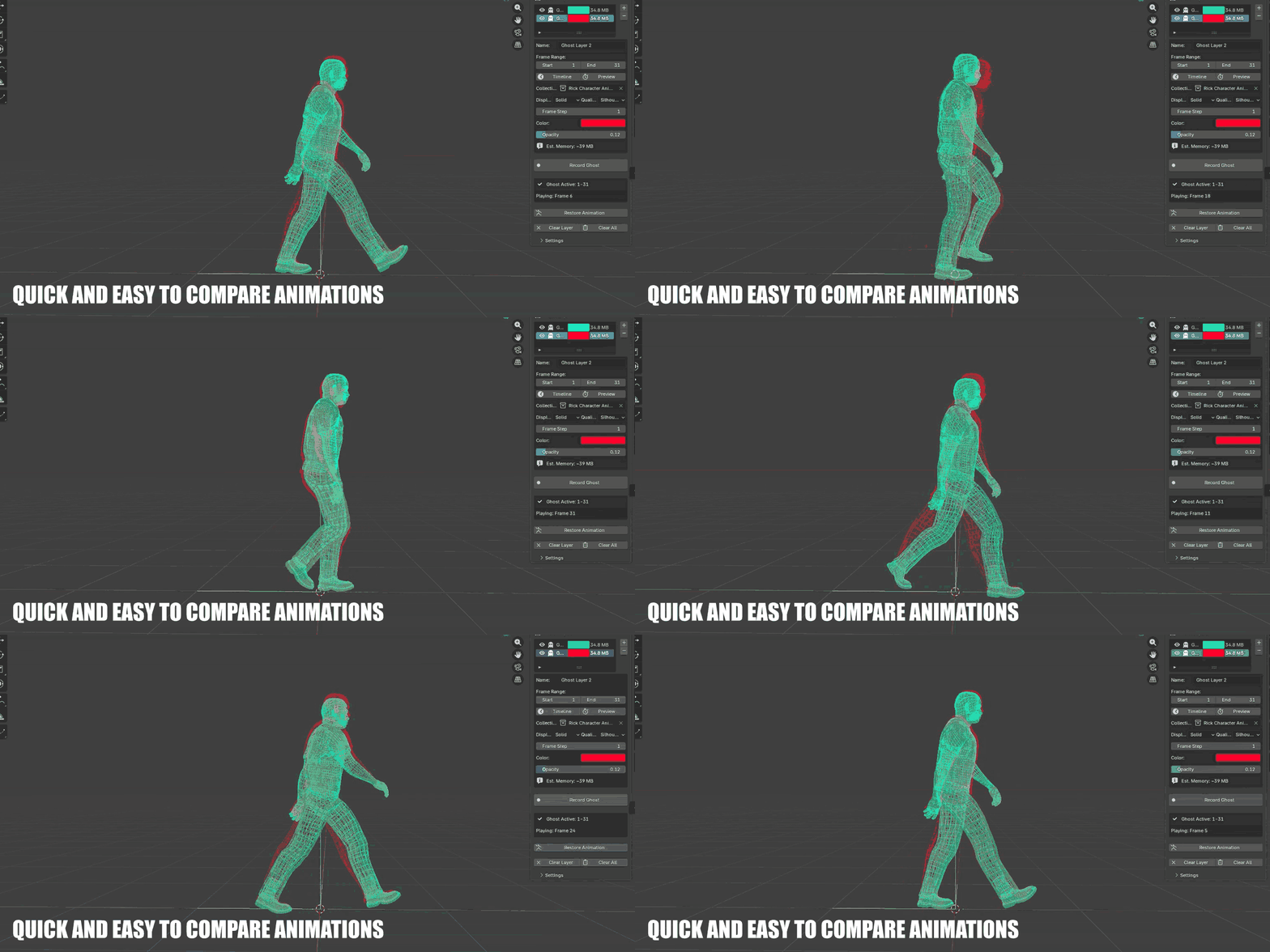
Quick comparison in the viewport — record once, iterate freely.
Modes
Studio or Live
Two ways to work, same ghost overlay idea — pick the mode that matches how you iterate.
Studio Manual record over a frame range. Multi-layer, full quality options, best for deliberate version compares. |
Live Real-time streaming capture that updates as you move — silhouette-first for speed, single-layer focused. |
Layers & display
Up to ten independent ghosts
Each layer has its own color, opacity, frame range, display mode, and quality — so you can keep multiple revision passes on hand.
Display Solid or wireframe overlay for each layer. |
Quality Full, Low (50% decimation), or Silhouette edges — trade clarity for memory. |
Onion skin Relative past/future frames with step, color modes, and opacity falloff. |
Motion trails Optional trajectory lines over a tunable trail length. |
— Memory estimate before record · frame step · X-ray through solids
— Capture filters for mesh, armature, curve, empty, and camera
Performance
GPU-accelerated playback
Ghosts draw with Blender’s GPU API and update live during scrubbing and playback — built to stay light enough for daily iteration.
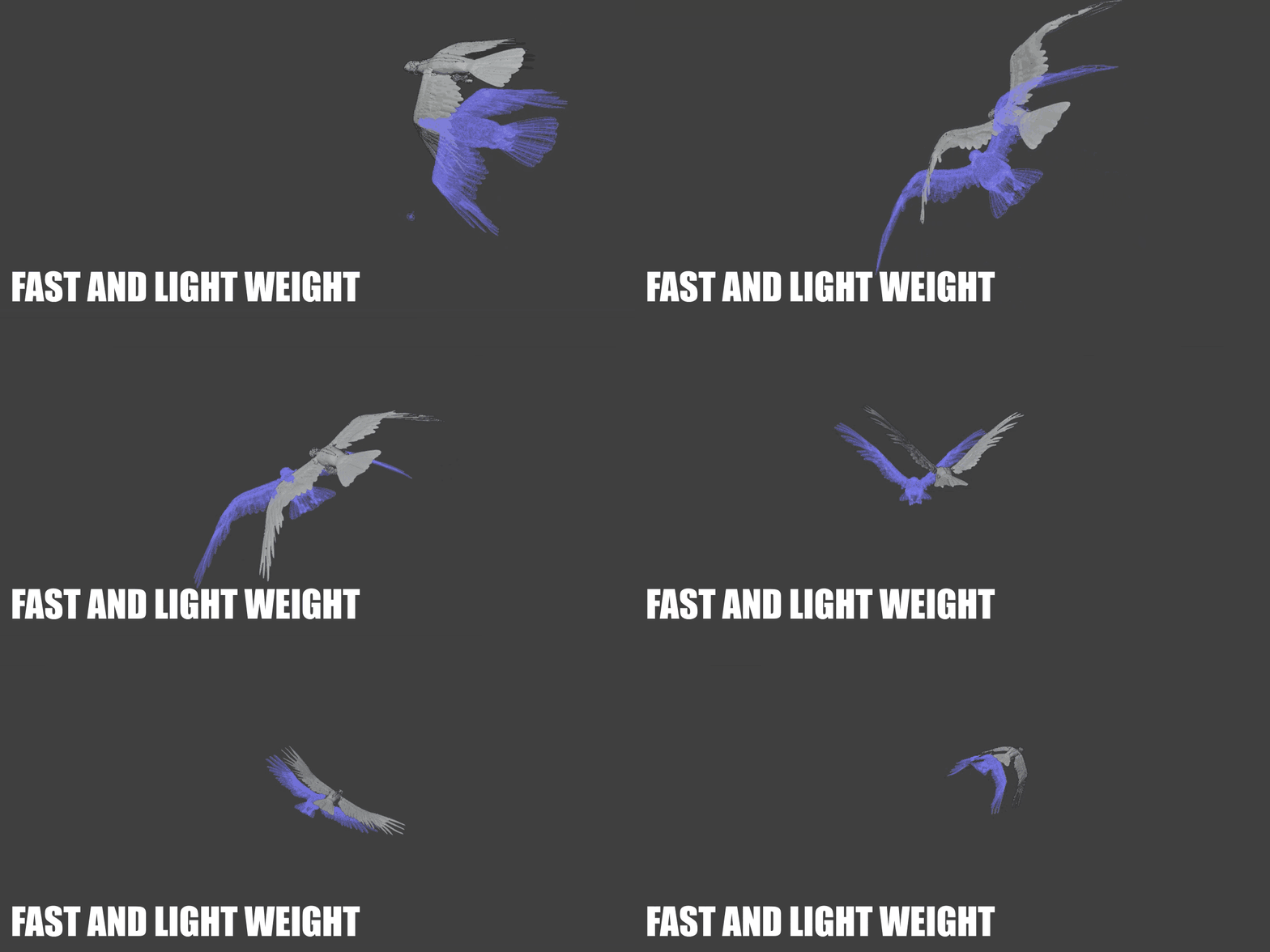
Live overlay updates without leaving the viewport.
Hard limits Up to 500 frames per layer · up to 10 layers · configurable memory cap (default 1024 MB). |
Stay light Use Silhouette or Low quality, shorter ranges, and wireframe when scenes get heavy. |
Interface
In the N-panel
Everything lives in 3D Viewport → N-panel → Ghost. Record, Live, layers, and display controls stay in one place so you can stay in flow.
— Layer list with visibility, color, and memory readout
— Timeline / Preview range helpers and frame step
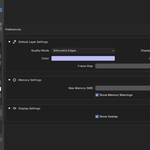
— Settings for GPU backend info, memory warnings, and X-ray
Stay in flow
No destructive setup
Ghoster is designed to stay out of your way. There’s no messy duplication and no reliance on renders. Record once, iterate freely, and visually verify your changes as you animate.
Viewport-first
If you care about animation quality and want faster, more confident iteration, Ghoster becomes a quiet essential in the Blender sidebar.
Questions before you buy
FAQ
Does Ghoster change my animation?
No. It records geometry for overlay playback. Your keys and scene stay yours — ghosts are a comparison layer, not a bake or duplicate scene.
How many versions can I compare at once?
Up to 10 ghost layers in Studio mode, each with its own color, opacity, range, display, and quality. Live mode is single-layer focused for real-time capture.
What’s the difference between Solid, Wireframe, and Silhouette?
Display is Solid or Wireframe. Quality is Full, Low (50%), or Silhouette edges — Silhouette stores only silhouette edges for much lower memory on heavy meshes.
Do ghosts persist in the .blend file?
Layer settings (ranges, colors, etc.) are saved. The geometry cache is runtime-only — re-record after reloading the file. That keeps .blend files from ballooning.
What objects get captured?
Meshes (evaluated, with modifiers), plus optional armatures, curves, empties, and cameras via capture filters. Materials and shaders are not captured — ghosts are colored overlays.
What’s the frame limit?
500 frames per layer (hard limit). Use frame step, shorter ranges, or Low / Silhouette quality when memory is tight.
What if something breaks?
Email [email protected] with steps to reproduce or a scene file.
Specs
Details
| Blender | 4.2+ |
| Panel | 3D Viewport → N-panel → Ghost |
| Category | Animation |
| Version | 1.0.0 |
| Layers | Up to 10 (Studio) |
| License | GPL-3.0-or-later |
| Dependencies | None |
| Author | Oculis.Studios |
