 ZEG
ZEG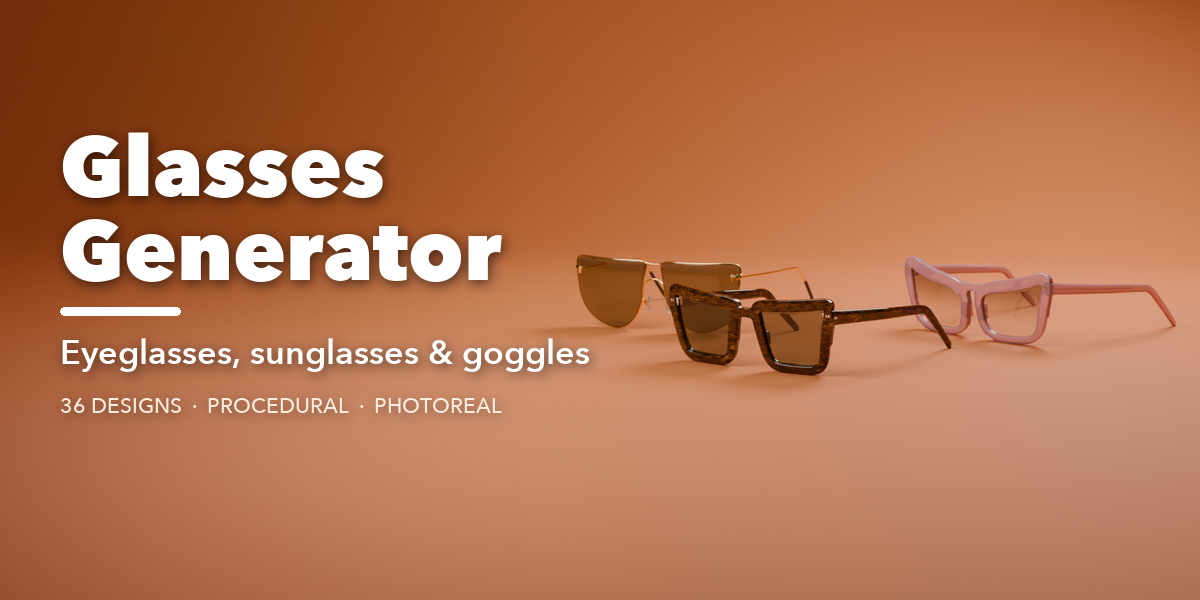
Installation
In Blender open Edit, Preferences, Get Extensions, then use Install from Disk and pick the glasses_generator zip.
Usage
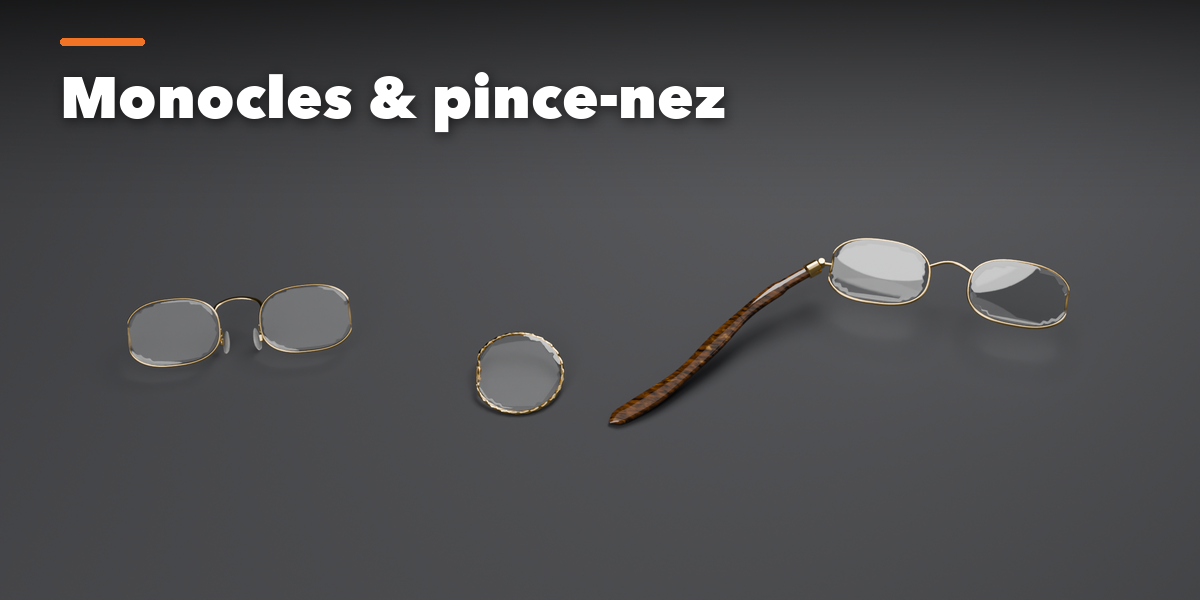
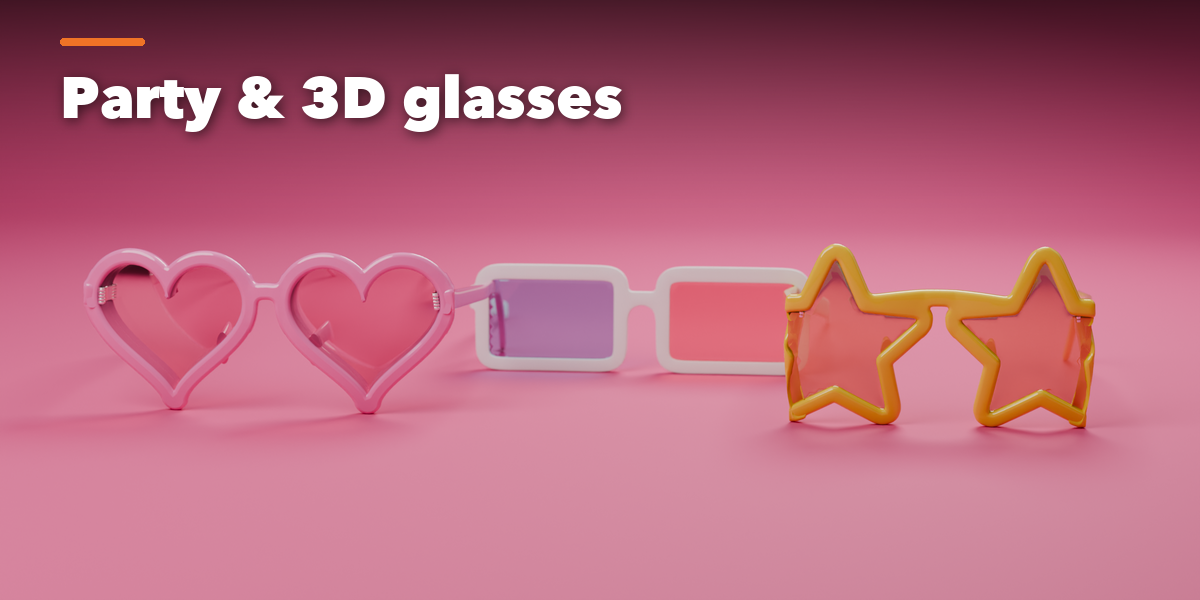
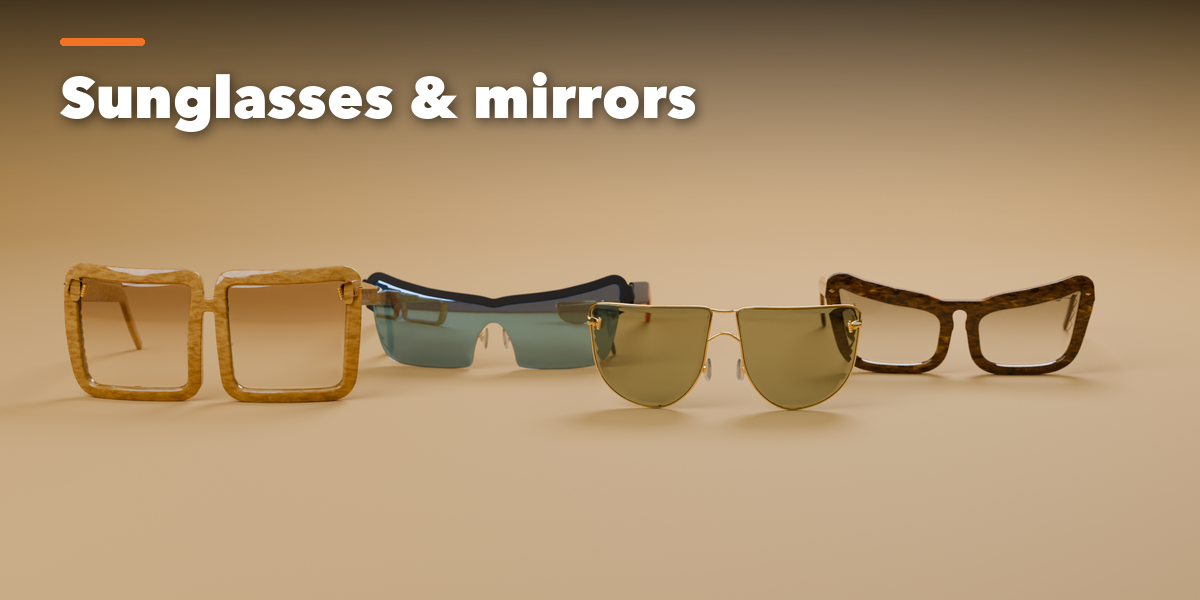
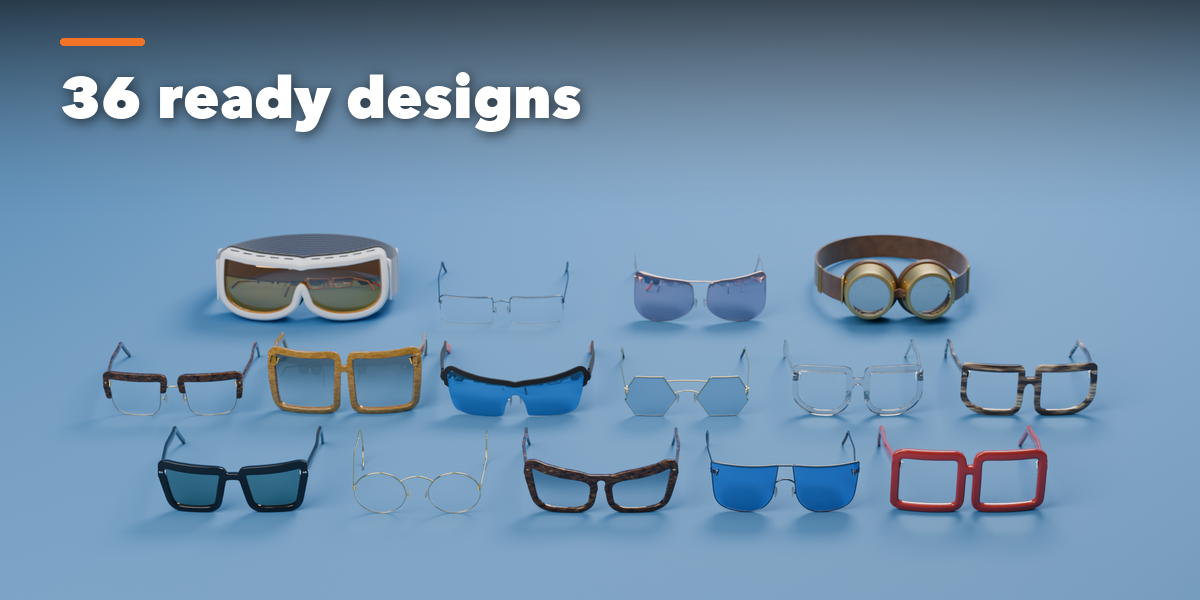
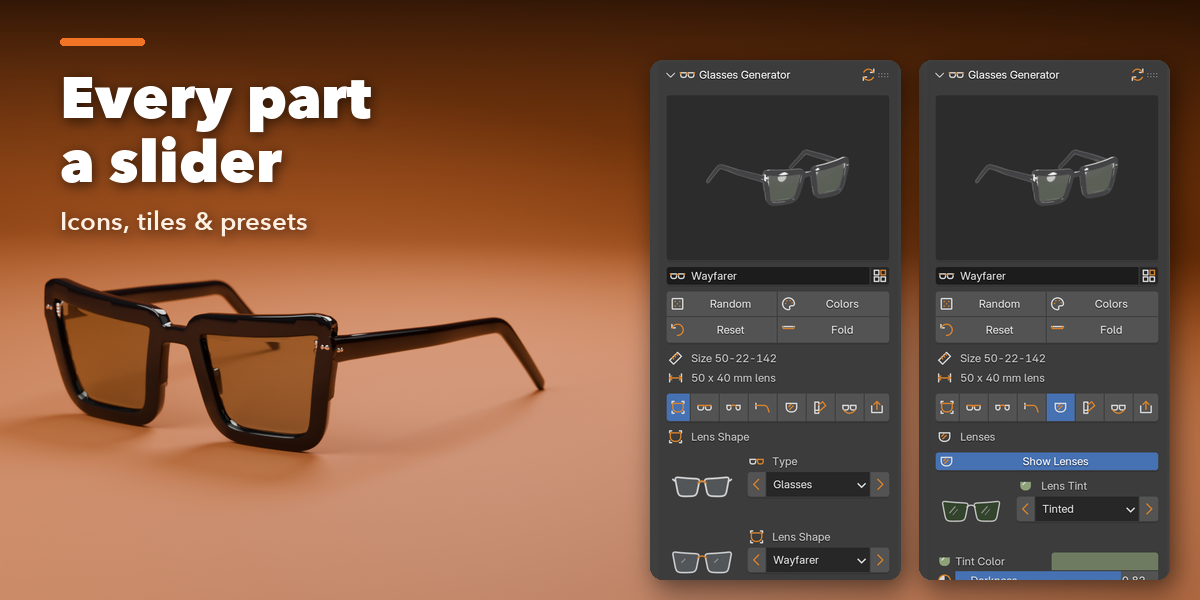
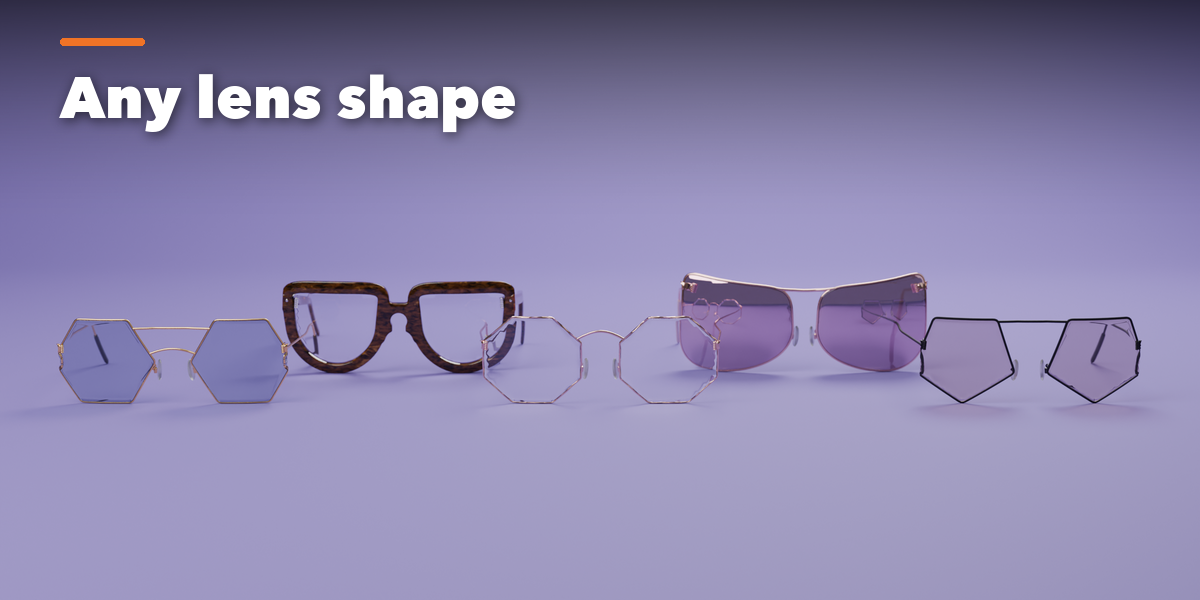
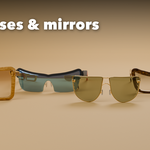
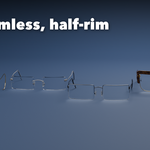
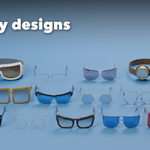
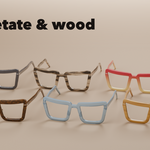
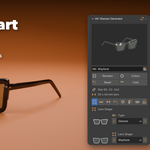
- Open the Glasses tab in the 3D viewport sidebar (N). Pick an eyewear type from the picture tiles, or open Browse All 36 Designs. You can also use Shift+A, Mesh, Glasses, or Random Glasses.
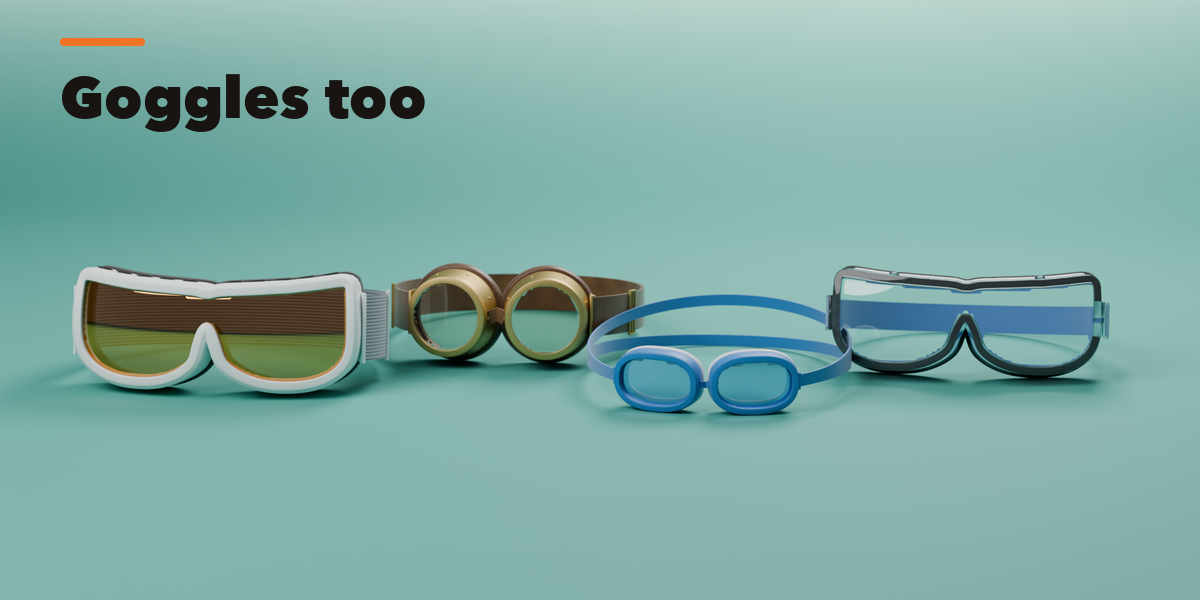
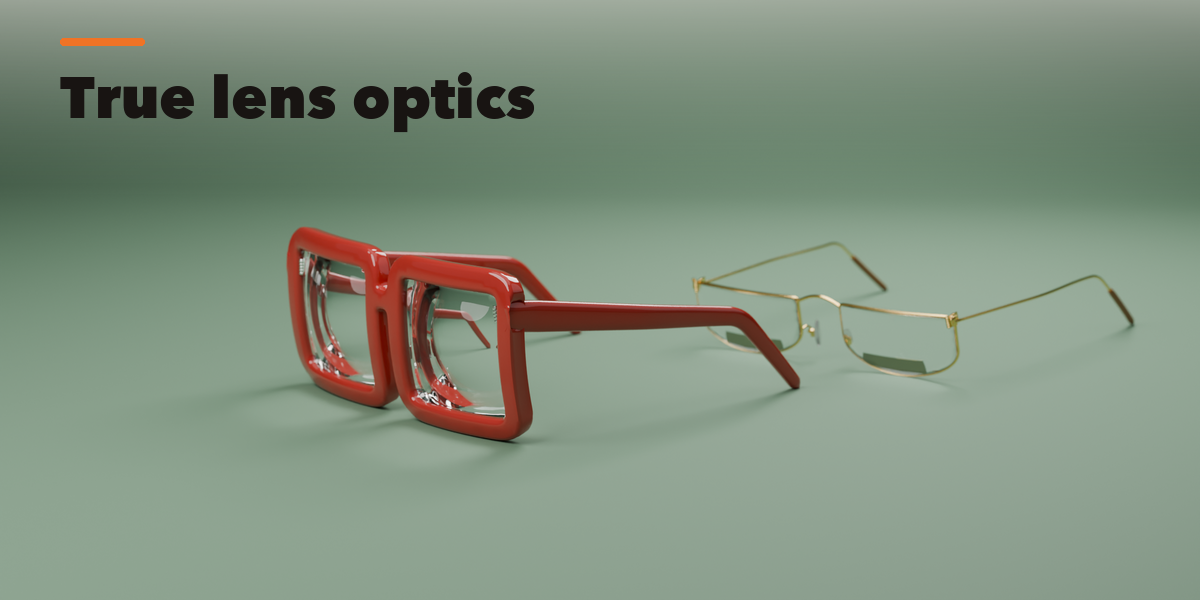
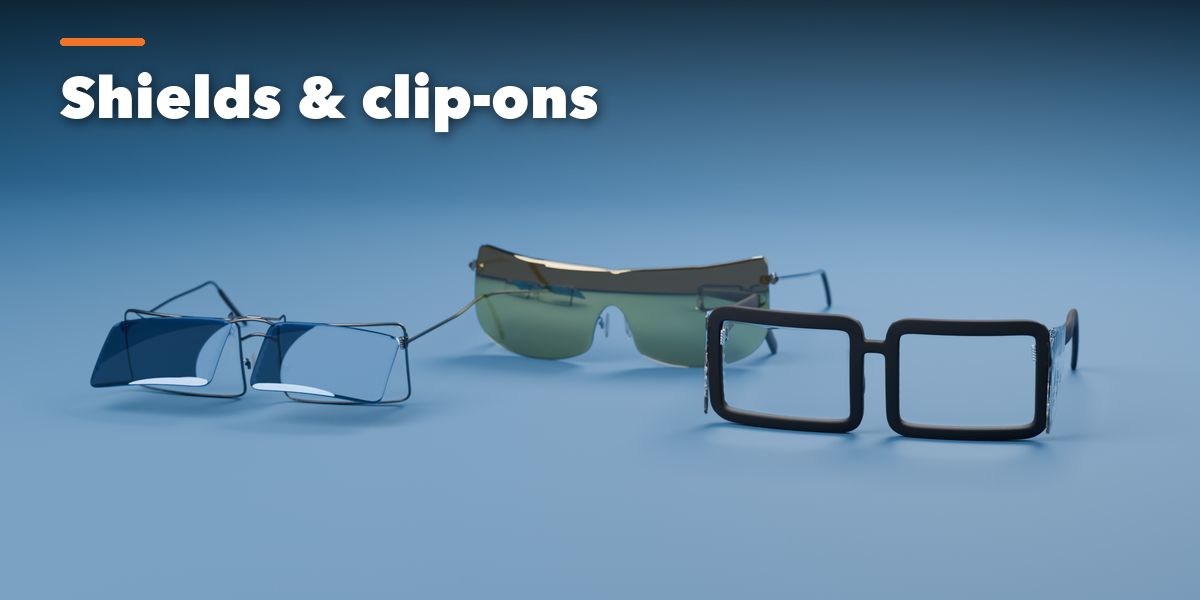
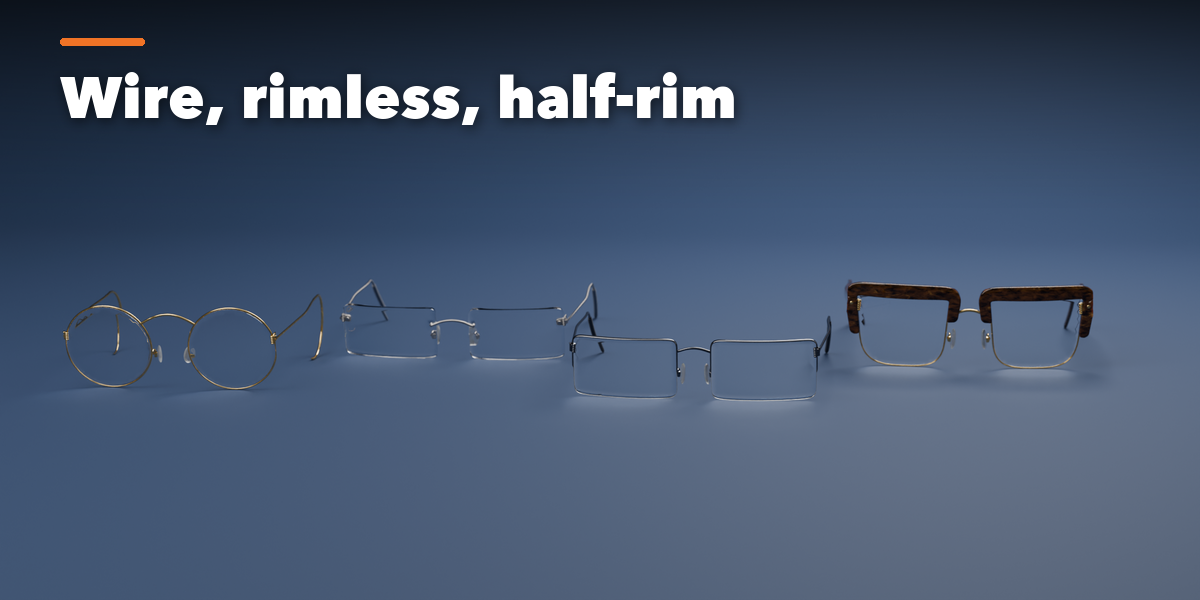
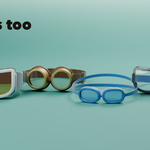
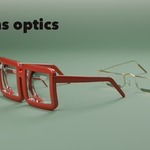
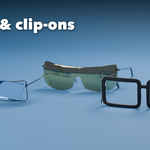
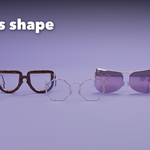
- The icon tabs hold every setting: Shape (lens outline and size), Frame (rim, end pieces, fit and curve), Bridge (bridge and nose pads), Temples (style, length, hinges, fold), Lenses (tint, coating, prescription, bifocals, smudges), Finish (frame material, colors, metals), Extras (chains, side shields, clip-on) and Parts and Export. Goggles get their own Goggles tab.
- Use the arrows next to each choice to step through options, Random Design or Random Finish for new ideas, and Reset to Preset to go back.
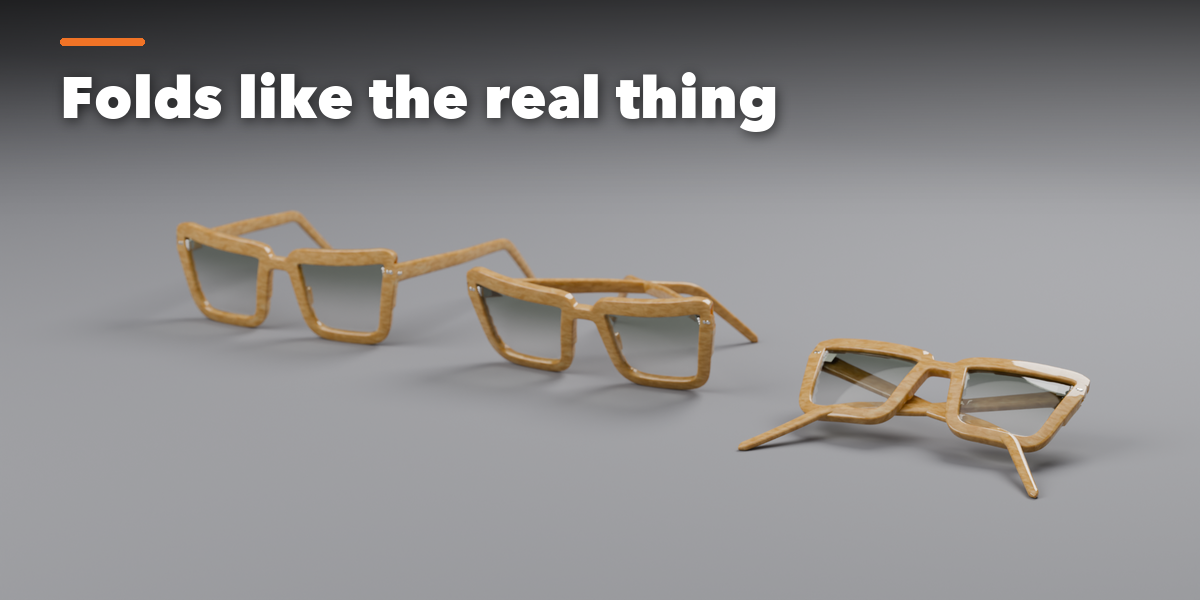
- Animate Fold in the Temples tab to open and close the glasses.
- Apply as Mesh turns the glasses into plain meshes for export; Delete Glasses removes them with all their parts.
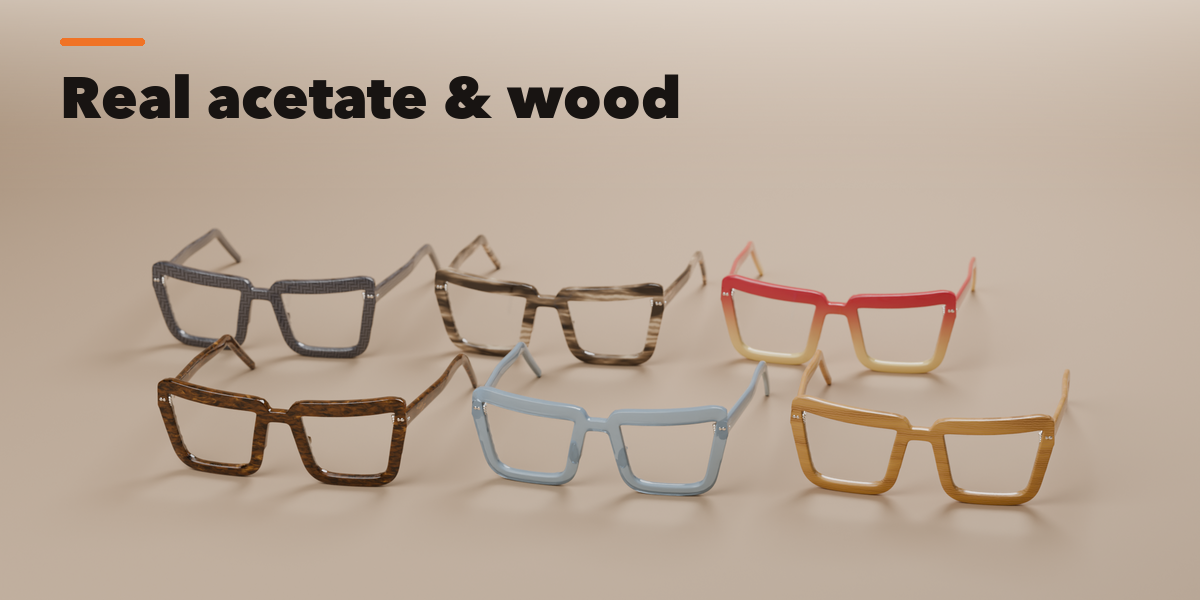
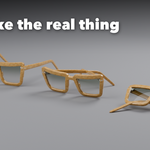
Glasses are built at real size in millimeters. Use Rendered view to see glass, acetate and metal.
Have questions about this product?
Login to message
| Blender Extension Compatible | Yes |
| Published | 1 day ago |
| Blender Version | 4.2 - 5.2 |
| Extension Type | Add-on |
| Render Engine Used | Cycles, Eevee |
| License | GPL |

Discover more products like this
Generator spectacles eyewear character procedural eyeglasses fashion accessories sunglasses goggles monocle glasses