 Domenas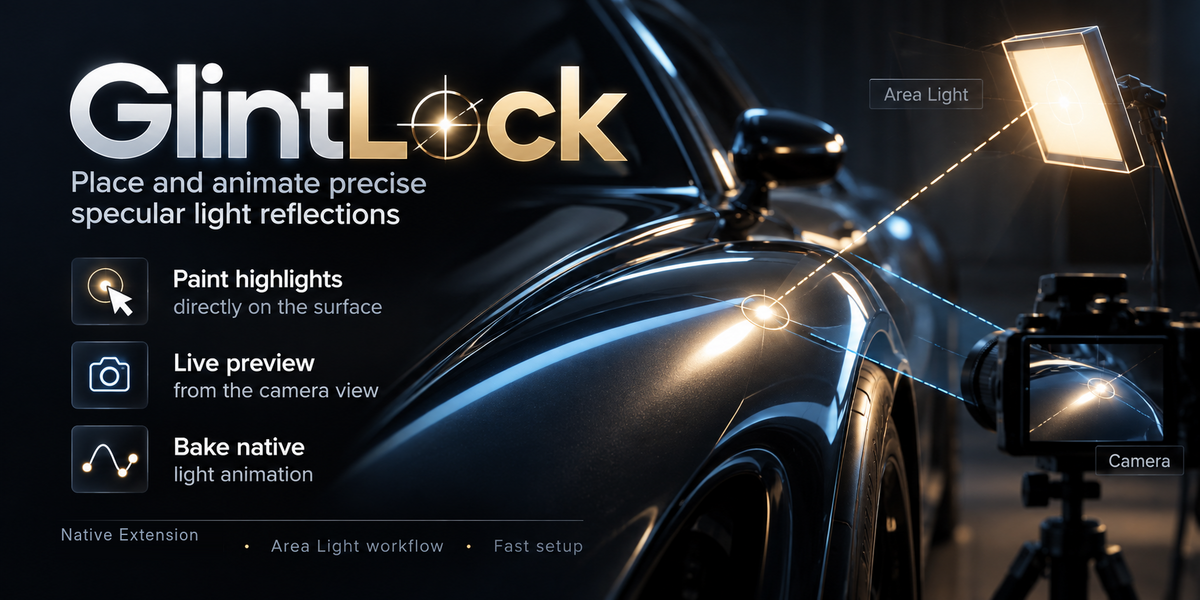
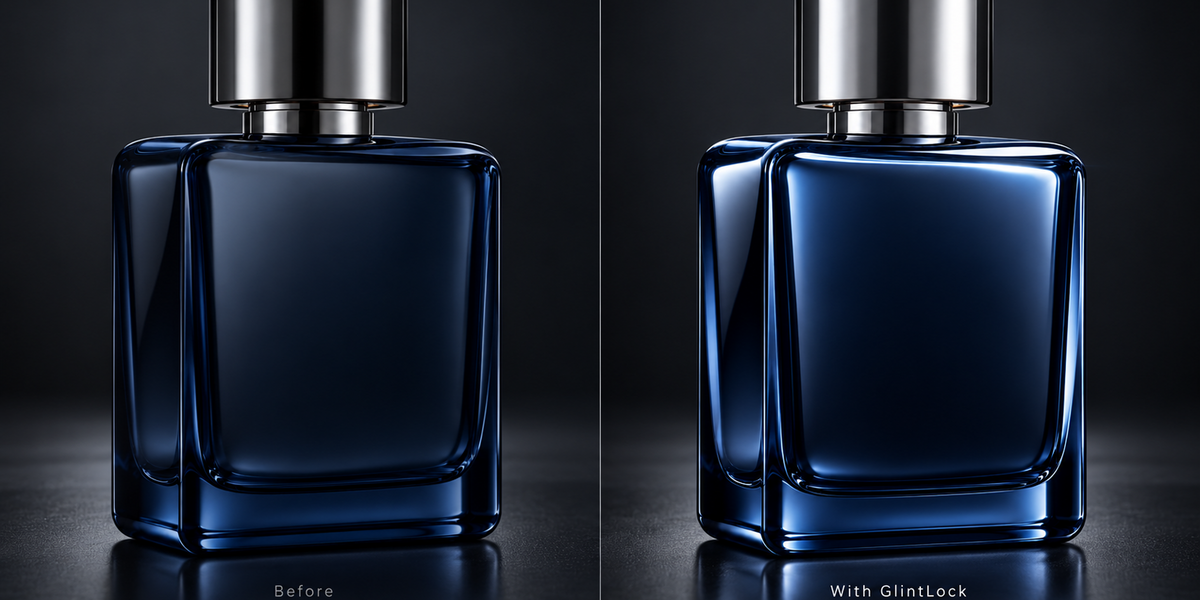
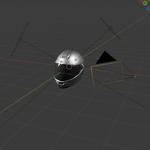
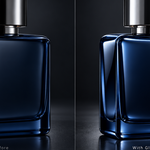
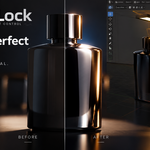
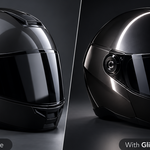

Stop positioning Area Lights by trial and error.
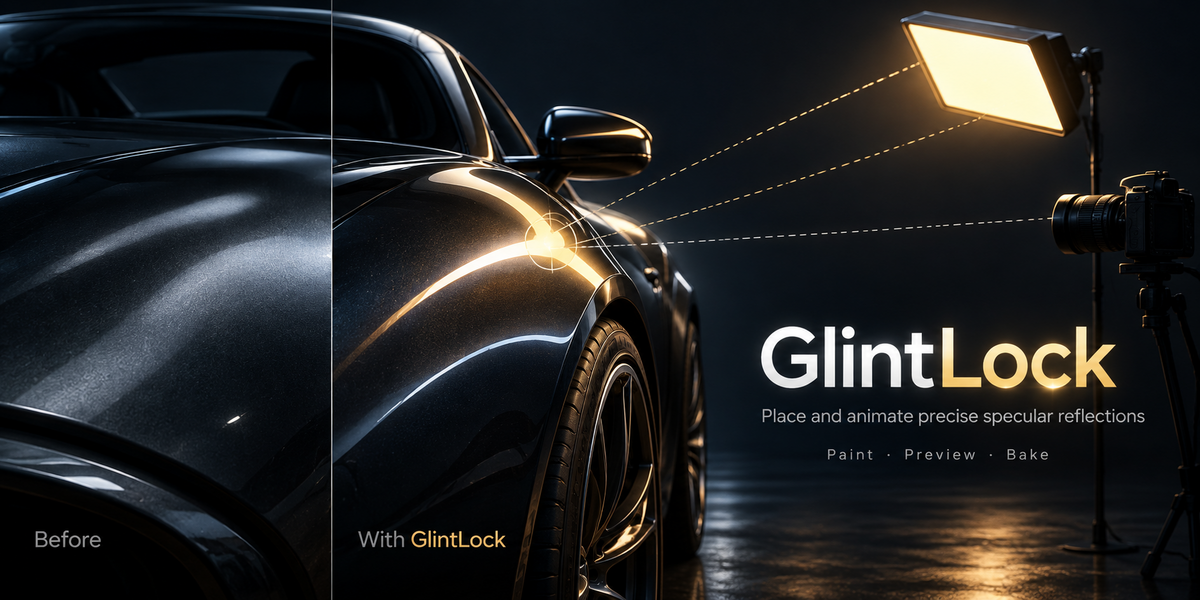
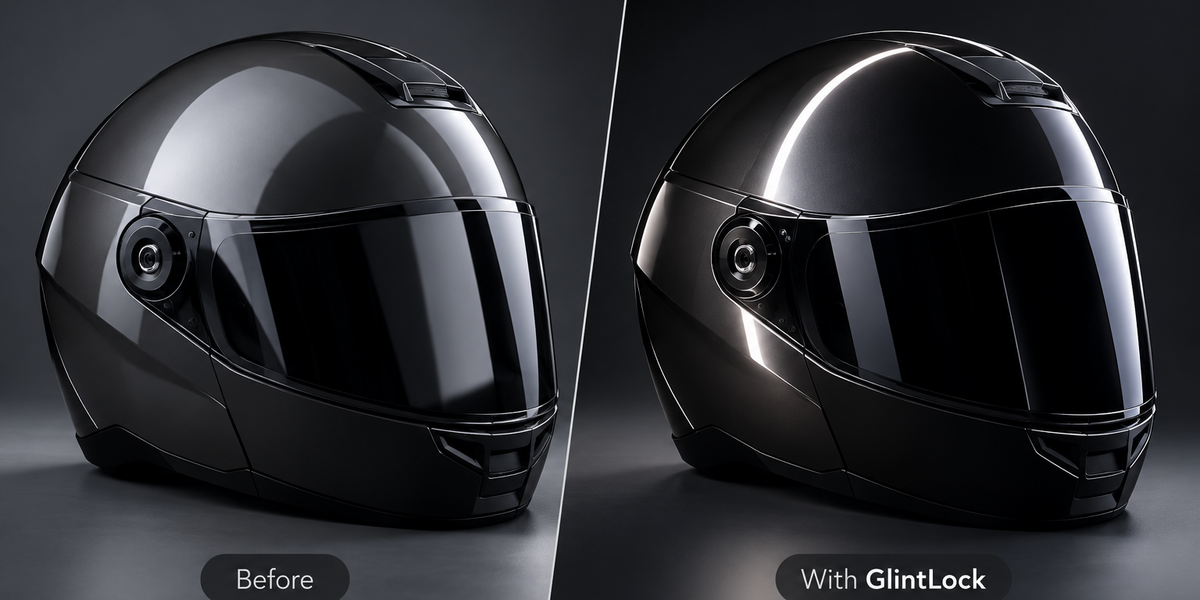
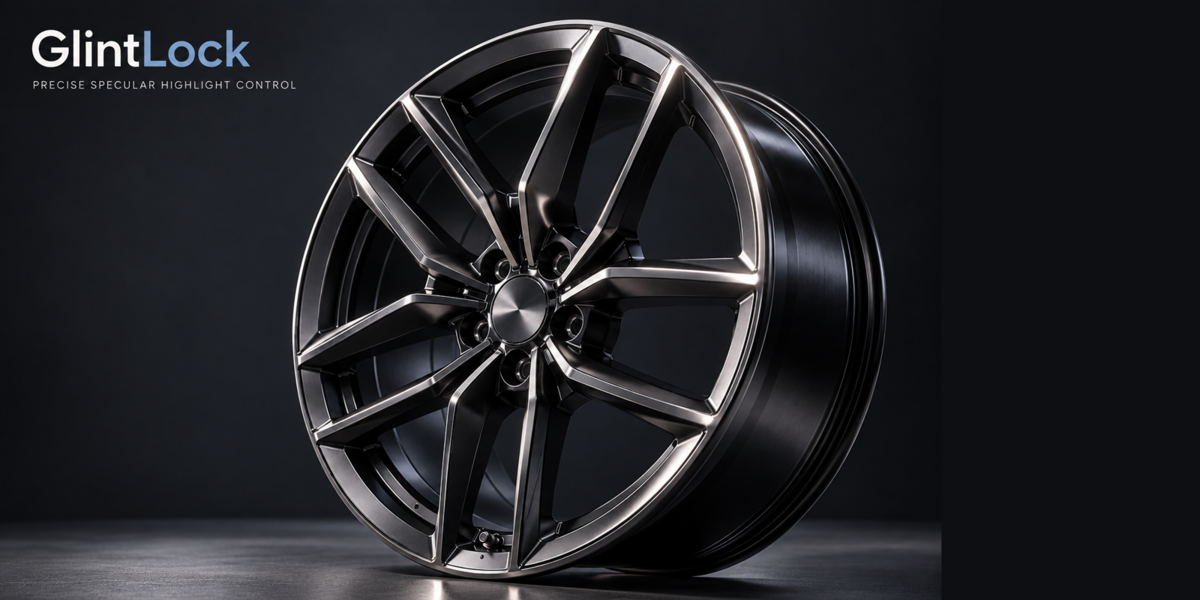
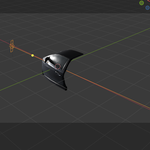
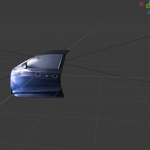
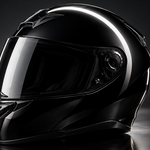
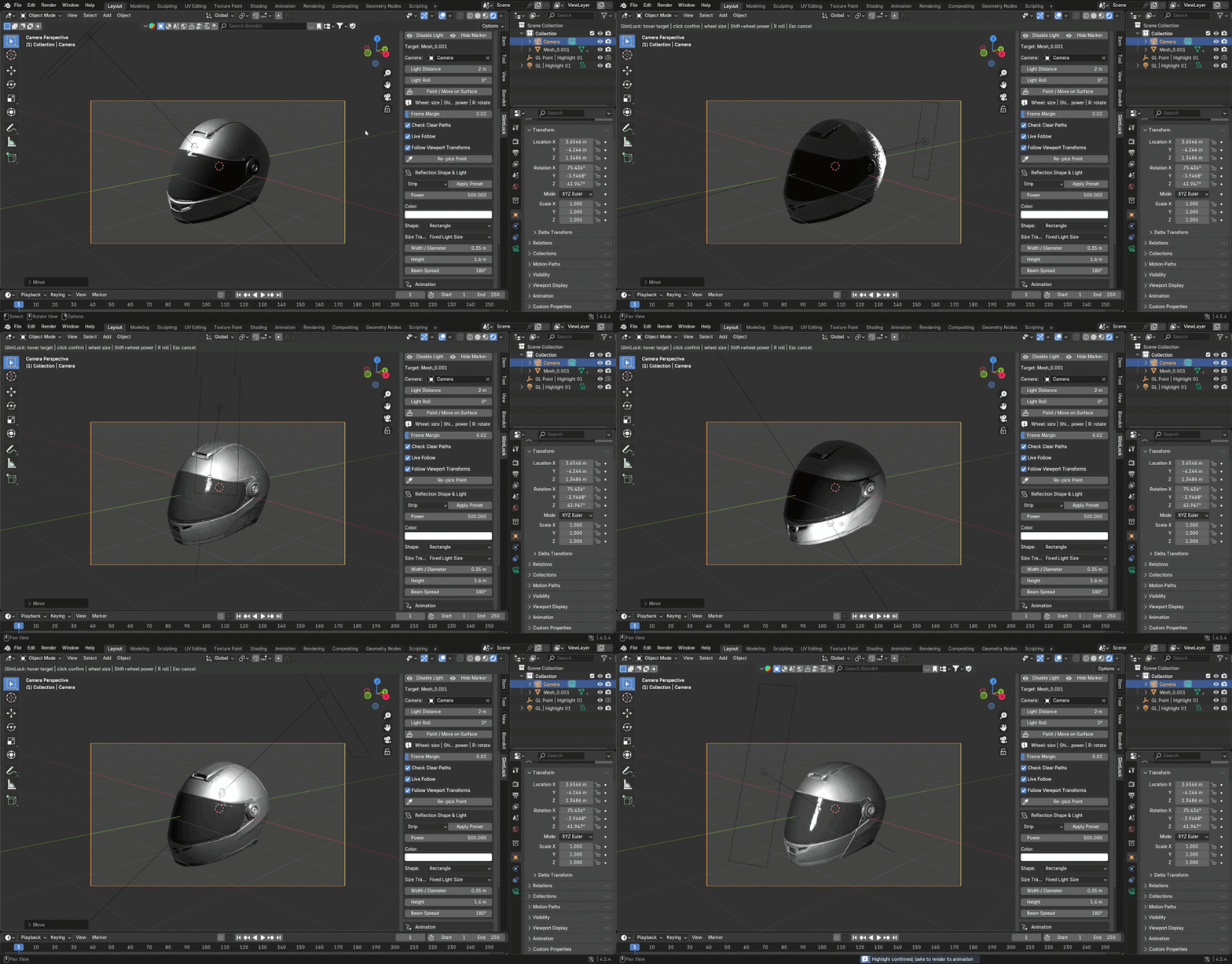
GlintLock gives you direct control over where the center of a specular reflection appears on a rigid mesh.
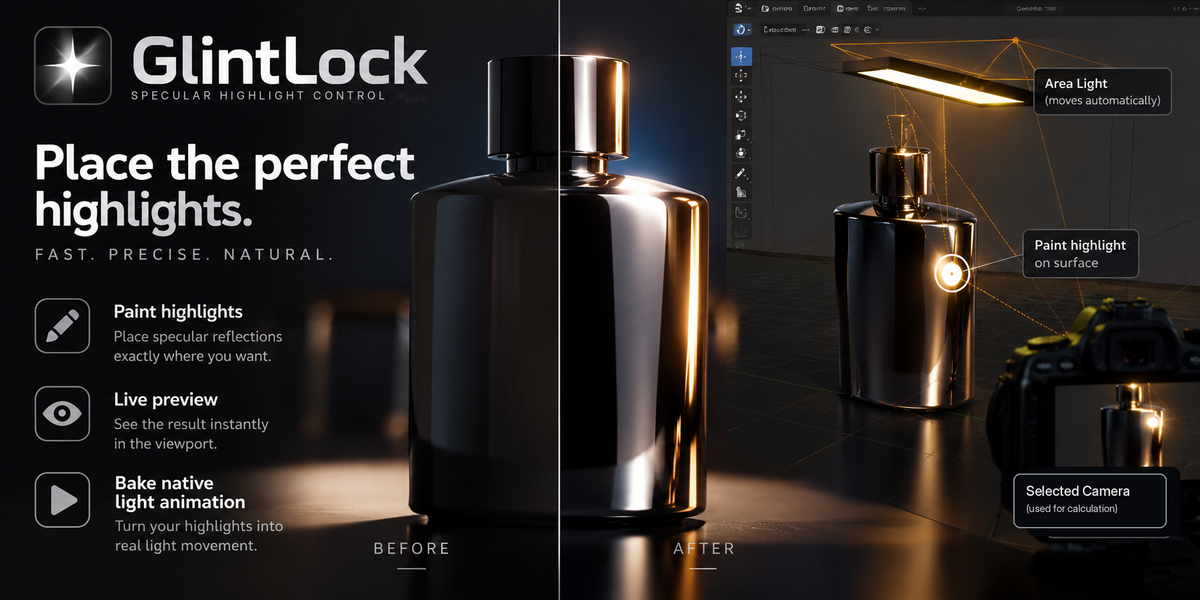
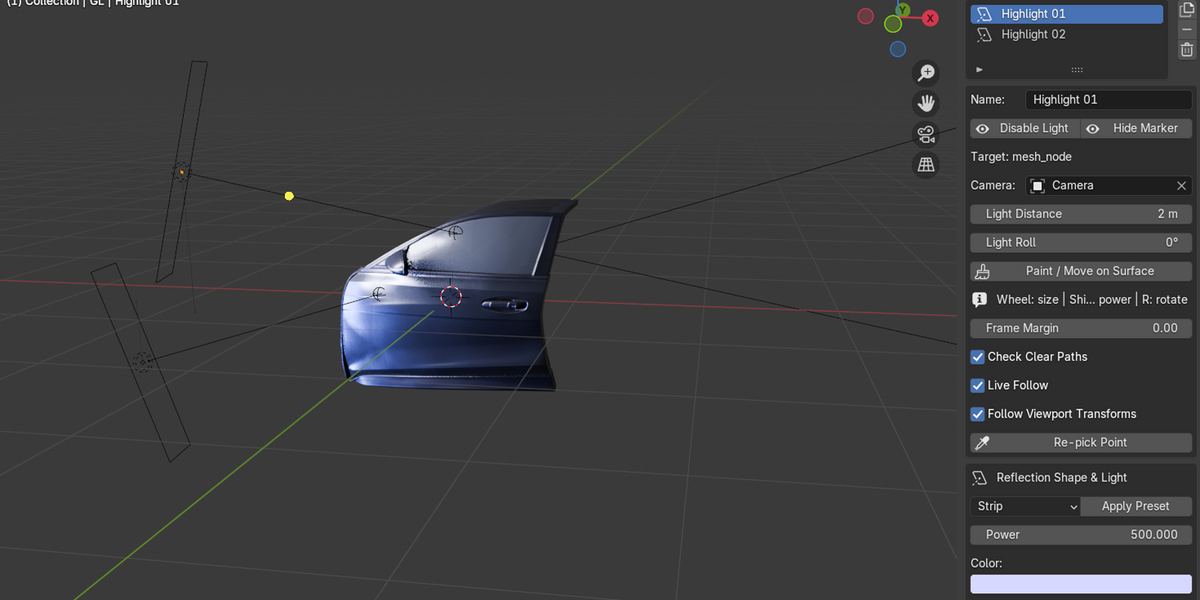
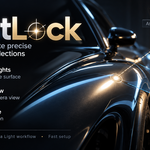
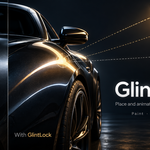
Choose your target object and camera, paint or pick a point on the surface, and GlintLock calculates the central specular reflection direction and automatically positions a native Blender Area Light for you.
Instead of repeatedly moving and rotating lights until a reflection happens to land in the right place, you work from the result you actually want to see on the surface.
Why GlintLock?
• Place the center of a specular highlight directly on the surface
• Automatically position and aim a native Area Light
• Move existing highlights interactively
• Preview updates while the camera or target object moves
• Create and manage multiple independent highlights
• Use Strip, Softbox, Round, Ellipse and Pinpoint presets
• Adjust native light size, power, color, roll and distance
• Keep a fixed light size or use camera-distance compensation
• Scan an animation range before baking
• Bake native light location and rotation keyframes
• Bake Area Light size animation when camera-distance compensation is enabled
• Use the baked result as standard Blender light animation
Paint highlights directly where you need them
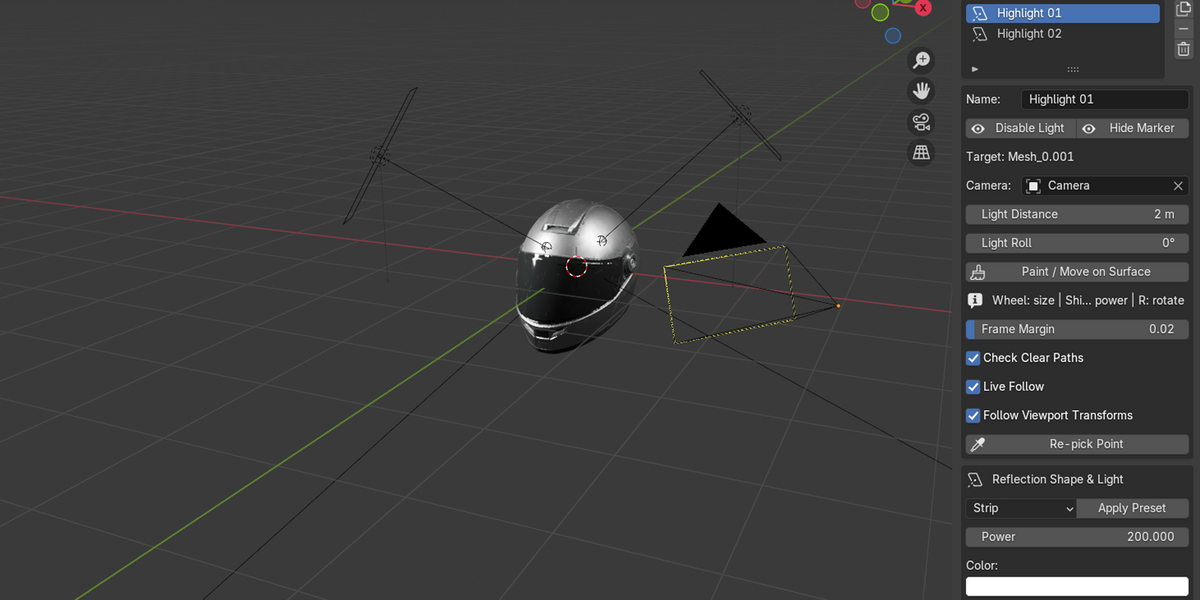
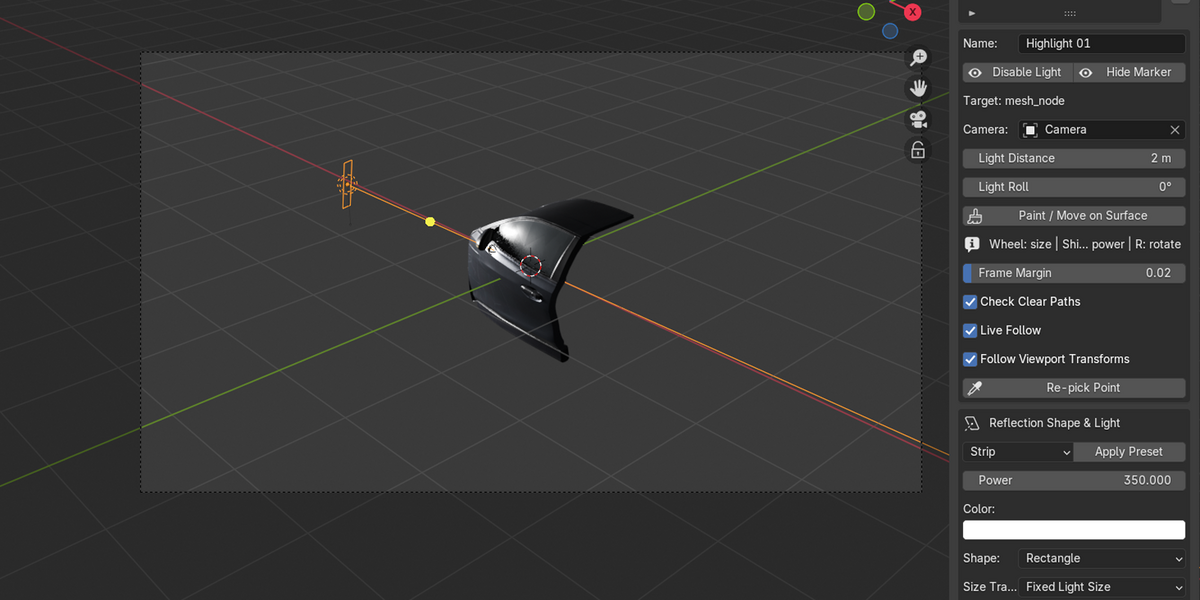
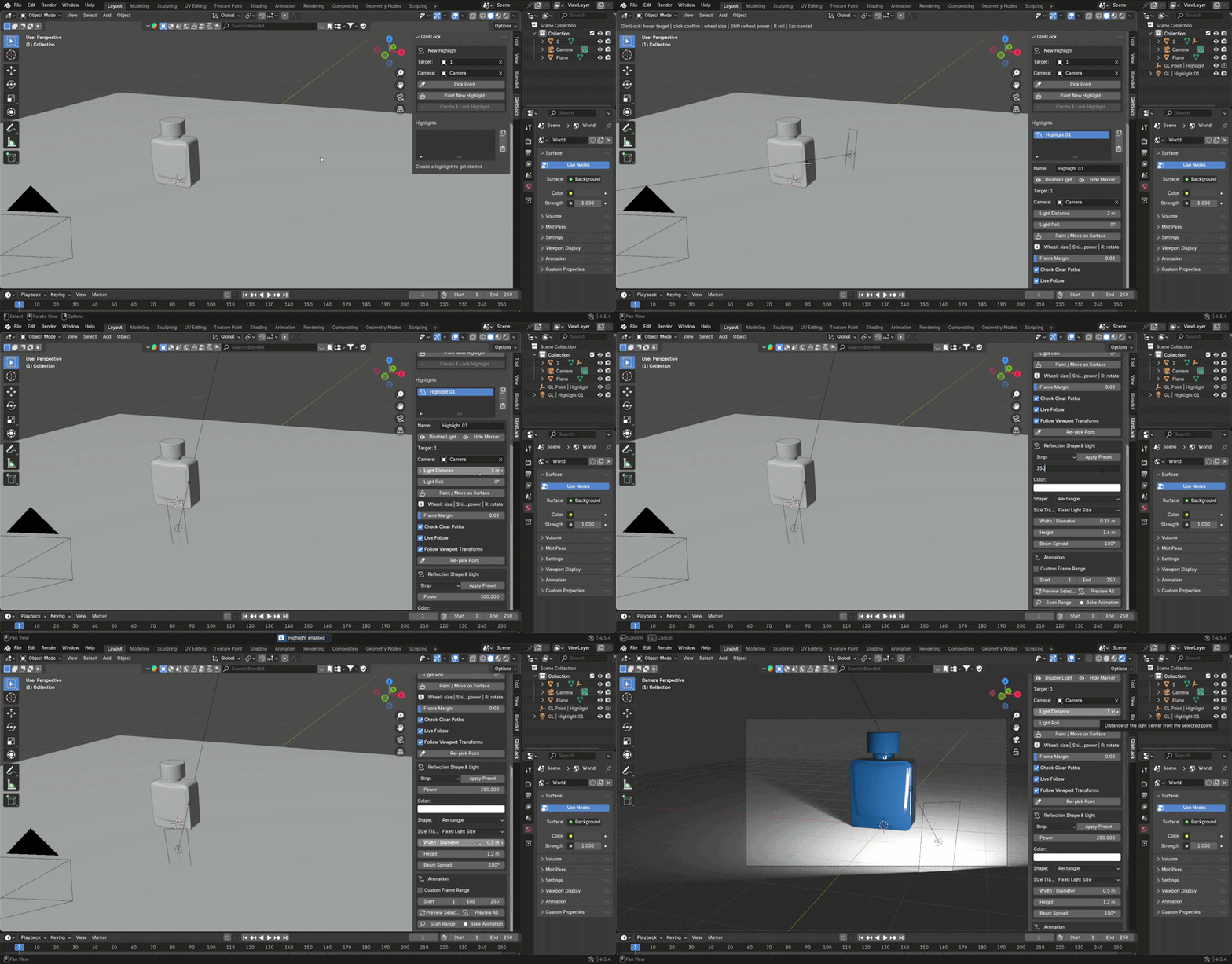
Select a rigid mesh and a camera, then choose Paint New Highlight.
Move the cursor across the target surface and GlintLock updates the managed Area Light as you move.
During painting:
• Mouse Wheel — adjust emitter size
• Shift + Mouse Wheel — adjust light power
• R / Shift + R — rotate the emitter
• Left Click — confirm the highlight
• Esc / Right Click — cancel
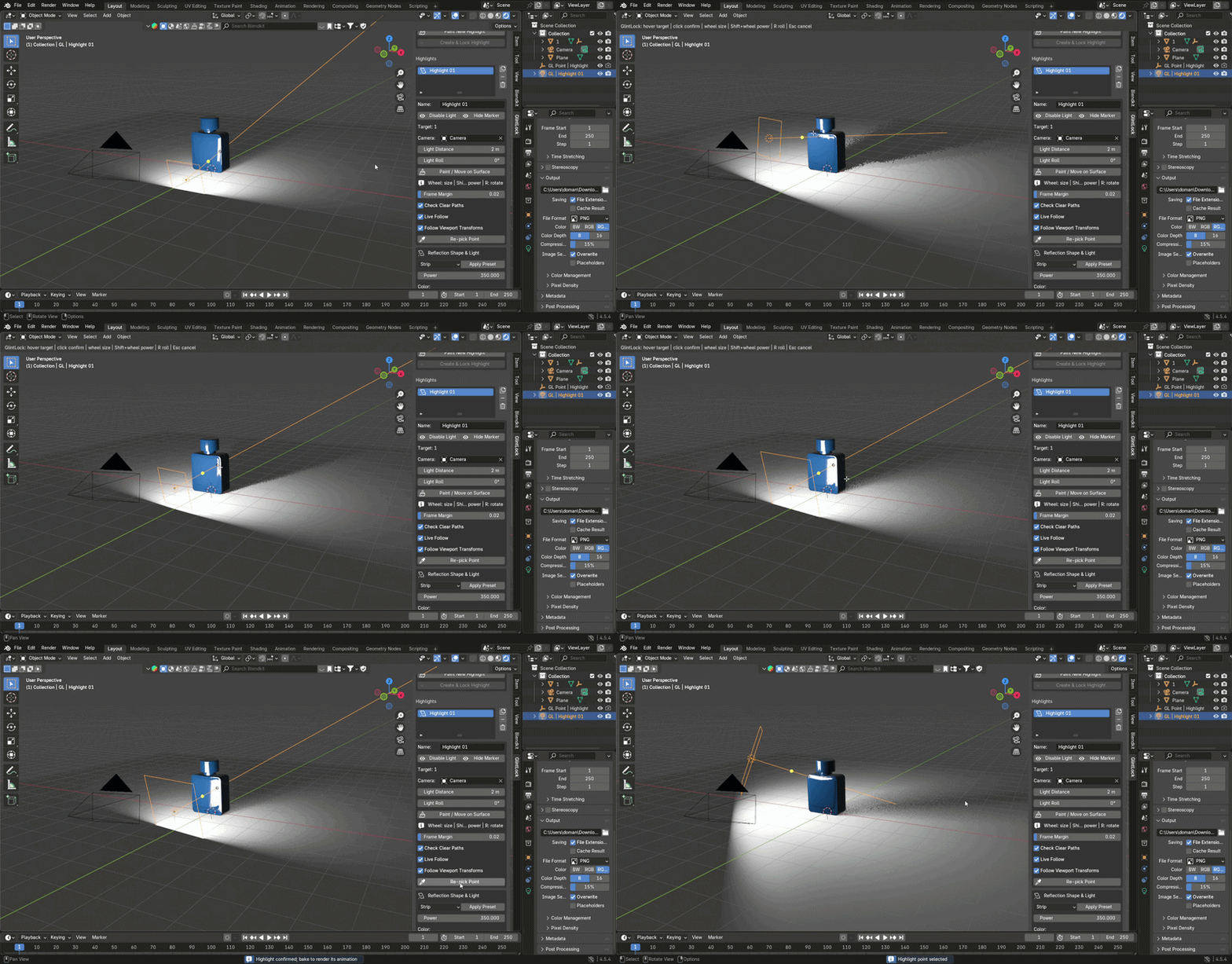
Existing unbaked highlights can be repositioned with Paint / Move on Surface.
Live highlight control
Enable Live Follow to update the managed light when animation frames change.
Enable Follow Viewport Transforms to update the reflection direction when the selected camera or target object is transformed.
This makes it useful for animated product shots, camera moves and moving rigid objects.
Bake to native light animation
When the setup is ready, use Scan Range to check the animation range and identify invalid frames before baking.
Then use Bake Animation to create native Blender keyframes for the managed Area Light.
GlintLock can bake:
• Light location
• Light rotation
• Light size when camera-distance compensation is enabled
The baked result uses standard Blender light objects and animation data.
Reflection presets
GlintLock includes practical starting presets for different reflection styles:
• Strip
• Softbox
• Round
• Ellipse
• Pinpoint
Presets are starting points only. After applying one, the native light controls remain editable.
You can continue adjusting:
• Width / Diameter
• Height
• Power
• Color
• Light Roll
• Light Distance
• Beam Spread
Camera-distance compensation
With Fixed Light Size, the Area Light dimensions stay unchanged.
With Camera Distance Compensation, GlintLock scales the reference light width and height according to the camera-to-highlight distance.
This can help maintain a more consistent apparent emitter size during perspective camera movement.
Multiple highlights
Each highlight is managed independently with its own Area Light and marker.
You can:
• Rename highlights
• Duplicate setups
• Enable or disable lights
• Show or hide markers
• Re-pick surface points
• Preview one or all highlights
• Scan animation ranges
• Bake or refresh animation
• Remove individual highlights or all GlintLock highlights
Made for reflective product lighting
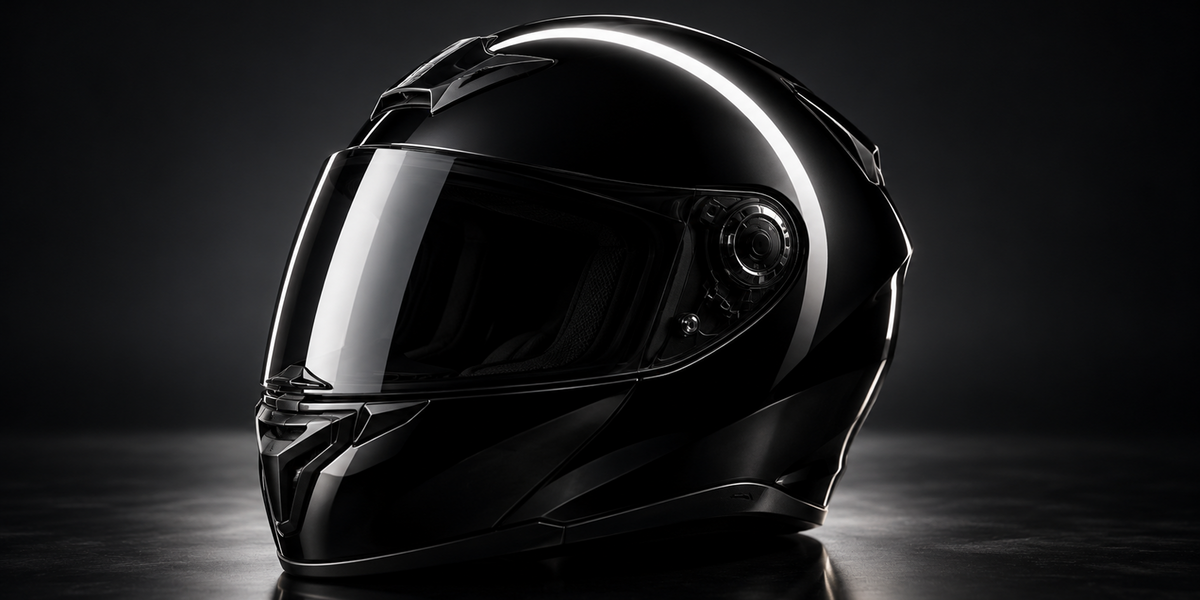
GlintLock is especially useful for workflows where specular reflections are an important part of the final image, including:
• Product visualization
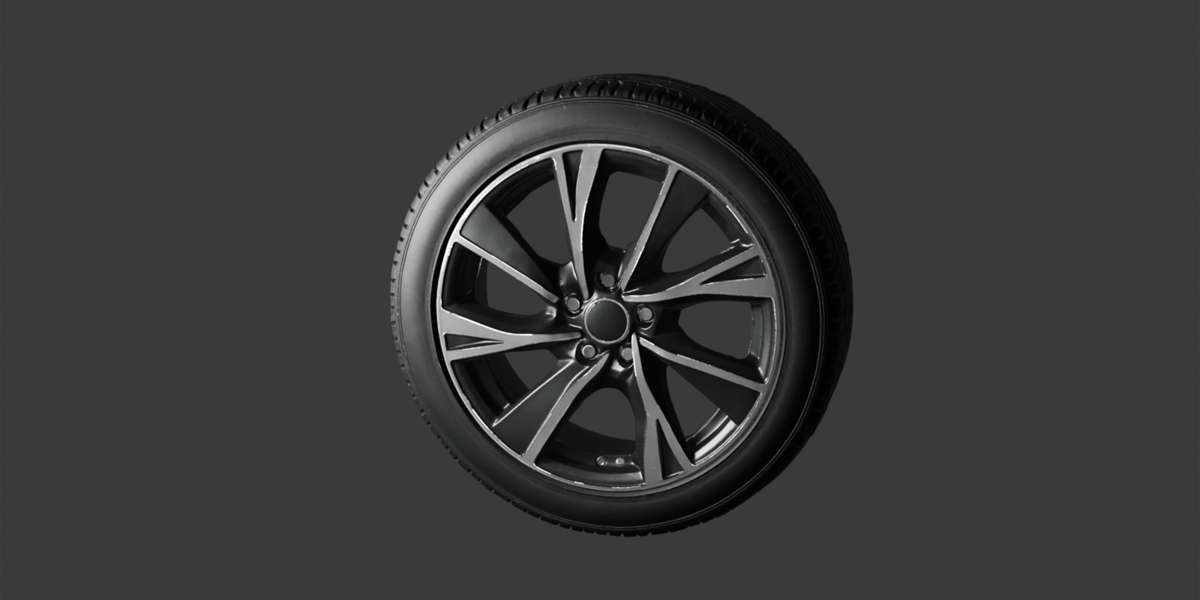
• Automotive surfaces
• Metallic objects
• Glossy hard-surface models
• Reflective materials
• Studio-style lighting setups
It turns highlight placement into a surface-based workflow instead of a repeated 3D light-positioning process.
Important
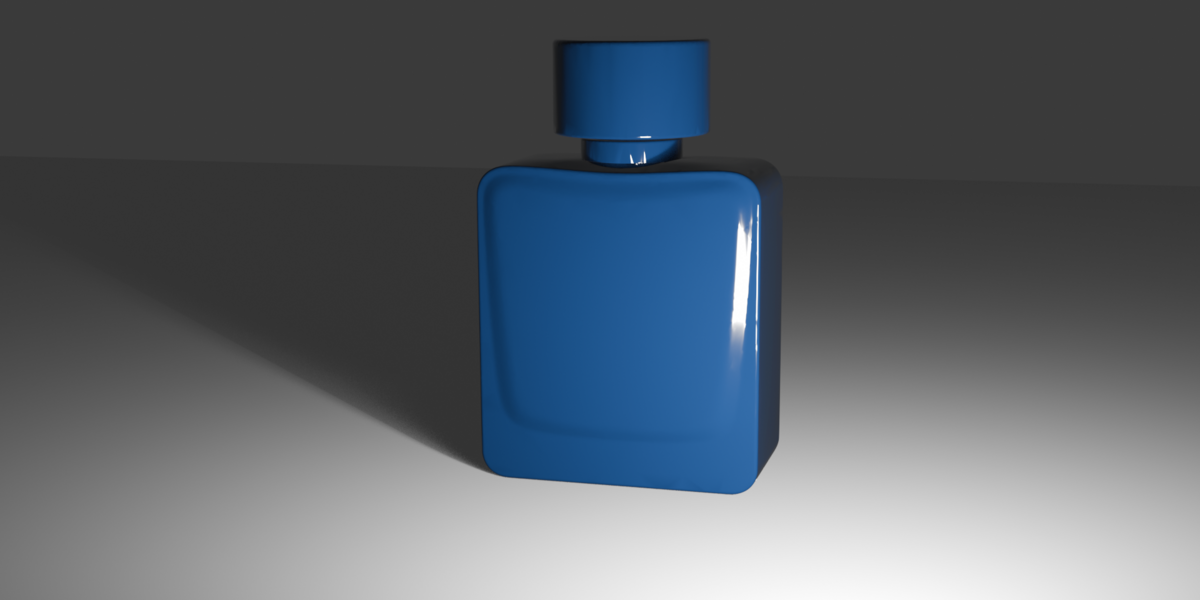
GlintLock calculates the central specular reflection direction.
The final rendered highlight shape still depends on:
• Surface curvature
• Surface normals
• Material roughness
• Area Light shape and size
• Occlusion
• Other lights in the scene
• Render engine
GlintLock does not create an image-space decal and does not guarantee a pixel-identical highlight shape across frames.
The current version is designed for rigid mesh surfaces. Deforming or topology-changing meshes may require the highlight point to be picked again.
Compatibility
• Blender 4.3 or newer
• Native Blender Area Lights
• Works with Cycles and EEVEE
• Blender Extension format
• No external dependencies
• No internet connection required
GlintLock is built for one simple goal: make precise specular highlight placement faster, more direct and easier to control. Pick the reflection point you want, let GlintLock position the light, refine the result with native controls, and bake when your shot is ready.
