 Domenas
Can I create more than one highlight?
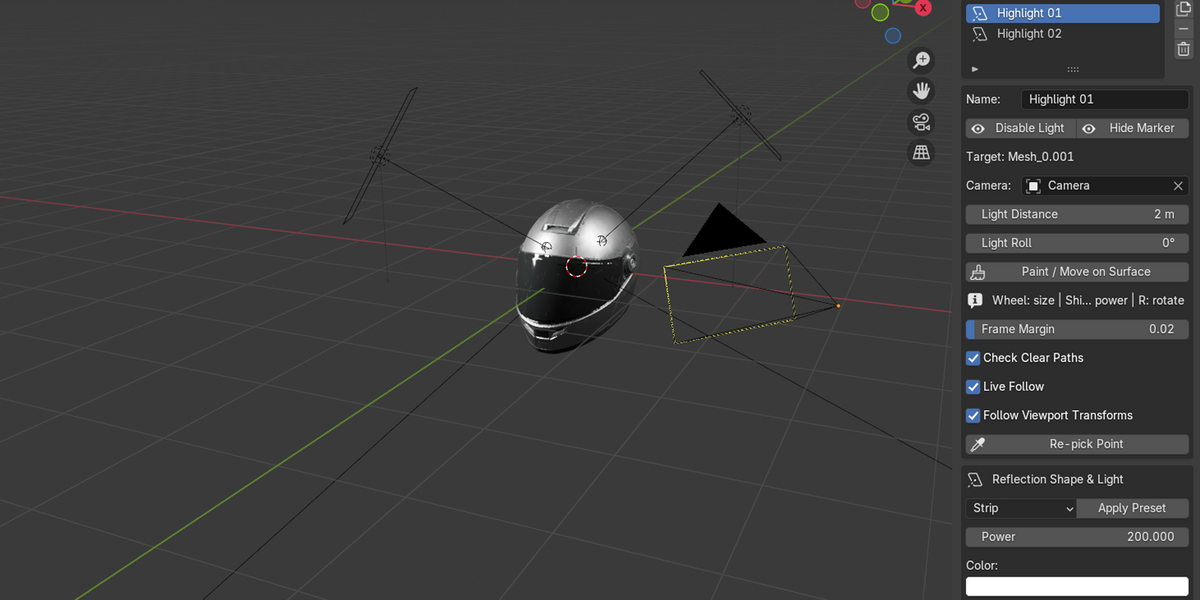
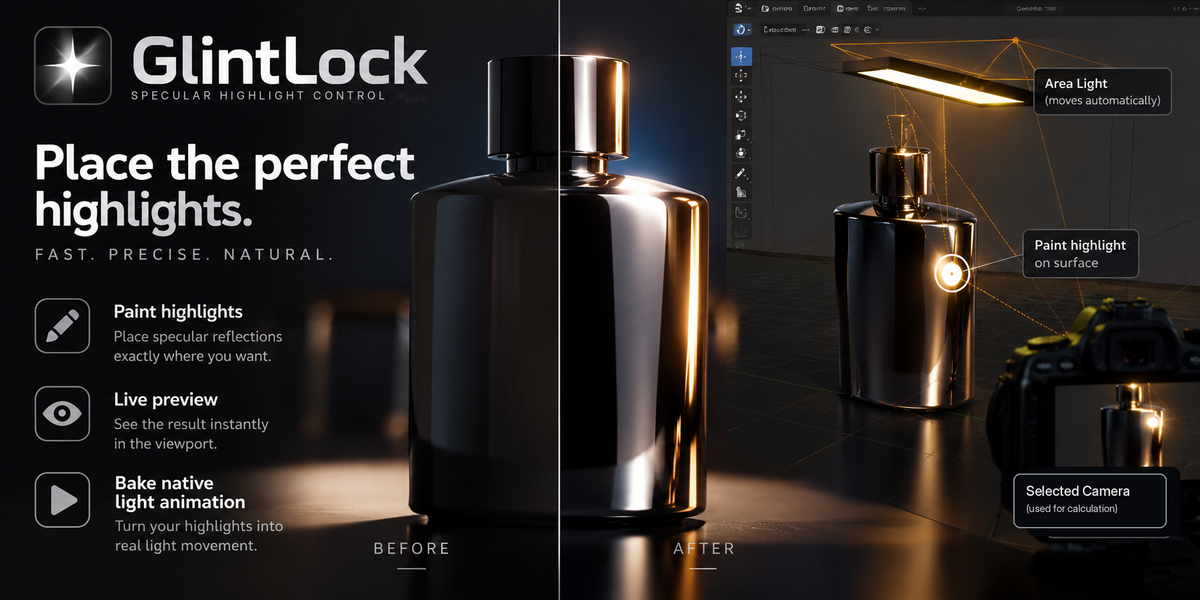
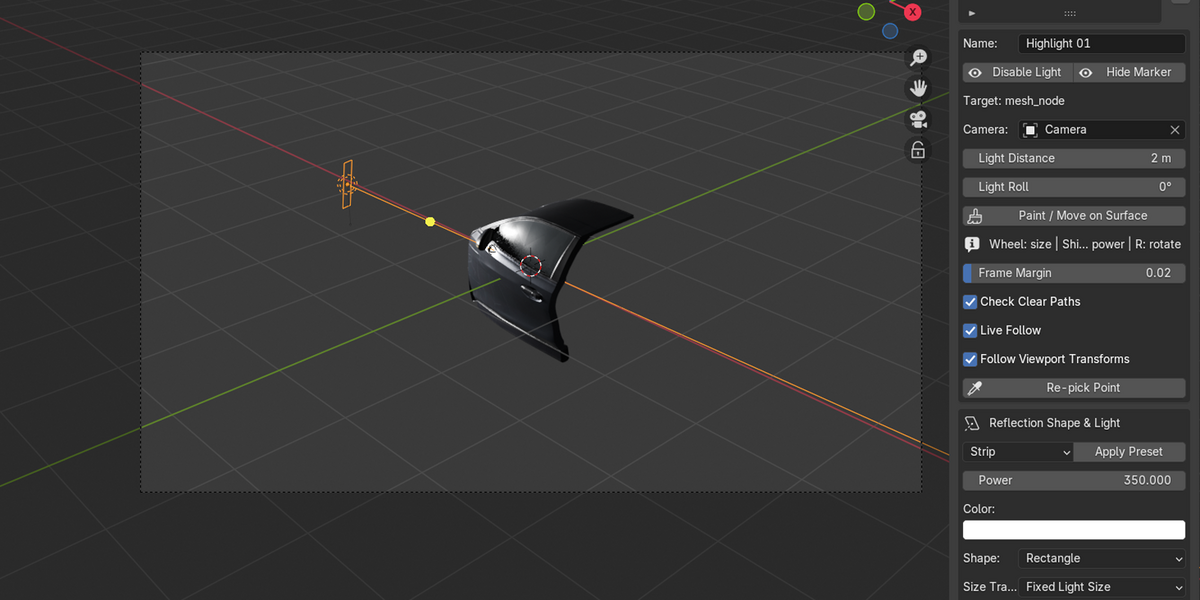
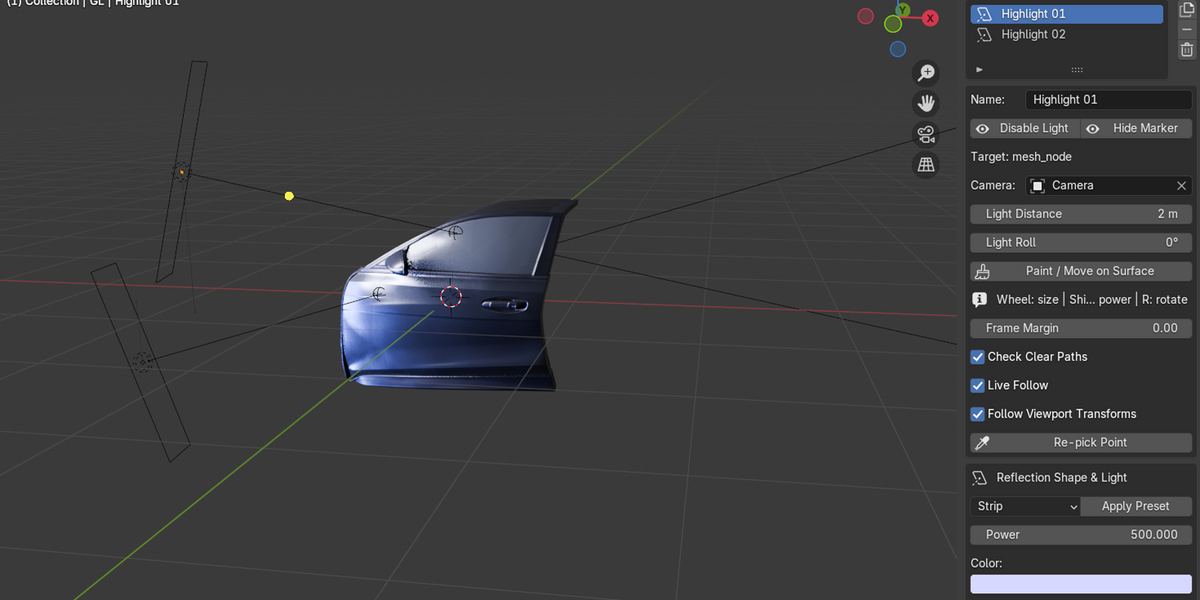
Yes. Multiple GlintLock highlights can be created on the same or different target objects. Each highlight uses its own managed Area Light and marker and can be controlled independently.
Can I use GlintLock for animation?
Yes. Live Follow can update the managed Area Light as frames change, and GlintLock can bake native light location and rotation keyframes. With Camera Distance Compensation enabled, Area Light size can also be baked.
Does GlintLock work with Cycles and EEVEE?
Yes. GlintLock uses native Blender Area Lights and can be used with both Cycles and EEVEE. The appearance of reflections can differ between render engines and material setups.
Does GlintLock create the highlight itself?
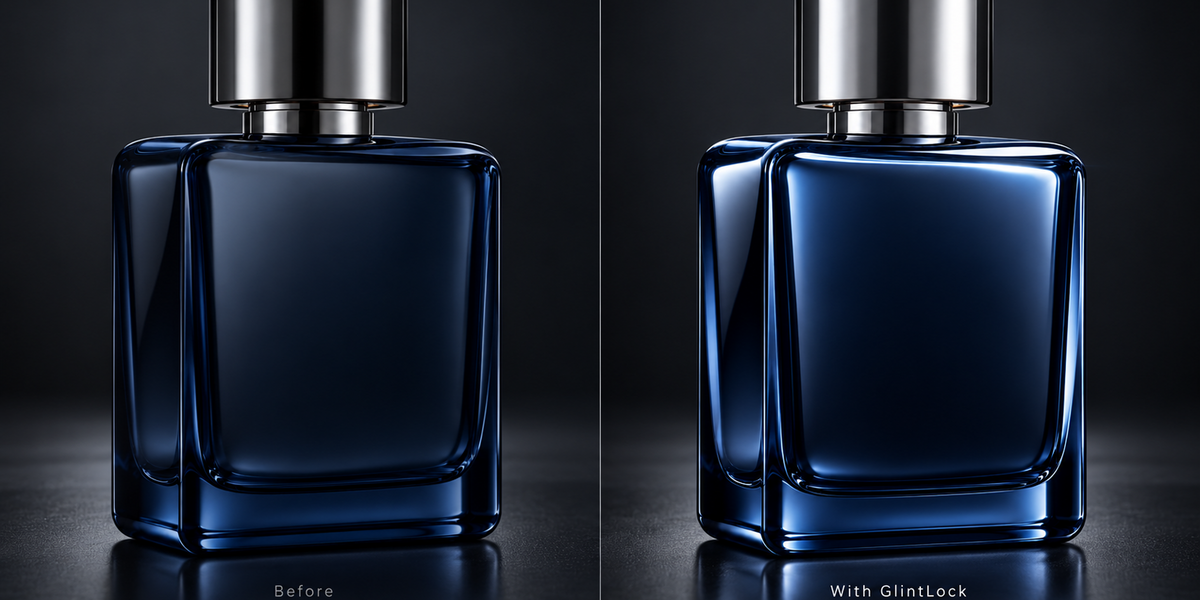
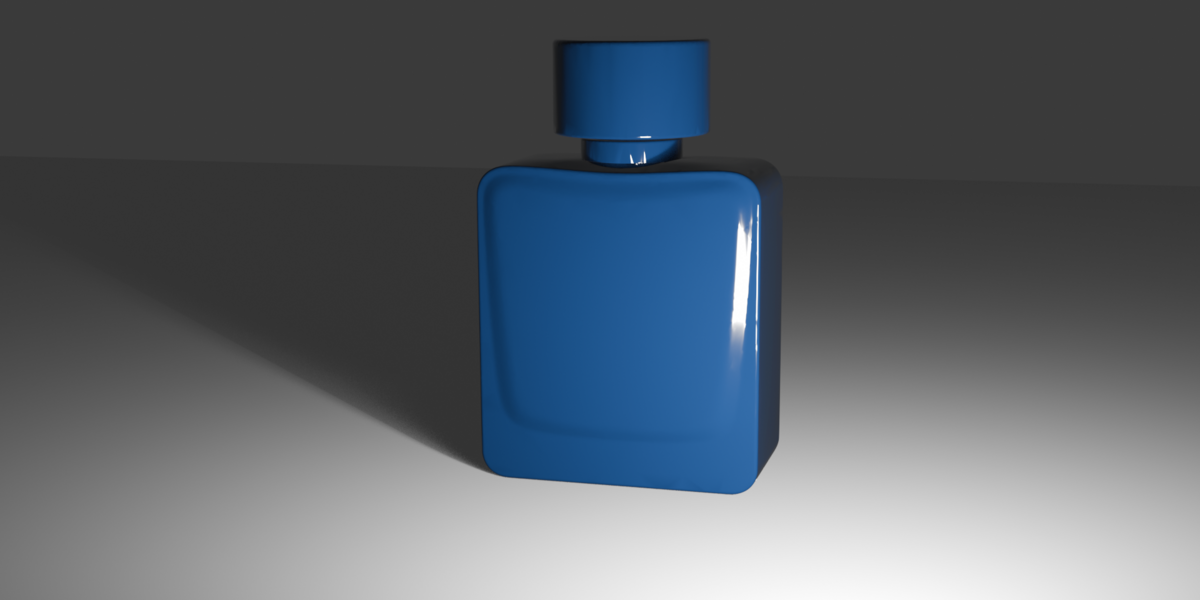
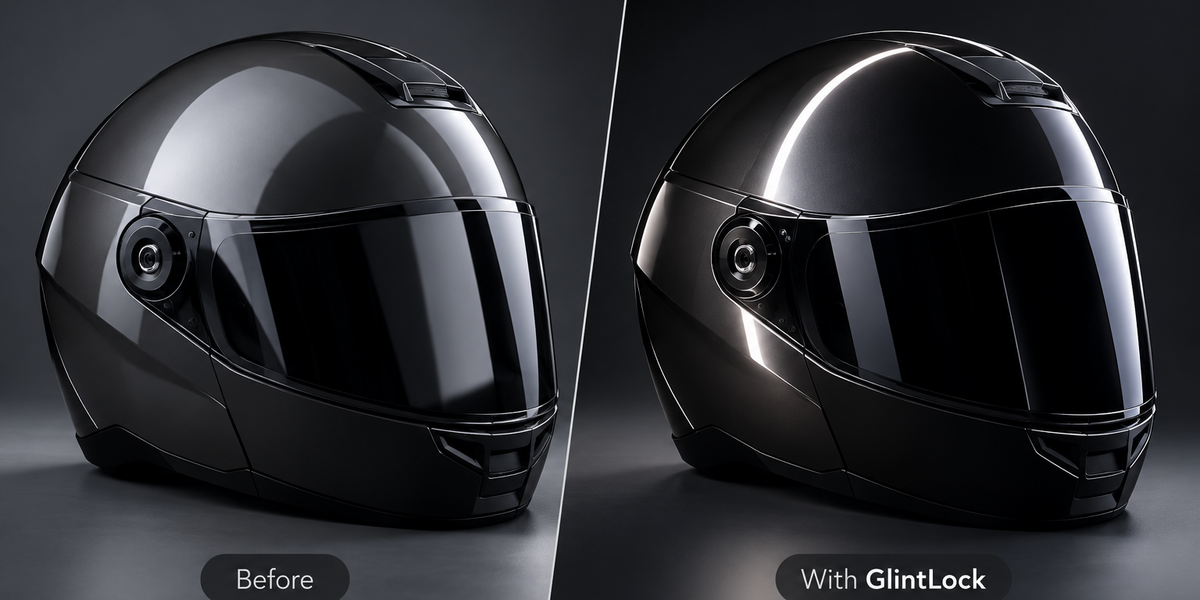
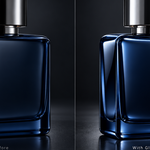
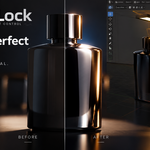
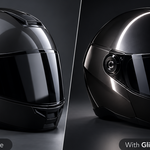
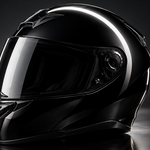
GlintLock positions the Area Light responsible for the reflection. The final rendered highlight is produced by Blender and depends on the material, surface curvature, normals, roughness, light size and render engine.
What does GlintLock actually control?
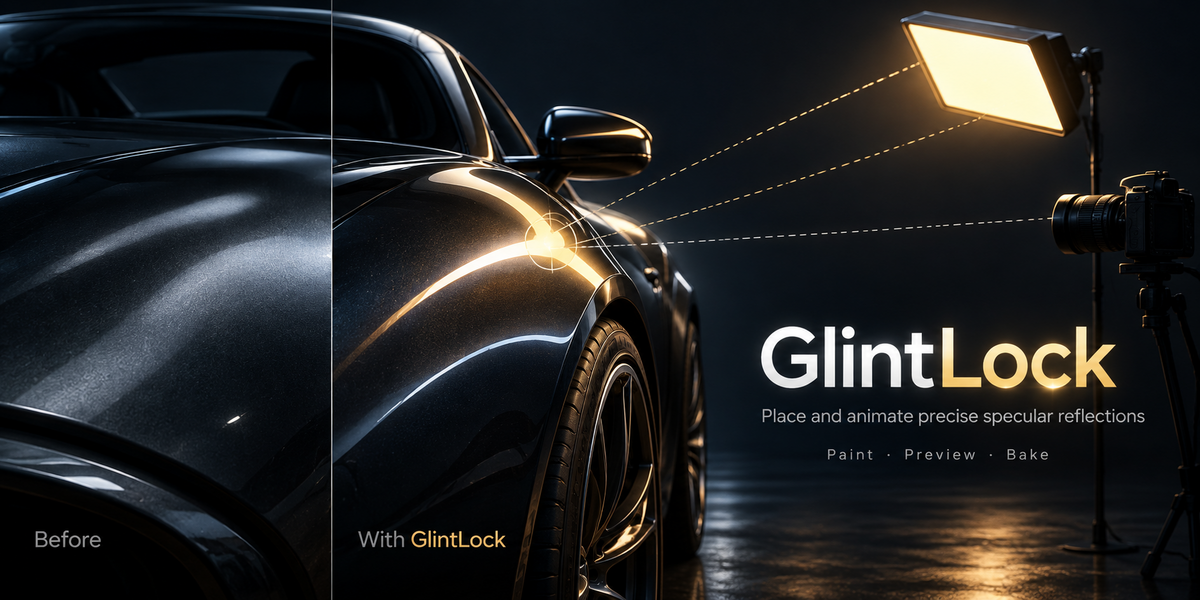
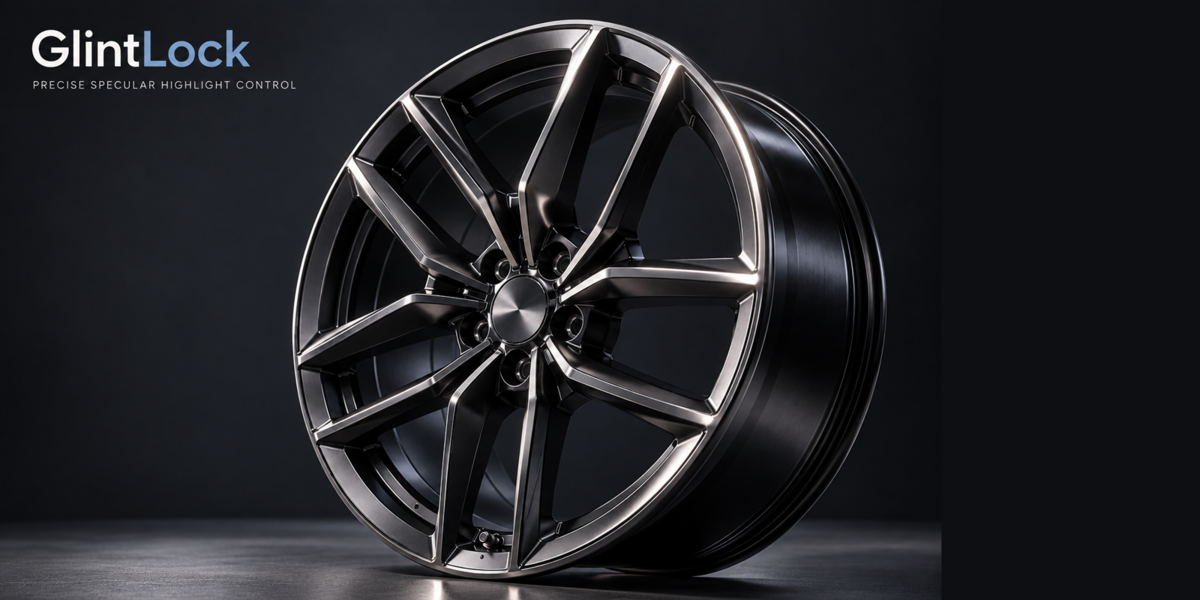
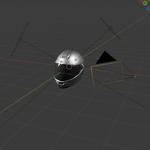
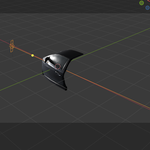
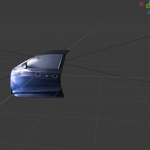
GlintLock calculates the central specular reflection direction for a selected point on a rigid mesh as seen from a chosen camera. It then positions and orients a native Blender Area Light on that calculated direction.
$14.99$10.49
Have questions about this product?
Login to message
| Blender Extension Compatible | Yes |
| Published | 2 days ago |
| Blender Version | 4.3 - 4.5 |
| Extension Type | Add-on |
| Render Engine Used | Cycles, Eevee |
| License | GPL |

Discover more products like this
specular highlights Lighting reflections Area Light Studio Lighting camera animation product-visualization